Yes, a temp email for Make.com can be a smart move when you are only testing scenarios, comparing automation tools, or verifying a one-off account without adding another SaaS follow-up stream to your main inbox.
No, it is a bad long-term address once that Make.com workspace owns live automations, team access, billing, account recovery, or failure alerts you actually need to see.
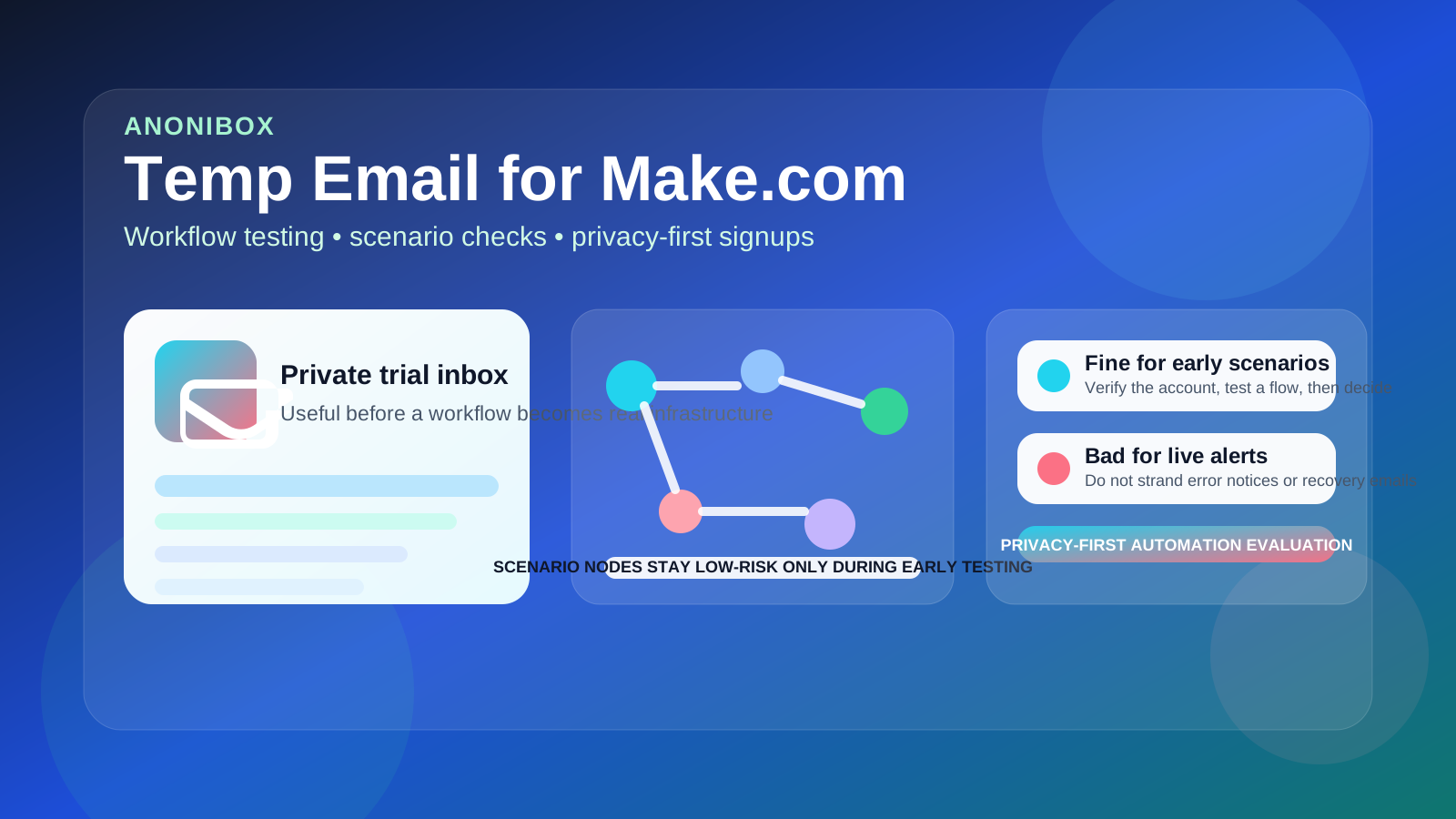
Make.com sits in a category where temporary email feels unusually tempting. You may want to test a few templates, connect sample apps, run one scenario, see how routers and modules behave, and decide whether the platform fits better than Zapier, n8n, or Pipedream. That early comparison stage is low commitment, and a separate inbox keeps your main address out of another long sequence of onboarding prompts, webinars, release notes, and upgrade nudges.
The problem is that automation tools stop being “just a test” very quickly. A scenario that begins as a harmless experiment can become a real notification flow, a client handoff, or a small but important piece of business infrastructure. Once that happens, the email on the account is not just a signup detail anymore. It becomes part of recovery, ownership, alerting, billing, and trust.
When a temp email for Make.com makes sense
There are several situations where using a disposable inbox for Make.com is practical and low risk.
- You are comparing automation platforms: maybe you want to test Make.com next to Zapier, n8n, or Pipedream without turning your main inbox into a product-trial parking lot.
- You only need the verification email: sometimes the real goal is simply opening the dashboard and exploring the scenario builder.
- You are running a one-off proof of concept: a sample webhook, a toy integration, or a short workflow experiment that will not survive beyond the evaluation.
- You want cleaner privacy boundaries: not every trial deserves your everyday work email before you know whether the product is worth keeping.
- You are tired of long nurture sequences: automation vendors often follow trial signups with tutorials, templates, partner promos, and sales outreach for weeks.
That is the healthy use case. A temp inbox helps when the account itself is still disposable. If the only thing you need is a confirmation link and a few minutes in the product, the trade-off is usually reasonable.
Why this use case fits Make.com especially well
Automation software attracts curious testing. People want to connect an app, move a record, send a sample notification, or see whether a visual workflow builder feels intuitive before they invest real time in it. Make.com encourages that kind of exploration because the platform is flexible, visual, and appealing to both technical and semi-technical users.
In other words, many signups are exploratory rather than operational. That is exactly where a service like Anonibox fits naturally. You get through signup, collect the first email, and test the platform on your own terms without instantly tying the trial to the inbox you use for real clients, real teammates, or real alerts.
Where a disposable inbox becomes risky
The risk shows up as soon as the account starts owning anything important.
1. Live automations outgrow the test account
It is easy to create a scenario “just to see if it works” and then leave it running. A webhook route, lead capture flow, CRM sync, or error-handling notification can quietly become part of day-to-day operations. If the account behind it is tied to an inbox you do not monitor, you are building real process on weak identity foundations.
2. Error alerts and failure notices matter
Automation breaks. APIs change, credentials expire, modules hit limits, webhooks fail, and data formats drift. When that happens, you want important notices going to an address you actually control long term. A disposable inbox is fine when nothing matters yet. It is a poor home for alerts you may need next month.
3. Team access complicates ownership
Make.com is often collaborative. Even if you start alone, the next step may be inviting a teammate, showing a client a scenario, or sharing responsibility for workflows. Once other people depend on the workspace, the admin email should not feel temporary because it should not be temporary.
4. Billing and subscription changes raise the stakes
Trials become plans. Plans generate receipts, renewal notices, usage warnings, and payment problems. If you move from curiosity to commitment, the email on the account has to support that transition cleanly.
5. Recovery gets harder than people expect
Password resets and security notices are boring until you need them. If you lose access to a temporary inbox or stop checking it, regaining control of the automation account can become a frustrating cleanup project at exactly the wrong time.
What makes Make.com different from simpler trial signups
Some products stay lightweight forever. Make.com often does not. It sits closer to operational plumbing than to casual software browsing. Even a “small” scenario can touch leads, orders, support tickets, spreadsheets, internal databases, or outbound notifications.
That does not mean you need a permanent email from minute one. It means you should be honest about how quickly the account might become important. With Make.com, that can happen fast. A test account has a short shelf life if the workflow proves useful.
How to use a temp email for Make.com safely
If you want the privacy benefit without creating future headaches, a few habits help.
Decide whether you are testing or building
If you already suspect the workspace may become part of real operations, skip the disposable phase and start with a stable address. Temporary inboxes work best for temporary intent.
Keep the first scenarios low stakes
Use the temp-email account for sample app connections, template exploration, and early comparison work. Do not let the first live lead form, production webhook, or actual customer notification live there by accident.
Switch before anyone else depends on it
The safest cutoff point is simple: if another human, client, or team process will rely on the workspace, move the account to a dependable address first.
Do not leave admin ownership on a burner inbox
A disposable inbox should never be the long-term home of administrative control. If the workflow matters, the recovery path matters too.
Save anything worth keeping
If a scenario, blueprint, module layout, or connection plan turns out to be valuable, document it and migrate the account before inertia turns a test setup into a fragile production setup.
Better alternatives when you want privacy without fragility
Sometimes a fully disposable inbox is too weak, but using your main personal or primary work email still feels excessive. In that middle ground, better options exist.
- A dedicated trials inbox: stable enough for recovery, separate enough to keep vendor noise out of your main email.
- An email alias: useful if you want filtering and organization without losing long-term control.
- A disposable inbox only for first verification: then switch to a permanent address once the tool proves it deserves a real place in your stack.
That last option is often the most practical. It gives you privacy during the evaluation phase and reliability before the account becomes important.
Practical examples
Example 1: comparing automation tools
You want to compare Make.com with Zapier and n8n for a few internal workflows. You only need to see how the scenario builder feels, how modules connect, and whether routing logic clicks with your brain. A temporary inbox is reasonable because you are evaluating, not operating.
Example 2: building a real lead-routing flow
You start by testing a form-to-CRM route and realize it actually solves a problem for your team. That is the moment to stop treating the account like a throwaway. If leads or client data might pass through it, the account identity should be stable.
Example 3: client or teammate collaboration
You create a scenario for a client handoff, a shared spreadsheet sync, or a notification process another teammate will monitor. At that point, keeping the admin email disposable is asking for future friction. Move first, then collaborate.
Signs it is time to stop using disposable email
- You revisit the workspace regularly instead of just testing it once.
- You connected real apps, real data, or real API credentials.
- You care whether scenario error notices arrive on time.
- You invited teammates or plan to hand the workflow to someone else.
- You upgraded, added billing, or expect the account to survive for months.
- You would be annoyed or blocked if you lost access tomorrow.
If several of those are true, the account is no longer disposable. The email should not be either.
A quick checklist before signup
- Am I only exploring Make.com, or do I expect to keep the workspace?
- Will this account own real scenarios, real alerts, or real app connections?
- Will anyone else depend on this workspace?
- Would I know how to recover the account later?
- If the test goes well, am I ready to switch to a stable address quickly?
If your answers point toward curiosity and short-term testing, a temp email for Make.com is a sensible privacy move. If they point toward ownership, operations, or collaboration, start with a dependable address instead.
Final answer
Using a temp email for Make.com is a practical way to protect your main inbox during early workflow testing, one-off verification, and tool comparison. It helps when the account is still experimental and disposable.
It becomes a bad idea once the workspace holds live automations, team access, billing, recovery responsibility, or alerts you actually care about. In short: disposable email is fine for testing Make.com, but real automation deserves a real inbox behind it.