Yes, a temp email for Workato can be useful when you are only testing the platform, verifying a trial, or building a short-lived proof of concept without giving another vendor your main inbox right away.
No, it becomes a bad idea once that Workato workspace owns real recipes, production app connections, admin alerts, billing, or shared team access that you may need weeks or months later.
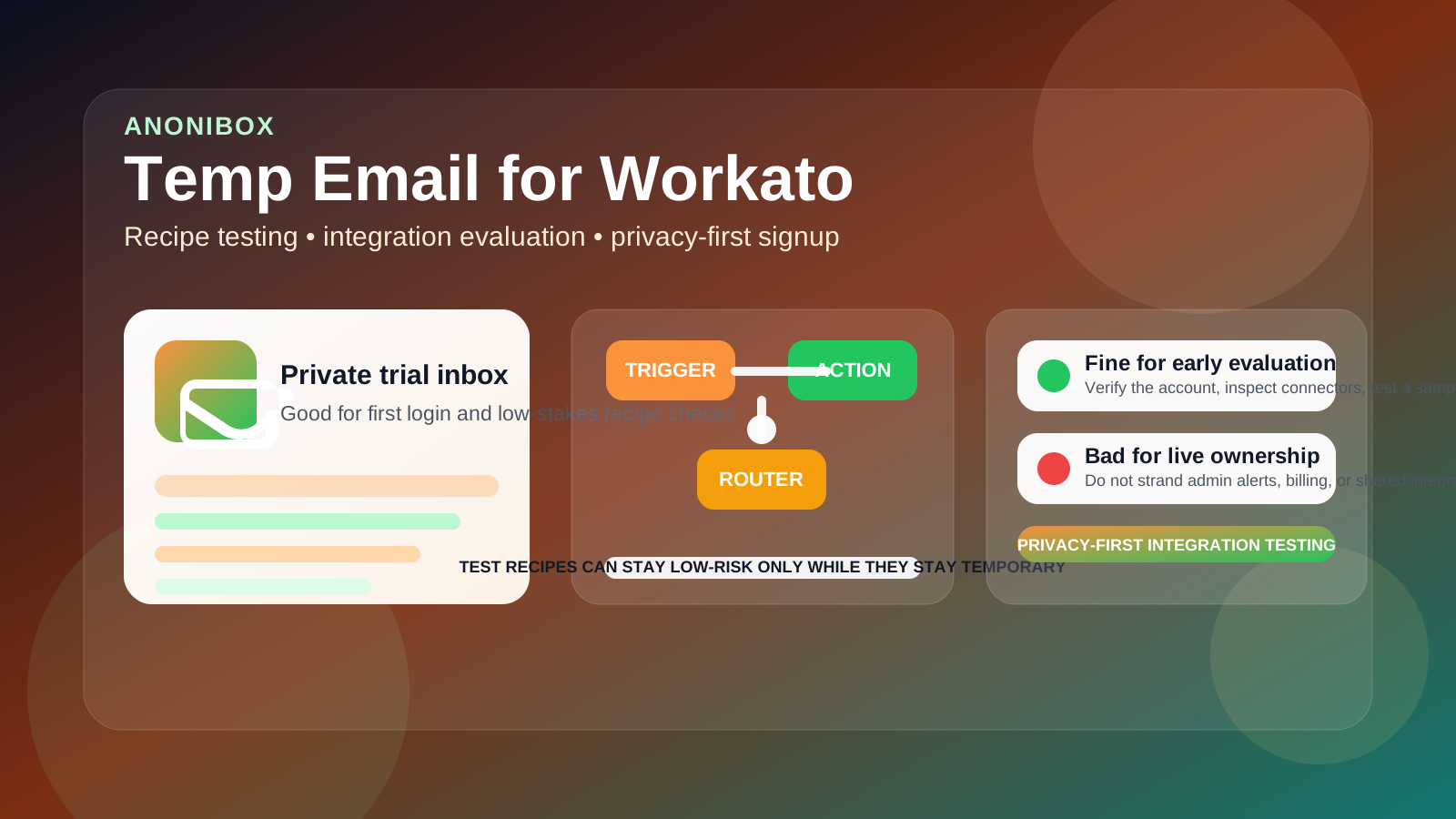
Workato is exactly the kind of product that makes temporary email feel smart at first. You may only want to confirm the account, open the workspace, inspect available connectors, test a sample recipe, and compare the experience with other automation tools. In that early stage, using a separate inbox can keep your main email out of another long stream of onboarding messages, sales follow-ups, feature announcements, and webinar invites.
That part is reasonable. The danger is that Workato accounts often stop being “just a test” very quickly. A recipe built for curiosity can turn into a real sync between your CRM and support desk, an HR onboarding workflow, a finance handoff, or an internal notification process. Once that happens, the email attached to the account is no longer trivial. It becomes part of ownership, recovery, governance, and day-to-day reliability.
If you use Anonibox or another disposable inbox for the first login, the smartest approach is to treat it as a short-term privacy buffer, not as the long-term identity for automation that might matter later.
When a temp email for Workato makes sense
There are several situations where a temporary inbox is a practical choice.
- You are comparing integration platforms: maybe you want to test Workato beside Make.com, Zapier, or n8n before deciding which builder and connector model fits your team.
- You only need the verification email: sometimes the real goal is simply getting inside the product to explore recipes, workspaces, and connector options.
- You are running a sandbox proof of concept: a lightweight experiment that will never touch production systems or long-term ownership.
- You want privacy during vendor evaluation: not every early SaaS trial deserves your everyday work inbox from minute one.
- You want cleaner inbox boundaries: integration platforms often follow up aggressively because they know interested users can convert into large accounts later.
In those cases, the trade-off is simple: you need access to the platform, but you do not yet want to commit your permanent address to another software relationship.
Why Workato changes the risk profile quickly
Workato is not just a casual signup tool. It often sits closer to operational infrastructure than to lightweight productivity software. Even a modest recipe can end up moving records between systems, notifying teams, enriching data, or triggering business actions that people quietly start relying on.
That matters because an automation platform account is more than a login. It is also the place where important notices may land, where recovery starts if credentials break, and where administrative ownership lives. A disposable inbox may be fine for a temporary evaluation, but it is a weak foundation for something that could become part of your real workflow stack.
The main risks of using disposable email for Workato
1. Test recipes can turn into real business processes
This is the most common problem. A workflow begins as a harmless experiment: maybe a lead sync, a ticket update, or an approval notification. Then nobody deletes it, people see that it works, and it becomes part of normal operations. At that point, the account is not disposable anymore, even if the email still is.
2. Alerts and failures matter more than people expect
Integrations fail in very ordinary ways. Tokens expire. APIs change. Schemas drift. Rate limits appear. A downstream app breaks a field mapping. When something goes wrong, the email behind the workspace may receive notices that actually matter. If that inbox is temporary or unmonitored, you may miss exactly the warning that would have saved hours of cleanup.
3. Shared ownership becomes messy
Workato is often collaborative. One person may start the account, but teammates, consultants, or operational owners may eventually depend on it. If the original admin used a disposable inbox and never cleaned that up, the whole workspace can inherit awkward ownership and recovery risk.
4. Billing and plan changes raise the stakes
Trials become subscriptions. Subscriptions create receipts, renewal notices, usage updates, and payment issues. That does not sound dramatic, but billing messages are exactly the kind of thing you do not want stranded in an address you no longer control or check regularly.
5. Account recovery becomes harder later
Password resets and security prompts feel boring until the day you need them. If the email on file is gone, inaccessible, or forgotten, fixing that situation later can be far more annoying than simply moving to a stable address while the account is still new.
Workato is different from lighter trial signups
Some software products stay low-stakes forever. Workato often does not. Its core value comes from connecting systems and automating real processes. That means the account can start touching CRM data, support flows, HR tools, finance systems, marketing operations, or internal notifications surprisingly quickly.
So the better question is not whether temporary email is allowed. The better question is whether the account will stay temporary in practice. If the answer is no, then the email should not stay temporary either.
How to use a temp email for Workato safely
If you want the privacy benefit without creating future problems, a few rules help.
Use it only for real evaluation, not quiet production
If you already suspect the workspace may become part of actual operations, skip the disposable phase and start with a durable address instead. Temporary inboxes work best when the account itself is truly temporary.
Keep early testing low stakes
Use the temporary inbox for product exploration, connector reviews, learning the recipe builder, and basic proof-of-concept work. Avoid tying it to live customer, employee, or financial workflows while the account still lives behind a burner address.
Move to a stable address before sharing the workspace
The moment another teammate, client, or department might rely on the account is the moment to stop treating it as disposable. Administrative ownership should feel boring and durable, not temporary and half-remembered.
Do not leave important app connections on an unstable admin identity
Even if recipes themselves keep working for a while, the admin identity still matters for governance and recovery. A weak ownership setup can stay invisible until the day it suddenly hurts.
Save the useful setup details while the test is still fresh
If your evaluation turns up a promising connector pattern, recipe structure, or deployment idea, document it and migrate the account before momentum turns a trial into a hidden production dependency.
Better options when you want privacy without fragility
A fully disposable inbox is not the only way to protect your main email. If you want more control without using your primary address everywhere, a few middle-ground approaches are better.
- A dedicated trials inbox: stable enough for recovery, separate enough to keep vendor mail out of your main daily flow.
- An email alias: useful when you want filtering and organization without giving up long-term control.
- A shared automation-admin mailbox: helpful if the account is likely to become a team asset rather than a personal experiment.
- A temporary inbox only for first verification: then switch to a permanent address once Workato proves it deserves a real place in your stack.
That last option is often the best compromise. It protects your inbox during the evaluation phase but avoids turning a real automation platform into a long-term ownership mess.
Practical examples
Example 1: comparing automation tools
You want to compare Workato with Make.com and Zapier for a handful of internal tasks. You only need to inspect the connector depth, recipe-building experience, and workflow logic. A temp email is reasonable here because the account is exploratory and short-lived.
Example 2: a consultant building a demo
You are showing a rough proof of concept to a client and want to keep the experiment separate from your permanent inbox until the project is real. That can also be a sensible use of temporary email, as long as the demo workspace does not quietly become the actual operational environment.
Example 3: an ops team testing a real integration
You start by testing an HR-to-Slack or CRM-to-ticketing recipe and then realize the workflow is useful enough to keep. That is the point where the disposable inbox stops being a convenience and starts becoming a liability. Migrate before the recipe becomes normal infrastructure.
Signs it is time to stop using disposable email
- You are returning to the workspace regularly instead of treating it like a one-time test.
- You connected real business apps rather than sample or throwaway systems.
- You care whether failure alerts, admin notices, or security prompts arrive.
- You invited teammates or expect shared ownership soon.
- You upgraded, added billing, or expect the account to live for months.
- You would be frustrated if you lost access tomorrow.
If several of those are true, the account is already more permanent than the email behind it. That mismatch is what creates trouble later.
A quick checklist before you sign up
- Am I only evaluating Workato, or do I expect to keep this workspace?
- Will this account eventually own live recipes or real app connections?
- Will anyone else depend on the account or its workflows?
- Would missing an alert or password reset actually hurt?
- If the test goes well, am I prepared to move to a stable address quickly?
If your answers point toward curiosity and short-term exploration, a temp email for Workato is a reasonable privacy move. If they point toward ownership, collaboration, or operational importance, a stable address is the better choice from the start.
Final answer
Using a temp email for Workato is a smart way to keep your main inbox cleaner during early recipe testing, connector research, and short proof-of-concept work. It is most useful when the account is still experimental and low stakes.
It becomes risky once the workspace owns real integrations, shared access, billing, or error alerts that matter. In short: disposable email is fine for testing Workato, but real automation work deserves a real inbox behind it.