Yes — a temp email for Frontegg is reasonable when you are only opening an early workspace, testing login and invite flows, or comparing identity platforms before anything becomes operationally important.
It becomes the wrong choice once the account controls real admin recovery, billing notices, team access, or customer-facing identity workflows that your product depends on.
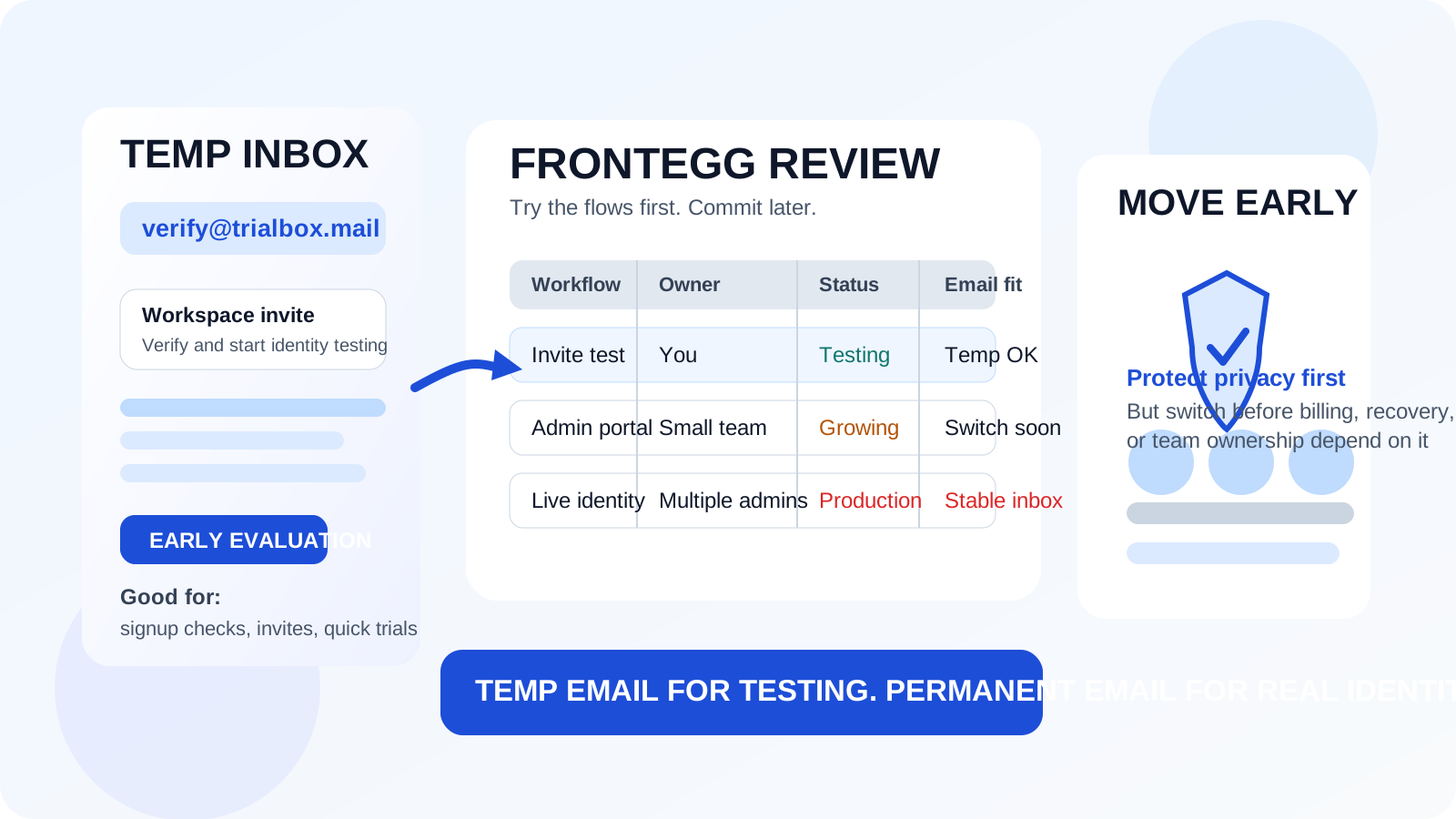
That distinction matters because identity software often starts life as “just a test” and then quietly becomes part of a real product. A developer opens an account to compare options. A product manager wants to see how B2B login, team invites, or self-serve admin setup feels. A founder wants to inspect the workspace before looping in more people. At that point, using a temporary inbox is practical. You get the verification email, enter the product, and keep one more software trial from attaching itself to your primary mailbox.
The trouble starts when the same account stops being disposable. If the workspace begins to matter for access control, customer onboarding, user organizations, billing, or recovery, the convenience of a burner inbox fades fast. Frontegg sits exactly in that category: early-stage testing can be temporary, but real ownership should not be.
Why someone would look for a temp email for Frontegg
Identity and customer-management platforms tend to generate more email than people expect. The first few messages are useful: verify the account, confirm the workspace, accept an invite, review setup notes. After that, the flow often expands into onboarding sequences, product education, release updates, webinar nudges, pricing prompts, and sales follow-up. If you are researching several tools at once, that becomes noise quickly.
A temp email for Frontegg helps create a clean boundary between exploration and commitment. You can evaluate the platform without immediately giving your main inbox to another vendor relationship. That is especially useful if you already have a crowded engineering, product, or founder mailbox and you want to isolate low-stakes signups from your day-to-day communication.
If you use a service like Anonibox for trial privacy, Frontegg is the kind of product where the habit makes sense. The value is not secrecy for its own sake. The value is keeping early vendor evaluation organized until you know whether the platform deserves a permanent place in your stack.
When a temp email for Frontegg makes sense
A temporary inbox works best when the account is clearly exploratory rather than operational.
1. Early vendor comparison
If you are weighing Frontegg against other identity or user-management options, a temp inbox is a clean way to unlock the workspace and see how the product feels without inviting a long email trail into your permanent address.
2. Testing signup, invite, and login basics
One of the first questions in any identity evaluation is whether the initial user journey makes sense. Can you create the account easily? Do invite emails arrive? Does the login experience feel clear? Does the admin side look understandable? A temporary inbox is perfectly adequate for that first pass.
3. Reviewing a proof of concept alone
If one person is running the test and nothing important depends on the account yet, a disposable inbox is usually fine. You are validating fit, not establishing durable ownership.
4. Keeping trial noise out of your main mailbox
Even a short test can trigger a surprising amount of follow-up. If your goal is simply to protect your main inbox from another sequence of trial reminders and sales nudges, a burner address solves a real problem.
5. Comparing multiple identity tools in parallel
When each platform gets its own inbox, the process becomes easier to manage. You instantly know which verification email belongs to which trial, and you avoid mixing admin invites, setup notices, and follow-up messages across multiple vendors.
What to evaluate during the early Frontegg trial
If you are using a temp email for Frontegg, use the trial to answer meaningful product questions rather than focusing only on whether signup works.
Admin setup clarity
Identity products often sound straightforward in marketing copy and feel far more complex once you are inside. Pay attention to how quickly you understand the workspace. Can you find the important controls without hunting? Does the product model feel obvious enough for your team to operate later? A clean first impression is not everything, but a confusing one is important signal.
Invite and organization flow
Frontegg is often evaluated in contexts where organizations, admin roles, and multi-user workflows matter. Look closely at how invites behave, how easy it is to understand access boundaries, and whether the workflow feels predictable. Temporary email helps here because you can safely receive the early invite and verification steps without tying them to the inbox that already runs your daily work.
Customer-facing login experience
If part of the appeal is customer identity or user-management workflow, test how the basic experience feels. Are the email-driven steps understandable? Does the flow look like something you would trust in a real product? Can you explain it clearly to teammates? Early evaluation should help you judge usability, not just feature lists.
Recovery and email-dependent actions
Email is not only about initial signup. It often becomes part of password resets, verification, admin approvals, and account recovery. A temp inbox is fine for a quick trial run of those paths. It is not fine if you expect those same emails to remain the safety net behind an account that matters later.
Fit for real ownership
Use the trial to ask whether this account has any chance of becoming real infrastructure. If the answer is yes, then your email strategy should eventually change too. The goal is to learn that early, not after the workspace starts accumulating responsibility.
When a temp email becomes a bad idea
A temporary inbox stops being helpful once the account starts carrying real operational weight.
- Admin recovery matters: if losing email access would complicate ownership or lock you out, the inbox should not be disposable.
- Billing matters: renewal notices, payment issues, and subscription changes belong in a monitored mailbox.
- Team access matters: once several people depend on the workspace, durable ownership becomes more important than signup convenience.
- Customer-facing identity matters: if the account is tied to a live product, customer organizations, or production sign-in flow, the temporary stage is over.
- Security notifications matter: if the platform can send important notices that your team should actually see, a throwaway inbox is the wrong long-term destination.
The simplest rule is this: temporary inbox for temporary evaluation, stable inbox for stable ownership.
A practical workflow that keeps both privacy and common sense
Generate the inbox before signup
Create the temporary address first so the verification email, welcome message, and early invite sequence all land in one place. That keeps the test clean from the beginning.
Use it only for the evaluation stage
Open the workspace, review the onboarding, run through the email-driven flows, and decide whether Frontegg deserves deeper attention. That is where the temp inbox earns its keep.
Save the details that matter
A disposable inbox is not your documentation system. If you learn something important during the trial, note it elsewhere immediately. Save the workspace URL, the test conclusions, and any setup details your team may want later.
Promote the account early if the trial becomes serious
If Frontegg moves from “interesting” to “likely candidate,” switch the account to a permanent monitored address before the workspace becomes tied to real ownership, budget, or customer-facing workflows. Early changes are easy; late changes are annoying.
Keep one platform per inbox during comparison
If you are trialing multiple identity tools at once, separate inboxes make the comparison cleaner. You spend less time sorting emails and more time judging the platforms themselves.
Common mistakes to avoid
- Letting a trial inbox linger too long. A one-person test quietly turns into a shared workspace, and nobody notices the original address was never meant to last.
- Confusing inbox privacy with long-term security. A temporary address reduces clutter and exposure, but it does not magically make bad ownership practices safe.
- Forgetting to save the important messages. Even in a short trial, you may need the first invite or verification details again.
- Judging the platform by the email sequence instead of the product. The real question is whether Frontegg fits your use case, not whether the follow-up messaging is polished.
- Waiting for a problem before switching. If the account is becoming important, change the email before there is a billing, access, or recovery issue.
So, should you use a temp email for Frontegg?
Yes, if your goal is a private, low-stakes evaluation. A temp email for Frontegg is a sensible choice when you want to inspect the workspace, test the basic email-driven flows, and keep another trial out of your permanent inbox.
No, if the account is starting to matter for shared ownership, billing, admin recovery, or customer-facing identity workflow. In that stage, a disposable inbox stops being a convenience and starts becoming a liability.
The smart middle ground is simple: use the temp inbox to explore, then move to a stable address the moment the platform begins to look real. That way you get the privacy and organization benefit upfront without building a future access problem into an account that may actually matter.