A temp email for Activepieces can make sense for early workflow testing, trial signups, and one-off evaluation when you want to protect your main inbox.
It becomes a bad long-term choice once real API keys, shared workspaces, billing notices, error alerts, or account recovery depend on that address, so you should switch to a permanent inbox before the setup becomes real.
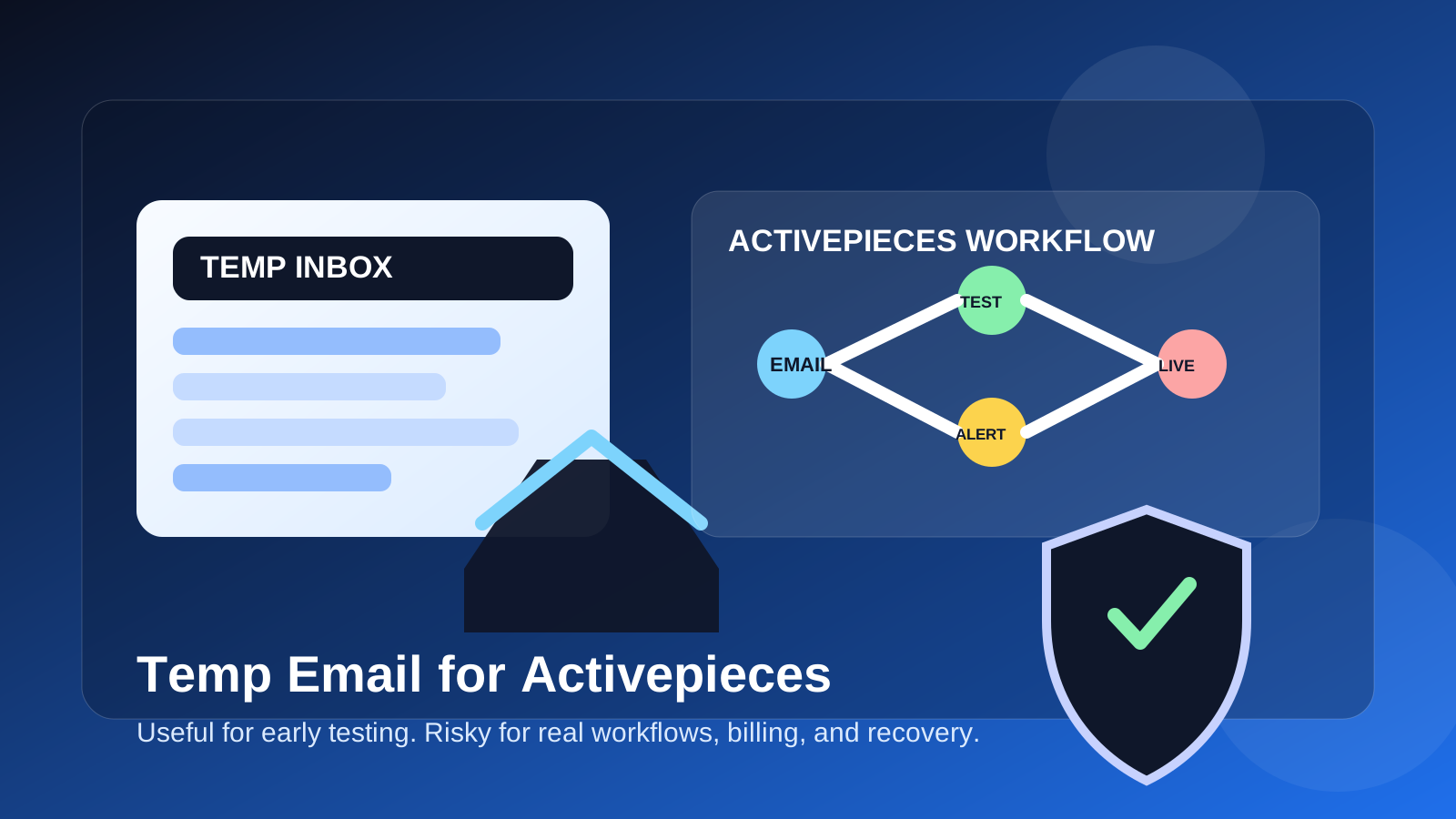
That is the practical answer behind the keyword temp email for Activepieces: yes, it can help during the testing stage, but it is usually the wrong foundation for a workflow stack that might end up running real work. Automation tools have a habit of starting small and then quietly becoming important. What begins as a harmless experiment can later own notifications, webhooks, OAuth connections, business alerts, CRM updates, ecommerce flows, or internal operations.
If all you want is to keep a product trial, comparison test, or sandbox signup out of your main inbox, a disposable address from a service like Anonibox can be useful. The mistake is treating that temporary inbox like a permanent ownership layer. Temporary email works best when the account itself is temporary in practice. It becomes risky when the account starts to matter.
Why people look for a temp email for Activepieces
Most people searching this are not trying to hide anything dramatic. They usually want some breathing room while testing automation software. Workflow tools often trigger welcome sequences, setup nudges, release notes, webinar invites, sales follow-ups, and prompts to connect more apps. That can get noisy fast, especially if you are comparing multiple tools in the same week.
People usually want a temp email for Activepieces for a few normal reasons:
- They want to test the product before giving another vendor permanent access to their main inbox.
- They are comparing Activepieces with alternatives like n8n, Pipedream, Make.com, or Zapier.
- They only need a short-lived account for a proof of concept, internal demo, or learning exercise.
- They want to avoid weeks or months of follow-up email from a tool they may never keep.
- They want to separate experimental workflow testing from their real business inbox.
Those are all fair goals. The real question is not whether temporary email is ever allowed. It is whether the account is still temporary in reality.
When a temp email for Activepieces actually makes sense
Temporary email is strongest when you are evaluating the tool rather than relying on it. If the account is low-stakes, reversible, and short-lived, a burner inbox can be a sensible privacy layer.
1. You are comparing workflow builders before choosing one
If you are testing how Activepieces feels against other automation platforms, a temporary inbox can keep that research phase cleaner. You can verify the account, look at the builder, inspect triggers and actions, and see whether the product fits your workflow style without turning a quick experiment into a long-term mailing-list relationship.
2. You are building a one-off proof of concept
Maybe you just want to test a webhook, a basic Slack alert, a form-to-sheet sync, or a small internal demo. If the workflow is disposable and the account is not going to matter next month, temporary email can be perfectly reasonable.
3. You need short-term access for setup and evaluation
Sometimes the goal is narrow: create the account, confirm the email, explore the dashboard, test one or two flows, and decide whether to keep going. That is exactly the kind of short-lived scenario where a disposable inbox is useful.
4. You want to isolate vendor follow-up from your main inbox
Automation software trials often come with onboarding campaigns, sales outreach, and feature announcements. If you are evaluating several tools at once, isolating those messages can make the buying process much less annoying.
When a temporary inbox becomes a bad idea
The risk changes the moment the account starts to own anything important. Workflow platforms sit close to operations, credentials, and business logic. That means the email behind the account matters more than people expect.
1. The workspace is becoming shared
If teammates, contractors, or clients may collaborate in the workspace, the owner inbox should be durable. A burner address is a bad ownership model once multiple people may depend on the account staying accessible and stable.
2. The flows are moving beyond harmless tests
A disposable email is fine for a toy flow or a private experiment. It is not a great idea once the automations start touching live forms, production data, customer notifications, or internal business processes. At that point, you want an inbox you actually control long-term.
3. API keys, OAuth connections, or secrets are involved
This is one of the biggest cutoff points. Activepieces workflows often connect to real services. Even if the email itself does not store the secrets, it still anchors the account that owns the environment, settings, notices, and recovery path. If real credentials are being attached, the account should graduate to a permanent inbox.
4. Billing, plan changes, or account limits matter
Once a paid plan, usage cap, or workspace limit becomes important, missing account email becomes expensive rather than merely inconvenient. Billing notices and plan warnings should never be tied to an inbox you may stop checking.
5. You may need recovery later
This is where temporary email fails most often. The test workflow turns useful, the team keeps it, and months later someone needs a reset link, a verification email, or a security notice. That is when the earlier shortcut starts to hurt.
What can go wrong if you keep the temp inbox too long?
- You lose recovery access: password resets and ownership checks become harder when the original inbox is gone.
- You miss important alerts: product notices, plan warnings, verification prompts, and workspace emails can land where nobody is looking.
- You create messy ownership: the account may outlive the experiment, but the email setup never grows up with it.
- You make handoffs harder: shared automation work becomes riskier when the original account owner used a throwaway inbox.
- You confuse evaluation with production: what felt like a temporary trial becomes real infrastructure without a proper ownership change.
None of those problems usually show up during the first hour. That is why people underestimate them. The danger is not the signup itself. The danger is forgetting to switch later.
A safer workflow for using a temp email with Activepieces
If you want the privacy benefit without the long-term downside, use a staged approach instead of a permanent burner setup.
Start with the temporary inbox only for evaluation
Create the disposable address before signup so the verification email and the first onboarding messages stay out of your main inbox.
Test with a short, explicit checklist
Go in knowing what you want to learn. For example: Does the builder feel intuitive? Are the triggers and pieces you care about available? How fast can you build and debug a small workflow? Does it feel better than the alternatives you are comparing?
Save important setup details immediately
If a verification link, invite, or setup message matters, save it while you have access. Temporary inboxes are good for short access, not dependable archiving.
Switch to a permanent inbox before real usage begins
The best time to change the account email is before there is any real dependency. Do it before teammates join, before live credentials are connected, before billing matters, and before alerts or recovery become important.
Use a separate project inbox if you want lasting separation
Many people do not actually need a throwaway email forever. What they really want is separation from their personal inbox. In that case, a dedicated permanent project email is usually the better long-term move.
How to decide quickly
Ask yourself these five questions before you sign up:
- Am I only testing Activepieces, or is there a real chance this becomes a keeper?
- Will other people need access to this workspace later?
- Will the flows touch live data, production systems, or real customer communication?
- Will billing, plan limits, or recovery matter within the next few weeks?
- Do I need a disposable inbox, or do I really need a separate permanent project inbox?
If your answers point toward short-term evaluation, a temp inbox can be fine. If they point toward ongoing ownership, team use, or production reliance, move to a stable inbox early.
Realistic examples
Good use case
You want to compare Activepieces against a few other automation tools this weekend, test a webhook, connect one sandbox app, and decide whether the platform is worth deeper exploration. A temporary inbox is a good fit because the task is short, low-risk, and reversible.
Borderline use case
You are building a useful internal automation for your own team, but you are still telling yourself it is “just a test.” If there is a real chance people will rely on the workflow next month, a separate permanent inbox is smarter than a disposable one.
Bad use case
You are wiring up production alerts, real form submissions, live CRM actions, ecommerce triggers, or shared workspace ownership. Do not anchor that to a burner inbox. Use an address you can control, monitor, and hand off properly later.
Final takeaway
A temp email for Activepieces is useful for early workflow testing, quick comparisons, and keeping another software experiment out of your main inbox. That benefit is real, and for short-lived evaluation it is often enough.
The mistake is assuming a temporary inbox is also a good long-term ownership layer. Automation accounts can become more important than they first appear. Use temporary email during the evaluation stage, then switch to an inbox you trust before shared workspaces, real credentials, billing, alerts, or recovery depend on it.
That way, you keep the privacy benefit without building future workflow problems into the foundation of the account.