A temp email for Keycloak is useful when you are testing a new realm, checking email verification, or running password-reset and demo-app flows without tying another early-stage auth project to your main inbox.
It becomes a bad idea once that mailbox matters for production admins, long-term realm ownership, or any account you may need later for recovery, security review, or real user management.
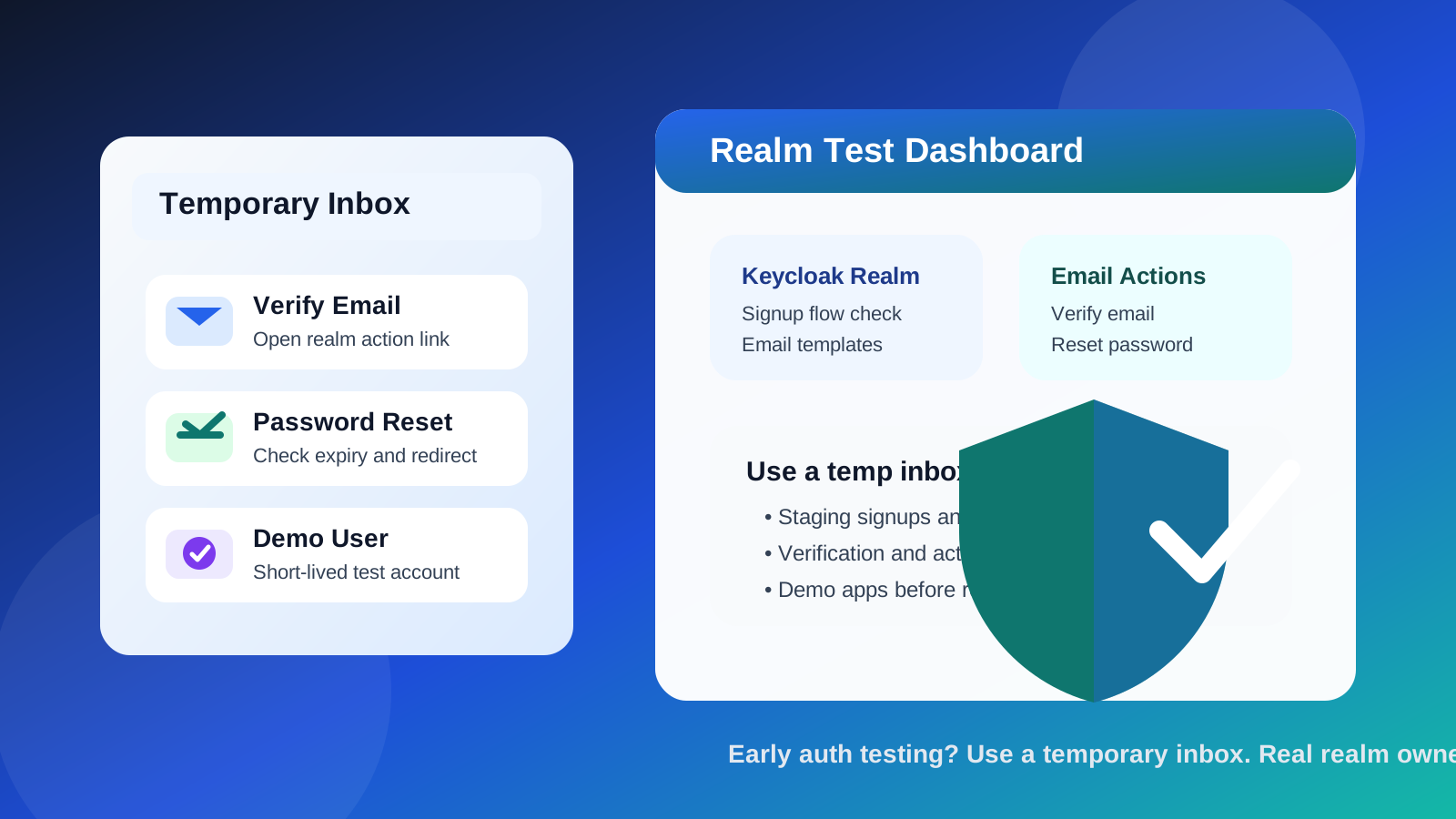
That distinction matters more with identity tooling than with a lot of other software. Keycloak often starts as a harmless experiment: a developer wants to compare login flows, a team wants to test email templates, or a company wants to see how a realm behaves before putting real users behind it. In that stage, a temporary inbox can be genuinely useful.
The problem is that auth projects have a habit of becoming permanent before anyone notices. A test realm becomes a staging realm. A staging realm becomes the base for a client pilot. An admin account created quickly during setup becomes the account everyone depends on months later. If the original mailbox was disposable, the convenience you gained early can turn into a recovery headache later.
If you already use Anonibox or a similar temporary inbox during software evaluations, Keycloak is a sensible place to apply the same rule: use temporary email for short-lived testing, not for long-lived identity ownership.
Why people look for a temp email for Keycloak
Most people searching for this are not trying to do anything unusual. They usually want to protect their inbox, keep auth testing separate from daily work, or avoid turning a quick experiment into another long email trail. That makes sense because Keycloak testing often involves repeated email-triggered actions such as:
- verifying a new user account
- checking password-reset flows
- testing update-email or required-action links
- previewing email templates and link behavior
- creating throwaway users for demo apps or staging environments
Even when Keycloak is self-hosted rather than a normal SaaS signup, there is still a mailbox involved somewhere. You may need a real inbox to receive verification messages from a staging realm, confirm whether SMTP is wired correctly, or test how end users experience account emails. A temporary inbox gives you a clean place to do that without mixing every auth test with your long-term personal or work address.
When a temp email for Keycloak makes sense
A temporary inbox is most helpful when the account or user is clearly disposable and the goal is limited to evaluation, QA, or early setup.
1. Testing a new realm before it matters
If you are bringing up a new Keycloak realm and want to confirm that registration and verification emails work, using a temp email can be efficient. You get the link, complete the flow, and learn what you need without adding another permanent mailbox dependency too early.
2. Checking email actions in staging
Keycloak often needs email-driven actions to feel complete. Verification emails, reset-password messages, and account-action links are a big part of the user experience. A temporary inbox is good for confirming whether the messages arrive, whether links work, and whether the copy makes sense from a real user’s perspective.
3. Creating short-lived demo users
For a proof of concept or internal demo app, you may need a few users that exist only long enough to test role mapping, login behavior, and basic email actions. That is a reasonable use case for a temporary inbox because the users themselves are temporary.
4. Comparing identity stacks without inbox clutter
Teams often compare Keycloak against hosted identity products or other self-managed options. If you are testing several paths at once, temporary inboxes help keep the experiments separate so your main mailbox does not fill with setup mail, notices, and follow-up admin messages from every direction.
5. Isolating privacy during early development
Sometimes the benefit is less about spam and more about separation. A temp email can make it obvious which messages came from a short-lived realm test rather than from your real long-term infrastructure.
When it becomes a bad idea
A temp email stops being smart the moment the mailbox becomes part of real operational ownership.
Do not use it for a production admin account
If the email belongs to the first or primary admin for a live Keycloak deployment, a disposable inbox is the wrong tool. Production identity systems need durable access, documented ownership, and a mailbox the team can monitor over time.
Do not use it for recovery-critical accounts
If you might later need the mailbox for password resets, admin recovery, audit review, or security-sensitive confirmations, choose a permanent address now instead of trying to clean it up later.
Do not attach it to long-lived team ownership
Temporary email is poor fit for shared environments where multiple people may need continuity. Realm ownership, admin invites, and environment handoff work better when the mailbox is stable and managed.
Do not rely on it for real user populations
If you are onboarding actual customers, employees, or partners, a disposable mailbox should not sit behind the identity path in any important way. Real authentication systems need dependable recovery and communication channels.
Keycloak-specific nuance: testing users is different from owning the realm
This is the most important Keycloak-specific distinction. There are really two different email roles in play:
- test-user email: used to see whether signup, verification, and recovery flows behave correctly
- operational owner email: tied to the people responsible for the environment over time
A temp email works well for the first role. It is risky for the second. Mixing them up is how short-term convenience turns into long-term friction.
Keycloak also has a lot of environments where this confusion is easy to create. A developer may stand up a realm locally, then point it at a shared SMTP service, then reuse the same account in staging, then keep that account around because “it still works.” If that account started with a throwaway inbox, you eventually inherit a live dependency on an address nobody truly owns.
A practical way to use a temp email with Keycloak
If you want the benefit without the downside, use a simple staged workflow.
Step 1: generate the temporary inbox first
Create the address before you open the realm or test user. That keeps the whole experiment clean from the start.
Step 2: use it only for early actions
Limit the temporary inbox to tasks like account verification, email-template review, password-reset testing, and basic required-action checks.
Step 3: save anything you actually need
If a test uncovers useful template copy, redirect behavior, or link-expiration behavior, document that separately. Do not rely on the mailbox itself as your only record of what happened.
Step 4: switch before the environment becomes important
The right time to move to a permanent mailbox is earlier than most teams think. As soon as the realm matters to more than one person, or may survive beyond a short demo, move ownership to a durable monitored address.
Step 5: keep permanent mailboxes for real admin continuity
For production or long-lived staging, a shared engineering alias, team-owned mailbox, or another durable admin address is usually the better foundation.
What a temp email does not solve
It is worth being clear about what temporary email can and cannot do in a Keycloak workflow.
- It can reduce inbox clutter and separate short-lived tests from your main address.
- It can help you confirm whether verification and reset emails are arriving as expected.
- It cannot replace proper mailbox ownership for real admin accounts.
- It cannot fix a broken SMTP setup, poor template logic, or a weak recovery plan.
- It cannot guarantee privacy or security by itself.
That last point matters. A temporary inbox is a workflow tool, not a security architecture. It is useful because it keeps early tests tidy and separate, not because it magically makes identity operations safe.
Common mistakes to avoid
Using the same disposable mailbox for too many environments
If local, staging, and demo work all point to one throwaway inbox, it becomes harder to tell which message belongs to which test. Separation only helps if it stays organized.
Keeping the temporary address longer than intended
A lot of teams say they will swap the mailbox later and then never do. If the realm is becoming important, do the transition while it is still easy.
Forgetting that admin access has a long tail
Even if the initial setup feels temporary, identity systems often come back months later during audits, bug investigations, onboarding changes, or recovery events. Choose accordingly.
Treating a demo account like a forever account
The safer pattern is temporary inbox for temporary users, permanent inbox for durable owners. Once those roles blur, the downside grows quickly.
A better long-term setup for serious Keycloak use
If Keycloak is moving beyond experimentation, a more resilient pattern looks like this:
- use a temporary inbox only for short-lived test users and one-off flow checks
- use a permanent monitored mailbox for the real admin or environment owner
- use team-documented ownership for any realm that may matter later
- review email flows in staging before real users depend on them
This gives you the convenience of disposable testing without making your recovery path disposable too.
Quick checklist
- Am I testing a short-lived user or owning a long-lived environment?
- Will I need this mailbox later for recovery or audit purposes?
- Is the realm still exploratory, or is it starting to matter operationally?
- Would a team-owned permanent address be safer here?
- Am I using the temp inbox for convenience only, rather than as a substitute for ownership?
If your answers point to quick testing, a temp email is reasonable. If they point to continuity, accountability, or production ownership, switch to a real durable mailbox.
Final answer
A temp email for Keycloak is a good fit for early realm tests, email-template checks, verification flows, and demo users. It keeps experiments separate, reduces inbox clutter, and gives you a clean way to inspect user-facing email actions without spreading your primary address everywhere.
Just do not confuse a useful testing mailbox with a responsible long-term owner. Once Keycloak starts supporting real admins, real environments, or real users, move to a permanent monitored address. That is the point where privacy convenience should give way to operational reliability.