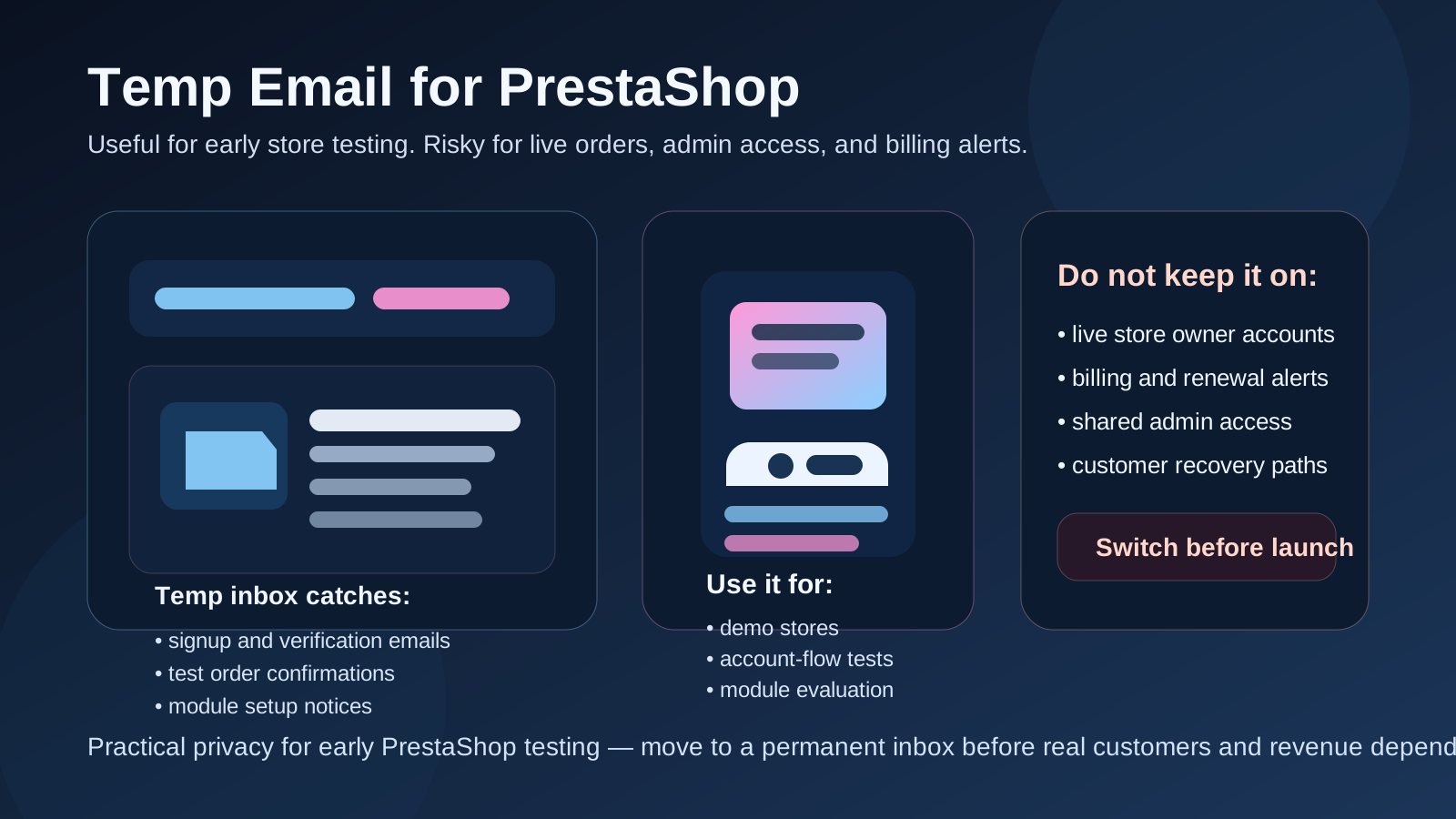
Yes, a temp email for PrestaShop can be useful when you are testing a new store, trying modules, or checking customer account flows. It helps during short-lived setup and evaluation, but it becomes risky once live orders, admin access, billing notices, or recovery emails matter to the real business.
The practical rule is simple: use a temporary inbox for early experiments, then switch to a durable address before the store becomes operational, shared, or customer-facing in a real way.
Why people ask about temp email for PrestaShop
PrestaShop often shows up in the stage where a team is still exploring options. A merchant may be comparing it with Shopify, WooCommerce, Magento, or another ecommerce stack. A developer may be spinning up a short-lived demo. An agency may want to test a theme, install a few modules, and verify how customer emails behave before recommending anything to a client.
That process generates more inbox noise than most people expect. You may get signup confirmations, admin alerts, module messages, password reset emails, customer account notices, and test order confirmations in a single afternoon. If you evaluate platforms often, your regular inbox can turn into a pile of abandoned storefront experiments.
That is exactly where a tool like Anonibox makes sense. A temporary inbox gives you a clean place to receive the messages you need for setup and testing without tying every short-lived experiment to your long-term work email.
When a temp email makes sense for PrestaShop
A temporary inbox is useful when the store is clearly in an early, disposable, or internal phase. In that context, speed and separation matter more than permanence.
- Comparing PrestaShop with other ecommerce platforms before choosing one
- Creating a proof of concept or internal demo store
- Testing customer signup, email verification, and password reset flows
- Checking how order confirmation emails and notifications are formatted
- Trying modules or integrations that trigger setup or alert emails
- Running staging or QA tests without mixing those messages into your real inbox
- Keeping client experiments separate from the accounts you use for live operations
In all of those cases, the account exists to help you learn, test, or compare. It does not yet need to act as a stable business identity. That is the safe zone for temporary email.
When a temp email becomes a bad idea
The trouble starts when the store stops being temporary but the email behind it still is. That happens surprisingly often. A test shop becomes the live shop. A solo admin account becomes the real owner account. A quick experiment ends up connected to live modules, real billing, or staff access.
A temp email is a poor fit if it is attached to:
- The primary admin or owner account for the store
- Live order notifications your team needs to monitor every day
- Billing, renewals, invoices, or hosting-related alerts
- Customer recovery paths or support processes
- Multistore or shared-team environments with ongoing admin activity
- Any account that would be painful to recover if the inbox disappeared
Once the store matters to revenue, support, or internal continuity, email stability matters too. Temporary email helps you test. It does not replace a dependable operations inbox.
A simple rule that usually works
If the account exists to test the store, a temp email can be reasonable. If the account exists to run the store, secure the store, or recover the store, use a permanent address you control.
That line stays clear even when projects evolve quickly. It helps you avoid the classic mistake of keeping a throwaway inbox on an account that gradually becomes important.
How to use a temp email for PrestaShop safely
1. Decide whether the store is disposable before you create the first account
If there is a real chance that the store will become your live environment, start with a durable address from the beginning. If it is obviously a short-lived trial, a temp inbox is fine. Making that decision early prevents awkward migrations later.
2. Use one inbox per store test
Do not run three different storefront experiments through one disposable mailbox and assume you will remember which message belongs to which environment. Separate inboxes reduce confusion, especially when you are testing registration, checkout, and password reset flows in parallel.
3. Save important setup messages right away
Temporary inboxes are convenient precisely because they are lightweight. That also means you should not treat them as permanent records. If a verification link, admin invite, or integration note matters, capture it before you move on.
4. Test beyond the first login
The useful question is not only whether the initial signup works. Trigger the actual email events that matter later: password resets, customer account creation, order emails, and any admin notices or module confirmations that belong to your workflow. That gives you a better picture of whether the store behaves cleanly in real use.
5. Switch before launch, not after the first problem
The worst moment to replace a temporary inbox is after live orders start arriving or after somebody loses access to the admin account. Move to a permanent address before launch, before shared operations depend on it, and before billing or recovery becomes critical.
What to test while the temporary inbox is still attached
If you are going to use a temp email during evaluation, use that window deliberately. It is a chance to inspect the email layer of the store before anything important depends on it.
Admin setup and access flow
How easy is it to create the account, verify the address, and reach the back office? If the first-run experience is clunky, that tells you something about the platform and about the documentation or setup quality around it.
Customer account registration
If your store allows customer accounts, test what the registration experience feels like. Are verification or welcome emails clear? Does the flow feel trustworthy? Does the customer know what to do next? A temp inbox is useful here because you can safely test the recipient side without burying your main inbox in demo messages.
Password reset behavior
Password resets are one of the easiest flows to ignore during evaluation, and one of the most annoying to discover broken later. Trigger them on purpose. Check how fast the email arrives, whether the message is obvious, and whether the reset path feels predictable.
Order-related emails
If you can safely run internal checkout rehearsals, inspect what happens after a test purchase. Order confirmations, status updates, and account notices are a real part of the customer experience. They also matter to operations, especially if you are comparing platforms and want to understand how usable their default communication really is.
Module and integration messages
PrestaShop evaluations often involve more than the core store. You may test shipping modules, payment modules, CRM connections, email tools, analytics add-ons, or marketplace integrations. If those components trigger confirmation emails, warnings, or account notices, a temporary inbox lets you inspect them without giving your permanent address to every short-term trial.
Common mistakes to avoid
- Letting the test inbox become the permanent owner inbox: convenience quietly turns into recovery risk.
- Using a disposable address on a live shop: it may seem fine until you need an important email you can no longer access.
- Testing signup but ignoring reset and notification flows: those are often where real friction appears.
- Mixing multiple stores into one inbox: the messages become confusing fast.
- Forgetting about billing and admin alerts: the account email is not just for login, it often becomes part of store governance.
When to switch to a permanent inbox
The right time is usually earlier than people think. Switch as soon as the store is no longer a throwaway experiment. Good triggers include:
- You are keeping the store beyond the evaluation phase
- You are preparing for launch or migration
- You are inviting real teammates, contractors, or clients into the admin area
- You are connecting important services that send operational alerts
- You expect live orders, customer notices, or billing messages to matter
- You want a stable recovery path if something breaks later
At that stage, a separate permanent operations inbox is usually better than a personal address. It gives the business continuity without dumping every store message into your everyday mailbox.
Temp email versus a dedicated store operations inbox
These are related tools, but they solve different problems:
- Temp email: best for short-lived tests, private evaluation, demos, and disposable environments
- Dedicated permanent inbox: best for long-term ownership, admin continuity, billing alerts, staff coordination, and secure recovery
People sometimes try to make temporary email do the work of long-term account management. It cannot. What it does very well is solve the early-stage clutter problem. That is why it fits so naturally with platform trials, module testing, and non-production PrestaShop experiments.
A practical workflow that works well
- Create a temp inbox for the PrestaShop test store.
- Use it to verify the account and inspect setup, customer, and reset flows.
- Run a few realistic checks such as test orders, notification emails, and module-triggered messages.
- Decide whether the store is disposable, ongoing, or moving toward launch.
- If it survives the test phase, replace the temporary inbox with a permanent address you control.
- Only then tie important admin access, billing, and long-term recovery to that store account.
That workflow keeps the evaluation phase clean while protecting the operational phase from a preventable email headache.
What about privacy?
Privacy is one of the main reasons people reach for a temporary inbox in the first place. If you are testing themes, modules, store ideas, or client concepts, you may not want every experimental signup tied to your primary address forever. A temp inbox reduces that exposure and keeps trial activity compartmentalized.
That said, privacy is not the same thing as permanence. A temporary inbox can help you avoid unnecessary inbox clutter and reduce how widely your main address gets shared during testing. It should not be treated as the long-term identity layer for a store that now handles real money, real customers, or real team access.
Final takeaway
A temp email for PrestaShop is useful when you are exploring the platform, testing storefront behavior, checking customer account flows, or validating module and notification behavior in a non-live environment. It keeps your primary inbox cleaner and makes short-term experiments easier to manage.
But once the store becomes real, the mailbox behind it needs to become real too. Do not leave live orders, admin access, billing alerts, or recovery tied to an inbox you may lose. Temporary email is great for early PrestaShop testing. It is a weak foundation for long-term ecommerce ownership.