Yes — a temp email can be useful for ButterCMS when you are signing up for a trial, checking the first verification messages, or testing a CMS workflow without giving another platform your primary inbox.
It is a bad long-term choice for the permanent owner or production admin account, because account recovery, billing notices, and team continuity all work better with an address you control for the long haul.
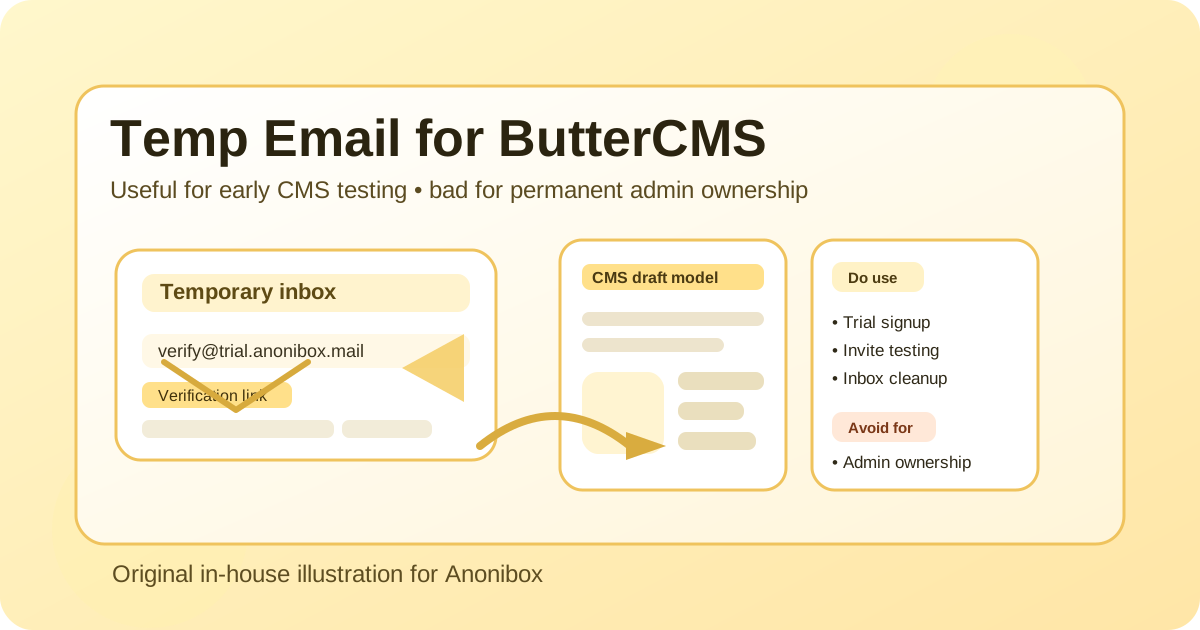
That distinction matters. A lot of people do not look for a temp email for ButterCMS because they want to hide forever. They usually want something simpler: less inbox clutter, less sales follow-up during evaluation, and a cleaner way to test email-dependent steps before deciding whether a CMS belongs in a real project.
ButterCMS fits the kind of software that often gets touched in “just testing” mode. A developer may want to see how the API feels. A marketer may want to compare editor experience against another headless CMS. An agency may want to spin up a proof of concept before giving a client-facing team permanent access. In those early stages, using a temporary inbox can be practical. The mistake is treating that temporary address like it should stay attached to a serious production setup.
When a temp email for ButterCMS makes sense
A temporary inbox is most useful when you are still evaluating, experimenting, or isolating a low-stakes workflow. Think of it as a buffer between your personal or work inbox and an early product test.
- Trial or account verification: You need to receive the first confirmation email and get into the dashboard quickly.
- Comparing CMS options: You are testing ButterCMS alongside tools such as Contentful, Storyblok, Prismic, Hygraph, Webiny, or other headless CMS platforms and do not want your main inbox pulled into every nurture sequence.
- Agency proofs of concept: You want a disposable test environment before deciding who should own the long-term account.
- Workflow checks: You are seeing whether invites, notifications, or email-driven onboarding steps behave the way your team expects.
- Inbox separation: You want CMS evaluation emails kept away from your normal product, client, or hiring correspondence.
Used this way, a temp email is less about secrecy and more about control. It gives you a small sandbox around the account creation stage so your permanent inbox does not get handed out too early.
What it actually helps with
The main benefit is not magic privacy. The real benefit is workflow hygiene.
If you evaluate software regularly, you already know the pattern: you sign up once, receive a verification link, skim a welcome email, and then spend the next three months deleting follow-up sequences you did not ask for. A temporary inbox keeps that stage contained. You can verify the account, capture the message you need, and decide whether the platform deserves deeper commitment.
That can be especially helpful if you are doing one of these things:
- building a throwaway demo project to test content modeling ideas,
- checking how a headless CMS fits into a staging stack,
- reviewing editor experience before inviting a wider team,
- testing whether email-triggered steps arrive quickly and clearly,
- keeping vendor outreach separate while you shortlist tools.
If all you need is access to the first layer of setup, a temp address is often enough.
Where it becomes a bad idea
The same qualities that make a temporary inbox convenient also make it fragile. That is why it stops being a smart choice once the account matters.
You should not keep a temp email attached to ButterCMS when the account becomes any of the following:
- The production owner account: If the inbox expires, ownership recovery becomes harder than it needs to be.
- A long-lived admin login: Ongoing notifications belong in a mailbox someone actually monitors.
- A billing or contract contact: Important account notices should not go to an address designed to disappear.
- A shared team workflow: Temporary addresses are poor substitutes for a real team alias or a documented owner mailbox.
- A client delivery environment: If a client depends on the project, your contact setup should be stable, auditable, and easy to transfer.
Put differently: temp email is fine for “Should we try this?” and bad for “This is now part of our real stack.”
A safe workflow for using a temp email with ButterCMS
If you want the convenience without the downside, the best approach is simple.
1. Use the temp inbox only for the evaluation stage
Create the address before signup, use it for initial verification, and keep the test narrow. Do not build the entire project around a mailbox that may disappear.
2. Save the important messages immediately
If the service sends a confirmation link, setup note, or onboarding message you may need later, save it right away. Temporary inboxes are useful precisely because they are temporary, which also means you should not trust them as a permanent record.
3. Test with non-sensitive content
Use placeholder content, staging data, and low-stakes team experiments while the temporary address is in place. That keeps the whole evaluation reversible.
4. Switch to a durable email before real collaboration starts
The moment the project moves from private testing to ongoing work, replace the temp email with a proper address. That may be a team alias, a project-specific inbox, or an admin mailbox tied to your actual organization.
5. Keep the permanent owner account boring and reliable
Boring is good here. The best production email is not clever. It is monitored, documented, and unlikely to vanish.
Temp email vs email alias vs separate permanent inbox
Not every privacy problem needs a disposable inbox. Sometimes a separate permanent address is the better answer.
Here is the practical difference:
- Temp email: best for quick testing, early verification, and low-stakes evaluation.
- Email alias: useful when you want filtering or separation but still need continuity.
- Separate permanent inbox: best for production ownership, vendor management, and long-term platform administration.
If you know there is a real chance ButterCMS will stay in your workflow, you may be better off skipping straight to a dedicated permanent project inbox instead of using a fully temporary one. The temp route is strongest when the outcome is still uncertain.
Practical examples
Solo developer evaluating a new headless CMS
You want to compare ButterCMS against two or three alternatives for a side project or a client build. A temp email lets you receive the signup link, look around, test a sample integration, and keep your normal inbox clear until one option stands out.
Agency team building a proof of concept
An agency may want to create a rough environment before deciding whether the platform is right for a client. Using a temporary inbox can make sense for the first internal pass. Once the client approves the direction, ownership should move to a documented project address.
Marketing or content team checking editor fit
Sometimes the real question is not technical at all. The team wants to know whether the editing flow feels comfortable enough to adopt. Using a temporary inbox for the first pass can reduce unnecessary account sprawl while that decision is still open.
Common mistakes to avoid
- Forgetting recovery risk: If you lose access to the inbox, you may lose an easy recovery path too.
- Letting the temp address linger: A disposable inbox that stays attached for months defeats the point and adds avoidable risk.
- Using it for team ownership: Shared production responsibility needs a real mailbox, not a temporary one.
- Mixing testing with live operations: Early evaluation accounts should not quietly become permanent by accident.
- Assuming all messages can be ignored: Some early emails matter. Save what you need before the inbox expires.
How Anonibox fits this kind of workflow
If your goal is to limit unnecessary exposure of your real inbox while you test platforms, a tool like Anonibox fits the first-stage use case well: quick access to a temporary address, easy verification, and less long-tail clutter from software you may never adopt.
That said, even with Anonibox, the same rule applies: use the temporary inbox for evaluation and switch to a durable address when the account becomes operational. Temporary email is a good filter. It is not a great foundation for long-term ownership.
Should you use a temp email for ButterCMS?
Usually yes for early testing, and usually no for production ownership.
If you are just validating the platform, checking the first setup flow, or comparing CMS tools without inviting months of follow-up email, a temporary address is a sensible move. If the project is becoming real, the account needs a real email too.
The cleanest rule is simple: temporary inbox for temporary decisions, permanent inbox for permanent responsibility. Follow that rule, and a temp email for ButterCMS can be genuinely useful instead of quietly becoming a future headache.