Yes — a temp email for Webiny can be useful when you are creating a short-lived test project, checking signup or password-reset flows, or comparing the CMS without giving another platform your permanent inbox immediately.
No — it is the wrong long-term choice for production admins, real team ownership, billing contacts, or any account you may need to recover months later.
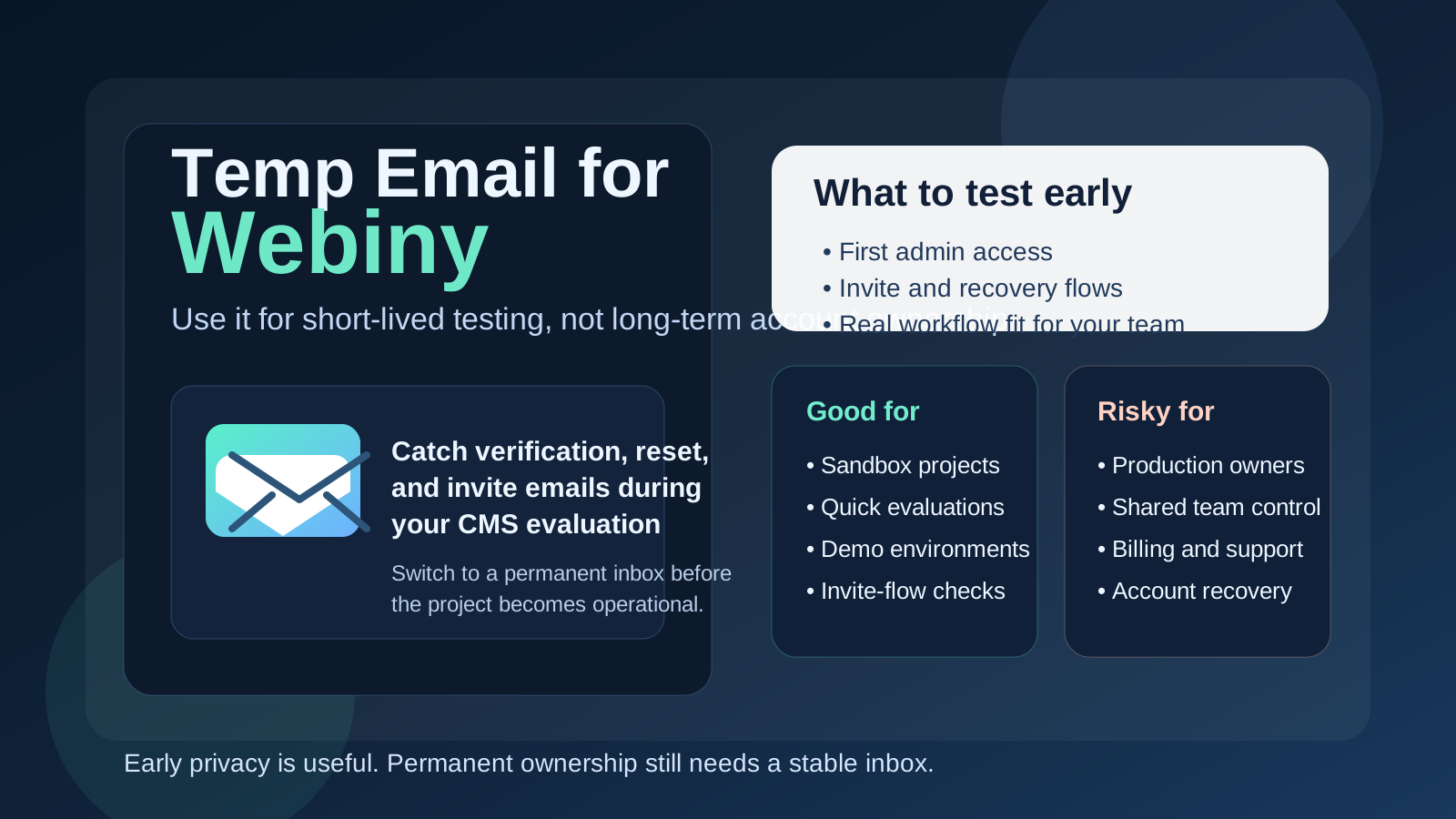
That distinction matters because Webiny sits in the kind of workflow where people often move from casual testing to meaningful ownership faster than they expected. One day you are exploring a project, reviewing the admin side, or checking whether the content-modeling approach fits your stack. A week later, that same environment may have real content, shared access, a frontend connected to it, and a teammate depending on the account that started as “just a test.”
A temporary inbox can be great during the low-stakes phase. It lets you receive the verification message, the first onboarding notes, and other setup emails without pushing more vendor traffic into your personal or work inbox. But a disposable mailbox is only helpful while the project itself is still disposable. Once the account becomes important, the email behind it needs to be stable too.
Why people look for a temp email for Webiny
Webiny is the sort of CMS platform people usually evaluate hands-on. They do not just read a feature page and decide. They want to spin something up, look at the editor and admin experience, test a project structure, review how content is managed, and see whether the setup feels right for a real website, app, or internal publishing workflow. Email often shows up early in that process through signup, welcome steps, user creation, invite flows, and recovery messages.
If you test several tools in the same week, those messages stack up quickly. You may get confirmation emails, onboarding sequences, feature updates, and follow-up outreach before you have even decided whether the platform belongs on your shortlist. That is where a temp inbox becomes attractive. It keeps the early experiment neatly separated from your long-term inbox until you know the project is worth keeping.
A service like Anonibox fits that stage naturally. You can create a short-lived inbox, complete the first-run setup, review the pieces that depend on email, and keep your real address out of the loop until there is a good reason to attach permanent ownership.
When a temp email for Webiny makes sense
A temporary email address is most useful when the project is clearly experimental, short-lived, or isolated from real operational responsibility. Good examples include:
- creating a proof-of-concept project to see how Webiny feels in practice,
- testing admin access, verification, or reset flows,
- trying invite or user-onboarding behavior before sharing anything real,
- comparing Webiny with other CMS tools during vendor evaluation,
- keeping a one-off demo or staging environment out of your everyday inbox,
- checking whether the product deserves a deeper, more permanent setup.
In those situations, a temp inbox solves a simple problem well: it catches the emails you need right now without turning every early test into a permanent subscription to product updates, marketing, or account noise.
When it becomes risky
The risk starts the moment the account becomes important. That can happen earlier than people think. A Webiny project that begins as a quick sandbox may end up becoming the real internal content hub, a client-facing environment, or the shared workspace your team uses to manage structured content. If the controlling email disappears or becomes inaccessible, that convenience turns into unnecessary operational risk.
A temp email is a bad choice if it is tied to:
- the main owner or highest-privilege admin account,
- a production project or client environment,
- real editorial users or long-term collaboration,
- billing, ownership, or vendor-support conversations,
- security notifications,
- password recovery for an account your team may truly need later.
Those are not theoretical concerns. The core problem is simple: if the inbox is temporary, your access path is temporary too. That is fine for a throwaway experiment. It is a terrible foundation for something your business or project might depend on.
A practical rule that keeps you out of trouble
If the account exists to test something, a temp email can be reasonable. If the account exists to own something, use a permanent address from the start or switch to one as soon as the test becomes real.
That rule sounds obvious, but it is surprisingly effective. It stops you from carrying disposable habits into permanent infrastructure. It also forces a useful moment of honesty: is this project still just an experiment, or are you already treating it like a real system?
How to use a temp email for Webiny safely
1. Define the purpose before signup
Do not create the account first and figure out ownership later. Decide whether this is a quick sandbox, a client demo, a staging test, or a serious project evaluation. If it is short-lived, a temp inbox is fine. If there is a strong chance it could become a real long-term environment, skip the disposable email or plan a clean transition very early.
2. Keep one inbox per test
Reusing the same temporary inbox across several CMS experiments creates confusion fast. Invite emails, reset links, welcome messages, and onboarding steps start to blur together. One inbox per project or test branch makes it much easier to tell which message belongs to which environment.
3. Capture important links immediately
Temporary inboxes are helpful because they are lightweight, but that also means you should not assume they will remain a permanent archive. If a verification message or setup link matters, use it promptly or save what you need right away.
4. Switch to a durable inbox before inviting real people
The best time to move from a temp email to a stable address is before the environment matters, not after it has already become messy. Do it before production ownership, before long-term content work, and before multiple people rely on the account.
What to test while you still have the disposable inbox
If you are going to use a temp email during early evaluation, use that stage intelligently. The point is not just to prove that signup works. The better question is whether the platform feels dependable enough for the kind of workflow you actually want to run.
Initial admin setup
How smooth is the first-run experience? Can you create the account, reach the admin area, and understand the next steps without friction? A short-lived inbox is fine for checking that path.
Email-driven access flows
If the setup includes verification or recovery messages, test them deliberately. Are the emails clear? Do they arrive quickly enough? Is the flow intuitive? This is one of the most sensible uses of a temp inbox because it lets you evaluate the account lifecycle without involving your permanent address too early.
Invite and collaboration behavior
If the platform will eventually involve editors, marketers, or other collaborators, test the invite experience while the stakes are still low. That often exposes whether account creation, access expectations, and first-login behavior will be easy or frustrating for real users later.
Project fit, not just account fit
Do not stop at the inbox. Ask whether the overall workflow feels right. Does the content structure make sense? Does the admin side feel manageable? Would a non-developer on your team be comfortable? Can you picture the setup still being clear and maintainable after months of real use instead of one afternoon of curiosity?
Common mistakes people make
- Letting the temp inbox stay in place too long: a sandbox quietly becomes the live environment.
- Using one disposable inbox for multiple projects: recovery and verification trails get muddled.
- Testing signup but not recovery: password resets and invite flows often matter more than first login.
- Forgetting who controls the important account: later, nobody knows which inbox still owns the project.
- Confusing privacy convenience with long-term governance: disposable email helps with early clutter, not serious ownership.
Temp email vs separate long-term project inbox
It helps to separate two different tools that solve two different problems.
- Temp email: best for quick experiments, throwaway setups, and low-stakes evaluation.
- Separate permanent project inbox: best for real admins, shared team continuity, billing, and recovery.
People sometimes treat those as interchangeable, but they are not. A temp inbox reduces short-term exposure and inbox clutter. A separate permanent inbox creates long-term control. Many teams benefit from both at different phases: temporary during exploration, stable once the environment is real.
A workflow that usually works well
- Create a temp inbox for the early Webiny evaluation or sandbox.
- Use it to complete verification, recovery tests, and invite-flow checks.
- Decide whether the project is genuinely disposable or likely to continue.
- If it survives the test phase, move ownership to a stable inbox you control.
- Only then invite real teammates or depend on the account for ongoing work.
That sequence preserves the benefit of privacy and reduced clutter without turning a useful early-stage shortcut into a long-term admin liability.
Final takeaway
A temp email for Webiny is a sensible tool for early CMS testing, first-run setup, and short-lived project evaluation. It can keep your main inbox cleaner while you verify accounts, review email-driven flows, and decide whether the platform deserves deeper adoption.
But once the project becomes meaningful, the email behind it should become durable too. Use temporary email for the experiment. Use a permanent controlled inbox for anything your team may actually need to own, recover, or depend on later.