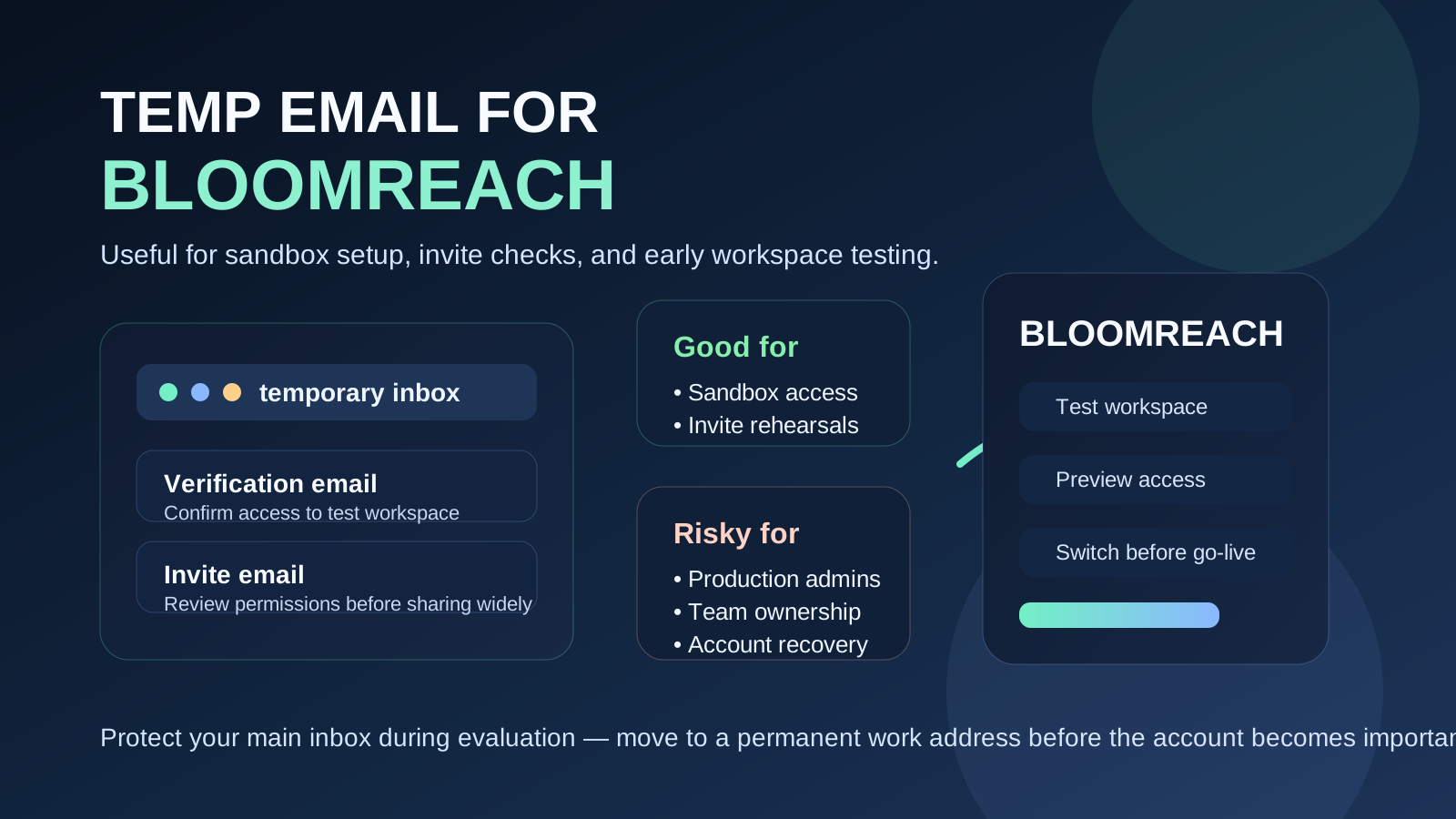
A temp email for Bloomreach can be useful when you are testing a new workspace, verifying a sandbox account, or reviewing early team access without giving your main inbox to every trial or demo flow. It usually makes sense for short-lived evaluation work, but it becomes risky once the account controls real content, live storefront changes, shared admin access, or recovery settings.
That is the practical rule: use a temporary address for low-stakes evaluation, then move to a permanent work inbox before the setup becomes operational or important to other people.
Why someone would use a temp email for Bloomreach
Bloomreach often sits near the intersection of content, search, merchandising, storefront experience, and team collaboration. Even when someone is only doing an early evaluation, the signup flow can still trigger verification emails, invite emails, password setup links, onboarding notes, and follow-up messages. That makes it a reasonable place to use a disposable inbox at the very beginning.
The goal is simple: keep early product exploration separate from your long-term inbox until you know whether the platform is actually worth deeper work. If you are using a service like Anonibox, that separation helps you test quickly without turning one comparison project into months of vendor email.
Short answer: yes for early testing, no for long-term ownership
If you only need to confirm an account, inspect the workspace, review the first invite flow, or compare onboarding between platforms, a temporary inbox is usually fine. If the account will become tied to production content, real team ownership, billing, customer-facing experiences, or account recovery, you should switch to a permanent address you control.
This is not really about Bloomreach alone. It is the normal trade-off for any platform that starts as a test but may eventually become part of a serious website, commerce stack, or digital experience workflow.
When a temp email makes sense
A temp email is most useful in the earliest and safest phase of evaluation. Good examples include:
- Sandbox or proof-of-concept access: you want to look around before attaching a long-term work inbox.
- One-person product comparison: you are comparing Bloomreach against other CMS, search, or commerce-adjacent tools.
- Initial invite testing: you want to see what the invitation and verification flow looks like.
- Short-lived staging exercises: the account is temporary by design and not meant to become the final production owner.
- Inbox protection during vendor research: you want the confirmation emails you need without committing your main address immediately.
In these situations, the inbox is just a practical gate. It gets you through signup, verification, and early setup so you can focus on the product itself.
When a temp email becomes a bad idea
The risk goes up quickly once the workspace matters beyond a quick evaluation. A temporary inbox is a poor choice when any of the following become true:
- The account is now the real admin owner for a production environment.
- Multiple teammates depend on the account for invites, approvals, or access control.
- Password resets and recovery messages matter because losing the inbox would create a real support problem.
- The environment is tied to billing, contracts, or procurement and should live under a stable business address.
- The workspace affects live content or commerce operations where missed messages could slow down launches or troubleshooting.
Temporary email is helpful for access. It is not a good long-term home for organizational control.
How to use a temp email for Bloomreach safely
1. Decide whether this is a real evaluation or just a quick test
Before you sign up, ask a simple question: if this account turns out to be useful, will it need to stay alive and become part of a real workflow? If the answer is yes, plan your handoff early. Start with the temporary inbox only if you know you can move the account to a permanent address before the project becomes important.
2. Generate the temporary inbox first
Create the address before you touch the signup form. That keeps the whole trial or evaluation isolated from your normal inbox from the start. It also makes it easier to see exactly which messages the platform sends during onboarding.
3. Use it only for low-stakes verification and setup
Temporary inboxes work best for the first layer of access: welcome messages, account verification, invite acceptance, or a first password setup flow. If the evaluation begins to involve real team members, shared approvals, or any account that would be painful to lose, stop treating the inbox as temporary and switch.
4. Save important links immediately
If a message contains a login link, invite URL, or setup note you may need later, copy it into your own notes right away. Temporary inboxes are useful because they are lightweight, but that also means you should not rely on them for permanent recordkeeping.
5. Track which workspace used which email
This sounds obvious, but it matters. If you create more than one test environment across different vendors, write down which inbox belongs to which workspace. Otherwise you can waste time later trying to remember which account received which verification link.
6. Move finalists to a permanent address early
Once Bloomreach becomes a serious candidate, change the account email to a stable business address before deeper implementation starts. Do this before real content migration, shared team onboarding, or any handoff to operations, marketing, or engineering.
What you can realistically test with a temporary inbox
A temp email is enough for many early checks. Depending on your evaluation path, you can usually learn a lot from:
- How fast the verification and welcome flow works
- How clear the first login and onboarding emails are
- Whether invite and permission flows feel manageable
- How easy it is to create a safe test workspace
- Whether the platform seems practical for your team’s actual workflow
That is often enough to answer the early buying question: is this promising enough to justify serious time from the real team?
What you should not test with a temporary inbox for too long
There is a line between evaluation and dependence. Once you cross it, the temp inbox becomes more liability than convenience. Try not to leave a disposable address attached when you are doing things like:
- Inviting multiple internal stakeholders who expect stable ownership
- Preparing anything tied to a real launch window
- Connecting processes that may trigger important operational messages
- Assigning long-term admin responsibility
- Treating the account like a production system instead of a trial
As soon as the environment would be genuinely inconvenient to lose, the email should stop being temporary.
What if Bloomreach or the signup flow blocks disposable email?
That can happen. Some platforms reject disposable domains to reduce abuse, fake signups, or low-quality trial accounts. If a temporary address is blocked, do not force the issue. Use a separate permanent inbox or alias that you control instead.
The privacy principle still holds. You do not have to jump straight from “disposable” to “my main forever inbox.” A dedicated work alias for vendor trials is often the best fallback when disposable email is not accepted.
How to decide whether to switch to a permanent address
A quick rule works well here. Switch away from the temp inbox when any one of these becomes true:
- You would care if a reset email disappeared.
- Another teammate now depends on the account.
- The workspace is becoming your preferred platform rather than just one option among several.
- The account is tied to procurement, security review, or implementation planning.
- The environment is close enough to production that missing an email would cause confusion or delay.
If you are hesitating, that usually means it is already time to switch.
Practical mistakes to avoid
Using one temporary inbox for every vendor
That defeats part of the organizational benefit. Separate inboxes or at least separate notes make comparisons much easier.
Leaving the temp inbox attached after a team joins
This is one of the most common mistakes. What starts as a solo test becomes shared work, but the email ownership never gets cleaned up.
Assuming account recovery will be easy later
Maybe it will be. Maybe it will not. It is smarter to switch before you need recovery than to discover the problem during a deadline.
Focusing too much on the inbox and not enough on the product
The point of a temp email is to make evaluation cleaner, not to become the evaluation itself. Use it to get access, then spend your time judging the platform: workflow fit, team usability, governance, onboarding friction, and operational realism.
A simple evaluation checklist
If you are considering a temp email for Bloomreach, run through this list:
- Is this a sandbox, trial, or short-lived proof of concept?
- Will I be the only person using it at first?
- Am I just testing access, setup, and early workflow quality?
- Have I written down the account details and saved key links?
- Do I know the point where I will switch to a permanent address?
If the answers are mostly yes, a temporary inbox is probably reasonable. If several answers are no, you are likely already beyond the safe stage.
Final answer
A temp email for Bloomreach is a smart choice for early evaluation, invite-flow testing, and low-stakes workspace access when you want to protect your primary inbox. It helps you verify accounts, compare onboarding, and keep short-term vendor research organized.
But it should stay temporary. Once the account starts to matter for real people, real ownership, or real operations, move it to a permanent work address you control. That gives you the privacy benefit at the start without creating an account-recovery headache later.