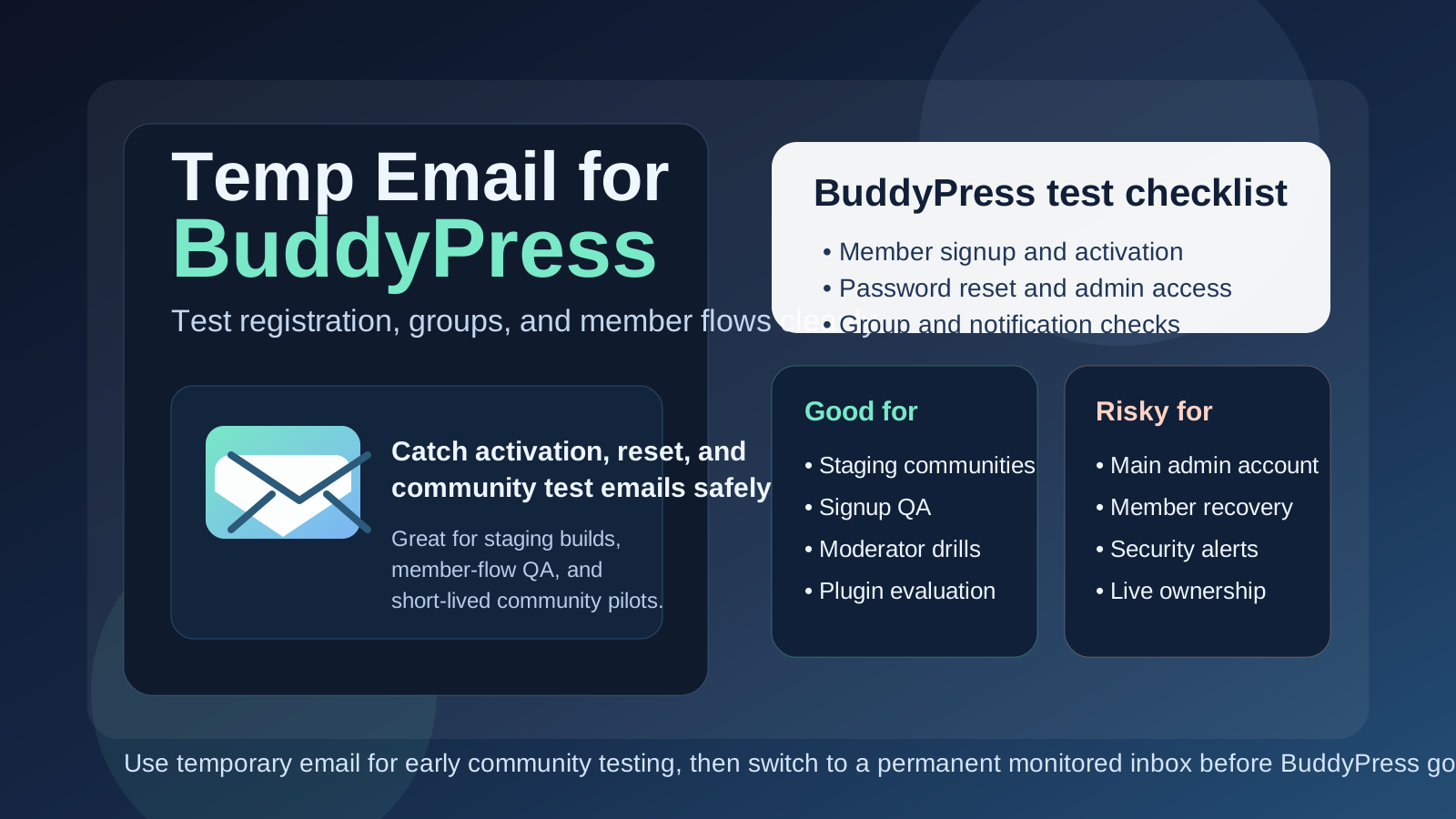
Yes, you can use a temp email for BuddyPress when you are testing member signup, activation links, community profiles, groups, and moderation flows on a staging site. It is useful for early setup and QA, but it is a poor choice for production admins, long-term member access, password recovery, and any account your real community will depend on.
In other words, temporary email fits the testing phase of a BuddyPress community far better than the ownership phase. It helps you move quickly during setup, but it should not become the permanent inbox behind important community accounts.
Why people look for a temp email for BuddyPress
BuddyPress usually shows up when someone is turning WordPress into a community site instead of a simple brochure website or blog. That can mean a private member hub, a niche forum-style community, a school cohort space, an internal team network, a creator membership project, or an early social platform experiment. As soon as registration enters the picture, email becomes part of the workflow.
You may need inbox access for account activation, profile testing, password resets, admin setup, moderation flows, notification checks, test member creation, plugin trials, and one-off staging experiments. If you are building multiple communities or comparing a few membership approaches at once, dropping all of those emails into your everyday inbox becomes annoying fast. A disposable inbox gives you a cleaner sandbox.
That is the real appeal. A temp inbox is not just about privacy in the abstract. It gives you a controlled environment for testing the email-dependent parts of BuddyPress without tying every experiment to your permanent address. Tools like Anonibox fit that early phase well because they keep the noise isolated while you decide whether the project is serious enough to keep.
When a temp email makes sense for BuddyPress
Temporary email is most useful when the BuddyPress setup is clearly exploratory, short-lived, or non-production. Good examples include:
- Testing member registration and activation on a staging or local-to-live preview site
- Checking whether profile creation, group joins, and password resets work correctly
- Comparing BuddyPress with other community platforms before choosing one
- Creating throwaway test members for QA, moderation drills, or plugin compatibility checks
- Reviewing onboarding messages without sending everything to your main inbox
- Running a proof of concept for a client before the real community owners are assigned
These are all temporary workflows supporting evaluation rather than long-term ownership. That is exactly where a disposable inbox can be practical.
When a temp email becomes a bad idea
The trouble starts when a test account quietly turns into a real account. That happens a lot with WordPress-based projects. A quick staging build grows into the actual community, the original admin login stays in place, and suddenly a throwaway inbox controls something important.
A temp email is the wrong choice if it is attached to:
- The primary site owner or long-term administrator account
- A moderator or community manager who will need reliable recovery access later
- Live member onboarding for a real production community
- Password recovery or security notifications for important accounts
- Billing contacts, plugin-license notices, or hosting-related alerts
- Any account that multiple teammates will need to reference over time
Once your BuddyPress site is real, inbox stability matters more than convenience. If an address can disappear, expire, or become inconvenient to access later, it should not be the control point for your community.
A simple rule to keep the decision clear
If the account exists to test something, temporary email can be fine. If the account exists to own something, recover something, or receive something important for the long term, use a permanent monitored inbox instead.
That rule prevents most avoidable mistakes. Many community-site problems are not caused by BuddyPress itself. They happen because people make quick setup choices and never revisit them after the project moves from experiment to production.
How to use a temp email for BuddyPress safely
1. Decide whether the site is truly disposable before you register
Start by asking what this BuddyPress install actually is. Is it a sandbox? A plugin test? A demo for a client? A temporary pilot for a small group? Or is it very likely to become the real community if the first test goes well? If production is even moderately likely, it is smarter to begin with a permanent inbox from day one.
2. Use separate inboxes for separate environments
If you test multiple WordPress community builds using the same inbox, activation messages and reset links blur together. A separate inbox for each environment makes troubleshooting much easier, especially when you are comparing staging, development, and preview builds.
3. Save the messages that matter immediately
In the early testing phase, you usually only need a few messages: activation links, reset emails, maybe an admin confirmation, and perhaps a couple of sample notifications. Capture what matters right away instead of assuming you can always come back later.
4. Switch before inviting real people
The best handoff point is before you invite actual members, moderators, or clients into the system. Once other humans start depending on the site, the inbox behind important accounts should already be stable and monitored on purpose.
What to test while you still have the disposable inbox
If you are going to use a temp email during the BuddyPress evaluation stage, use that window well. The point is not just to see whether one message arrives. The point is to verify that the email-driven parts of the community behave the way you expect.
Member registration and activation
Create a fresh member account and walk through the full process. Does the activation email arrive? Is the activation link easy to use? Does the new member land in the right place afterward? A community site can look polished on the surface while the signup flow still feels clumsy underneath.
Password resets
Do not stop at account creation. Trigger password resets on purpose. Recovery paths matter because they are one of the first things real users rely on when they return after a long gap. If reset emails are delayed, confusing, or misrouted, that is a problem worth catching early.
Admin and moderator flows
If your BuddyPress setup involves moderators, group managers, or multiple admins, test the related login and recovery flows too. A temporary inbox may be fine for early role-based testing, but it should not remain attached to the accounts that will run the community long term.
Community notifications
Depending on your setup and plugins, BuddyPress may send emails connected to registration, mentions, messages, group activity, or moderation-related workflows. Use testing accounts to confirm that the right messages are triggered and that they are understandable from a member perspective.
Plugin and integration behavior
Many BuddyPress sites are not plain BuddyPress sites. They often include membership plugins, ecommerce layers, LMS tools, social extensions, or custom access logic. A disposable inbox helps you test where those pieces overlap without polluting your main address during every trial and error cycle.
Common mistakes people make
- Leaving a temp inbox on the main admin account: the test site quietly becomes the real site.
- Using one inbox for every test member: activation and reset emails become hard to untangle.
- Testing signup but not recovery: the reset path is often more important than the first login.
- Inviting real members too early: the community starts depending on accounts that were never meant to last.
- Forgetting operational email needs: plugin licenses, security alerts, and administrative notices still need a durable owner.
These are not dramatic mistakes on day one, but they can create messy ownership problems later when your community is active and people expect reliability.
Temp email vs separate permanent project inbox
It helps to separate two different privacy strategies:
- Temp email: good for fast staging tests, disposable registrations, and low-stakes experiments
- Separate permanent project inbox: good for production ownership, team continuity, security alerts, and long-term recovery
People sometimes treat them as interchangeable, but they solve different problems. A temporary inbox reduces short-term clutter and exposure. A permanent project inbox creates long-term control. For serious BuddyPress communities, you often want both at different stages instead of expecting one approach to do everything.
A practical workflow that works well
- Create a temporary inbox for staging, QA, or proof-of-concept work.
- Use it to test registration, activation, password resets, and sample community notifications.
- Decide whether the site is disposable, internal-only, or likely to become the real community.
- If the project survives the test phase, move important accounts to a permanent monitored inbox.
- Only then attach real members, moderators, billing contacts, and long-term admin responsibility to those accounts.
This keeps your testing clean without accidentally building your community on top of throwaway contact details.
Where Anonibox fits naturally
Anonibox is most useful at the front of the workflow. It helps you isolate early signup tests, plugin experiments, and member-flow checks so your regular inbox does not become a dumping ground for activation emails, reset links, and one-off WordPress community notifications.
That is genuinely useful when you are evaluating BuddyPress, debugging a staging site, or spinning up multiple test communities. What it should not become is the long-term owner of the accounts that keep your production community running. When the site matters, the inbox behind it should be stable, deliberate, and easy for the right people to access.
Final takeaway
A temp email for BuddyPress is a smart tool for early community testing. It works well for staging environments, throwaway member accounts, activation checks, password-reset QA, and quick plugin experiments where you want less inbox clutter and a bit more privacy.
But once BuddyPress becomes a real community with real members, moderators, and recovery needs, switch to a permanent inbox immediately. Temporary email is great for testing the community. It is the wrong foundation for owning the community.