Yes, you can use a temp email for bbPress when you are testing registrations, activation links, password resets, topic subscriptions, and moderation workflows on a staging or throwaway forum. It is genuinely useful for early QA, but it is a bad fit for live admins, real members, long-term community ownership, or any account that may need reliable recovery later.
Put simply, temporary email works best when the goal is to observe how bbPress behaves without dumping every test message into your main inbox. Once the forum becomes real, the mailbox attached to important accounts should become real too.
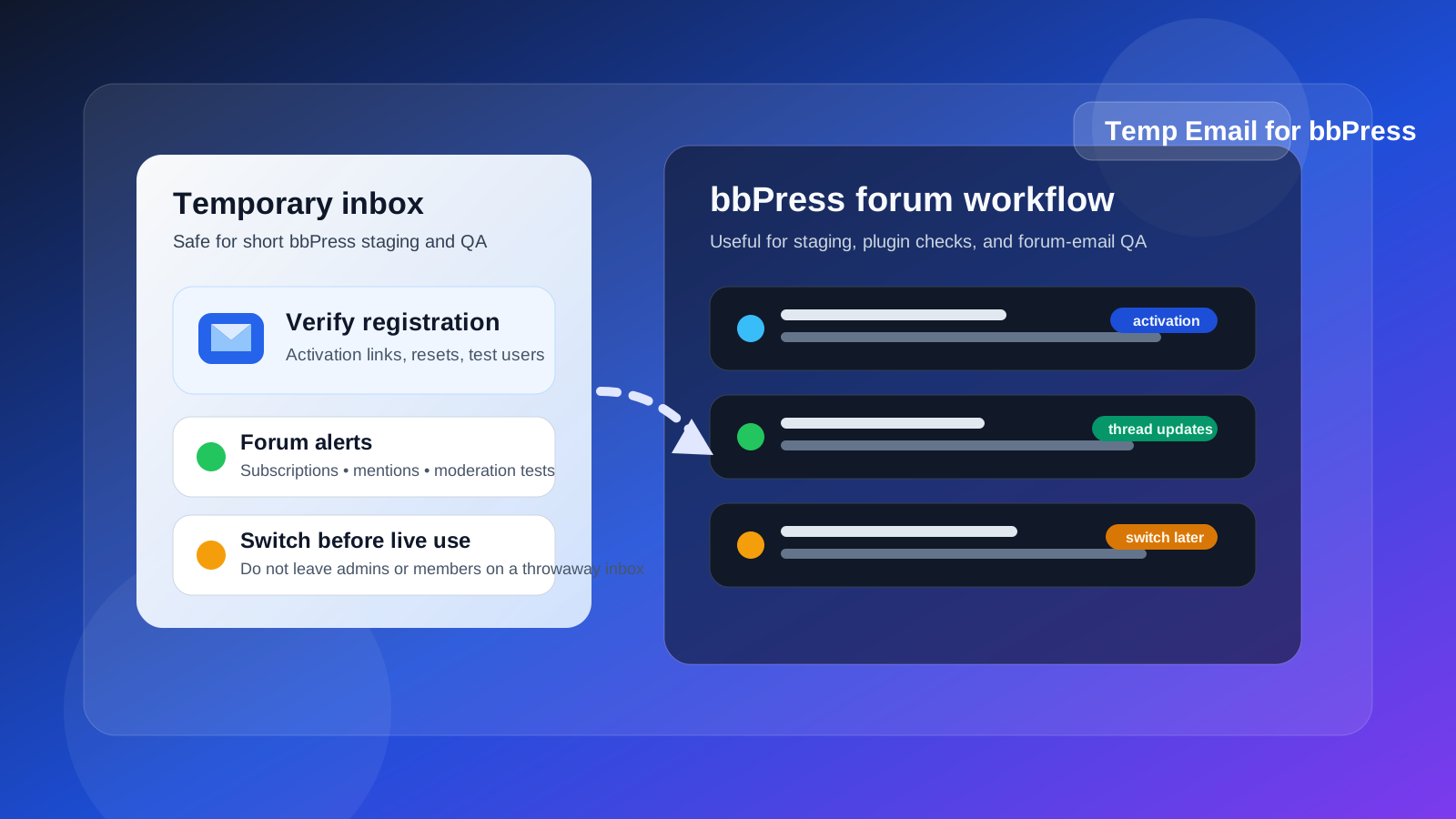
Why people look for a temp email for bbPress
bbPress sits in an interesting spot. It is not just “forum software” in isolation. It usually lives inside a WordPress site that may already have themes, plugins, memberships, comments, contact forms, analytics, caching, user-role rules, and email-delivery settings layered on top. That means even a simple forum test can generate more mail than people expect.
A fresh bbPress setup may send account activation emails, password-reset messages, watched-topic notifications, forum-subscription alerts, moderation notices, admin messages, and plugin-related transactional mail. If you are building a private discussion area, testing a course community, setting up a support forum, or checking a migration, using your permanent personal inbox for every throwaway test account gets old fast. A temp inbox keeps the noise contained while you verify whether the workflow actually works.
That is where a service like Anonibox fits naturally. It gives you a short-lived inbox for low-stakes testing so you can confirm email behavior without tying every experiment to an address you intend to keep using for months or years.
When a temp inbox makes sense on bbPress
The safest use case is simple: the account is temporary, the environment is temporary, or the test is temporary. If losing the inbox later would not damage access, trust, or operations, a disposable address can be a practical tool.
Testing new-user registration
If you want to see whether a new member can sign up successfully, receive activation mail, and reach the forum without friction, a temp mailbox is perfect. You can create a clean user, submit the form, open the verification message, and see exactly what a first-time user experiences.
Checking password-reset and login flows
Reset emails are one of the easiest things to forget until someone complains. A temp inbox lets you trigger password resets repeatedly while you test subject lines, send speed, broken links, redirect behavior, and whether the message lands at all.
Reviewing subscriptions and forum notifications
bbPress communities often rely on email for thread replies, topic subscriptions, mentions, or moderation events. Temporary addresses make it easy to subscribe multiple test users, post replies, and confirm which notifications fire and which do not.
Plugin, theme, or membership integration QA
Many bbPress sites are not plain forums. They are tied into membership plugins, private-group logic, course communities, support portals, or WooCommerce-powered customer areas. A temp inbox helps you safely test how those integrations behave before you invite real people in.
Staging and migration work
If you are moving a forum, rebuilding a community, or importing users from another platform, you may need to create several test identities quickly. Disposable mail helps you rehearse the process without polluting your main inbox or accidentally confusing production communications with staging ones.
Where a temp email becomes risky on bbPress
This is the part people should not gloss over. The forum may feel casual, but the email tied to an account can quietly become part of security, ownership, and long-term community operations.
Live admin or owner accounts
Do not leave your site owner, top administrator, or forum manager account attached to a temporary mailbox. If you ever need password recovery, security alerts, plugin notices, hosting warnings, or account verification later, a dead inbox can become a serious headache.
Moderator and community manager identities
Even if an account is not the top administrator, moderators and managers usually need consistent access to notices, resets, and member-related communication. A temp inbox is fine for rehearsal. It is not fine for the real staff account that will handle disputes, spam cleanup, or escalations over time.
Real members in an active community
If your forum is live and a member actually wants to participate long term, a disposable address can create future problems. They may miss password resets, topic follow-ups, policy notices, or important trust-and-safety communication. That is especially true in private communities where access matters.
Paid or gated communities
Some bbPress sites sit behind memberships, courses, paid support programs, or client portals. In those cases, email is often tied to billing history, access rights, or identity verification. A throwaway inbox is the wrong tool for any account that represents payment, ownership, or a real customer relationship.
A practical temp-email workflow for bbPress testing
If you want to use temporary email without turning it into a future problem, the key is having a clean workflow instead of improvising.
1. Create the temp inbox before you create the test user
Start with the inbox, not the forum account. That way you can keep all verification and notification mail isolated from the beginning and avoid mixing test mail into your normal accounts.
2. Build clearly labeled test identities
Do not create vague accounts that you may later forget about. Label them in a way that makes their purpose obvious, such as staging-member, plugin-test-moderator, or notification-qa-user.
3. Test the full email lifecycle
Do not stop after one confirmation message. For a proper bbPress check, test registration, activation, password reset, topic subscription, reply notifications, moderation messages if relevant, and any membership or role-based messages that matter on your site.
4. Save anything you actually need
If a message contains a useful link, setup detail, or configuration clue, document it before the inbox expires. Temporary mailboxes are best treated as short-lived utilities, not permanent archives.
5. Replace temporary addresses before launch
This is the most important step. If an account matters after testing, swap the address to a permanent inbox before the site goes live or before the account becomes operational in a real community.
What you should evaluate while testing
A temp email for bbPress is not just about privacy. It also gives you a cleaner lens on the quality of your forum setup. While you test, pay attention to questions like these:
- Does the activation email arrive quickly?
- Do password-reset links work the first time?
- Are topic-subscription emails clear, readable, and correctly branded?
- Do notifications fire too often, not enough, or at the wrong times?
- Are forum emails coming from the address you expect?
- Do membership or role restrictions create confusing email behavior?
- Can you safely switch a tested account to a permanent inbox later?
Those answers matter more than the novelty of using a disposable address. The inbox is just a tool. The real goal is to find friction before your real users find it for you.
Common mistakes to avoid
- Leaving important accounts on throwaway mail: the test ended, but nobody switched the address before launch.
- Testing only one message: registration worked, but password resets or thread alerts were never checked.
- Mixing staging and production thinking: a workflow that is safe for a test user may be terrible for a real moderator or owner account.
- Assuming temp email solves deliverability by itself: it helps you observe email flow, but it does not fix server configuration, sender reputation, or plugin conflicts.
- Forgetting the wider WordPress stack: bbPress may behave differently once caching, security plugins, membership gates, or mail plugins are involved.
Should regular members use temp email on bbPress?
Sometimes, but only with realistic expectations. If someone is joining a public forum casually, using a temp inbox for a low-stakes test account may be fine. But if they care about their identity, subscriptions, direct community access, or recovering the account later, a permanent inbox is smarter.
That distinction matters because people often start with “just testing” and then keep using the same account for months. What began as a harmless disposable registration can quietly become the account tied to their posts, reputation, private messages, and recovery path.
Final answer: is a temp email for bbPress a good idea?
Yes, for testing. No, for long-term ownership.
A temp email for bbPress is genuinely helpful when you are checking signups, password resets, subscription mail, moderation flow, plugin behavior, or a staging forum before launch. It keeps your main inbox cleaner and lets you evaluate the user journey with less friction. But once the account belongs to a real admin, moderator, customer, or member who may need dependable access later, a permanent address is the safer move.
If you treat temporary mail as a testing tool instead of a permanent identity strategy, it can make bbPress setup cleaner, faster, and easier to audit without creating avoidable recovery problems down the road.