Yes, a temp email for WPForms is useful when you are only testing a form, checking notifications, or working on a staging site where nothing important depends on the inbox yet.
No, it becomes a bad long-term choice once real leads, customer messages, admin notifications, or account recovery depend on that address, so you should switch to a permanent inbox before the form goes live.
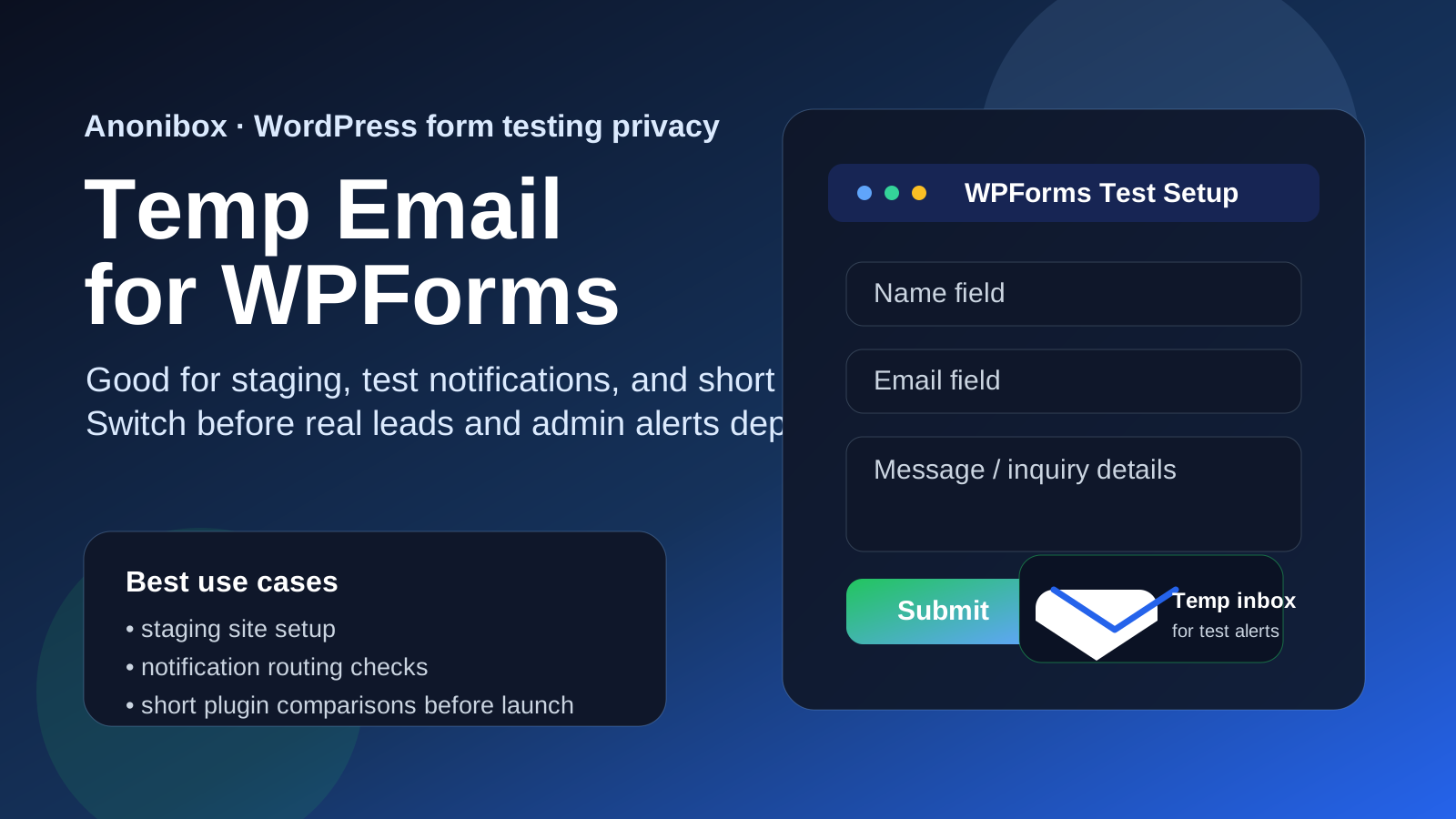
Why people look for a temp email for WPForms
WPForms lives in a very common gray area between “quick test” and “real business workflow.” Someone installs it to check a contact form, compare a few templates, test email routing, or build a quick intake form on a staging site. At that stage, using a temporary inbox feels sensible because it keeps another batch of plugin messages, onboarding notes, and test notifications out of the mailbox you actually use every day.
That instinct is not wrong. If you are only evaluating the plugin or testing a short-lived setup, a temporary inbox can make the process cleaner. You can receive the verification message, confirm the admin notices arrive, run sample submissions, and move on without turning a brief experiment into long-term inbox clutter.
The problem is that WPForms often stops being temporary faster than people expect. A test form becomes the live contact form. A simple quote request becomes a revenue path. An internal registration form starts collecting real submissions. Once that happens, the inbox tied to setup and notifications matters more than it did during the first ten minutes.
When a temp email makes sense for WPForms
A temporary inbox works best when the form setup is clearly low-stakes, isolated, and easy to abandon. That includes situations like these:
- Testing WPForms on a staging or local development site
- Checking whether notifications, confirmations, or autoresponders fire correctly
- Comparing WPForms with Gravity Forms, Formidable Forms, Ninja Forms, Jotform, or Typeform
- Running a short client demo before the real owner inbox is chosen
- Keeping vendor follow-up and plugin-related mail out of your main inbox during evaluation
- Creating a disposable test workflow that will be deleted after the decision is made
In those cases, the inbox is supporting an experiment, not a live business process. That is exactly the kind of boundary where a tool like Anonibox can help. You get the privacy and cleanup benefits of a throwaway address without pretending it should own something important forever.
What a temp inbox actually helps with
People sometimes overestimate what temporary email does. It does not make a form secure by itself, and it does not fix weak operational habits. What it does do is reduce unnecessary inbox exposure during the evaluation phase.
Cleaner plugin and workflow testing
If you are trying several form builders in one week, your inbox can fill up with setup reminders, update notices, onboarding sequences, and “need help getting started?” emails surprisingly fast. A temporary address keeps those messages compartmentalized.
Short-term privacy for low-commitment tests
Not every plugin trial deserves your long-term work or personal address immediately. If you are simply figuring out whether WPForms fits the project, it is reasonable to delay attaching your permanent inbox until the tool earns that level of trust.
Easier cleanup when the test goes nowhere
If WPForms is not the right fit, you are not stuck unsubscribing from another trail of emails later. The experiment ends cleanly, and your main inbox stays focused on the accounts you actually keep.
Clearer separation between sandbox and production
One underrated benefit of temporary email is psychological clarity. A disposable inbox signals that the current setup is still a test. That makes it easier to avoid accidentally treating a half-finished form as if it were already production-ready.
Where a temp email becomes risky
The risk is not using a temp inbox at the start. The risk is forgetting to stop using it once the form starts doing real work.
Real leads and contact requests need continuity
If a live WPForms setup is collecting customer questions, quote requests, event signups, support requests, or sales inquiries, the email behind that workflow needs to be reliable and monitored. A temporary inbox is fragile by design. That is fine for a test submission. It is not fine for real lead capture.
Admin notifications are part of operations
WPForms is often used in workflows where missing one message actually matters. Maybe an admin alert tells you a new application arrived. Maybe a file-upload notification starts an intake process. Maybe a donation or booking request needs a quick response. If nobody is consistently watching the inbox, the form can appear to work while the operational chain behind it quietly breaks.
Recovery and account ownership matter later
Even if your first goal is just evaluation, successful tests have a habit of becoming permanent. When that happens, password resets, support replies, licensing questions, and account recovery suddenly matter. A throwaway inbox is convenient until you need to prove ownership or recover access weeks later.
Team handoffs become messy
Forms rarely stay with one person forever. A developer sets it up, a marketer edits the content, an operations person monitors submissions, and a client expects everything to work. If the setup started with a disposable inbox and nobody replaced it, ownership becomes fuzzy. That is how small admin shortcuts turn into avoidable maintenance problems.
Payment, registration, and upload workflows raise the stakes
Some WPForms setups go beyond a simple contact form. They may handle file uploads, payment-related flows, multi-step requests, registrations, or internal approvals. The more important the workflow, the less defensible a temporary inbox becomes as the address behind it.
A safer workflow: use temp email early, then switch on purpose
The best approach is not “never use temp email” and not “leave it there forever.” It is using temporary email deliberately during testing, then handing off to a permanent inbox before the form becomes operational.
1. Start with temporary email only if the setup is clearly experimental
If the site is local, the form is in staging, or the purpose is pure comparison testing, a temporary inbox is reasonable. If there is a real chance this exact setup will go live quickly, it is often smarter to start with the long-term inbox instead.
2. Save the important messages while the test is fresh
If the plugin sends verification links, license-related notices, or setup instructions you may need again, capture them early. Temporary inboxes are useful precisely because they are lightweight, which also means they should not be treated like permanent archives.
3. Switch before launch, not after
The cleanest handoff point is before the form starts collecting real submissions. Once real people are involved, changing ownership becomes more annoying and more likely to be forgotten.
4. Run final real-world tests after the switch
After you move to the permanent inbox, submit real test entries again. Confirm admin alerts, confirmation messages, routing rules, and any integrations still behave the way you expect. Do not assume the launch version is fine just because the temporary version worked.
5. Make ownership explicit
For anything client-facing or team-owned, decide who monitors the inbox, who can recover the account, and who is responsible if notifications fail. That sounds basic, but it prevents a lot of invisible chaos later.
Practical scenarios where a temp email is a good fit
Good fit: a staging-site form test
You are building a brochure site for a client and want to test a contact form on a staging domain. You only need to confirm the fields work, the notifications arrive, and the layout behaves correctly. No real visitors will use it. That is an excellent use case for temporary email.
Good fit: short plugin comparison
You are comparing WPForms with two or three other builders and want to see which one feels easiest for the project. You do not want several welcome sequences and follow-up messages landing in your main inbox. A temp address keeps the comparison tidy.
Bad fit: a live lead form on a small business site
If the form is collecting quote requests or customer questions from actual visitors, a disposable inbox is the wrong foundation. Those messages are business-critical, even if the site is small.
Bad fit: a shared internal workflow
If teammates rely on the form for approvals, intake, event registrations, or internal requests, the inbox behind it needs continuity. Temporary email creates unnecessary fragility in exactly the place you want stability.
Mixed fit: agency proof of concept that might become production
This is the situation where people get sloppy. If there is a strong chance the prototype will become the real client setup, using temp email is only safe if you already have a clear migration step and you actually follow it before launch.
Common mistakes to avoid
- Leaving the temp inbox in place too long: the test quietly becomes the real form.
- Using one temp inbox for multiple unrelated projects: messages blur together and ownership gets confusing.
- Skipping post-migration testing: the permanent inbox is added, but nobody confirms the notifications still work.
- Letting client-facing forms inherit test settings: a staging shortcut leaks into production.
- Treating privacy convenience like operational policy: what is smart for evaluation can be reckless for live workflows.
A quick checklist before you use a temp email for WPForms
- Is this form definitely still in testing or staging?
- Will no real lead, customer, applicant, or teammate depend on the inbox yet?
- Do I already know which permanent inbox should own the setup if we keep it?
- Will I switch the address before launch rather than “sometime later”?
- Would losing access to this inbox cause any real operational problem?
If the answers stay low-risk, a temp inbox is fine. If the workflow already matters, the address should be durable from the start.
Final takeaway
A temp email for WPForms is a practical tool for early testing, plugin comparison, and staging-site experimentation. It helps you keep short-lived setup messages and notification checks out of your main inbox while you decide whether the form belongs in the project.
But once the form starts collecting real leads, customer requests, admin alerts, or anything tied to ownership and recovery, temporary email stops being a convenience and starts being a liability. Use it to evaluate the workflow, not to own the workflow.