Yes, a temp email for GitBook can make sense when you are only testing a docs workspace, previewing the editor, or comparing documentation platforms without feeding more trial mail into your main inbox.
No, it is a poor long-term choice once shared workspaces, published docs, billing, contributor access, or account recovery depend on that address still being available.
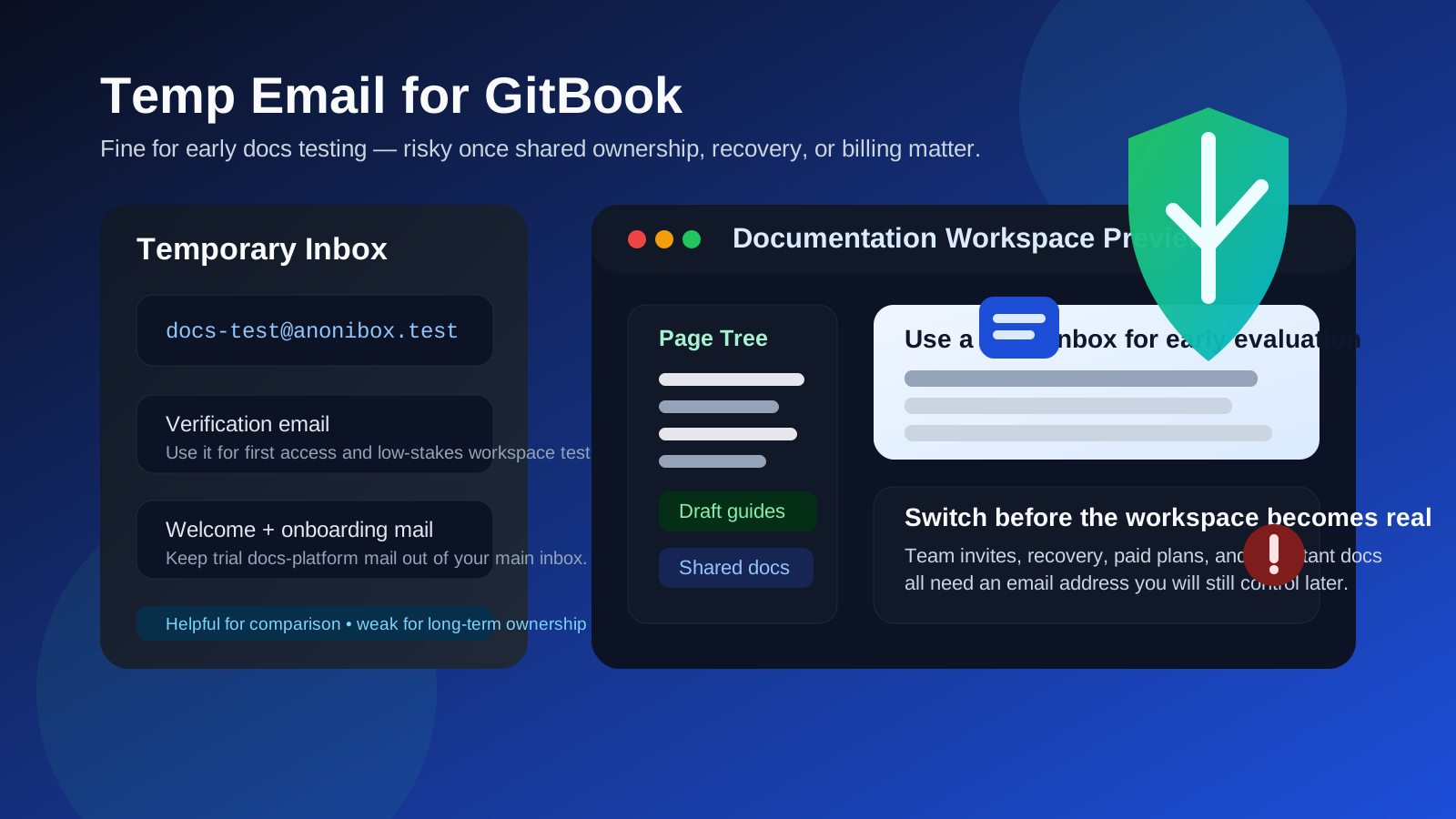
If you compare documentation tools regularly, you already know how quickly the signup noise can pile up. One afternoon of testing can turn into welcome emails, template suggestions, publishing tips, product updates, webinar invites, and follow-up messages from platforms you may never use again. A temporary inbox can be a simple way to keep that early research phase from taking over your real email.
GitBook fits that pattern well because many people arrive there in evaluation mode. They want to see how the editor feels, how page trees are organized, how sharing works, and whether the overall workspace is good enough for internal docs, product documentation, onboarding notes, or knowledge-base experiments. In that stage, a disposable address can be useful.
But the email decision stops being small once the workspace becomes real. If your docs start holding meaningful content, if teammates are invited in, or if account recovery, billing, and admin access start to matter, a burner inbox stops being tidy and starts becoming a liability.
When a temp email for GitBook makes sense
There are several normal situations where using a temporary address is reasonable.
- Quick docs-platform comparison: you are looking at GitBook alongside tools like Mintlify or Redocly and want to keep each evaluation separate.
- One-off workspace preview: you only need to verify the account, inspect the editor, and decide whether the workflow feels right.
- Low-stakes experimentation: you are testing structure, navigation, or publishing flow without expecting the account to become important later.
- Inbox hygiene: you want confirmation messages and initial onboarding, but not a long stream of docs-software marketing in your main inbox.
- Throwaway testing: the account truly is temporary, and no valuable content or ownership will stay tied to it.
That is the right zone for a temp inbox. You get access to the setup email and first-run guidance, but you avoid handing your permanent identity to every product you test for twenty minutes.
Why people look for a temporary inbox here
Most people searching this are not trying to do anything suspicious. They usually want one of three things: less inbox clutter, more privacy during software evaluation, or cleaner separation between casual testing and real work.
That is sensible. Documentation projects often start small. Someone on the team wants to test a better docs editor, compare publishing workflows, or see whether a new knowledge-base tool could replace a patchwork of markdown files, wikis, and internal notes. During that stage, a temporary inbox feels efficient because it keeps exploration lightweight.
Using Anonibox or another disposable inbox can absolutely help with that first pass. The problem is not the initial signup. The problem is forgetting to change course once the workspace stops being temporary.
Where a disposable inbox becomes risky
The danger shows up later, when the docs workspace matters more than you expected.
1. Content ownership can become important fast
A workspace that begins as a trial often turns into something more useful than expected. Maybe the page structure feels good. Maybe the search works better than your current setup. Maybe the preview links are clean enough that a teammate starts using them right away. If important content ends up living there, you do not want ownership tied to an inbox that disappears.
2. Shared workspaces need continuity
Documentation is often collaborative. Once teammates, contractors, or clients are invited into a shared environment, account continuity matters. A disposable email is fine for solo testing; it becomes a weak foundation when multiple people may depend on stable admin access.
3. Recovery and security messages are not optional
When you need a password reset, a login alert, or another account-confirmation message, you need the inbox to still exist and still be monitored. Disposable email decisions often seem clever right up until recovery becomes necessary.
4. Billing and plan changes deserve a permanent address
If the account moves beyond a free trial, anything involving invoices, renewals, payment notices, or workspace upgrades belongs on a stable email address. It is never worth saving a few marketing messages if the trade-off is losing visibility into something you are paying for.
5. A temporary test can quietly become a long-term habit
This is one of the most common mistakes. Someone signs up quickly, meaning to test for an hour. A week later the workspace still exists. A month later there are real docs in it. What started as a harmless shortcut becomes an unnecessary ownership risk.
A practical rule of thumb
Use a temp email for GitBook only if the workspace is temporary too.
If you are just evaluating the interface, testing the publishing flow, or comparing docs tools without committing to one, a disposable inbox is reasonable. If the workspace may become the home for real documentation, shared editing, or ongoing account ownership, switch to a permanent address early or start with one from the beginning.
How to use a temp email for GitBook without creating problems later
1. Decide whether this is a trial or a real workspace
Before signing up, ask a simple question: is this truly an experiment, or is there a real chance this workspace will survive beyond today? If it may turn into a real documentation home, treat the email choice as important from the start.
2. Keep the first evaluation focused
A temporary inbox works best when the testing session is deliberate rather than vague. Move through a short checklist:
- Is the editor comfortable for the kind of docs you actually write?
- Can you organize pages and navigation in a way your team will understand?
- Do previews, sharing, and publishing feel clean enough for real use?
- Does the workspace help you work faster, or is it just visually nicer than your current system?
- Would you trust this setup enough to migrate important docs into it?
That kind of focused session is where a temporary inbox helps. You get in, you learn what you need, and you keep your main inbox free from low-value follow-up mail.
3. Save the small number of emails that actually matter
During early evaluation, you usually only need a few messages: the verification email, perhaps a welcome link, and maybe one or two setup notes you want to compare later. Save those if they matter. Do not assume the inbox will still be around when you revisit the test next week.
4. Switch before team invites or real ownership matter
The best time to move to a permanent address is before coworkers are invited, before important content accumulates, and before the workspace becomes part of a real workflow. Early switching is easy. Late switching is where inconvenience starts turning into risk.
5. Do not let a throwaway setup become operational by accident
If the docs workspace becomes useful, formalize it. Move account ownership to a real monitored email. Make sure the right person or team controls recovery. Treat documentation infrastructure with the same seriousness you would give any other shared business system.
When a permanent inbox is the better choice from day one
- you expect to keep the workspace beyond a quick evaluation
- multiple people may need access
- the docs may become customer-facing or operationally important
- billing, subscriptions, or workspace upgrades may enter the picture
- you care about a reliable recovery path
- the account may become part of real company knowledge management rather than casual exploration
If any of those sound true, the convenience of a disposable inbox is smaller than the long-term hassle it can create.
Realistic examples
Example 1: solo comparison of docs platforms
You want to compare GitBook, Mintlify, and Redocly over one afternoon to see which one feels best for documentation structure and publishing flow. A temp inbox is sensible here because the goal is short-term evaluation, not long-term ownership.
Example 2: a personal side project that may never launch
If you are experimenting with a docs workspace for a small hobby tool or rough internal notes, a temporary address can still be fine at the beginning. The important part is recognizing when the project stops being disposable.
Example 3: a team knowledge base that people will rely on
Once a docs space is likely to hold onboarding material, product docs, SOPs, or support information that real people depend on, the account should sit on a durable monitored email from the start.
Common mistakes to avoid
- Using a throwaway inbox for a non-throwaway workspace: this is the biggest mistake by far.
- Waiting too long to switch emails: people often plan to fix it later, then later arrives after shared access already depends on the account.
- Thinking only about signup privacy: long-term recovery and ownership are usually the bigger issue.
- Ignoring collaboration: documentation tools often become shared systems faster than expected.
- Letting trial behavior become production behavior: what works for a quick test is not always suitable for real operations.
How this fits the broader temp-email pattern
The same logic shows up across adjacent documentation and API-tool articles on Anonibox. A burner inbox is often useful while you are evaluating a tool, checking the first-run experience, or keeping vendor mail contained. It becomes risky the moment the account starts holding anything meaningful: team access, persistent workspaces, important content, billing, or recovery responsibility.
That is exactly why temporary email is best treated as an early-stage privacy tool, not a long-term account strategy.
Final takeaway
A temp email for GitBook is a practical choice when you are doing short-lived docs-platform research, low-stakes workspace testing, or an early comparison of documentation tools.
It is the wrong choice once the workspace becomes important for shared docs, contributor access, billing, or account recovery. Use temporary email for the evaluation phase if you want better inbox privacy, then switch to a stable address before the workspace becomes something you actually need to keep.