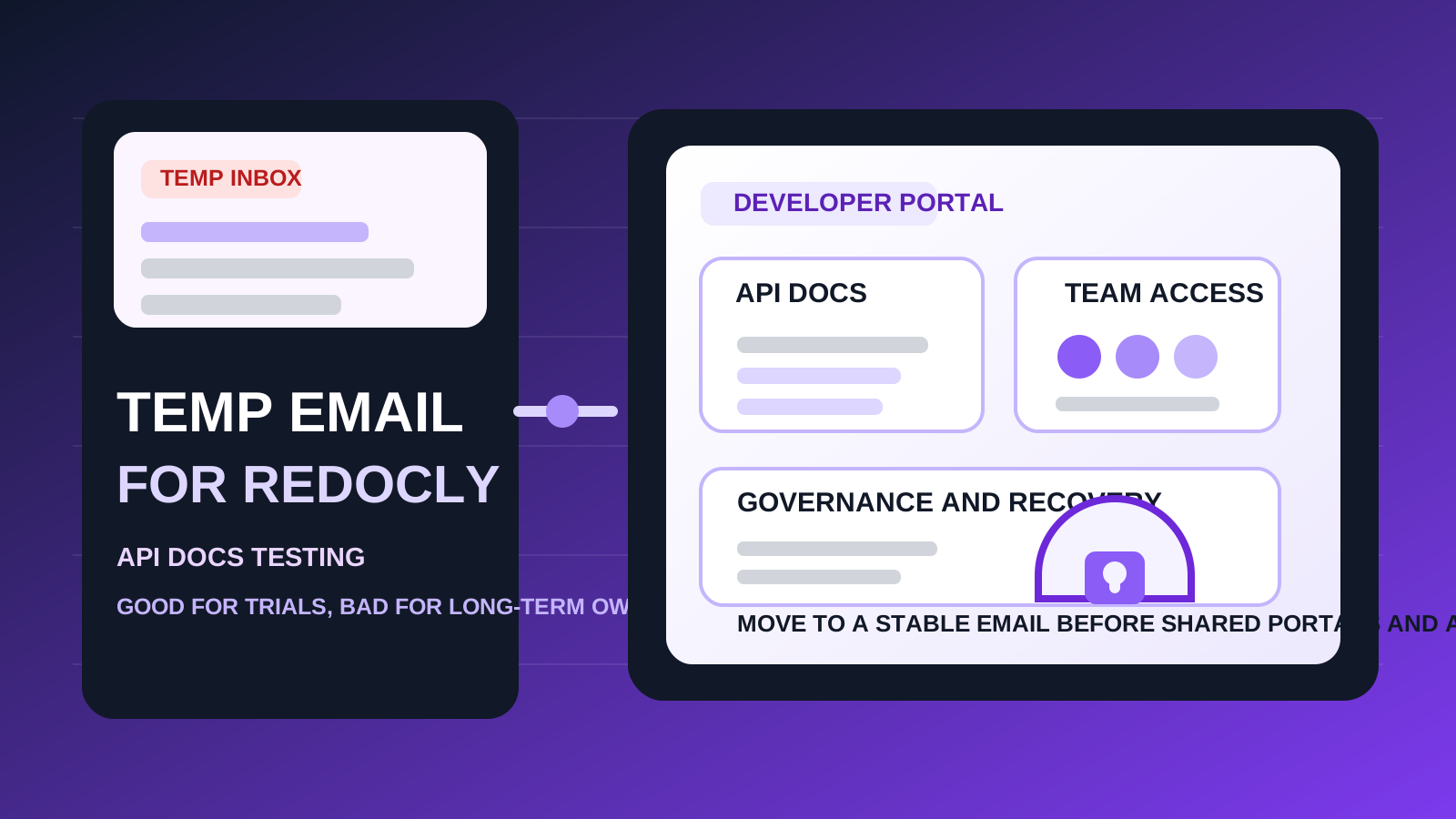
A temp email for Redocly is fine for early API docs testing, quick trial signups, and low-stakes workspace evaluation.
It becomes a risky choice once shared portals, team access, governance workflows, or account recovery depend on that inbox.
If you are comparing API documentation and developer portal tools, it is easy to create too many accounts too quickly. A platform wants your email before it lets you test docs, branding, portals, governance controls, or collaboration features. That is normal, but it also means your main inbox can collect another stream of welcome emails, webinar invites, release notes, pricing nudges, and “book a demo” follow-ups before you even know whether the product deserves a second session.
That is where a temporary inbox can be helpful. A service like Anonibox lets you receive the initial verification email and early setup messages without immediately attaching your permanent address to every trial. For Redocly, that can work well during the first pass, especially if you are reviewing multiple API tooling options in the same week. But there is a big difference between testing a developer portal and depending on it. Once a Redocly account starts holding shared docs, team settings, or governance workflows, the inbox behind it stops being a small detail.
So the practical answer is simple: use a temp email for Redocly when the account is temporary. Stop using one when the work is not.
When a temp email for Redocly makes sense
There are several low-stakes situations where a disposable inbox is perfectly reasonable.
- First-pass evaluation: you mainly want to see how the interface feels, how portal setup works, and whether the product is worth deeper time.
- Side-by-side comparison: you are testing Redocly alongside tools like SwaggerHub, Stoplight, Postman, or Insomnia and want to keep each signup isolated.
- Short-lived research: you only need the verification link, a quick product tour, and enough access to judge the portal and docs workflow.
- Inbox hygiene: you do not want months of marketing email from a tool you may reject after one afternoon.
That is the best use case for temporary email: low commitment, short duration, and limited consequences if you never sign in again.
Why Redocly becomes riskier than a casual trial tool
Redocly is not just a one-time signup gate. If you adopt it, the account can quickly become tied to docs quality, portal access, API governance, and team collaboration. That changes the stakes.
1. Shared portals need continuity
If your team starts building a real developer portal, the account stops being disposable even if the email originally was. Portal settings, branding, publishing workflows, and access decisions all become easier to manage when the account belongs to a stable inbox your organization actually controls.
2. Team access becomes part of the workflow
API docs are rarely a solo concern forever. Product teams, platform engineers, technical writers, and reviewers may all become involved. If invitations, admin changes, or permission notices are going to a temporary inbox, you are building future friction into a workspace that should get more stable over time, not less.
3. Password resets are where disposable email usually breaks down
The first login is almost never the problem. The problem is the fifth login, three weeks later, when you need a password reset, security confirmation, new-device approval, or account recovery email. Disposable inboxes are great for quick access and weak for long-term ownership.
4. Governance work tends to matter more later
A docs or portal tool may look like a simple evaluation on day one, but once style rules, linting expectations, review processes, or publishing decisions get attached to it, the account becomes operational. At that point, the email address behind it matters more than the convenience you gained during signup.
A practical rule of thumb
Use a temp email for Redocly if you are evaluating the product. Do not use one if you already expect the account to become part of real API docs, portal publishing, or governance work.
That rule solves most of the confusion. Temporary inboxes are good for reducing early clutter and protecting your primary email during product research. Permanent inboxes are for ownership, collaboration, and recovery. Problems start when a casual signup quietly turns into a real team system.
How to use a temp email for Redocly without creating a mess later
1. Decide whether this is a trial or the start of adoption
Before you sign up, be honest about what you are doing. If this is just an exploratory session, a disposable inbox is reasonable. If you already suspect Redocly may become the home for real docs or a real portal, start with a permanent email and skip the cleanup step.
2. Save the important early messages
In a short evaluation, you usually only need a few emails:
- the verification message
- initial onboarding notes
- any product-tour or setup details you may want later
- plan or workspace information worth keeping if you recreate the account
Do not assume you will remember everything or that the inbox will still be convenient later. Capture the details that matter during the first session.
3. Test the real decision points, not just the homepage
If you are using a temporary inbox for evaluation, make the evaluation count. Look at the parts that actually determine whether the tool fits your team:
- how easy it is to organize and present API documentation
- whether portal navigation feels clear to developers
- how publishing and collaboration seem likely to work in practice
- whether governance or linting features match your standards
- how comfortable you would feel inviting teammates into the workspace
The goal is to leave the session with a real decision, not just another account sitting around in limbo.
4. Switch early if the tool starts to matter
The safest time to move from a temporary inbox to a durable one is before the account becomes important, not after. Do it before shared portals go live, before reviewers start depending on notifications, before admin ownership gets fuzzy, and before recovery matters.
When a permanent inbox is the better choice from day one
Start with a normal long-term email address if any of these are true:
- you expect to keep the account beyond a quick trial
- the account may become part of a real developer portal workflow
- multiple teammates may need access
- you care about dependable password resets and security notices
- you want the account to reflect real business ownership rather than a throwaway experiment
Once one or more of those conditions apply, the short-term convenience of disposable email is usually not worth the long-term fragility it creates.
Realistic examples
Example 1: comparing docs tools in one afternoon
You want to open a few products, review the portal experience, and compare how each platform presents API references. A temporary inbox works well here because the goal is fast comparison rather than long-term use.
Example 2: solo platform engineer doing research
If you are investigating tools for your team but have not chosen one yet, a temp inbox can help keep research separate from your permanent work address. You can verify the product, inspect the workflow, and avoid turning a quick evaluation into a long email trail.
Example 3: docs lead planning a real rollout
This is where disposable email becomes the wrong tool. If the account may soon control portal settings, team access, or governance rules, the smarter move is to start with a stable inbox your organization can keep and recover reliably.
Common mistakes to avoid
- Using a throwaway inbox for a non-throwaway account: the biggest mistake is letting a quick test silently become a production workspace.
- Waiting too long to migrate: if the tool becomes useful, move to a permanent email before more settings, reviewers, or ownership get tied to the old inbox.
- Thinking only about signup privacy: inbox clutter matters, but recovery, permissions, and long-term control matter too.
- Ignoring shared ownership: once more than one person may rely on the account, email stability matters much more.
- Treating docs software as equally disposable: some tools quickly become part of real engineering workflow, which raises the cost of a casual signup choice.
A clean way to evaluate Redocly
- Use a temporary inbox only for first-pass evaluation.
- Verify the account and review the initial onboarding.
- Test portal structure, docs quality, collaboration, and governance fit in one focused session.
- Decide quickly whether the product is forgettable or operationally relevant.
- If it is relevant, recreate or update the account with a permanent inbox before shared portals and real team ownership begin.
That workflow gives you the privacy and inbox-control benefits of temporary email without pretending a disposable address is a smart long-term foundation for API documentation work.
Final takeaway
A temp email for Redocly is useful when you want to explore the product, compare it against other API docs tools, and keep trial noise out of your main inbox.
It is a poor long-term choice once shared portals, team access, governance workflows, or account recovery matter. Use temporary email for the trial stage, then switch to a stable address before the account becomes part of real developer operations.