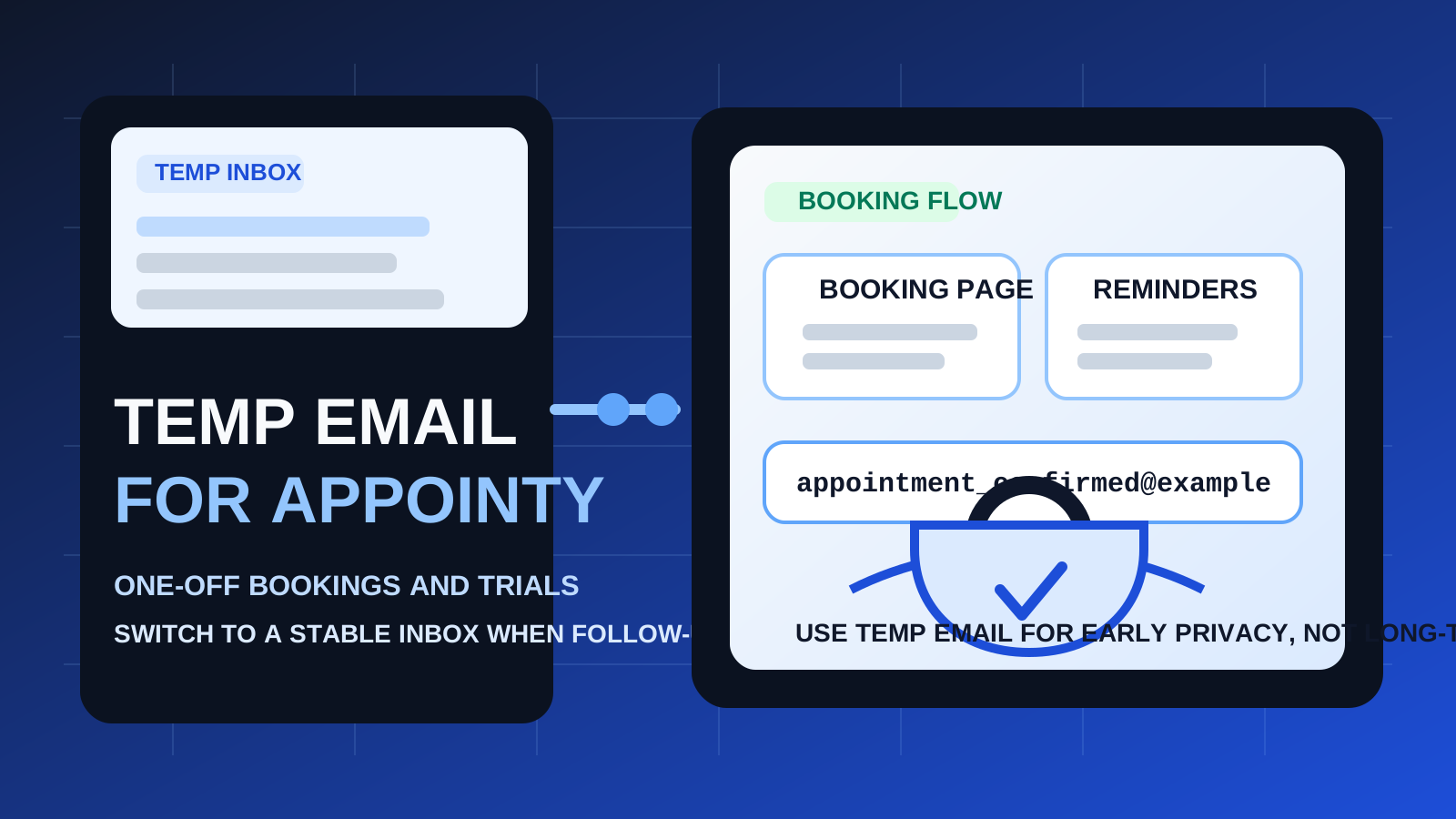
A temp email for Appointy is useful when you want to book something once, test the platform, or avoid giving out your main inbox too early.
It becomes a poor choice once reminders, reschedules, client conversations, or ongoing appointment history actually matter.
If you have ever clicked a booking link and wondered whether you really want another service, salesperson, recruiter, consultant, or provider to have your main email forever, that is the exact moment this keyword makes sense. A scheduling form looks simple. You pick a time, confirm your details, and expect the interaction to stay small. In practice, that email address often becomes the thread for confirmation messages, reminder emails, reschedule notices, post-meeting follow-ups, and sometimes future outreach long after the appointment is over.
That is why people look for a temp email for Appointy. They usually are not trying to game the system. They want a sensible amount of privacy while they test a booking flow, compare providers, or keep low-commitment appointments from spilling into the inbox they use every day. A tool like Anonibox can be a practical fit at that stage. You still receive the confirmation message you need, but you do not have to turn every one-off booking into a permanent inbox relationship before you know whether it is worth it.
The catch is that scheduling tools become more important very quickly. The same appointment that felt disposable during signup can become a real client call, a recruiting screen, a medical consultation, or a sales conversation where the reminder and follow-up matter more than the original confirmation email. So the right answer is not simply “yes” or “no.” It depends on whether the booking is temporary, and whether you expect the relationship behind it to stay temporary too.
When a temp email for Appointy makes sense
A temporary inbox is most useful when the booking is low-stakes, short-lived, and easy to replace if plans change.
1. One-off appointments you do not expect to continue
If you are booking a single introductory call, an exploratory consultation, or a quick service conversation, using a temporary email can be a clean way to receive the confirmation without giving your primary address away immediately. This is especially helpful when you are comparing several options in the same week and do not want each one generating its own follow-up trail forever.
2. Testing Appointy itself before you commit
If your goal is to evaluate Appointy as a scheduling platform, a disposable inbox can be completely reasonable for the trial stage. You may only need the verification email, a couple of onboarding messages, and enough time inside the interface to decide whether the booking flow feels right. That is the kind of short evaluation window where a temp inbox helps more than it hurts.
3. Protecting your main inbox from demo and lead capture spillover
Booking tools often live close to marketing, lead generation, and sales workflows. What starts as a meeting request can turn into nurture emails, reminders to book again, related service offers, or “just checking in” messages. If you are not ready for that, separating the appointment from your main inbox can be smart.
4. Organizing short bursts of research
Sometimes privacy is not only about secrecy. It is about inbox hygiene. If you are reviewing several scheduling products or talking to several providers, a temporary address lets you keep the research phase contained. That makes it easier to compare what actually matters instead of sorting through months of residual messages later.
Why Appointy can outgrow a disposable inbox quickly
Scheduling tools are not like a simple newsletter signup. The first email may not matter much. The later ones often do.
Reminder and reschedule emails are usually more important than the signup
People often focus on the initial confirmation email because that is the message they expect. But reminder emails, time changes, updated meeting links, reschedule notices, or post-appointment follow-ups are often the messages that carry the real value. If you stop checking a temporary inbox too soon, you can miss the one message that mattered most.
Real client or candidate communication needs continuity
If an appointment turns into an ongoing relationship, the email attached to the booking becomes part of your operating system. That matters if you are talking to a client, a recruiter, a consultant, or any provider you may need to contact again. Disposable email stops making sense once continuity matters more than initial privacy.
Account recovery can become a problem later
If you are using Appointy for your own scheduling setup rather than merely booking through someone else’s page, the account itself may become valuable. Password resets, suspicious login alerts, configuration changes, or billing-related notices usually go to the email tied to the account. A throwaway inbox is fine for a throwaway trial, but it is weak long-term infrastructure.
Shared scheduling workflows raise the stakes
The moment teammates, assistants, coordinators, or clients are involved, reliability matters more than privacy convenience. If people are depending on the booking workflow, it is better to use an email address you control and monitor consistently.
A simple rule of thumb
Use a temp email for Appointy when you are testing or screening. Do not use one when the appointment or the account is becoming real work.
That rule solves most of the confusion. Temporary email is good for exploration, comparison, and protecting your main inbox during low-commitment stages. A stable inbox is better for communication, account recovery, and anything you expect to continue.
How to use a temp email for Appointy without creating problems later
Decide what kind of booking this is before you start
Ask yourself a basic question: is this a one-time interaction, or could it become an ongoing relationship? If it is truly one-off, a disposable inbox is reasonable. If you already suspect there may be multiple appointments, paperwork, or ongoing follow-up, starting with a permanent address is usually the smarter move.
Use the temp inbox only for the part of the process where it helps
A temporary address is best used narrowly. Let it cover:
- the signup or booking confirmation
- the first reminder or onboarding email
- a quick evaluation period
- short comparison sessions across multiple providers or tools
Do not treat it like permanent infrastructure for an ongoing appointment system.
Save the important details right away
If you book with a temporary inbox, keep copies of anything that would be annoying to lose. That may include the calendar invite details, the booking reference, the meeting link, the provider name, or instructions attached to the appointment. The biggest mistake with disposable email is acting as if the inbox will always be there when you need it later.
Switch early if the relationship becomes real
If the first appointment goes well and you know there will be another one, change course before the workflow gets messy. Move to a permanent email before recurring reminders, rescheduling, payment notices, or ongoing communication become part of the relationship.
When a permanent inbox is the better choice
There are several cases where using your regular monitored email is clearly the safer option.
- Job interviews or recruiter screens: if someone uses Appointy to schedule hiring conversations, reliability matters more than keeping the interaction out of your main inbox.
- Client work: if the appointment could lead to a proposal, contract, invoice, or project, you want continuity.
- Medical, legal, or financial appointments: even if the booking starts small, the information can become sensitive fast.
- Recurring services: coaching, consulting, tutoring, therapy, and similar appointments usually need an address you can keep using.
- Your own long-term Appointy account: if you are setting up live scheduling for your business, do not anchor it to a disposable inbox.
Examples that make the trade-off clearer
Example 1: comparing several providers in one afternoon
Say you are trying out several consultants, agencies, or service providers and each one sends you a booking page. Using a temporary inbox can be sensible here. You still receive the confirmations you need, but your primary inbox does not get permanently attached to every exploratory call.
Example 2: testing Appointy as a scheduling product
If you are evaluating Appointy against tools like YouCanBookMe, zcal, SimplyBook.me, or Setmore, a temp inbox is a practical way to keep the trial stage organized. It lets you confirm the account, see the booking workflow, and avoid committing your main inbox before you know which tool is worth deeper evaluation.
Example 3: booking a screening call that might turn into ongoing contact
This is where you should think twice. If the first call could lead to multiple meetings, documents, deadlines, or follow-up actions, the reliability cost of a disposable inbox may be bigger than the privacy benefit.
Common mistakes to avoid
- Using a throwaway inbox for something that is no longer throwaway: the booking may start casually, then become important very quickly.
- Ignoring reminder emails after the initial confirmation: the first message is rarely the only one you need.
- Forgetting that scheduling tools can trigger long-tail follow-up: sometimes the inbox clutter comes after the meeting, not before it.
- Delaying the switch to a permanent address: if you know the relationship matters, change early instead of waiting for a problem.
- Treating privacy and reliability as if they are enemies: the real goal is balance. Protect your main inbox when the interaction is low-stakes, but use stable contact details when dependability matters.
A practical checklist before you use a temp email for Appointy
- Is this appointment truly one-off?
- Would I care if I missed a reminder or reschedule email?
- Could this turn into an ongoing client, recruiter, or provider relationship?
- Am I testing the platform or depending on it?
- Do I need a searchable long-term record of this conversation?
If most answers point to a low-stakes, temporary interaction, a disposable inbox can be a good fit. If several answers point toward continuity, a permanent email is the better option.
Final takeaway
A temp email for Appointy is a smart privacy move for one-off bookings, early testing, and low-commitment scheduling.
It is the wrong long-term setup for real client communication, recurring appointments, or any account you may need to recover later. Use temporary email to protect your inbox during the exploratory stage, then move to a stable address before reminders, reschedules, and ongoing appointment history start carrying real importance.