Yes, you can use a temp email for zcal when you want to test booking links, request a demo, or keep early scheduling trials out of your main inbox.
No, it is not a good long-term setup once reminders, reschedules, shared scheduling workflows, or account recovery start to matter.
That is the practical answer. A temporary inbox works well when your zcal account is still temporary too. If you are only checking the signup flow, comparing scheduling tools, or seeing how a booking page feels before handing out your real address, a disposable inbox can reduce noise. If you are about to rely on the tool for real meetings, real prospects, or real clients, a permanent inbox is the safer move.
Scheduling tools sit in an awkward middle ground for temporary email. They are not just content gates, but they are not always long-term systems on day one either. The same account that starts as a harmless test can later become tied to booking links, appointment confirmations, calendar-related follow-ups, and password recovery. That is why a temp email can be smart at the beginning and careless later on.
If your goal is first-pass evaluation, a temporary inbox from a service like Anonibox can help you protect your main address from another round of demo follow-ups and nurture emails. If your goal is dependable scheduling, a monitored permanent address is usually the better foundation.
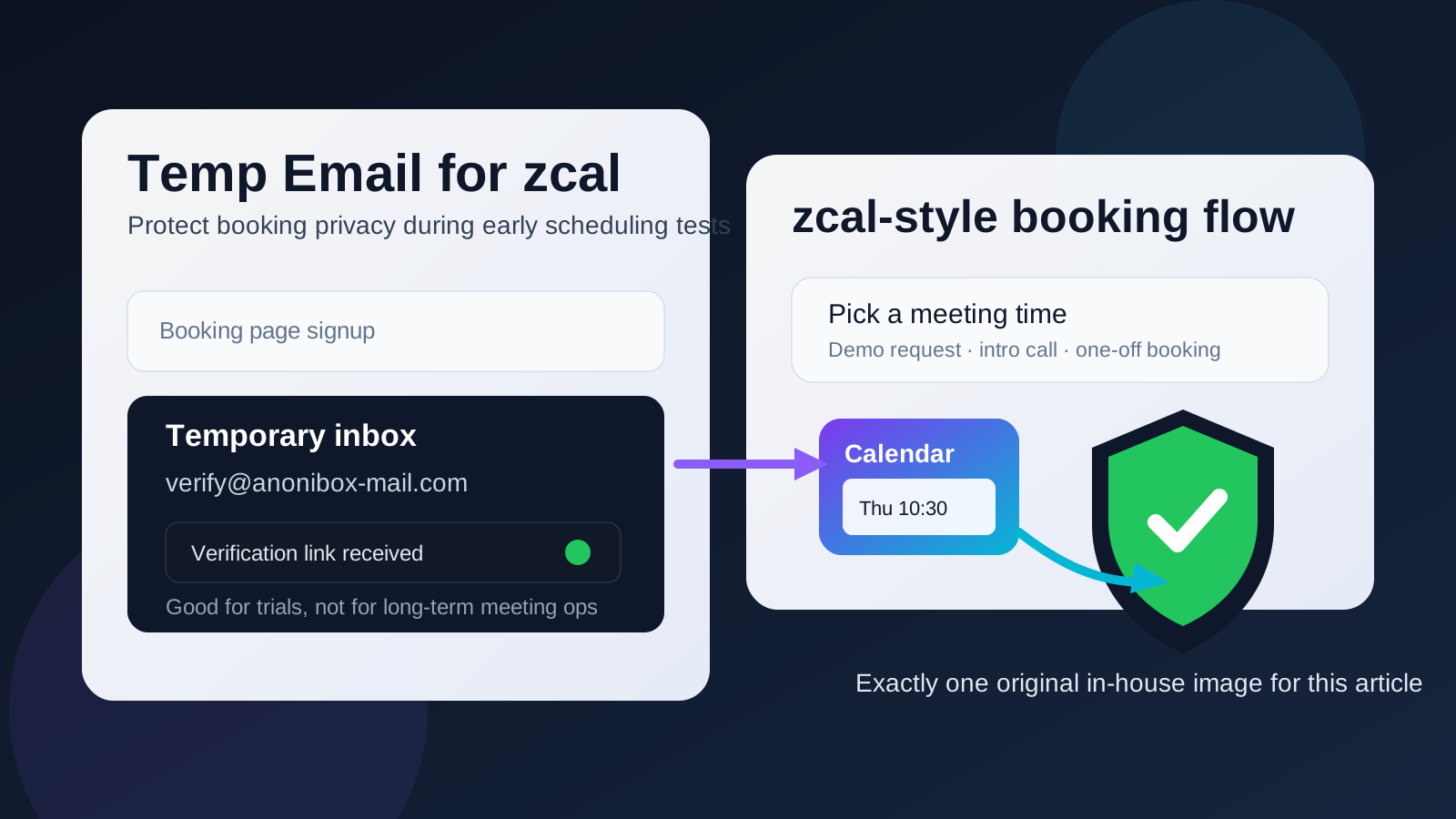
When a temp email for zcal makes sense
A disposable inbox is most useful when the zcal account itself is disposable.
- Testing booking links: You want to see how the flow works before tying it to your everyday inbox.
- Requesting a demo: You are interested enough to look around, but not ready to invite long-term sales follow-up.
- Comparing scheduling tools: You may be checking zcal against other products and want to keep the research phase organized.
- Short sandbox sessions: You only need the verification email and a few onboarding messages to evaluate the product.
- Inbox hygiene: You want trial activity separated from your main work or personal email until the tool proves useful.
That is the sweet spot. You still receive the verification message and early setup details, but you do not immediately commit your permanent inbox to a tool you may never use again.
Why a temp email can become risky later
The problem is not usually the first email. The problem is everything that comes after it.
1. Important scheduling messages often arrive later
During a trial, the first email may only confirm the account. Once the workflow becomes real, later messages matter more: meeting confirmations, reschedule notices, reminder emails, account alerts, and recovery instructions. If the inbox is temporary or poorly monitored, those messages can be easy to lose.
2. Scheduling depends on continuity
A booking tool only feels smooth when communication stays reliable. If the inbox behind the account disappears or stops being checked, your scheduling process can become messy fast. That matters even more if you are using zcal for sales calls, discovery meetings, consulting sessions, or recruiting conversations.
3. Account recovery gets harder
If zcal turns out to be useful, a throwaway inbox can become an account-management problem. Password resets, suspicious-login warnings, and ownership-related notices usually go to the address used at signup. A disposable email is fine for a disposable account, but it is weak long-term infrastructure.
4. Real people raise the stakes
Once prospects, clients, candidates, or teammates are involved, the email tied to the account stops being a private testing detail. It becomes part of a real communication chain. At that point, reliability matters more than the small privacy win of keeping a burner inbox attached.
A simple rule of thumb
Use a temp email for zcal when you are testing the platform, not when you are depending on it.
If you are only exploring the interface, requesting a demo, or checking how booking pages and confirmation flows behave, temporary email is a reasonable choice. If you are about to send live links to real people, a permanent inbox is the better option.
How to use a temp email for zcal without causing problems later
Decide whether this is a trial or a real setup
Before you sign up, ask the obvious question: are you exploring, or are you launching something you expect to keep? That one decision solves most of the confusion. Temporary email is useful for exploration. Stable email is better for production.
Use the temp inbox for the narrow part of the process where it helps
If you go the disposable route, keep the use case tight:
- signup verification
- first onboarding messages
- demo access
- basic booking-page testing
- short comparison sessions
Do not treat it like a permanent operating system for a real scheduling workflow.
Run a focused evaluation session
Temporary inboxes work best when you evaluate deliberately instead of leaving a half-finished trial open for weeks. Move through a short checklist:
- Is the booking experience clear and fast?
- Does the setup feel simple enough for your real workflow?
- Would you trust the notification flow for actual meetings?
- Does the tool solve a problem better than what you already use?
- Would you still want the account once the trial ends?
This is where temporary email shines. It lets you answer practical product questions without turning a small test into long-term inbox clutter.
Save the messages that matter
If you use a temp inbox, keep copies of anything important while you still have access. That usually means the verification link, pricing details worth comparing, setup notes, and any onboarding message that helped you judge the tool.
Switch to a permanent address before you go live
If zcal passes the test, change the email early. Do it before you share live booking links, before actual meeting reminders matter, and before the account becomes tied to real calendar workflows. Waiting too long is how a harmless privacy shortcut turns into an operational headache.
When a permanent email is better from day one
- you already expect to keep the account beyond a short trial
- you are sending live booking links to prospects or clients
- you need reliable reminders and reschedule notices
- you may need account recovery later
- you are tying the workflow to a public site, team process, or business funnel
In those situations, the privacy gain of a temporary inbox is usually smaller than the cost of missed messages or weak continuity.
Real-world examples
Example 1: comparing scheduling tools
This is an ideal temp-email scenario. Maybe you are comparing zcal with tools like Calendly, TidyCal, Appointlet, or Koalendar. You want to inspect the onboarding, booking pages, and first notifications without giving another vendor your main inbox forever. A temporary address is a clean fit here.
Example 2: requesting a low-stakes demo
If you only want to see the product pitch, inspect the signup flow, or understand whether the booking experience feels polished, a temp email is reasonable. You still get the confirmation you need, but you keep your long-term inbox private until the tool earns more trust.
Example 3: launching a real booking page
This is where the disposable approach stops being clever. Once people are using the link for actual meetings, reminder emails and schedule changes matter. Missing an important follow-up because the inbox expired is not worth the small privacy win.
Common mistakes to avoid
- Using a burner inbox for an account you already know you will keep: if long-term use is likely, start with a stable address.
- Thinking only about signup privacy: the bigger issue is usually the later emails you may miss.
- Forgetting to switch before going live: changing account details is easier before links are already public.
- Treating scheduling software like a simple download gate: booking tools usually create a longer communication trail.
- Judging the product only by the inbox experience: the real question is whether the scheduling workflow actually fits your needs.
A clean privacy workflow
If you want the privacy benefit without the later mess, keep the process simple:
- Use a temp inbox only for first-pass zcal evaluation.
- Review the important messages right away.
- Test the booking flow in one focused session.
- Switch to a permanent email before real scheduling begins.
That gives you the main upside of temporary email, which is less clutter and less premature exposure, without pretending it is the right answer for every stage of the account.
Should you use a temp email for zcal?
If your goal is privacy during early evaluation, yes. A temp email for zcal is a practical way to test booking links, request a demo, and explore the setup without handing over your main inbox too early.
If your goal is dependable scheduling, no. Once reminders, reschedules, shared workflows, and account recovery matter, a permanent inbox is the safer choice. Use temporary email for the trial stage, then switch before the account becomes something you actually rely on.