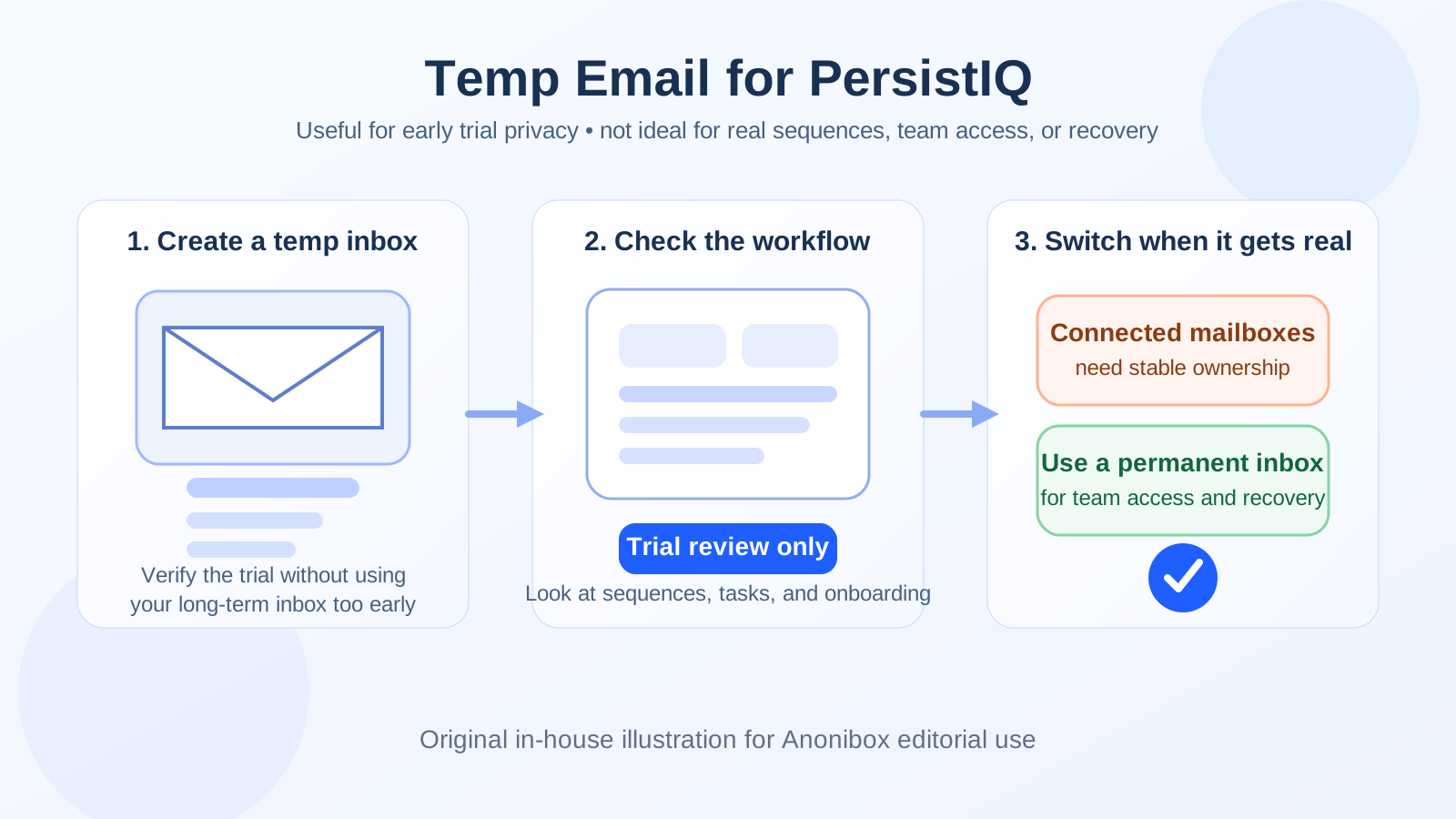
Yes — a temp email for PersistIQ can be smart for an early trial because it lets you verify the account, inspect the workflow, and compare the platform without giving your long-term inbox to another outreach tool too soon.
No — it stops being a good idea once connected mailboxes, shared sequences, team access, or account recovery depend on that inbox, because that is when stable ownership matters more than short-term privacy.
People search for temp email for PersistIQ for a pretty practical reason: most outreach platforms want an email address before they open the trial, and that email can quickly turn into a stream of product tips, meeting nudges, upgrade prompts, and follow-up messages. If you are comparing several sales-engagement tools at once, your main inbox can get messy fast.
That is where a temporary inbox can help. A service like Anonibox gives you a separate address for the curious, early-stage part of evaluation. You get the verification email and the first onboarding messages, but you do not immediately tie your personal or work inbox to a tool you may abandon after twenty minutes.
Why this question comes up with outreach software
PersistIQ sits in a category where trial signups can turn into operational setups very quickly. Outreach tools are not just passive dashboards. Even a short test can drift toward connected mailboxes, campaign drafts, personalization rules, team permissions, and sequence experiments. That makes the inbox behind the account more important than it looks during signup.
For lighter tools, losing access to an old trial might be mildly annoying. For outreach software, a throwaway login can become a real problem if the workspace turns into something your team wants to keep. So the right answer is not “always use a temp email” or “never use one.” It is about timing.
When a temp email for PersistIQ makes sense
A temporary inbox is most useful when your goal is narrow and low-risk. You are not trying to launch real outreach yet. You are just trying to answer a few early questions before giving the platform a permanent place in your stack.
- You only need account verification: You want to get through signup, confirm the address, and enter the product.
- You are comparing several tools: PersistIQ might be on a shortlist with tools like Mailshake, Klenty, QuickMail, SalesBlink, Yesware, or Outplay, and you do not want every vendor sequence hitting your main inbox at once.
- You are judging the first-run experience: You want to see the dashboard, sequence flow, onboarding, and general usability before committing further.
- You are protecting your primary inbox: You want fewer promotional emails and fewer follow-ups until you know the product deserves deeper attention.
In that phase, a burner inbox is reasonable. The account is still disposable in the practical sense, so it is fine if the login is disposable too.
When it becomes a bad idea
The line changes once the workspace starts to matter. A temporary inbox is a weak foundation for anything that needs continuity, collaboration, or recovery.
- Connected mailboxes: If you are linking real sender accounts, you should not leave root ownership tied to an inbox that might disappear.
- Shared sequences: Once messaging drafts and team workflows live inside the account, a throwaway login becomes a liability.
- Team invites and permissions: A shared sales workspace needs a stable admin address that the team actually monitors.
- Account recovery: Password resets, security alerts, and important administrative notices should go to an inbox you control long term.
- Serious shortlist evaluation: If PersistIQ is moving from “interesting” to “possible purchase,” it is time to stop treating the login as temporary.
This is the core trade-off: a temporary inbox is great while the decision is temporary. It becomes fragile the moment the account gains operational value.
A practical way to use a temp email for PersistIQ
1. Keep the first session narrow
Use the temporary inbox for the first-pass question only: is PersistIQ worth more time? Verify the account, explore the workspace, and decide whether the product deserves a second session. Do not treat the first login like a permanent home.
2. Focus on evaluation, not setup depth
During that first pass, look at the experience that actually matters:
- How intuitive does the dashboard feel?
- Is the sequence builder easy to understand?
- Do tasks, follow-up logic, and campaign structure seem workable?
- Does the product feel simpler or more complicated than the alternatives you are testing?
- Would you feel comfortable bringing a teammate into this later?
Those questions are enough for an early verdict. You do not need to overbuild the workspace just to decide whether the product belongs on the shortlist.
3. Avoid attaching real outreach infrastructure too early
If you are still using a temporary inbox, keep your test lightweight. That usually means avoiding the step where the account begins to touch real sender accounts, active contacts, or shared internal workflows. Once real outbound activity or real ownership is in view, move the account to a durable address first.
4. Decide quickly: abandon or promote
The cleanest workflow is simple:
- Create the trial with a temporary inbox.
- Verify the email and inspect the product.
- Decide whether the tool is not worth keeping, or worth promoting.
- If it is worth promoting, switch to a permanent inbox before deeper setup.
This keeps your process tidy. You do not end up with a half-real workspace owned by an address you never meant to keep.
Common mistakes people make
The biggest mistake is using a temporary inbox for longer than the trial stage. People start with good privacy instincts, then keep going because the product looks promising, and suddenly the account has drafts, settings, teammates, and maybe even connected systems behind it.
Another common mistake is assuming all trial emails are unimportant. Some are forgettable. Some are actually useful: verification links, onboarding checklists, workspace notices, password resets, and admin alerts. If you use a temp inbox, treat it like a deliberate short-term tool, not like a black hole.
A third mistake is using the same disposable address for too many parallel evaluations. That can defeat the point. If you are testing multiple outreach tools, separate inboxes make it easier to keep vendor follow-up and verification messages organized.
Who should use which kind of inbox?
Good fit for a temp inbox
- Solo evaluators doing a quick first pass
- Ops or revops staff comparing multiple tools in one week
- Founders or small teams trying to reduce vendor email clutter during research
- Anyone who wants to protect a main work inbox until there is real buying intent
Better fit for a permanent inbox
- Teams already planning to test mailbox connections
- Anyone inviting colleagues into the workspace
- Buyers who are confident PersistIQ is a serious finalist
- Anyone who needs reliable recovery, billing, or admin continuity
Quick checklist before you sign up
- Am I only evaluating the product, or am I about to build something real?
- Do I want to avoid long-term vendor follow-up in my main inbox?
- Will this account stay private to me, or soon involve teammates?
- Could I lose anything important if the temporary inbox expires?
- If PersistIQ looks good, am I ready to move the account to a durable address before deeper setup?
If your answers point to light evaluation only, a temp inbox is reasonable. If they point to collaboration, integrations, or continuity, start permanent or switch early.
Final takeaway
A temp email for PersistIQ is a smart privacy move during the earliest part of evaluation. It helps you verify the trial, inspect the interface, and compare the product without volunteering your long-term inbox to another sales-engagement vendor before you are ready.
But it is only smart while the account is still disposable. The moment the workspace starts to matter — connected mailboxes, team access, shared sequences, or account recovery — the login should stop being temporary too. Use a burner inbox for the first look, then switch to a real address as soon as the product becomes operationally important.