A temporary email generator for event management software free trials is a practical way to compare platforms, receive verification links, and keep long demo follow-ups out of your main inbox while you are still evaluating options.
It stops being a smart idea once teammate invites, attendee communication, speaker workflows, sponsor access, billing notices, or live event ownership depends on that address.
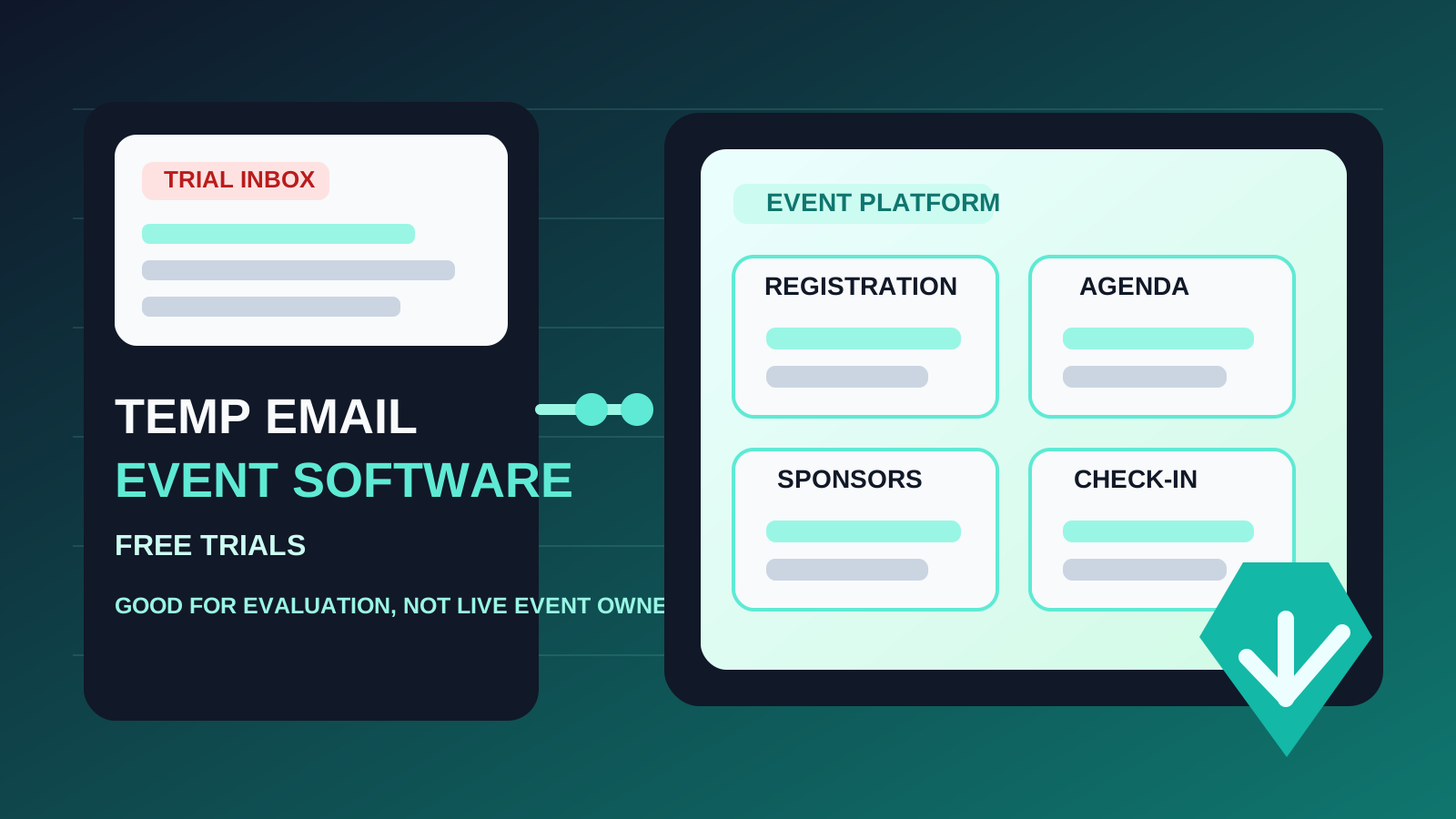
That is the real answer behind searches for temporary email generator for event management software free trials. Teams want to test registration builders, agenda tools, exhibitor portals, sponsor workflows, check-in features, and post-event reporting without immediately committing a permanent inbox to every vendor they compare. That is reasonable. Event software trials can produce a surprising amount of email very quickly.
If you are reviewing platforms for conferences, webinars, trade shows, field events, customer summits, or internal company events, you may sign up for multiple demos and free trials before making a shortlist. One trial sends onboarding sequences. Another sends webinar invites, product updates, case studies, ROI calculators, and repeated “book a walkthrough” follow-ups. A temporary inbox keeps the early research phase separate from the email address your team actually relies on when a platform becomes real.
The key is understanding where the safe boundary is. During early comparison, a temporary inbox can save time and reduce clutter. Once the account starts touching real event operations, attendee records, payment flows, integrations, or shared ownership, you should move to a stable monitored address.
Why people use a temporary inbox for event software trials
Event management platforms usually gate useful features behind an email signup. Even when there is a “free trial,” you often need to verify the account before you can test registration pages, session builders, email tools, landing page editors, badge and check-in workflows, or analytics dashboards. Vendors want a real inbox because they use it for onboarding, sales follow-up, and account recovery.
That does not mean your main inbox has to absorb every early-stage evaluation. A temporary inbox can be helpful when you are:
- comparing several event platforms at once and do not want those trial emails mixed together
- testing fit before booking a serious sales conversation
- checking whether the product actually supports your event format
- avoiding long-term nurture sequences from tools that never make the shortlist
- keeping exploratory research separate from your real events inbox
For example, maybe you want to compare how different platforms handle registration pages, ticketing, sponsor listings, speaker management, session agendas, mobile apps, or onsite check-in. You might look at tools in the Bizzabo, Cvent, Splash, or broader event-platform category without knowing yet whether any one of them deserves a real implementation effort. That is where a temporary inbox can help.
When a temporary email makes sense
You are still in the shortlist stage
If the goal is simply to decide which one or two platforms deserve a deeper pilot, a temporary inbox is usually fine. You can verify the account, tour the workspace, and judge whether the product feels capable enough to justify more time.
You want cleaner vendor separation
Using a separate inbox during trials makes it easier to see which vendor sent what. It can also reduce noise in your everyday work email, especially if you are already dealing with venue contracts, speaker coordination, sponsorship outreach, attendee support, and internal planning.
You are evaluating alone
The lowest-risk use case is a solo evaluator doing low-stakes research. If no one else depends on the account and nothing live is attached to it, the downside stays limited.
You have not imported real event data
A temporary inbox is much easier to justify before you connect attendee lists, team members, CRM records, payment settings, or live integrations. Early testing is disposable. Real operations are not.
What you should evaluate during the trial
If you use a temporary inbox, make that short access window count. Instead of wandering around the dashboard, focus on the parts that matter most for your event program.
1. Registration and ticketing flow
Can you build a registration page quickly? Does the platform support your ticket types, promo codes, capacity logic, and confirmation flow? Are forms flexible enough for the data you actually need?
2. Agenda and session management
Look at how the system handles tracks, speakers, breakout sessions, and schedule changes. A platform can look polished on the homepage but become awkward once the agenda gets complicated.
3. Attendee communication
Review reminder emails, event updates, and announcement tools carefully. Even if you do not send live messages yet, you want to know whether the communication system feels usable before you move deeper into the evaluation.
4. Sponsor and exhibitor workflows
If sponsorship matters to your events, inspect booth management, sponsor profiles, lead capture, and supporting workflows early. These areas often separate “good enough” event software from software that actually fits revenue-generating events.
5. Onsite and hybrid logistics
For in-person or hybrid events, test check-in, badge support, QR workflows, and staff usability. For virtual events, inspect streaming, session access, and attendee experience. One platform can be strong for webinars but weak for onsite operations, or the other way around.
6. Reporting and post-event follow-up
Can the platform show useful registration trends, attendance signals, sponsor outcomes, or engagement metrics? If reporting is shallow during the trial, that can be a warning sign.
Why a temporary inbox becomes risky later
The problem is not the signup itself. The problem is that event software moves from “trial” to “real” faster than many teams expect. Once the workspace becomes useful, the inbox behind it starts to matter.
Teammate invites create ownership problems
The moment you invite marketing, operations, field teams, producers, or contractors into the workspace, the account is no longer just your disposable test. Someone needs clear durable ownership. A throwaway inbox is a weak foundation for a shared platform.
Live attendee workflows raise the stakes
If registration confirmations, schedule updates, support replies, waitlist changes, or event access messages start depending on the system, the account should already be tied to a monitored address that your team controls.
Billing and contracts should not depend on a temporary address
Once invoices, renewal notices, payment issues, or contract communications start flowing, the inbox stops being a convenience detail. It becomes a governance and continuity issue.
Recovery only matters after something breaks
Password resets, suspicious-login notices, two-step verification prompts, and account handoffs are easy to ignore during a happy-path trial. They become urgent the moment something goes wrong. If you no longer control the original inbox, the cleanup gets annoying fast.
Integrations make the account less disposable
Connecting CRMs, marketing automation, streaming tools, badge systems, attendee apps, or analytics platforms adds real operational weight. At that point the workspace is not a toy anymore, and neither is the email behind it.
How to use a temporary email generator the smart way
Use it only for the early comparison phase
The cleanest approach is to treat the temporary inbox as a research tool, not a long-term account strategy. Use it to unlock access, inspect the product, and decide whether the tool deserves a real pilot.
Keep one inbox per vendor if possible
If you are comparing several event platforms, separate inboxes can make the evaluation clearer. You can see which vendor sends helpful setup material and which one floods you with generic sales pressure.
Save what matters right away
Capture the verification email, useful setup steps, pricing notes, and any observations worth bringing back to your team. Do not assume you will want to keep the temporary inbox around forever.
Do not attach real event activity too soon
Avoid inviting speakers, importing attendee lists, connecting live domains, setting up production email sends, or adding payment details while the account still depends on a temporary inbox.
Move to a stable address before the platform becomes sticky
The best migration point is earlier than most teams think. If the platform is likely to become a real pilot, switch to a work-owned inbox before teammates join and before live workflows start building on top of the account.
If you already use Anonibox for low-stakes evaluations, this is the right pattern: use a temporary inbox to reduce inbox clutter while you are exploring, then switch to a durable team-controlled email the moment the software starts carrying real event responsibility.
Common mistakes to avoid
Treating a successful trial as permanent by accident
This happens all the time. A quick test goes well, the team likes the platform, and nobody pauses to clean up account ownership before the workspace becomes the real one.
Equating privacy with long-term suitability
It is true that a temporary inbox protects your main address during research. That does not mean it is the best long-term owner email for software your company may depend on.
Waiting for a problem before fixing the inbox
Ownership issues are easiest to solve while nothing urgent is happening. Once a live event is close, a password reset or admin handoff tied to the wrong inbox becomes far more stressful.
Mixing real attendee or sponsor data into a trial too early
If you are still evaluating the tool, keep the test environment light. Real data and real workflows deserve stable ownership.
A quick decision checklist
Before using a temporary email generator for an event software trial, ask:
- Am I just comparing platforms, or do I already expect this to become our real event stack?
- Will anyone else need access soon?
- Could this account end up holding attendee, speaker, sponsor, or billing workflows?
- Have I kept the trial separate from live event operations?
- Do I have a clear point where I will switch to a permanent monitored inbox?
If the account is genuinely disposable, a temporary inbox is fine. If the account may become operational, you should plan the handoff early.
Final takeaway
A temporary email generator for event management software free trials is useful when you want to compare event platforms, verify accounts, and avoid weeks or months of vendor follow-up in your main inbox.
It becomes the wrong tool once team ownership, attendee communication, speaker coordination, sponsorship workflows, billing, integrations, or account recovery depends on that address. Use a temporary inbox for low-stakes evaluation, then move to a stable work-owned email before the platform becomes part of real event operations.
That gives you the privacy and inbox-control benefit of a disposable address without creating a fragile ownership problem right before an event actually matters.