iMessage can be fine for quick scheduling with a verified employer, but it is usually a weak primary channel for job applications.
Usually no — you should not treat iMessage as the main place to apply, send sensitive documents, or manage your whole hiring process.
That is the practical answer behind searches like iMessage for job applications. Apple Messages feels familiar, fast, and lower-friction than email, especially when a recruiter or small employer wants a quick reply. But convenience is not the same thing as a good hiring workflow. iMessage is tied closely to your personal phone number, your Apple ecosystem, and your everyday conversations. That creates privacy, verification, and recordkeeping problems that matter once a job search becomes real.
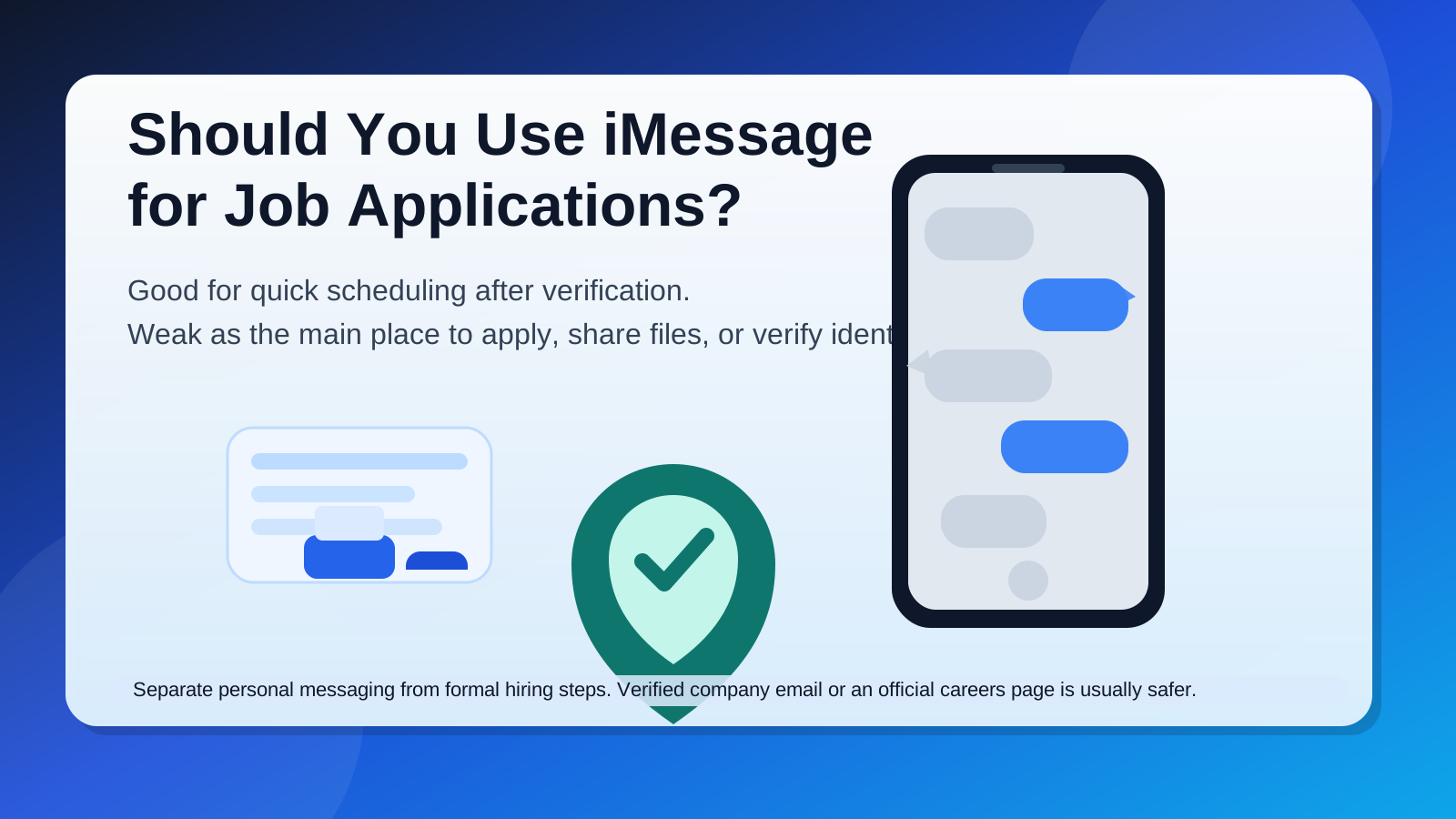
The safest default is simple: use iMessage only as a limited coordination channel after you have confirmed the employer, the role, and the person contacting you. For actual applications, resume sharing, written follow-up, and anything sensitive, official careers pages and company email are usually better.
Short answer: acceptable for simple follow-up, weak as the main application channel
iMessage is not automatically suspicious. A legitimate hiring manager, recruiter, or small business owner may use it for a quick message, especially if they already have your number. In local hiring, shift work, contract gigs, and fast-moving roles, a short text conversation can feel normal.
The problem is not that iMessage exists. The problem is when it becomes the whole process. If your first application, resume, screening details, availability, and sensitive follow-up all live inside one personal message thread, you lose separation and control. That makes it easier to miss details, harder to verify who you are dealing with, and more likely that work-related messages spill into your personal life long after the search ends.
Why iMessage comes up in job searches at all
People consider iMessage because it solves one real problem: speed. An employer can ask, “Are you free tomorrow at 2?” and get an answer in seconds. A candidate can confirm an address, ask whether a role is still open, or respond to a same-day shift opportunity without writing a formal email.
That speed is attractive in situations like:
- interview scheduling after you already applied through a proper channel
- quick availability checks for hourly, local, or contract roles
- follow-up with a verified recruiter who already has your number
- simple logistics like parking instructions, arrival time, or a meeting-link correction
Those are coordination uses. They are very different from using iMessage as the primary place to submit an application or handle the full hiring process.
When iMessage may be reasonable
1. You already verified the employer
If you applied through a real company careers page and the recruiter later uses iMessage for a small scheduling question, that is usually fine. The important part is that the hiring process did not begin with blind trust in a text bubble.
2. The message is limited to logistics
Simple details such as “Can you make the 10:00 a.m. call?” or “The interview room changed” are low-risk compared with sending resumes, IDs, or financial paperwork. iMessage works best when the message is short, specific, and easy to cross-check.
3. The role is fast-moving and local
For some roles in hospitality, retail, events, caregiving, or local services, quick text communication is common. Even then, there should still be a real business identity behind the message and a clear path to formal hiring steps outside the chat thread.
Why iMessage is a weak primary channel for job applications
1. It exposes personal identity earlier than necessary
iMessage is usually tied to your phone number, and sometimes your Apple ID email as well. That means the other person may be interacting with a contact point that feels much closer to your private life than a dedicated job-search inbox. Once your number starts circulating, you may keep getting follow-up messages, recruiter outreach, and spam long after you stopped caring about the role.
That privacy cost matters. A company does not need access to your personal messaging space just to let you apply.
2. It is weak for identity verification
A blue bubble does not prove that the sender is a legitimate employer. iMessage may feel more trustworthy because it looks cleaner than a random app or unknown SMS thread, but a familiar interface is not the same thing as verified identity. You still need to confirm the company, the role, and the person behind the number independently.
If a message claims to represent a company but there is no matching careers page, no company-domain email, and no verifiable recruiter identity, the safest assumption is that the message needs proof before trust.
3. It creates a messy record of the hiring process
Message threads are fine for “Running five minutes late.” They are bad for storing the full story of a job application. Resumes, interview times, compensation notes, promised next steps, and policy details are much easier to search, forward, label, archive, and revisit in email or a formal applicant tracking system.
That matters more than it seems. If the process stretches across several days or weeks, a casual message thread can become an unreliable memory system.
4. Your devices may surface messages more publicly than you want
Many people sync iMessage across an iPhone, Mac, iPad, or even a shared household device. Depending on your settings, message previews may appear on a lock screen, desktop banner, or shared workspace. That is not always a disaster, but it is not ideal if you are job searching discreetly or trying to keep employer names out of sight.
5. It blurs personal and professional boundaries
Most people use iMessage for friends, family, and ordinary daily life. Letting job-search conversations settle into that same space can make the process feel invasive. Even legitimate recruiters can become harder to ignore, easier to reply to impulsively, and more likely to cross into evenings or weekends when the channel itself feels informal.
Red flags if someone wants to use iMessage for a job
- They contact you out of nowhere with no clear explanation of how they got your number.
- They refuse to identify the company clearly or avoid sending an official job link.
- The role sounds unusually urgent, unusually easy, or unusually well paid.
- They want your resume, ID, banking details, or tax information directly in the message thread.
- They pressure you to trust the conversation without moving to company email or an official portal.
- They ask you to click shortened links, install software, or share verification codes.
Those are not small concerns. They are the kind of signs that should slow the conversation down immediately.
Better alternatives than iMessage for the real application workflow
Official careers page or applicant portal
This is usually the best place to submit the actual application. It gives you a formal record, reduces ambiguity about whether you applied, and keeps the process inside the employer’s normal workflow.
Company email
Once a recruiter or hiring manager is verified, email is better for attachments, longer replies, written follow-up, and searchable records. It is also easier to separate from your personal life than a text thread.
Verified phone call or scheduling link
If the employer needs speed, a short call or a known scheduling tool is often better than turning iMessage into the permanent home of the application.
A separate job-search inbox
If you want privacy without becoming unreachable, a separate email workflow is often smarter than relying on personal messaging. A tool like Anonibox can help keep early-stage signups, job boards, and one-off employer portals away from your main inbox while you decide which opportunities deserve more trust. Once a role becomes serious, move the conversation to a stable address you control long term.
A safer way to handle iMessage if an employer uses it anyway
- Verify first. Look up the company independently, confirm the role exists, and see whether the recruiter or manager can be tied to the business.
- Move formal steps elsewhere. Ask for the careers-page link or a company-domain email before you send anything important.
- Keep the thread light. Use iMessage for quick scheduling and simple clarification, not for sensitive records.
- Save your own notes. Do not rely on the message thread as your only memory of dates, promised steps, or contacts.
- Protect your boundaries. If needed, adjust previews, read receipts, or notification settings so job-search activity does not bleed into every part of your day.
A quick practical checklist
Before replying to a job-related iMessage, ask yourself:
- Did I already apply through a legitimate channel?
- Can I verify the company and the sender independently?
- Is this message only about logistics, or is it trying to run the full hiring process?
- Would email or an official portal create a cleaner and safer record?
- Am I comfortable with this conversation living in my personal messaging space?
If the message fails those checks, slow it down. Good opportunities survive verification. Scammy or sloppy ones often do not.
Final answer
iMessage can be acceptable for quick coordination with a verified employer, but it is usually a poor primary channel for job applications. It exposes personal contact details earlier than necessary, weakens identity checks, and turns an important process into a casual thread that is hard to manage well.
The better approach is to use iMessage only for limited logistics after trust is established. For the real application, interview records, attachments, and anything sensitive, stick to a company email address, a verified scheduling workflow, or an official careers portal. That gives you more privacy, better records, and fewer chances to mistake familiarity for legitimacy.