A temp email for Oracle Learning Cloud can be useful for a short, low-stakes evaluation when you only need to verify an account, explore the learning environment, and decide whether the platform belongs on your shortlist.
It becomes a weak choice once admin ownership, learner access, training assignments, reporting, or account recovery starts depending on that inbox.
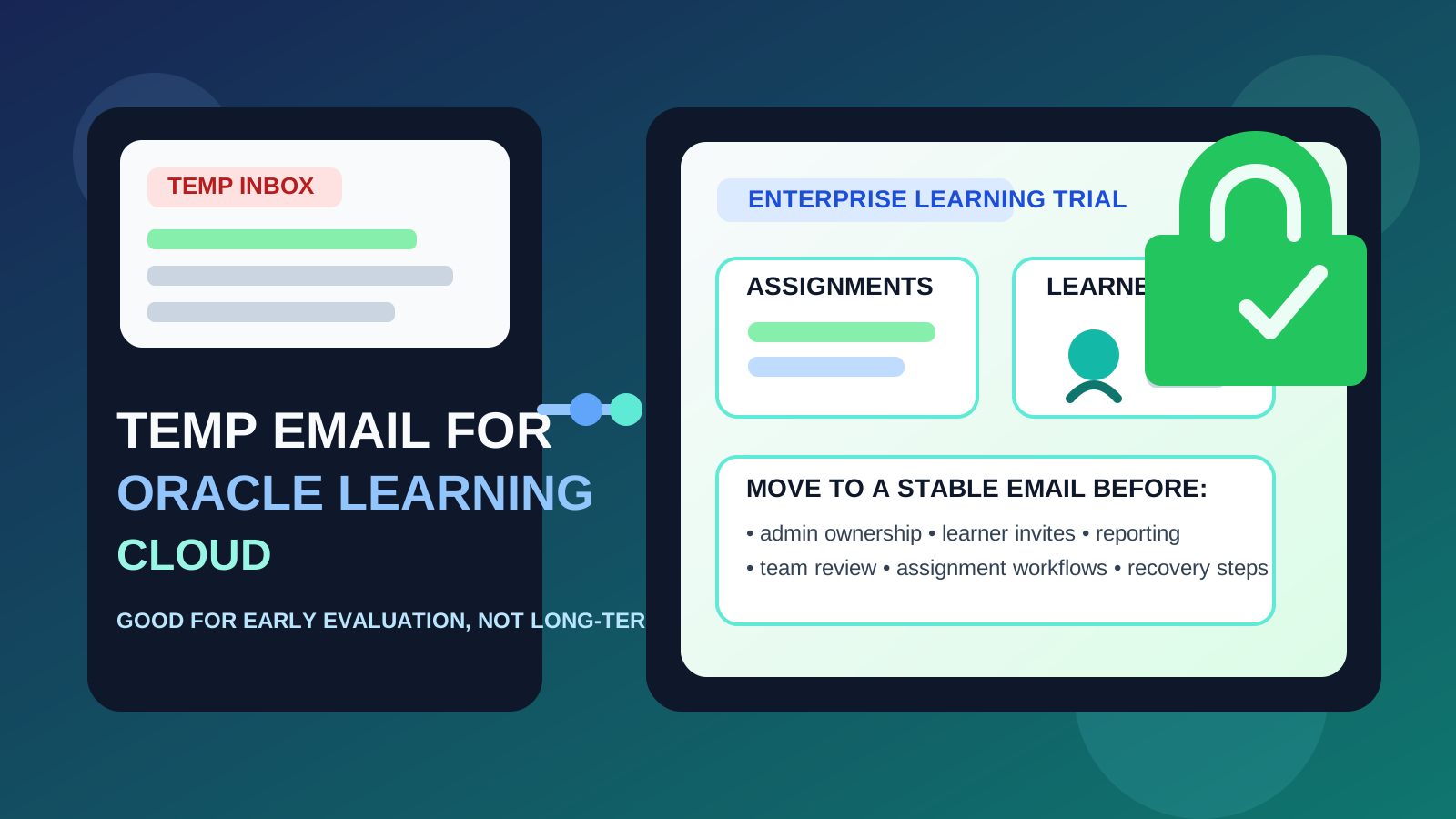
That is the practical answer behind many searches for temp email for Oracle Learning Cloud. Teams often want to inspect enterprise learning platforms without turning one evaluation into months of sales follow-up, nurture emails, and internal confusion about who owns the account. A disposable inbox can help with that early research stage.
But enterprise learning software rarely stays “temporary” for long. If the evaluation starts involving L&D, HR, operations, IT, real learners, or serious pilot planning, the email behind the account stops being a minor signup detail. It becomes part of ownership, recovery, and accountability.
If you are simply taking a first look, a temporary inbox can be reasonable. If the account may become part of a pilot, a shared review, or a broader training conversation, switching to a stable work-owned address early is the safer move.
Why someone might use a temp email for Oracle Learning Cloud
The main reason is inbox control. Enterprise software evaluations tend to generate a lot of messages quickly: verification emails, onboarding prompts, product-tour offers, webinar invitations, implementation follow-ups, pricing outreach, and repeated check-ins from sales teams. Not everyone wants that connected to their primary inbox before the platform has earned a deeper look.
A service like Anonibox can be useful here because it lets you separate early-stage evaluation from your everyday work email. That is especially helpful when you are comparing several learning platforms at once and only some of them will make the shortlist.
Used carefully, a temporary inbox can help with:
- first-pass product research when you only need a quick look around
- vendor comparison across multiple LMS or enterprise learning tools
- inbox hygiene so evaluation emails do not follow you for months
- low-stakes sandbox access when the account is not meant to become operational
That is the clean use case: you are evaluating the software, not creating a long-term learning environment.
When a temp inbox makes sense
You are still narrowing the field
If your team has a long list of platforms and you only need an initial impression, a temp email can be fine. You verify the account, review the interface, explore the workflow, and decide whether Oracle Learning Cloud deserves more attention.
You want to contain early vendor outreach
Evaluation signups often trigger more communication than people expect. A disposable inbox can keep that early noise separate while you decide whether the platform is serious enough to involve more stakeholders.
You are evaluating alone
The approach is safest when one person is doing a quick review and nobody else depends on the workspace. If there are no additional admins, learners, or internal reviewers tied to the environment, the downside stays limited.
You are testing fit, not launching a pilot
There is a difference between “Does this belong on the shortlist?” and “Let’s start setting this up for real.” A burner inbox is much more appropriate for the first question than the second.
Where the approach starts to break down
Oracle Learning Cloud is usually evaluated in contexts where ownership matters. That is why a temporary inbox can become fragile faster than it looks.
1. Admin ownership matters almost immediately
Even during an early evaluation, someone becomes the de facto owner of settings, communication, and next steps. If that owner account is tied to a throwaway inbox, the foundation is weak from the start.
2. Learner access changes the stakes
The minute you start inviting real users, internal reviewers, or managers into the environment, the workspace stops being a disposable test. Access flows, reminders, and follow-up actions become meaningful. That is where a temp inbox starts to feel less like a convenience and more like a liability.
3. Training assignments and reporting are not casual
Learning platforms are often reviewed with real operational questions in mind: how training is assigned, how progress is seen, how managers monitor completion, and how teams think about records over time. Even if you are not running a full rollout, those concerns make reliable account ownership important much earlier than many people expect.
4. Shared evaluations create governance questions
If L&D, HR, IT, or operations all begin touching the same evaluation account, it is no longer one person’s private experiment. It becomes part of an internal process, and the inbox behind it should be stable, monitored, and easy to transfer if responsibilities change.
5. Recovery problems usually appear after the trial looks promising
The biggest weakness of a temporary inbox often shows up later. Password resets, suspicious-login notices, account-verification prompts, and admin handoffs matter far more once the platform looks viable. If the inbox is gone or unmanaged, a small shortcut becomes an annoying ownership problem.
A simple rule that works
Use a temp email for Oracle Learning Cloud only while the account is temporary in every other sense too.
If the workspace is just a quick evaluation, a disposable inbox can help. If there is any real chance the account will become part of a pilot, stakeholder review, or longer-term learning discussion, use a durable work-owned email before the environment becomes important.
That rule preserves the privacy benefit without creating unnecessary cleanup later.
How to evaluate Oracle Learning Cloud safely with a temporary inbox
1. Decide whether this is research or the start of a serious evaluation
Before signup, be honest about the goal. Are you just taking a look, or do you already expect more people to get involved if the platform seems promising? If it is just research, a temp email can work. If it may become a true pilot, start with a permanent business-controlled address instead.
2. Keep the first session focused
Go into the environment with a short checklist so the account stays temporary unless the platform genuinely deserves more effort. For example:
- Does the admin experience feel understandable?
- Can you quickly tell whether the platform fits your training model?
- Would your team realistically want a deeper review?
- Is the workflow strong enough to justify a stable owner account and a fuller pilot?
A focused first pass makes it easier to walk away cleanly if the answer is no.
3. Avoid attaching real people or real processes too early
If the account is tied to a disposable inbox, keep the evaluation low stakes. Avoid turning it into a real training environment for employees, partners, or customers before ownership is stabilized.
4. Save useful notes outside the platform
Document what mattered during the review: how signup worked, what looked promising, what felt clunky, and what you would want to recreate later under a permanent address. That way you are not stuck with the original inbox choice.
5. Switch early if the platform starts to matter
The easiest time to move to a permanent inbox is before there are multiple admins, real learners, internal expectations, or reporting conversations. Once the account becomes sticky, migration gets harder and more annoying.
When a permanent inbox is clearly the better choice
Skip the disposable step and use a stable work-owned email from the beginning if any of these are already true:
- the evaluation may become a real pilot
- other admins or stakeholders will need access soon
- learner communication or manager visibility may matter
- the environment may connect to real training assignments or reporting decisions
- you care about a clean recovery path and clear internal ownership
In those situations, the privacy benefit of a burner inbox is smaller than the friction it can create.
Common mistakes to avoid
Letting the trial account quietly become the real account
This happens all the time. A quick evaluation goes well, people keep using the same environment, and nobody revisits the inbox decision until a reset or admin-transfer issue turns it into a headache.
Confusing inbox cleanliness with account safety
Keeping follow-up emails out of your primary inbox is helpful. It does not automatically mean a disposable inbox is the right long-term home for software your organization may rely on.
Adding stakeholders before fixing ownership
Once more people are involved, a weak owner account becomes harder to unwind. Stabilize the account first, then expand access.
Waiting for a recovery problem before taking ownership seriously
Ownership is easiest to fix while nothing is urgent. It becomes much harder the moment a reset link, verification message, or access problem actually matters.
Does this mean you should never use a burner email here?
No. It just means you should use one for the right phase. A burner inbox can make sense when the account is truly disposable and your goal is simply to evaluate the platform without committing your main inbox to a long follow-up cycle.
It is the wrong tool once the environment starts to hold organizational value. Oracle Learning Cloud is usually considered in settings where continuity and ownership matter more than signup convenience.
A quick decision checklist
Before you use a temp email for Oracle Learning Cloud, ask yourself:
- Am I only doing a first-pass review?
- Will anyone else need access soon?
- Could this workspace turn into a real pilot or stakeholder review?
- Would losing access to the inbox create unnecessary friction later?
- Am I reducing inbox clutter, or am I delaying proper ownership?
If the account is truly temporary, a disposable address is fine. If the environment may become meaningful, a permanent work-owned email is the better choice.
Final takeaway
A temp email for Oracle Learning Cloud is useful when you want a quick, low-commitment look at the platform and you do not want early vendor emails living in your main inbox forever.
It becomes risky once admin ownership, learner access, training assignments, reporting, shared evaluation, or account recovery depends on that inbox. Use a temporary address for early exploration, then switch to a stable work-controlled email before the account becomes something your team actually depends on.
That way, you get the privacy and inbox-control benefits of a disposable signup without turning a small shortcut into a long-term ownership problem.