A temp email for Leapsome is fine for a short, low-stakes evaluation when you only need to verify signup, take a quick product tour, and decide whether the platform deserves deeper review.
It becomes a poor long-term choice once admin ownership, review cycles, manager feedback, team access, or account recovery depends on that inbox.
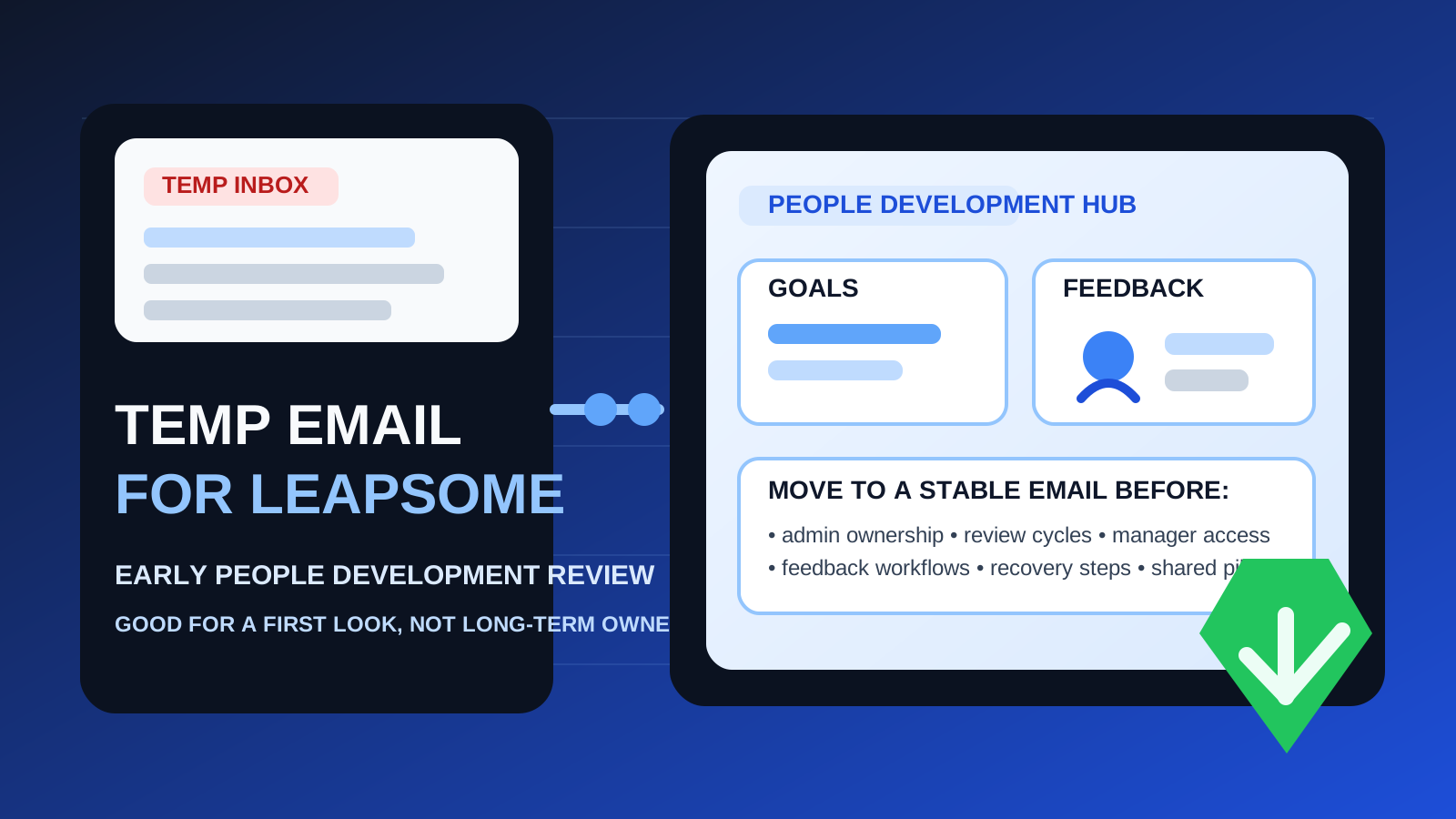
That is the practical answer behind most searches for temp email for Leapsome. If you are comparing people-development, performance-management, or employee enablement tools, it is reasonable to avoid giving your main work inbox to every vendor before you know who belongs on the shortlist. Early software research creates follow-up fast: verification emails, demo reminders, product tours, webinar invites, and sales nudges can all arrive before you have even decided whether the platform is relevant.
A temporary inbox can help you keep that first stage contained. A service like Anonibox lets you receive the verification email and initial onboarding messages without immediately tying your permanent work address to another long chain of vendor follow-up. That is useful when the account is genuinely temporary.
The problem is that a platform like Leapsome stops feeling temporary very quickly if the evaluation goes well. Even a simple trial can turn into shared testing, manager review, goal setting, people feedback, or a proof of concept that more than one stakeholder starts relying on. Once that happens, the inbox behind the owner account matters a lot more than it did on signup day.
The best way to think about it is simple: a temporary inbox is only a good fit while the account itself is temporary in every other sense too. If the workspace might become a real pilot or a serious buying path, moving to a stable company-controlled email early is the safer move.
Why people consider a temp email for Leapsome
Most teams are not looking for a burner inbox because they want to hide something. They want breathing room. People-ops and learning software evaluations often happen in batches, and every signup can create weeks of inbox drag from products that may never survive the first round.
A temp inbox can help when you want to:
- verify the account quickly without adding another long-term vendor thread to your normal inbox
- compare multiple platforms before sharing a permanent work address more broadly
- keep research separate from your daily HR, L&D, operations, or management communication
- reduce clutter from tools that may never move beyond a first look
For that narrow job, disposable email can be practical. You get the confirmation link, the first walkthrough, and the initial product messages without committing your main inbox too early.
When a temporary inbox makes sense
You are only doing a first-pass evaluation
If your goal is to answer simple questions like “Does this feel usable?”, “Does the platform seem relevant?”, or “Should this stay on the shortlist?”, a temporary inbox can be fine. At that stage, you are evaluating fit, not building durable process.
You are testing alone
The disposable route is least risky when one evaluator is exploring independently and nobody else depends on the workspace. If there are no managers, HR partners, or team leads attached yet, the downside stays limited.
You want to contain vendor follow-up
This is where a temp inbox really helps. Trial signups can trigger product tours, reminder emails, sales prompts, and meeting requests quickly. If you are not ready to engage more deeply, there is no strong reason for all of that to live in your permanent inbox immediately.
You are willing to discard the workspace if it is not a fit
Temporary email works best when the account is disposable too. If the plan is to click around, take notes, and abandon the environment if it does not impress you, using a short-lived inbox is more defensible.
Where the approach starts to fail
The weakness shows up once the account begins to carry real value. That is the point where a burner inbox stops being convenient and starts becoming fragile.
1. Admin ownership becomes the real issue
Every serious people-development platform eventually needs a clear owner. Someone manages settings, permissions, structure, notifications, and the overall health of the workspace. If the main account sits behind a disposable inbox, that ownership chain is shaky from the beginning.
2. Review cycles and feedback workflows raise the stakes
Even a limited evaluation can expand quickly. If you start exploring manager reviews, feedback requests, development workflows, or goal-related processes, the environment stops being just a sandbox. Once human workflows depend on the account, stable access matters more than inbox cleanliness.
3. Team access makes the original inbox more important
What begins as a solo test often becomes shared evaluation. A manager wants a look. HR wants to compare notes. Someone in learning or operations wants to test another angle. As soon as multiple stakeholders rely on the same workspace, the owner email should already be something the organization can control and recover.
4. Useful data accumulates faster than expected
People-development tools can start holding meaningful notes, draft structures, participation history, review templates, or survey setups sooner than expected. Even if you are not fully operational yet, the workspace may begin to contain information you would rather not strand behind an inbox that may disappear.
5. Recovery problems usually show up later
This is the classic disposable-email trap. Nothing feels wrong on day one. The problem appears later, when you need a password reset, a verification link, a security prompt, or an ownership handoff. If the original inbox is gone, normal account maintenance becomes more annoying than it should be.
A simple rule that works in practice
Use a temp email for Leapsome only while the account is temporary in every other sense too.
If you are doing a quick first look, a disposable inbox is reasonable. If there is any realistic chance the workspace could become a pilot, a shared evaluation environment, or the basis for a real rollout, move to a stable work-owned email before more value accumulates inside the account.
That one rule preserves the privacy benefit without creating unnecessary ownership friction later.
How to evaluate Leapsome safely with a temporary inbox
1. Decide whether this is research or the beginning of rollout
Before signup, be honest about your goal. Are you just checking the platform, or do you already suspect it could become a serious option? If this is pure research, a temp inbox can work. If the answer is “this might become real,” starting with a permanent business-controlled address is smarter.
2. Use the temp inbox only for verification and the first walkthrough
Keep the scope narrow. Verify the account, review the product layout, inspect the admin area, and answer the highest-level fit questions. The temp inbox is most useful when it helps you complete the first pass quickly, not when it becomes the long-term home of the account.
3. Avoid inviting real managers or employees too early
If the owner inbox is disposable, keep the test low stakes. Do not treat the workspace like a real internal system before account ownership is stable. The more real people and real workflow you connect to it, the harder it becomes to clean up later.
4. Save the information that matters right away
During the evaluation, capture notes on what you actually learned: setup friction, useful workflows, weak spots, reporting quality, stakeholder reactions, and anything you would want to recreate later. Good notes keep you from feeling stuck with the original signup account.
5. Switch before the account becomes sticky
The best time to move to a durable email is before multiple stakeholders rely on the workspace, before review cycles or surveys become meaningful, and before the account starts looking like real infrastructure. Early cleanup is boring, but it is far easier than trying to repair ownership under pressure.
When a stable work email is clearly the better choice
Skip the disposable route and use a permanent work-controlled address from the start if any of these are already true:
- you expect the account to become a serious pilot
- more than one admin or stakeholder will need access soon
- the workspace may be used for review cycles, goals, feedback, surveys, or learning workflows
- the account could influence procurement or implementation decisions
- you care about a clean recovery and handoff path later
In those situations, the inbox-cleanliness benefit is smaller than the operational friction a disposable owner account can create.
Common mistakes to avoid
Letting the trial account quietly become the real account
This is the most common mistake. A quick test goes well, people keep using the same workspace, and nobody revisits the inbox decision until a reset or ownership problem makes it urgent.
Confusing inbox privacy with account durability
Reducing spam and vendor clutter is helpful. It does not automatically mean a burner inbox is the right foundation for a platform your team may soon depend on.
Waiting for recovery trouble before fixing ownership
Once a password reset, verification request, or admin change becomes urgent, the wrong inbox turns into a real nuisance. Moving to a proper work-owned address earlier is almost always easier.
Adding stakeholders before stabilizing the owner account
The moment several people are reviewing the same environment, the account should already be attached to an inbox the organization can maintain. Shared evaluation changes the risk profile fast.
A quick decision checklist
Before you use a temp email for Leapsome, ask yourself:
- Is this only a first-pass evaluation?
- Will anyone else need access soon?
- Could this workspace turn into a real pilot or rollout path?
- Would losing the signup inbox create unnecessary friction later?
- Am I trying to reduce inbox clutter, or am I accidentally avoiding proper account ownership?
If the account is truly temporary, a disposable inbox can help. If the workspace may become meaningful, a permanent work-owned email is the better default.
Final takeaway
A temp email for Leapsome is useful for a quick, low-commitment evaluation when you want signup verification, a fast tour, and protection from long-term vendor inbox clutter.
It becomes risky once admin ownership, review cycles, manager feedback, team access, or account recovery depends on that inbox. Use the temporary route for early exploration, then move to a stable company-controlled address before the workspace becomes something your team actually relies on.
That way, you get the privacy and inbox-control benefits of a temporary inbox without turning a small convenience into a long-term ownership headache.