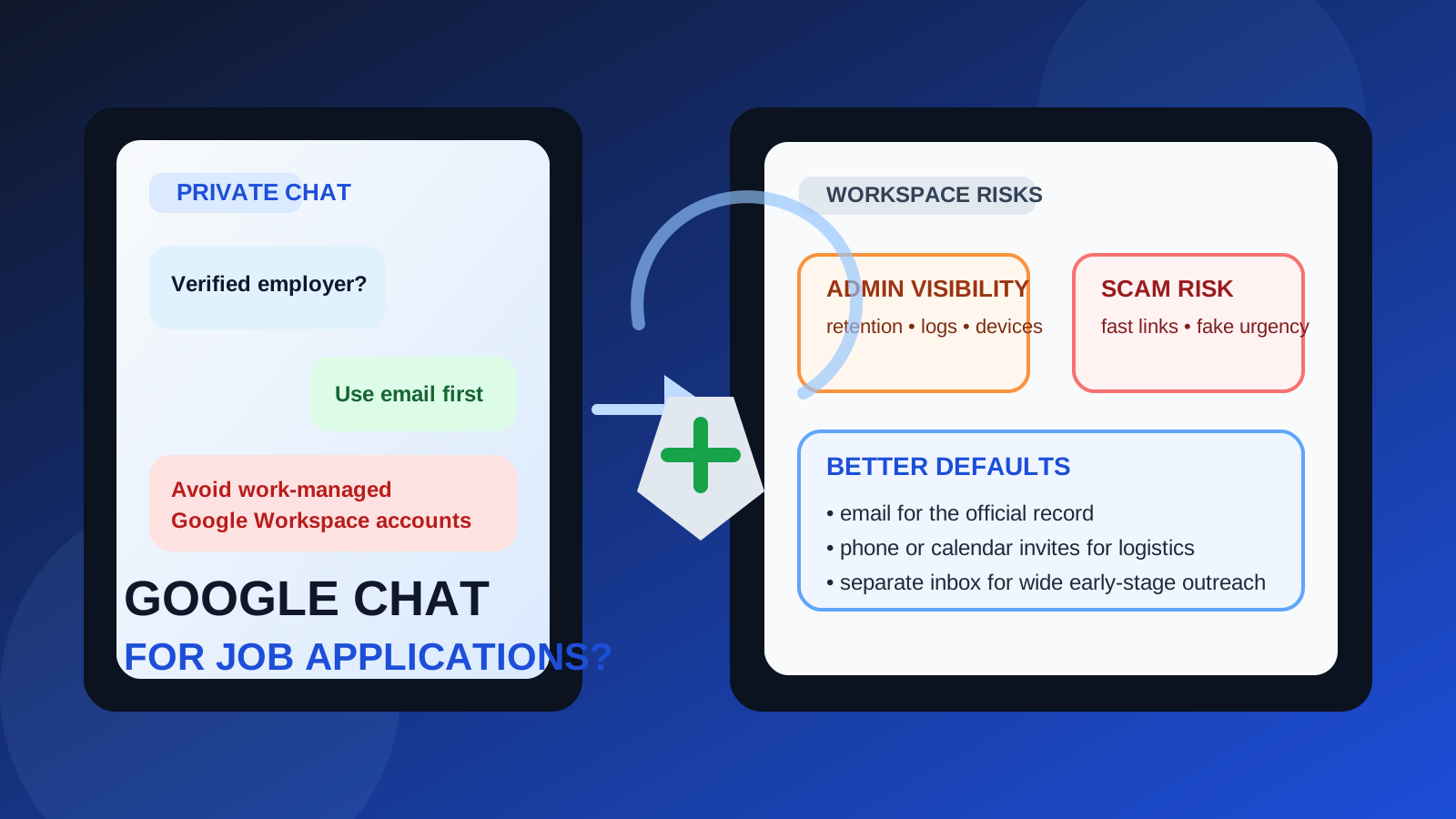
Usually no — Google Chat is a weak primary channel for job applications because it can blur work and personal identity, create recordkeeping gaps, and expose more account context than plain email.
It can be acceptable for light follow-up with a verified employer, especially from a personal account, but email is still the safer default for most application-stage communication.
That is the practical answer behind searches for should you use Google Chat for job applications. The idea sounds harmless at first. Many people already live inside Google products, recruiters sometimes move fast, and chat can feel more immediate than email. If an employer wants to ask a quick question, confirm availability, or send a meeting link, using a familiar messaging tool may seem efficient.
But convenience is not the same as a good primary channel. Job applications involve identity, message history, scheduling, attachments, follow-up, and sometimes sensitive personal information. Google Chat is not always designed for those needs in the same careful way email is. Depending on whether you use a personal Google account or a work-managed Google Workspace account, the privacy trade-offs can look very different.
So the right question is not whether Google Chat ever works. It does, sometimes. The better question is when it is reasonable, when it becomes risky, and what better alternatives look like.
Why someone might consider Google Chat for job applications
There are a few understandable reasons job seekers and recruiters drift toward chat:
- Speed: chat messages often feel faster than email threads.
- Convenience: if you are already logged into Google, it is one more familiar tool.
- Low-friction follow-up: a recruiter may want to clarify one small thing without composing a formal email.
- Scheduling: some people use chat to coordinate interview timing or send a quick meeting link.
Those are real advantages. The problem is that application-stage communication is not only about speed. It is also about trust, verification, clarity, and keeping your job search separated from the rest of your digital life.
Short answer: good for light follow-up, bad as your main application channel
If a legitimate employer you already recognize wants to use Google Chat for one narrow purpose — for example, confirming an interview time after the formal process already started — that is usually manageable.
What is not ideal is using Google Chat as the main place to submit interest, exchange important details, verify recruiter identity, or keep the official history of your application. Email is better for that. It is easier to search, easier to archive, easier to forward, and less likely to blur the line between a professional process and a casual conversation.
The biggest privacy risks
1. Work and personal account spillover
This is the first problem many people underestimate. If you use Google Chat through an account connected to your current employer’s Google Workspace, you may be mixing a confidential job search with a managed company environment. Even if nobody is actively reading your messages, the account itself may sit inside a system with admin controls, retention rules, device policies, or activity trails you do not fully understand.
That does not mean every employer is monitoring job-hunt chats line by line. It does mean your work-managed Google account is the wrong place to take unnecessary risks. A confidential search should not depend on a channel tied to your current employer’s infrastructure.
2. Identity confusion
Google accounts can look personal, work-owned, shared across devices, or linked to names that are not ideal for professional recruiting. If you move too quickly into chat, you may expose the wrong avatar, the wrong display name, old account details, or an account you mainly use for casual conversation.
That is not catastrophic, but it can create awkwardness or make the interaction feel less formal than the stage of the process deserves.
3. Poorer recordkeeping than email
Job applications create a trail of promises, clarifications, timelines, and attachments. Email handles that well. Chat often does not. Messages get buried more easily, context gets thinner, and a quick exchange can become hard to reconstruct later.
If you need to confirm what a recruiter said about interview format, compensation range, time zones, next steps, or deadlines, an email thread is usually cleaner and easier to reference than a chat stream.
4. Verification is weaker in chat-first contact
One reason scams work is that chat feels informal and urgent. A fake recruiter can push fast channel-switching, vague instructions, or suspicious links more easily in a conversational space than in a normal company email workflow. If someone wants to move you into Google Chat very early, before there is any credible email trail or clear company identity, that should make you more cautious, not less.
5. Accidental exposure on shared devices
If your Google account is signed in on several devices, browser profiles, or shared household machines, chat notifications can pop up in places you did not intend. That is a smaller risk than employer visibility through a work account, but it is still part of the privacy picture.
When Google Chat might be acceptable
There are cases where using Google Chat is fine enough.
You already verified the employer
If the recruiter or hiring manager is clearly real, connected to a legitimate company domain, and already part of an established process, a short Google Chat exchange is much less concerning than a random cold message.
You are using a personal account, not a work-managed one
A personal Google account is still not perfect, but it avoids one of the biggest mistakes: leaking job-search activity into your current employer’s Workspace environment.
The chat is limited to logistics
Google Chat is safest when the conversation is narrow: confirming availability, acknowledging a schedule change, or receiving a quick “please check your email” type of message. The more important the information becomes, the more you should pull it back into email.
You also have an email trail
If the official process still lives in email and chat is only a side channel, the risk is much lower. The trouble starts when chat becomes the main record.
When you should avoid it
- The recruiter is not verified yet.
- The employer wants to skip email entirely.
- You would be using your current work Google account.
- The conversation includes sensitive documents or personal details.
- The contact feels rushed, vague, or oddly informal for a real hiring process.
- You need clean documentation of next steps, deadlines, or terms.
Those are strong signals that Google Chat is the wrong primary channel.
How Google Chat compares with better alternatives
Email remains the best default for most job application communication. It is searchable, professional, easy to archive, and easier to verify against company domains. It also gives you cleaner separation between casual chat and important hiring messages.
Phone or scheduled calls
If speed matters, a call is often better than an open-ended chat thread. A short phone call can handle urgency without scattering important details across a half-formal messaging channel.
Calendar-backed meeting invites
For interviews and formal discussions, a proper invite is usually better than an improvised chat exchange. It is easier to track, less ambiguous, and more professional for both sides.
Separate email workflows
If your real concern is keeping your main inbox clean while still applying widely, a separate email strategy is often more useful than switching to chat. For example, some people use a dedicated job-search inbox for serious applications and something like Anonibox for low-trust signups, one-off job-board experiments, or early-stage forms they do not want permanently tied to their primary address.
That solves the clutter problem without introducing the same chat-based verification and recordkeeping weaknesses.
If an employer suggests Google Chat, what should you do?
1. Verify them through email first
Before you accept chat as normal, make sure there is a legitimate company identity behind the request. Look for a real company domain, a coherent job listing, and consistent names across the process.
2. Keep sensitive details out of chat
Do not treat Google Chat like a secure filing cabinet. If documents, compensation details, legal paperwork, identity verification, or formal instructions matter, keep them in better-documented channels.
3. Prefer a personal account over a work one
This is one of the clearest rules in the whole topic. If you are going to use Google Chat at all for job-related contact, do not do it through your employer-controlled Google account.
4. Move important points back into email
If something meaningful gets discussed in chat, follow up with an email summary. That keeps the official record clean and reduces misunderstanding later.
5. Watch for scam behavior
Be especially careful if someone uses Google Chat to rush you into clicking links, sending documents, buying equipment, sharing login codes, or moving off a verified channel too quickly. Legitimate employers can be informal, but scammers thrive in informal spaces.
A quick decision checklist
Before using Google Chat for any part of a job application, ask yourself:
- Is this a verified employer with a real email trail?
- Am I using a personal Google account instead of a work-managed one?
- Is the chat only for simple logistics, not sensitive details?
- Would email give me a clearer record of what is happening?
- Does anything about the contact feel rushed, vague, or unusually casual?
If several answers raise concerns, do not let convenience push you into the wrong channel.
Final answer
Google Chat is usually not the best primary channel for job applications. It can work for light follow-up with a verified employer, especially from a personal account, but it is weaker than email for privacy, professionalism, verification, and recordkeeping.
The safest approach is to keep the official process in email, use phone or calendar tools for time-sensitive logistics, and avoid mixing a confidential job search with a work-managed Google Workspace account. If your real goal is reducing inbox clutter instead of moving everything into chat, a separate email workflow is usually the cleaner fix.
That keeps your search more private, easier to document, and harder for a sketchy contact to hijack.