A temp email for Spendesk is fine for a quick first-pass evaluation, but it becomes risky once card programs, approval workflows, reimbursements, or account recovery depend on that inbox.
Use a temporary inbox for the disposable research stage only, then move the account to a stable company-controlled email before the workspace becomes operational.
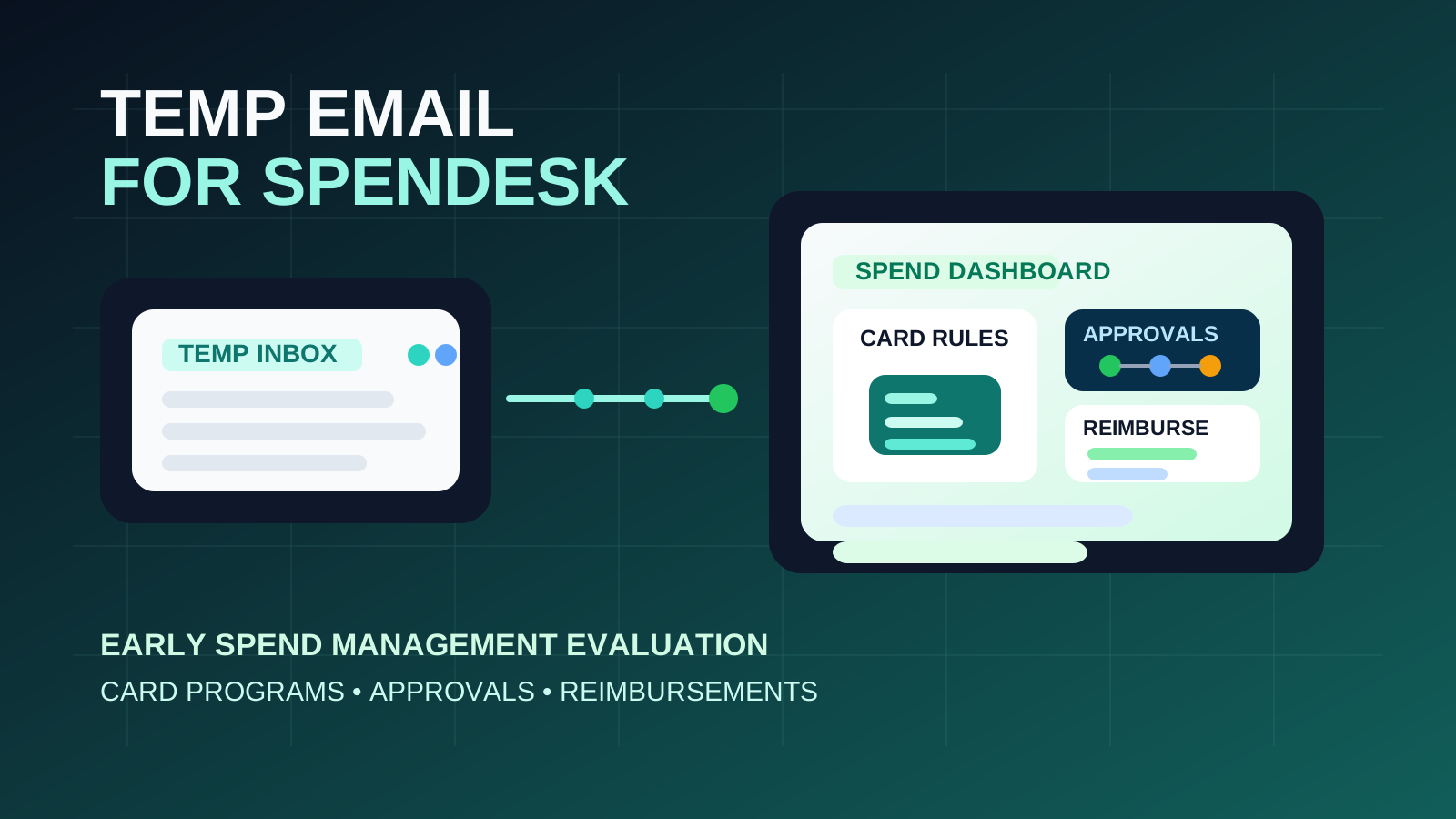
That is the practical answer behind most searches for temp email for Spendesk. Usually the person typing that query is not trying to avoid normal verification. They just want to look at the platform, receive the signup email, and decide whether it belongs on the shortlist before another long stream of vendor follow-up lands in a real work inbox.
That is a reasonable goal. Spend-management software trials often trigger onboarding notes, setup checklists, card-policy prompts, demo invitations, pricing follow-up, and repeated nudges to invite teammates. If your finance or operations team is comparing several tools at once, that clutter adds up quickly. A service like Anonibox can help keep the exploratory stage separate from the inboxes that already handle real approvals, receipts, reimbursements, and vendor communication.
The boundary matters, though. Once the account starts holding real business value, the owner email stops being a convenience detail. If the Spendesk workspace begins touching real card setups, approval chains, receipts, reimbursements, accounting handoff, shared admin access, or recovery, a throwaway inbox becomes an avoidable liability.
Why someone would use a temp email for Spendesk
People usually want one of four things: less inbox clutter, cleaner product comparison, more privacy during vendor research, or a way to test the platform before involving the wider team. Those are all sensible reasons in the early stage.
- verify access without giving every vendor a permanent work address on day one
- compare multiple spend or expense tools side by side
- keep exploratory signups separate from finance, operations, or founder inboxes
- avoid long-tail nurture sequences from products that may never make the shortlist
- test the basic setup before approvers, accountants, or budget owners get involved
Used that way, the temporary inbox is just a filter. It is helpful during the research stage, not the ownership stage.
When a temporary inbox is a reasonable choice
You are doing early product research
If your goal is to answer questions like “Does this look credible?”, “Is the workflow easy to understand?”, or “Should we spend more time on this?” then a temporary inbox is usually fine. At that point you are collecting signal, not building durable process.
You are evaluating alone or with one teammate
The risk is much lower when the workspace can disappear tomorrow without creating problems for other people. If nobody else depends on the account yet, the inbox can be temporary too.
You want to contain vendor follow-up
This is one of the strongest reasons to use a burner inbox. Many teams want a first look at software without sending a permanent finance or operations address straight into weeks of campaigns before there is any internal buy-in.
You can abandon the account with no operational cost
If you would be comfortable walking away from the workspace after a short review, a disposable inbox is practical. The less real value the account holds, the safer the arrangement is.
Where the temp-email approach starts breaking down
The problem usually does not appear during signup. It appears later, when the account quietly becomes important while still being tied to an inbox that was never meant to last.
1. Card programs stop being “just a trial” faster than people expect
Spend-management platforms often move from casual evaluation to serious internal discussion quickly. Maybe you start by clicking through the dashboard, then someone asks whether card controls look flexible enough, whether limits can be managed cleanly, or whether the platform could replace part of your current workflow. The moment the account starts informing a real decision, the owner email matters more.
2. Approval workflows need continuity
Approval chains are not disposable details. Even in an evaluation, you may start testing who approves what, how expenses are reviewed, and how exceptions are handled. If those flows begin taking shape under an inbox that might disappear, you are building friction into the account before the team has even chosen a vendor.
3. Reimbursements and receipts create history you may need later
Once a platform starts holding receipt workflows, reimbursement logic, or policy-related context, losing access becomes more than a small annoyance. Even if the workspace is still technically a pilot, it may already contain the notes, settings, or examples your team wants to revisit.
4. Shared admin ownership raises the stakes
A solo evaluator is one thing. A shared finance or operations workspace is another. Once multiple people need access, the account should be anchored to a monitored company-controlled address, not a throwaway inbox that nobody wants to rely on when a security notice or password reset arrives.
5. Account recovery becomes a delayed problem
This is the classic trap. The temporary inbox feels harmless during the first session, then two weeks later somebody needs a reset link, a suspicious-login confirmation, or proof of ownership. If the inbox is gone or forgotten, the team now has an avoidable access issue in the middle of a software evaluation.
A safer way to evaluate Spendesk with a temp email
You do not need an all-or-nothing rule. The smarter approach is to use the temporary inbox only during the phase where it genuinely helps, then switch before the account gains real weight.
Step 1: Decide whether this is research or a likely pilot
Before signup, ask a blunt question: are you only exploring, or is there already a strong chance this tool will move into a real pilot? If finance leadership, procurement, or operations stakeholders are already invested, starting with a durable business address is often cleaner from the beginning.
Step 2: Keep the first session focused
Do not let the evaluation drift into half-built implementation. Go in with a short checklist:
- Is the dashboard understandable without a guided sales call?
- Do the card and approval controls look practical for your team?
- Does the reimbursement flow feel manageable rather than fussy?
- Would this deserve a deeper review against other tools?
- Who would own the account if the evaluation moved forward?
A focused first pass keeps the account disposable in practice, not just in theory.
Step 3: Save your notes outside the platform
Keep your observations in your own document or spreadsheet. Write down what worked, what felt clumsy, what questions came up, and whether the tool deserves a second round. That way, if you later recreate or transition the account under a permanent address, you keep the insight without depending on the first inbox forever.
Step 4: Move finalists to a permanent email early
The best time to switch is before multiple people rely on the workspace. If the platform looks promising, move ownership to a stable company address early, before invites, settings, and real expectations pile up.
What to evaluate during the first pass
If a temporary inbox saves you from vendor clutter, spend that attention on the product itself.
Card controls and spend visibility
Can you quickly see how card limits, policies, or team spending are handled? If the structure already feels confusing in a controlled test, it will feel worse once real stakeholders are involved.
Approval flow clarity
Look at how approvals appear to work. Is it obvious who needs to act, what is pending, and what happens when something falls outside policy? Good software reduces follow-up chaos instead of creating more of it.
Expense and reimbursement workflow
Check whether receipt collection, expense review, and reimbursement handling look realistic for actual employees, not just for admins clicking through a demo-friendly path. Software that feels smooth in the first five minutes should still make sense when the process becomes routine.
Policy and controls
Even a first-pass evaluation should show whether policy expectations are understandable. You want fewer “I did not know that needed approval first” surprises, not more.
Accounting and handoff
You do not need to run a full rollout to judge whether the platform seems usable. Can you tell what was submitted, approved, rejected, reimbursed, or still waiting? Does the workflow look like something finance and operations could live with every week?
When you should skip the temp-email step entirely
Use a stable company address from day one if any of these are already true:
- you expect the trial to become a real pilot almost immediately
- multiple stakeholders will need access soon
- the evaluation may touch live card programs, expense processes, or financial approvals
- you care about ownership continuity and recoverable access from the start
- the account may become part of a broader finance-systems decision
In those cases, the privacy benefit of a disposable inbox is smaller than the operational weakness it introduces.
Common mistakes to avoid
Letting the trial account quietly become the real account
This happens all the time with business software. The trial begins as a quick look, the product seems promising, more people get involved, and nobody changes the owner inbox before the workspace starts to matter.
Assuming a temp inbox is automatically more secure
A disposable address can reduce spam and keep early research tidy, but it does not automatically improve long-term account safety. It solves one problem while potentially creating another.
Waiting until something breaks to switch
If you only think about the owner inbox after a lost password or missed verification email, you are already fixing the problem late.
Inviting too many people too early
If the account is still tied to a temporary inbox, keep the evaluation small and controlled. Shared access raises the cost of weak continuity.
Quick checklist before you use a temp email for Spendesk
- Is this truly early-stage evaluation?
- Can the account be abandoned without consequences?
- Will anyone else need access soon?
- Could this turn into a real pilot quickly?
- Would losing the inbox create a recovery problem later?
If the honest answers still point to a disposable first pass, a temporary inbox is reasonable. If not, use a stable company address immediately.
Final takeaway
A temp email for Spendesk is useful when you want a low-friction way to verify access, inspect the workflow, and keep another stream of vendor follow-up out of your main inbox during early evaluation. That is a legitimate use case.
But once the account might support real card programs, approvals, reimbursements, shared admin ownership, or recovery, the disposable inbox stops being the smart choice. Use the burner inbox for the disposable stage only, then switch to a stable company-controlled address before the account becomes part of something real.