Yes, you can use Fastmail for job applications if the address looks professional, you keep it active, and you use it as a stable inbox rather than a throwaway shortcut.
Most recruiters care far more about reliability, readability, and response speed than whether your email ends in @fastmail.com.
That is the short answer, but Fastmail is still worth thinking about more carefully because people who choose it often care about privacy, separation, and control more than the average email user. Those priorities are useful during a job search, but they can also create a small trap: if you treat every opportunity as low trust and keep rotating aliases or temporary addresses too aggressively, you can make yourself harder to reach just when a real employer wants to move quickly.
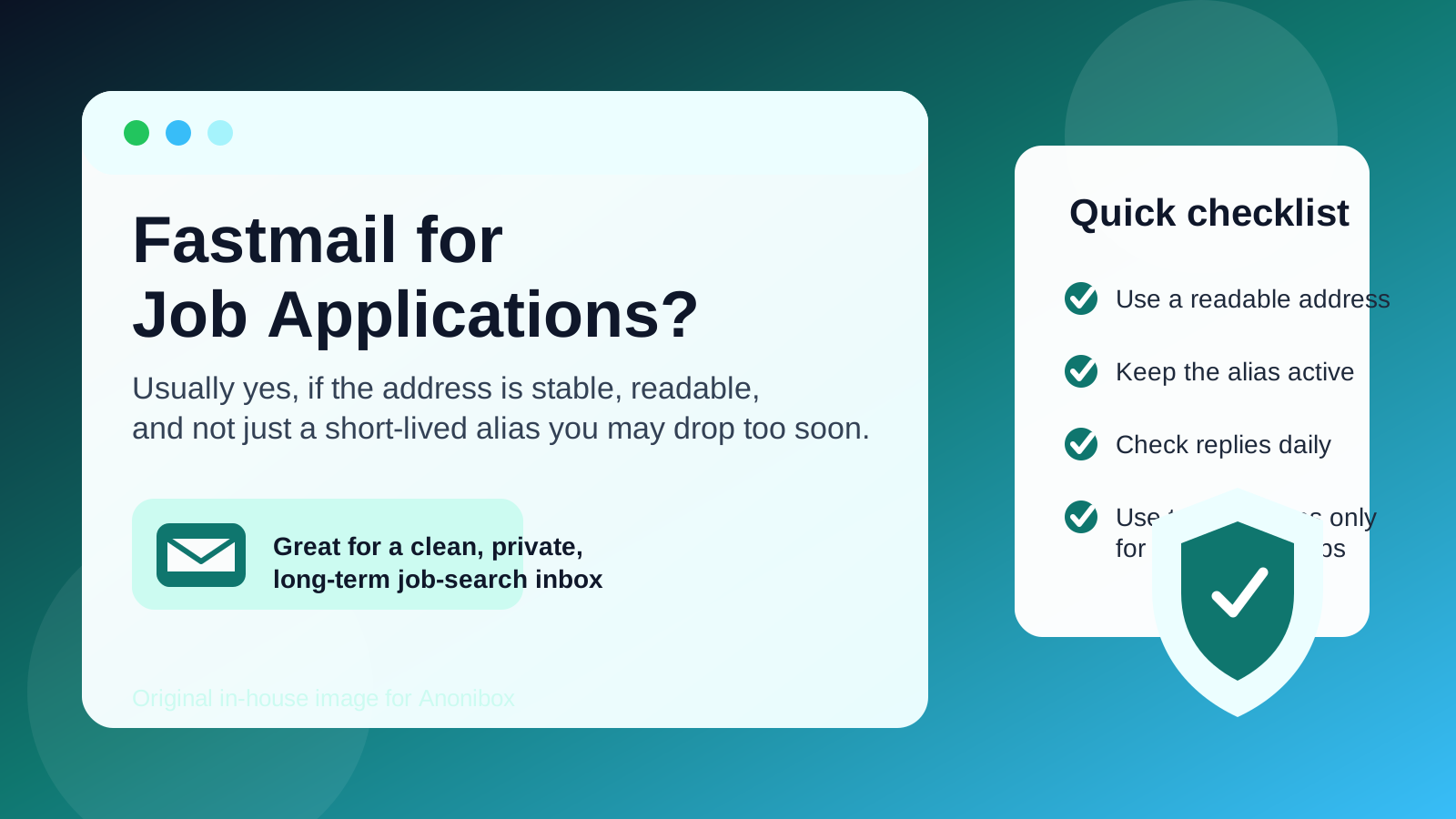
Fastmail can be a very strong option for job applications precisely because it is clean, private, and user-controlled. The key is to use those strengths in a practical way. For serious applications, interview scheduling, and ongoing recruiter conversations, a stable Fastmail address can work very well. For low-trust signups, job-board experiments, and one-off downloads, you may still want a more disposable layer so your main job-search inbox does not become another spam magnet.
Does Fastmail look professional to employers?
Usually, yes. A recruiter is unlikely to reject or downgrade you just because you use Fastmail. In most hiring situations, they care more about whether your email address looks normal, whether you answer promptly, and whether the same contact information stays consistent from résumé to interview invitation.
An address like firstname.lastname@fastmail.com is generally fine. If you use a custom domain through Fastmail, that can also be fine as long as the address still looks readable and sensible. The bigger risk is not the provider brand. It is using an address that looks gimmicky, outdated, or hard to trust at a glance.
Why Fastmail can actually be a strong choice for job applications
Fastmail has a few practical advantages for privacy-conscious job seekers.
- You control the inbox: it is your account, not a mailbox managed by a current employer, school, or client organization.
- It is built for organization: if you already use folders, filters, and aliases well, it can keep your job search cleaner than a chaotic all-purpose inbox.
- It supports separation: you can keep job searching apart from shopping, newsletters, side projects, and low-trust signups.
- It feels stable: unlike a disposable inbox, Fastmail is meant to stay usable through interview scheduling, assessments, and follow-up.
That combination matters. A job search can last weeks or months, and the cost of missing one recruiter message can be much higher than the cost of using a slightly more private workflow.
What recruiters actually notice
Job seekers often overestimate how much hiring teams care about the provider name. In practice, recruiters tend to notice a smaller set of things first:
- Is the address easy to read? Clear formatting beats clever branding.
- Do you reply on time? A polished inbox is not helpful if you miss interview emails.
- Does the address stay consistent? If your résumé, application portal, and follow-up replies all use the same inbox, communication is smoother.
- Does the account feel stable? Employers want confidence that the address will still work next week, not just for one verification email.
That is why a well-managed Fastmail address can easily outperform a messy Gmail, Outlook, or Yahoo account. Provider familiarity matters less than whether your setup feels dependable.
Where Fastmail users can accidentally make life harder
The real risk with Fastmail is not that employers distrust it. The risk is that privacy-minded users sometimes over-optimize.
For example, if you rely on a masked or aliased address for an application, then later disable it, forget to monitor it, or stop forwarding it correctly, you can create problems for yourself. The same thing happens if you use one alias for the application, another for the résumé, and a third when replying to interview messages. You may understand the system, but the hiring team just sees inconsistent contact details.
In other words, Fastmail is strong when you use it for controlled stability. It becomes weaker when you use it like a disposable tool even though the hiring process is becoming real.
Should you use your main Fastmail address or a separate job-search address?
That depends on how your current inbox is set up.
If your main Fastmail address is already clean, professional, and easy to monitor, it may be perfectly fine to use for job applications. But many people prefer a separate Fastmail address or alias dedicated to job searching. That often makes more sense if you want:
- a quieter inbox during active applications,
- less risk of missing recruiter emails under normal life admin,
- a more polished address format than an older personal username, or
- clearer separation between long-term personal correspondence and temporary hiring workflows.
This is often the smartest middle ground. You still get a stable inbox you control, but you do not force your entire personal email life into the same lane as interview scheduling and candidate portal updates.
Fastmail versus temporary email for job searching
This is where the distinction really matters. Fastmail is a good tool for real job applications. Temporary email is better for low-trust, early-stage, or one-off interactions.
Use Fastmail when:
- you are applying directly to a legitimate employer,
- you expect follow-up emails, interview invites, or assessments,
- you may need password resets for the applicant portal later, or
- you want a professional inbox that will stay active through the full process.
Use a temporary inbox when:
- you are testing a job board you do not fully trust yet,
- you want to download a salary guide or gated report without long-term marketing email,
- you are checking whether a site is worthwhile before giving it your permanent contact details, or
- you are dealing with low-stakes signups where losing access later would not matter.
That is one place where Anonibox fits naturally. A temporary inbox can protect your long-term address during noisy, low-trust, or experimental signups. But once a role becomes serious, switch to a stable Fastmail address so you do not lose continuity with a legitimate employer.
When Fastmail is probably not the best choice
Fastmail is not automatically wrong, but your current setup may still be a bad fit if:
- the address looks too unusual, personal, or branded in a distracting way,
- you use custom-domain addresses that are hard to spell or explain over the phone,
- you treat aliases as disposable and are likely to rotate them mid-process,
- you rarely check the inbox, or
- you are trying to use a privacy tool as a substitute for ordinary responsiveness.
These are workflow problems, not proof that Fastmail itself is a bad provider. But they are real enough to matter during a competitive hiring process.
Best practices if you use Fastmail for job applications
1. Use a clean address format
Choose something boring and readable. Your first and last name, or a simple professional variation, is usually the safest path.
2. Keep the same address for the full application process
If you apply with one Fastmail address, try to keep using that same address for replies, scheduling, and follow-up. Consistency reduces confusion.
3. Do not retire the alias too early
If you use a dedicated alias for job searching, keep it active until the process is clearly over. Employers sometimes send follow-up messages weeks later.
4. Organize messages by role
Use folders, rules, or tags so interview invites, assessments, and recruiter follow-ups do not get buried under general mail.
5. Be cautious with suspicious outreach
Fastmail can protect your workflow, but it does not make scam recruiting harmless. Verify unfamiliar contacts, avoid sharing sensitive documents too early, and watch for pressure to move off-platform immediately.
A quick decision checklist
Before you use Fastmail for a specific application, ask yourself:
- Does this address look professional at first glance?
- Will I monitor it closely over the next few weeks?
- Is this a real employer or just an early-stage, low-trust signup?
- Will I still control this address if the hiring process drags on?
- Would a separate Fastmail alias or inbox keep me more organized than my main account?
If the answers are mostly yes, Fastmail is probably a very solid option. If not, fix the workflow before you send more applications.
So, should you use Fastmail for job applications?
Yes, in most cases Fastmail is a strong choice for job applications. It can look professional, it gives you control, and it works especially well if you value privacy and inbox separation.
The important part is to use it as a stable communication tool, not as a disposable layer. Keep the address clean, keep it active, and keep your contact details consistent. Then use temporary inboxes only where they actually help: low-trust signups, noisy job-board experiments, and other situations where protecting your long-term inbox matters more than long-term access.
That balance gives you the best of both worlds: a privacy-conscious workflow without making yourself harder for real employers to reach.