Yes, Outlook is usually fine for job interviews if the account is yours, the address looks professional, and you can monitor it closely.
The bigger question is which kind of Outlook account you are using: a personal or separate Outlook inbox is usually fine, while a work-managed Microsoft 365 account is usually a bad idea.
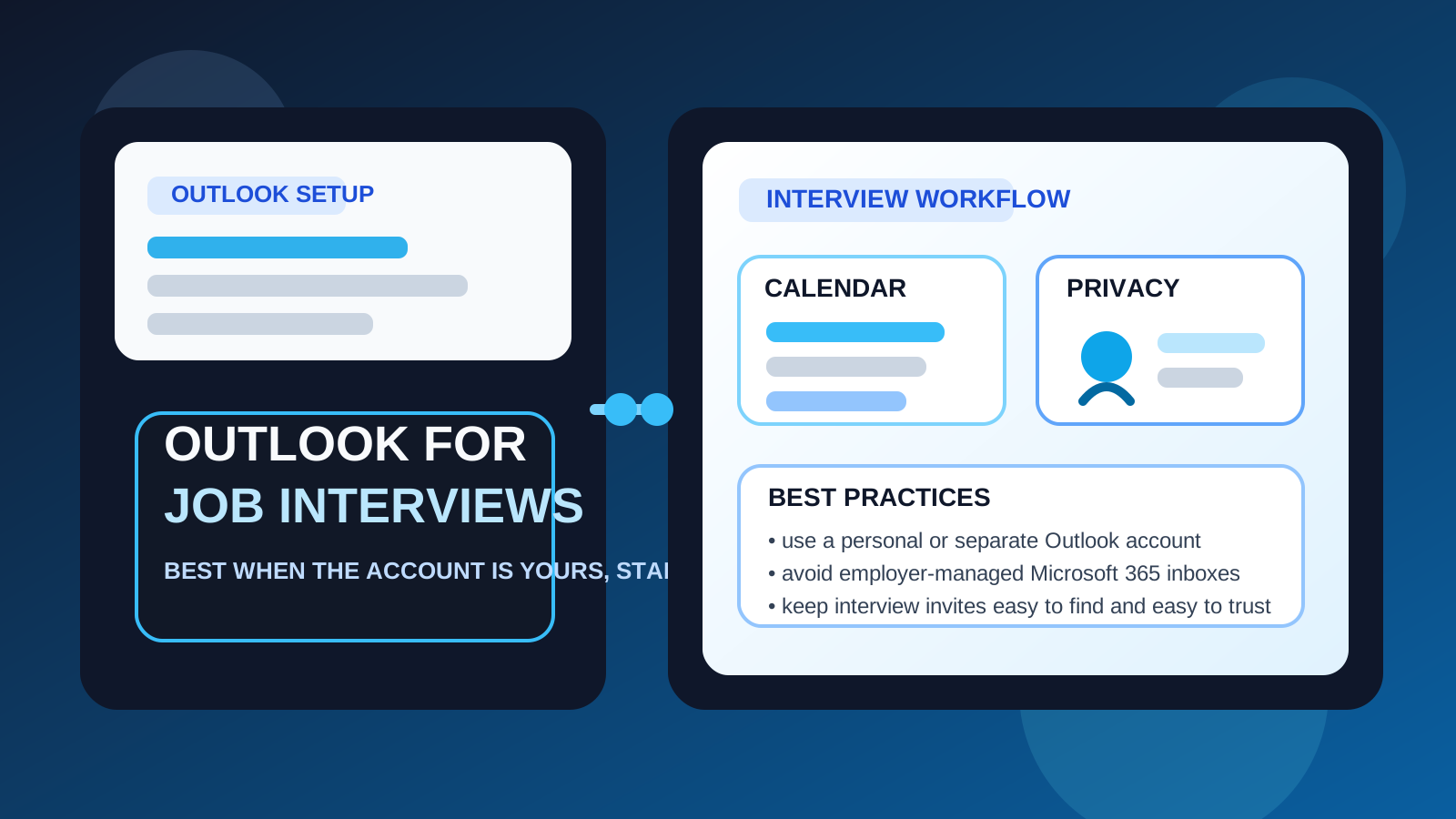
That is the practical answer behind searches for should you use outlook for job interviews. Recruiters rarely object to Outlook as an email provider. It is familiar, mainstream, and perfectly capable of handling interview scheduling, attachments, Teams links, and follow-up messages. But “Outlook” covers several very different setups, and those differences matter a lot once your job search reaches the interview stage.
A personal Outlook.com inbox, a cluttered old Microsoft account, and a work-managed Microsoft 365 mailbox may all look like “Outlook” on the surface, but they do not carry the same privacy risks or workflow tradeoffs. If you want the simplest honest answer, it is this: Outlook is usually acceptable for job interviews, but the right Outlook account matters more than the Outlook brand.
Why Outlook is usually acceptable for job interviews
Most employers are not evaluating candidates based on whether they use Outlook, Gmail, iCloud Mail, or another normal email provider. They care about a few basic signals instead:
- Does the address look professional?
- Do you respond reliably?
- Can you receive interview invites and attachments without trouble?
- Will the account stay active throughout the hiring process?
Outlook usually passes those tests with no problem. Recruiters are used to sending interview confirmations, Microsoft Teams invites, reschedule notices, and follow-up questions to Outlook addresses every day. In that sense, Outlook is not unusual or risky by default. It is a practical, recruiter-friendly option.
Why the account type matters so much
The word “Outlook” can hide an important difference. You might be using:
- a normal personal Outlook.com account you control
- a separate Outlook account created just for your job search
- a work-managed Microsoft 365 account tied to your current employer
Those are not equivalent. A personal or separate Outlook account is usually fine because you control access, notifications, and retention. A work Outlook account is different because interview activity can spill into an employer-controlled environment through calendar invites, Teams links, mobile-device sync, notification previews, browser sign-ins, and admin policies you do not control.
That is why the best answer is not just “use Outlook” or “do not use Outlook.” It is “use the right Outlook account for the level of privacy you need.”
When Outlook is a good choice for interviews
Your address looks professional
A simple address based on your real name is usually all you need. The provider is rarely the issue. A recruiter is much more likely to react to a messy username than to the fact that the address ends in Outlook.com.
You already check it constantly
Interview scheduling can move fast. If Outlook is already on your phone, pinned in your browser, and part of your daily routine, that convenience helps. Fast, reliable replies matter more than clever inbox strategy.
You need stable handling for invites and attachments
Outlook works well for interview logistics. You may receive calendar holds, Teams links, PDFs, take-home instructions, and changes in timing. A stable mainstream inbox is much better for that than any disposable or short-lived address.
You want a neutral, familiar provider
Outlook is common enough that nobody needs it explained. It usually does not create friction or look experimental. For many candidates, that is exactly what you want at the interview stage: an account that feels ordinary and dependable.
When Outlook becomes the wrong choice
If it is your current employer’s Outlook account
This is the clearest no. If the account belongs to your current employer, it is usually the wrong place for interview activity. Even if nobody is actively reading your mailbox, the account may still be tied to company calendars, Teams, laptop sync, device management, retention rules, or browser profiles on work hardware.
Interview emails do not stay neatly inside one message. They can create trails: invite previews, meeting reminders, suggested contacts, synced notifications, and log entries. That is unnecessary exposure for a private job search.
If your personal Outlook inbox is too chaotic
A personal account can still be a bad operational choice if it is overloaded with newsletters, receipts, family messages, old aliases, and random signups. Outlook itself is fine, but a cluttered inbox can bury the exact message you need from a recruiter.
If the address looks weak or unserious
Again, this is not a problem with Outlook. It is a presentation problem. If your username is joke-heavy, vague, or full of random numbers, the provider will not rescue it. The cleaner the address, the better.
Personal Outlook vs separate Outlook for job interviews
For many people, this is the real decision. A personal Outlook account is often acceptable. A separate Outlook account is often cleaner.
A personal Outlook account usually works when:
- the address already looks professional
- the inbox is not overloaded
- you are comfortable mixing interview communication into your regular digital life
- you do not need extra separation from family, subscriptions, or older sign-ins
A separate Outlook account is often better when:
- you are interviewing with multiple companies at once
- you want a cleaner calendar just for interview invites
- you are still employed and want tighter privacy boundaries
- you do not want recruiter traffic mixed into your main inbox for years
- you want a controlled display name, signature, and contact setup for hiring only
If your current Outlook account already feels tidy and professional, you may not need another one. But if you want less clutter and less identity spillover, a separate Outlook account is often the best setup.
Outlook vs temporary email for job interviews
Temporary email and Outlook serve different parts of the job-search funnel. A temporary inbox can be useful much earlier, when you are testing a low-trust job board, signing up for gated content, or protecting your main inbox from spam-heavy forms. That is where a tool like Anonibox can fit naturally.
Interviews are different. Once a real employer is sending scheduling emails, attachments, and follow-up messages, you usually want a stable inbox you can still access next week or next month. Outlook is much better for that than a disposable address. In other words, temporary email can help you manage noisy early-stage exposure, but a serious interview process usually deserves a stable personal or separate inbox.
Privacy risks people overlook with Outlook
Calendar spillover
Interviewing often creates more calendar activity than people expect. Even if the email itself seems harmless, the invite may create reminders, time blocks, or cross-device notifications. If the account is tied to the wrong environment, that spillover can expose your search more than the email alone would.
Microsoft account identity spillover
An Outlook account can be linked to profile names, saved contacts, Teams, and cloud files. That does not make Outlook unsafe, but it does mean your interview communication is part of a larger account identity. A separate Outlook account reduces accidental crossover.
Work-device exposure
Even if the account itself is personal, opening interview email on a work laptop or inside a work-managed browser profile can still create risk. The safest inbox in the world does not help much if you view it in the wrong environment.
Best practices if you use Outlook for interviews
Use a clean, professional address
The provider is acceptable. Make sure the address itself is too.
Keep interview email easy to see
Create folders, rules, or categories for interview traffic so scheduling messages do not get buried. A little organization goes a long way once several companies are in motion at the same time.
Be careful with calendar defaults
If you use Outlook calendar heavily, decide whether interview invites should live in your main schedule or in a separate account. Cleaner separation reduces accidental exposure and makes preparation easier.
Avoid work-managed Outlook and work devices
This is worth repeating. A personal or separate Outlook account is one thing. A work-managed Microsoft 365 environment is another. Do not confuse them.
Keep the account stable through the whole process
Do not use an inbox you plan to abandon. Interview processes can stretch out, and recruiters sometimes follow up later than expected.
A simple decision framework
- Use Outlook confidently if the account is personal or separate, professional, stable, and easy for you to monitor.
- Prefer a separate Outlook account if you want stronger privacy, cleaner scheduling, or less recruiter clutter in your main inbox.
- Avoid work Outlook accounts for interviews unless you are comfortable with unnecessary employer visibility risk.
- Use temporary email earlier in the funnel for low-trust forms, then move to a stable inbox when interviews become real.
Final answer
Yes, Outlook is usually a good choice for job interviews, but only if the account is one you control. A personal Outlook inbox can work well, and a separate Outlook account is often even better if you want cleaner organization and stronger privacy.
No, a work-managed Outlook account is usually not a good choice for job interviews. The Outlook brand is not the problem. Account ownership, calendar spillover, and employer visibility are the real issues.
If you want the safest practical setup, use a personal or separate Outlook account for real interview communication, keep the address professional, and use temporary email tools like Anonibox only earlier in the search when the goal is reducing spam rather than managing live interview logistics.