Yes, you can use Google Chat for parts of a job-offer conversation after you verify the employer, but you should not rely on chat alone as proof that the offer is real or final.
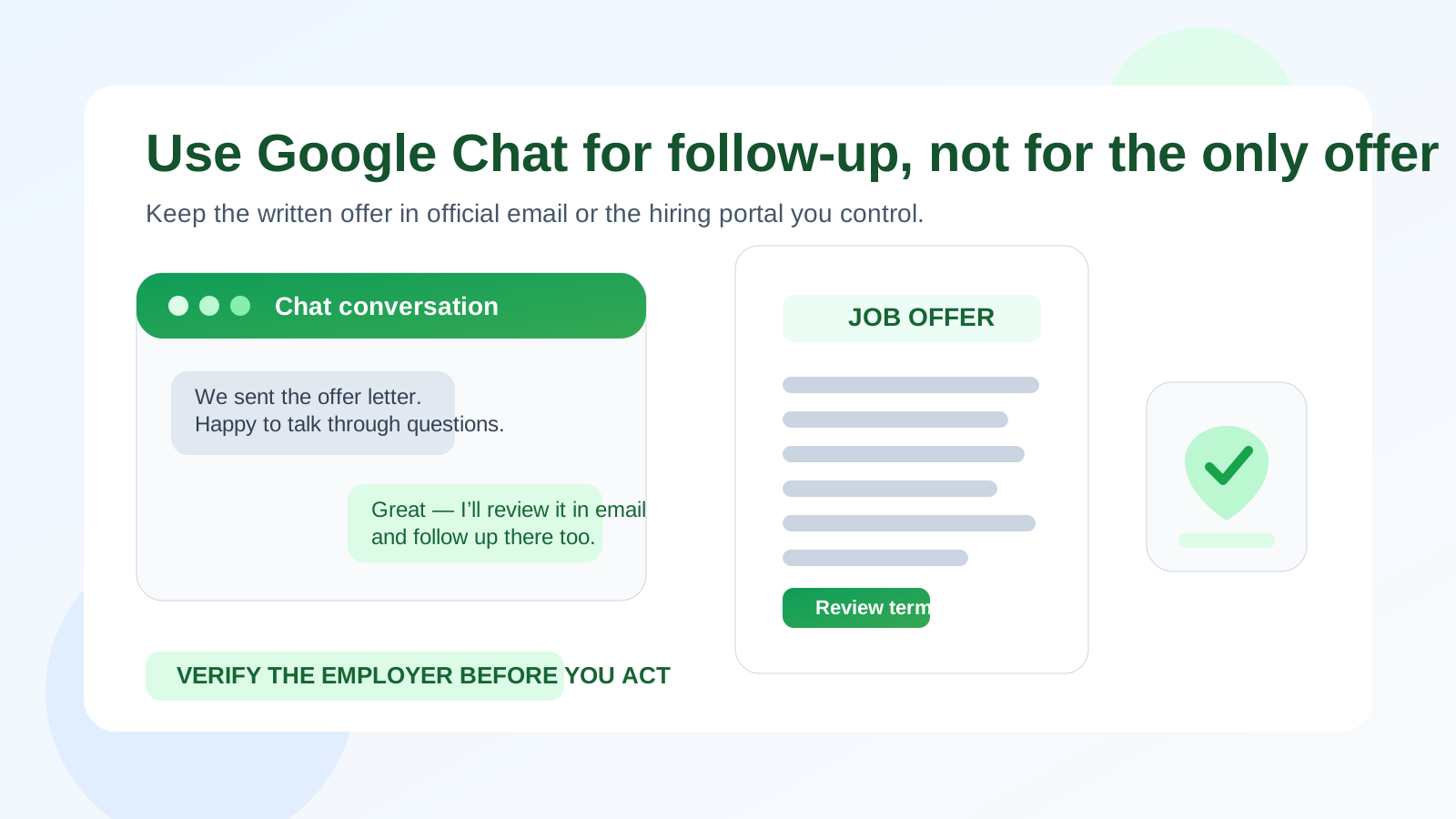
The safest approach is to treat Google Chat as a secondary coordination channel while keeping the actual offer letter, compensation details, deadlines, and onboarding steps in official company email or the employer’s hiring system.
Why this question comes up
Google Chat feels normal because many companies already live inside Google Workspace. If you have been speaking with a recruiter, hiring manager, or future teammate, a chat message may not feel very different from an internal office conversation. That is exactly why people lower their guard.
At the offer stage, though, the stakes are higher than they were during early scheduling. You may be comparing salary, bonus structure, start dates, relocation details, contingencies, or benefits timing. Those are not the kinds of details you want floating only inside a casual chat thread that is easy to misread, bury, or trust too quickly.
That makes this a privacy and verification problem, not just a convenience question. Google Chat can help you keep the conversation moving, but convenience should not replace a formal record when you are making a real career decision.
Short answer: acceptable for coordination, weak as the main offer channel
If a verified employer says, “We emailed your written offer and can answer questions in Google Chat,” that is usually fine. If someone wants to negotiate the full offer only in chat, avoid using company-domain email, or rush you into sending personal information there, that is a warning sign.
In other words, Google Chat is useful as a supporting layer. It becomes risky when it turns into the only place where the offer supposedly exists.
When Google Chat can be reasonable for job offers
There are situations where using Google Chat is completely understandable:
- You are already deep in a verified hiring process. You applied through a real careers page, interviewed with recognizable people, and know which employer you are dealing with.
- The employer also uses official email. Your formal offer letter, benefits documents, and written next steps still arrive through a real company domain or established portal.
- Chat is limited to quick follow-up. It is being used for practical questions like whether you received the offer, whether a call time works, or whether you want to discuss details live.
- The account context makes sense. The person contacting you uses an identity that matches the company and the process you already know about.
- You still control the durable record. The important terms are somewhere you can save, search, and revisit later.
In that kind of workflow, Google Chat is not the offer itself. It is just a faster side channel around the real offer.
What makes Google Chat risky at the offer stage
1. Chat can feel more trustworthy than it really is
Because Google is familiar, people sometimes assume a Google Chat invite or message must be legitimate. It is not that simple. A familiar platform does not prove that the sender is who they claim to be, and a polished message does not prove the role is real. You still need to verify the employer independently.
2. Offer details are easy to lose in chat
Job offers often involve details you need to compare carefully: salary, bonuses, equity, reporting lines, visa support, hybrid expectations, start dates, deadlines, or background-check conditions. Those terms are much easier to review in a written letter or clean email thread than in a running conversation with short replies, side comments, and scattered links.
If you are evaluating more than one opportunity at the same time, relying on chat can also make it harder to keep your notes straight.
3. Google account spillover is a real privacy issue
This is one of the biggest Google-specific concerns. Many people have multiple Google identities: a personal Gmail account, a current work-managed Google Workspace account, maybe an older school account, and browser sessions where all of them are mixed together. If you use the wrong account for an offer-stage conversation, you may expose more than you intended.
Using your current employer’s managed Google account is especially risky. Even if no one is actively watching your messages, the account may sit inside admin controls, retention policies, device rules, or audit environments that make it the wrong place for a confidential job search.
4. Files and links inside chat deserve extra caution
At the offer stage, candidates expect documents, benefit summaries, and onboarding instructions. That expectation makes it easier for a scammer to send a convincing file or link. The fact that it appears in Google Chat does not make it safe. If something arrives unexpectedly, verify it through a known company email or official site before you open it.
5. Informal pacing can create pressure
Chat tools feel immediate. That can be useful when you need a quick clarification, but it can also create emotional pressure: “Can you accept tonight?” “Reply right now so we can move forward.” A real employer may have deadlines, but they should also be able to provide documentation and let you review the terms in a stable format.
What a legitimate Google Chat offer flow usually looks like
In a normal process, Google Chat appears as a convenience, not as the whole system. A healthy pattern often looks like this:
- You apply or interview through normal channels first.
- You exchange messages with a recruiter or hiring manager from a real company domain.
- You receive a formal written offer by email or through a hiring portal.
- Google Chat is used to answer questions, coordinate a call, or clarify timing.
- Acceptance, signatures, and sensitive forms happen in documented systems rather than a loose chat thread.
That order matters. The formal record should exist before chat starts carrying important weight.
What to verify before trusting a Google Chat job offer
Confirm the recruiter or HR contact outside chat
Check whether the person exists on the company website, in a previous email thread, or on a credible professional profile that matches the role and organization. If the contact only exists inside chat, that is not enough.
Match the job title, timeline, and company identity
The role should match what you actually applied for or interviewed for. The names, sequence, and timing should line up with the real hiring process you have already experienced.
Ask for the written offer through official channels
Even if the chat seems legitimate, you still want the offer letter in a format you can save and review carefully. It should clearly spell out compensation, title, reporting line, location expectations, start date, contingencies, and any deadlines.
Be careful with account context
Make sure you are not accidentally replying from a current employer’s managed account or an identity that reveals more personal context than you intended. A separate personal account is usually safer than a work-managed one.
Verify links before acting on them
If the sender wants you to open a file, sign a document, or enter personal information, confirm the destination independently first. Offer-stage urgency is exactly when people are most likely to click too fast.
Should you accept an offer or send personal data through Google Chat?
You can certainly say something like, “Thanks, I’m excited, and I’d like to move forward,” in a chat. But the real acceptance should still be captured through the employer’s formal process. That usually means replying to an official email, signing a written offer, or completing the company’s hiring workflow.
The same goes for sensitive information. Avoid pasting tax details, banking information, home address details, identity documents, or anything similar into a casual chat unless the employer has a clearly explained, verifiable reason and you have independently confirmed the setup. In most cases, a secure HR portal or official document process is the appropriate place for that data.
Best practices if Google Chat comes up during the offer stage
Use a personal or separate account, not a current employer-managed one
If confidentiality matters, keep your job search separate from the Google account controlled by your current workplace. That simple choice reduces unnecessary exposure.
Keep the official record in email or the hiring portal
You want a place where the terms are stable and easy to revisit later. That matters if you negotiate, compare multiple offers, or need to confirm what was promised after you start.
Save important notes outside chat
Write down salary terms, deadlines, contact names, and any promised revisions in your own notes. Do not rely on a message thread as your only memory.
Be polite, but slow down when something feels off
You do not have to accuse anyone of being fake. A calm request like “Could you also send that in the formal offer email?” is completely reasonable and often revealing.
Use privacy tools at the right stage
Early in a job search, many people like to keep marketing follow-up and signup noise separate from their main inbox. That is where a separate email strategy can help, and a tool like Anonibox can be useful for low-stakes exploration or one-off signups. But once an employer is making a real offer, the important communication should move to a stable inbox and account setup you control long term.
Red flags that should make you slow down
- The entire offer appears in Google Chat before you ever receive a real company email.
- You are pushed to decide immediately without a written offer letter.
- The sender wants tax, payroll, ID, or banking information directly in chat.
- The account or identity does not match the employer you thought you were dealing with.
- You are pushed to open unfamiliar links or files without explanation.
- The salary or role details keep changing between messages.
- The recruiter resists ordinary verification questions.
One odd detail does not always mean a scam, but several together should absolutely change your pace.
A quick decision checklist
Before you rely on Google Chat for an offer-stage conversation, ask yourself:
- Have I already verified the employer independently?
- Did I receive a formal written offer through official channels?
- Am I using chat for discussion rather than as the only record?
- Am I avoiding a work-managed Google account if possible?
- Would I feel comfortable making this decision if the chat thread disappeared tomorrow?
If the answer to the last question is no, that is a sign the conversation needs a stronger paper trail.
Final answer
Yes, you can use Google Chat for job offers in a limited, practical way. It is fine for quick coordination and follow-up after you already know the employer is real.
But no, it should not be the only proof that an offer exists or the only place where important terms live. For something this important, you want a formal written offer, a verified company contact, and a stable communication trail you can review later. Treat Google Chat as a useful side channel, not the foundation of your decision.