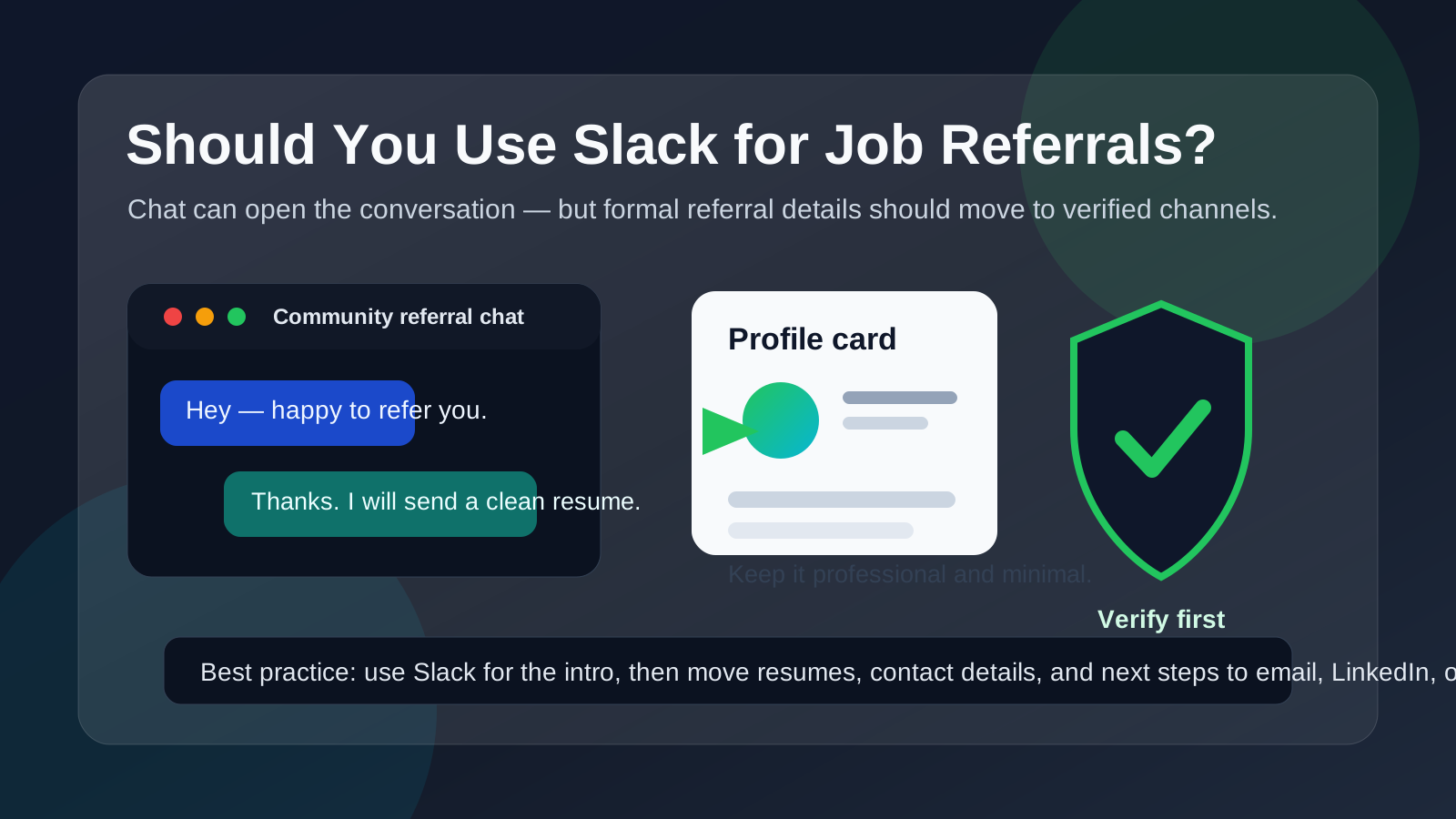
Slack can work for an initial referral conversation inside a trusted professional community, but it should not be the only place where you share your résumé, personal contact details, or formal next steps.
Use Slack to make the connection, then move real referral details to verified email, LinkedIn, or the company application flow so you keep better records and more control over your privacy.
Why this question comes up
Slack is no longer just an internal team chat tool. It also shows up in startup groups, alumni communities, professional memberships, bootcamp networks, remote-work spaces, and niche industry channels where people swap introductions every day. If you are job hunting, that environment can make Slack feel like a natural place to ask for help.
And sometimes it is. A warm message from someone who already knows your work, or at least knows the hiring team, can be much more useful than sending another cold application into a crowded applicant tracking system. The problem is that Slack is built for fast conversation, not for a careful hiring record. That is why the right answer is not “always yes” or “always no.” It depends on how well you know the person, how legitimate the opportunity is, and how much of the process you are being asked to run inside chat.
Short answer: Slack is fine for the introduction, not for the full referral process
If someone in a real community says, “Send me your résumé and I will refer you,” Slack can be a perfectly reasonable place to start. It is quick, familiar, and often less formal than email. But the farther the conversation moves into real hiring steps, the more important it becomes to shift into channels that are easier to verify and easier to revisit later.
A good rule is simple: use Slack for the first handshake, not as the permanent home for your referral. If a referral becomes real, you want a stable trail for your résumé, contact details, job link, deadlines, and any follow-up questions.
When Slack is a reasonable place to ask for a job referral
Slack can work well when the context is already trustworthy and professional. Common examples include:
- You already know the person: former coworker, classmate, founder, recruiter, or community member you have interacted with before.
- The Slack workspace itself makes sense: an alumni group, industry association, founder community, technical guild, or company-affiliated space.
- The ask is lightweight at first: you are asking whether they would be open to referring you, not dumping a pile of sensitive documents into chat.
- The role is easy to verify: you can independently confirm the company, job posting, and the person’s relationship to the employer.
- You are prepared to move off Slack: once the referral is real, you can switch to email, LinkedIn, or the employer’s normal application flow.
In that kind of situation, Slack behaves like a door opener. It helps start a warm conversation faster than a cold email would. That is useful. It just is not the same thing as a complete, safe referral workflow.
When Slack is a poor primary channel for job referrals
Slack becomes a bad idea when the trust is weak, the identity is unclear, or the process gets too informal too quickly. Be more cautious if:
- you are getting cold direct messages from people you cannot verify,
- the workspace feels loosely moderated or unrelated to the company,
- someone wants your résumé, phone number, and personal email before they explain the role clearly,
- the person pushes you to move immediately into Telegram, WhatsApp, or another side channel,
- the “referral” sounds more like a vague promise than a real introduction, or
- the company has no clear public careers page or official presence to match the story.
A real referral should reduce uncertainty, not increase it. If Slack is being used in a way that makes the employer, the referrer, or the next steps harder to verify, that is not a great sign.
Main privacy and professionalism risks
1. Your Slack identity may reveal more than you expect
A Slack profile can say much more about you than a plain email address does. Your display name, photo, bio, status habits, linked email account, workspace history, and overall tone can shape impressions immediately. Sometimes that helps. Sometimes it exposes context you would rather control more carefully.
This matters even more if you are using a long-lived personal Slack identity tied to many communities. You may not want a referral contact seeing an old profile photo, a jokey bio, or traces of side projects that have nothing to do with the role. It matters even more if you are using a work-owned Slack account, because that can leak current-employer information and create unnecessary risk.
2. Slack can make weak verification feel stronger than it is
A message inside a professional-looking workspace often feels more legitimate than a random text or social media DM. But the interface is not proof. Someone can sound credible, use a believable profile, and still have no real connection to the company they claim to represent. That is why Slack should never replace independent verification.
Before trusting a referral conversation, confirm that the role exists, the company is real, and the person actually has a reason to make the introduction. Check their LinkedIn, company page, public work history, or mutual contacts. If the details do not line up, slow down.
3. Important details get buried easily
Referral conversations often start casually and then become operational very fast. Suddenly you have a job link, a résumé revision request, a hiring manager’s name, a timing note, and a suggestion about what to emphasize. In Slack, those details can get scattered across threads, reactions, edits, and side messages. That is manageable for quick chat, but not ideal for something you may need to revisit days later.
Email is still better for stable records. Even LinkedIn is often easier to treat as a clean, role-specific thread. Slack is quick, but quick is not the same as organized.
4. Using work Slack is a special risk
If you are thinking about job referrals through your employer’s Slack account, the answer is usually no. Workspaces can have retention policies, admin visibility, searchable history, connected apps, and a context that makes your outside job-search activity more visible than you intended. Even if no one is actively watching, you are still mixing a personal career move with a tool your employer controls.
If a referral conversation starts in a work-owned environment, move it out quickly and politely.
5. Slack can encourage over-casual behavior
Because Slack feels conversational, people sometimes become too loose too fast. They overshare frustrations about their current employer, send an unpolished résumé without context, or ask for too much too early. That can hurt the quality of the referral even when there is no security issue. A referral is still a professional ask. Slack should not trick you into treating it like random banter.
Best practices if you use Slack for job referrals
Keep the first message short and specific
Do not send a wall of text. A good first message briefly explains who you are, what role you are interested in, and why you are reaching out to that person. Make it easy for them to say yes, no, or ask for more information.
- Mention the role or company clearly.
- Say why you thought of them specifically.
- Ask whether they would be open to a referral or quick guidance.
- Offer to send your résumé in a cleaner channel if they prefer.
Verify before you share sensitive details
If the person is not already known to you, verify them before you send your résumé, phone number, or personal email. Look for signs that they really work where they claim, that the job exists, and that the introduction makes sense. Legitimate people do not usually mind basic verification.
Move the real materials off Slack
Once someone agrees to help, shift the formal pieces into a better channel. That might be email, LinkedIn, or the company’s referral or application system. Slack is fine for “happy to help” and “here is the job link.” It is weaker for storing your official résumé version, handling sensitive contact data, or tracking deadlines.
Use a clean contact setup
If you expect a lot of networking or community outreach, it helps to separate your job-search contact details from your personal life. A dedicated email address can keep referrals and recruiter replies organized. For very early, low-trust outreach, some people use tools like Anonibox to reduce inbox clutter while they test whether a lead is worth pursuing. Just be practical: if the referral becomes real, switch to a stable email you check regularly so nothing important gets lost.
Save the important parts somewhere else
When a Slack conversation produces useful information, copy the essentials into your own notes: who referred you, which role, what they suggested, when you should apply, and whether they asked for a tailored résumé. That keeps the process from disappearing into a fast-moving chat history.
Good and bad examples
Reasonable use
You are in a real product community. A member you have spoken with before says their company is hiring, shares the public job link, and offers to refer you if you send a résumé. You verify the company, send a short thanks, and move the résumé exchange to email. That is a solid use of Slack.
Risky use
A stranger in a large public workspace says they can “guarantee” an interview if you send your résumé, personal number, and salary expectations immediately. They do not share a real job link and want to continue the conversation in another chat app. That is a bad use of Slack and a possible scam signal.
A quick checklist before you say yes
- Do I know this person, or can I verify them independently?
- Is the workspace relevant and credible?
- Can I confirm the job posting and company outside Slack?
- Am I being asked for only what is necessary at this stage?
- Can I move the formal details to email, LinkedIn, or the official application flow?
- Am I avoiding the use of my employer-owned Slack account?
If the answers are mostly yes, Slack is probably fine as an introduction layer. If several answers are no, step back and protect your information.
Final answer
Yes, you can use Slack for job referrals, but mainly as a starting point. It works best for warm introductions, light questions, and quick coordination inside communities you already trust. It works poorly as the only place where your résumé, contact details, and referral handoff live.
The safest approach is simple: start in Slack if the context is credible, verify the people involved, then move the real referral process into channels that are easier to trust and easier to manage. That gives you the speed of chat without giving up privacy, professionalism, or control.