Yes, you can use Microsoft Teams for job referrals, but it works best as a warm introduction channel rather than the place where your whole job search lives.
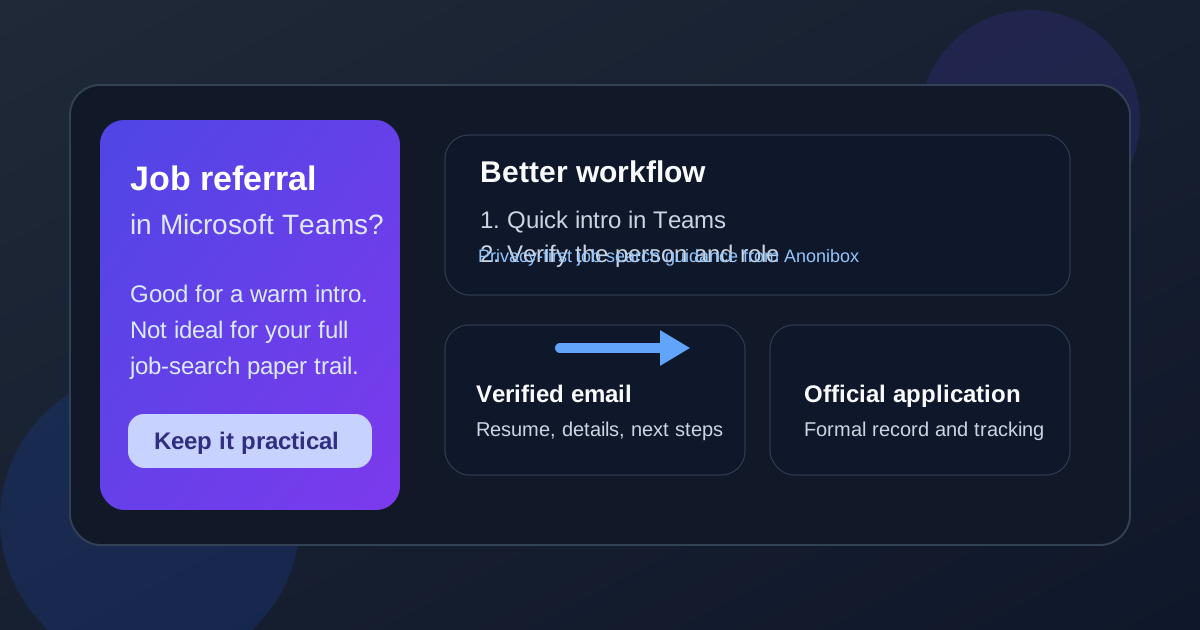
If the conversation is inside a real professional relationship, Teams can be fine for a quick referral chat; for resumes, sensitive personal details, and formal next steps, verified email and the company application system are usually safer.
Why this question comes up
Microsoft Teams sits in a strange middle ground. It feels more professional than a random text message, but it is still a chat tool. People use it for quick updates, file sharing, calls, and internal collaboration, so it is easy to assume it is also a good place to handle a referral. Sometimes it is. A former coworker may message you about an opening. An internal contact may say, “Send me your resume and I’ll refer you.” A recruiter might suggest a short Teams chat before moving forward.
The problem is that convenience is not the same thing as good process. A referral is often the moment when your job search stops being casual and starts becoming identifiable. Your name, resume, work history, contact details, and career plans begin moving around between real people and real systems. That is where privacy, professionalism, and record-keeping start to matter.
When Microsoft Teams is a reasonable channel for job referrals
Teams can be perfectly reasonable when the conversation starts from a legitimate relationship and stays limited to early coordination.
- A former coworker reaches out from a known account: If you already know the person and you are simply discussing whether a role is a fit, Teams is fine.
- An internal employee offers to refer you: Many companies live in Teams all day, so an employee may naturally ask for a quick message there before sending you to the real referral or application workflow.
- You need a brief scheduling conversation: Teams is useful for simple logistics like, “Can you send me the job link?” or “What does the hiring manager care about most?”
- The chat leads quickly to an official process: If Teams is just the front door and the real documents move to email or the careers portal, that is usually a healthy pattern.
In other words, Teams is often acceptable for the conversation around the referral. It is less ideal as the permanent home of the referral itself.
Why you should be cautious
1. Teams conversations may belong to an employer, not to you
A Microsoft Teams account is often tied to an employer-managed Microsoft 365 environment. That means messages, files, meeting logs, and access controls may be governed by company policies you do not control. If you are using a current employer’s Teams workspace for an outside job search, that is a bad privacy trade.
Even when you are chatting with someone else’s company account instead of your own, remember that the conversation may still be retained and monitored on their side according to their organization’s rules. That does not make Teams unsafe by default, but it does mean you should avoid treating it like a private vault.
2. A chat thread is not the best system of record
Referrals can get messy when they live only inside chat. Important details disappear into scrolling threads. File versions get mixed up. You may lose the exact job link, the name of the hiring manager, or the timeline you were told to expect. Email and the official application system are still better for anything you may need to reference later.
3. It is easy to overshare too early
When a chat feels conversational, people often send more than they should. That can include a full resume before the role is verified, phone numbers that you do not want widely circulated, salary history, current employer details, or personal documents that do not belong in an early referral exchange.
4. “Professional” does not always mean “verified”
A Teams message can look legitimate because the interface looks corporate, but you still need to verify the person, the company, and the opportunity. A polished profile photo and a company-looking tenant do not replace basic due diligence.
When Microsoft Teams is the wrong place for a referral workflow
There are a few situations where Teams should not be your main channel.
- You are using your current employer’s Teams account to pursue outside roles.
- The person contacting you is not clearly verified and wants your resume or personal information immediately.
- The role is vague and the conversation skips basic details like company name, job description, or application link.
- You are being pushed to stay inside chat only with no official email, careers page, or documented next step.
- Sensitive information is involved such as home address, identification details, compensation documents, or onboarding paperwork.
If any of those are true, Teams has stopped being a convenient introduction tool and started becoming a bad place to manage risk.
A better workflow: use Teams for the intro, then move the process
The simplest approach is to separate conversation from documentation.
Step 1: Keep the first Teams exchange short
A good first message is practical and light. Ask how the referral works, what role they mean, and whether they want a resume, LinkedIn profile, or application link. Do not dump everything into the first thread.
Step 2: Verify the role independently
Before you send anything important, confirm that the role exists on the company site or that the person is genuinely connected to the employer. If they mention a job title, look for the listing yourself. If they say they can refer you internally, make sure the company is real and the context makes sense.
Step 3: Move documents to verified channels
Once the conversation is real, shift the resume, portfolio, and next-step details to a channel that gives you a cleaner paper trail. That usually means verified email or the employer’s application portal. This makes follow-up easier and reduces the risk of losing important details in chat history.
Step 4: Be deliberate about your contact info
For early-stage networking, many job seekers prefer not to expose their main inbox everywhere. A separate email address can keep referrals, recruiter follow-ups, and job alerts organized. If you are testing low-trust job boards or very early outreach, a privacy-focused workflow with a separate inbox or a temporary address from Anonibox can help you avoid turning your main email into a magnet for spam. Once a real opportunity is moving forward, switch to a stable address you control for anything important.
Step 5: Keep your own record
Save the job link, the referrer’s name, the date, and what was promised. If the discussion started in Teams and later moves to email, your own notes will help you keep the story straight.
How to protect your privacy if you do use Teams
- Do not use your current employer’s Teams workspace for an external job search if you can avoid it.
- Share the minimum needed at the start: enough to continue the conversation, not enough to expose your entire personal profile.
- Do not send sensitive identity documents in a casual chat thread.
- Verify unexpected file requests before you upload resumes or attachments.
- Move to email or the official site before the referral turns into interviews, offer discussions, or onboarding paperwork.
What a good Teams referral exchange looks like
A healthy referral flow in Teams is usually boring in the best way. A real contact says there is an opening, points you to the exact role, asks for a resume or profile in a professional format, and sends you toward the company’s standard process. There is no pressure, no secrecy, and no weird demand to handle everything in chat.
A weak or suspicious flow looks different. The role details are fuzzy. The person avoids company links. They want personal data before you have context. They ask you to stay inside the chat app instead of using standard business channels. Those are the moments to slow down.
Quick checklist before you use Teams for a referral
- Do I know this person or can I verify them independently?
- Is the role real and visible on a legitimate company site?
- Am I using a personal account instead of a current employer-managed environment?
- Am I keeping sensitive documents out of casual chat until the opportunity is verified?
- Is there a clean next step in email or the official application system?
If most of those answers are yes, Teams is probably fine as the opening move. If several answers are no, it is a sign to protect your information and choose a better channel.
Final answer
Microsoft Teams can work for job referrals, but only as a limited, early-stage communication channel. It is useful for warm introductions, quick context, and simple coordination. It is not the best place to store your whole job-search trail, and it is definitely not where you should casually park sensitive personal information.
The safest pattern is simple: use Teams for the intro, verify the opportunity, then move the real documents and decisions to verified email and the employer’s formal process. That keeps the referral convenient without letting convenience make your privacy choices for you.