Yes — Mail.com can work for job offers if the address looks professional, the inbox is stable, and you check it closely enough to catch deadlines, attachments, and onboarding messages fast.
If you are asking should you use Mail.com for job offers, the real issue is not the provider name. It is whether this inbox is reliable enough for offer letters, negotiation threads, PDF attachments, and time-sensitive follow-up when the hiring process is almost finished.
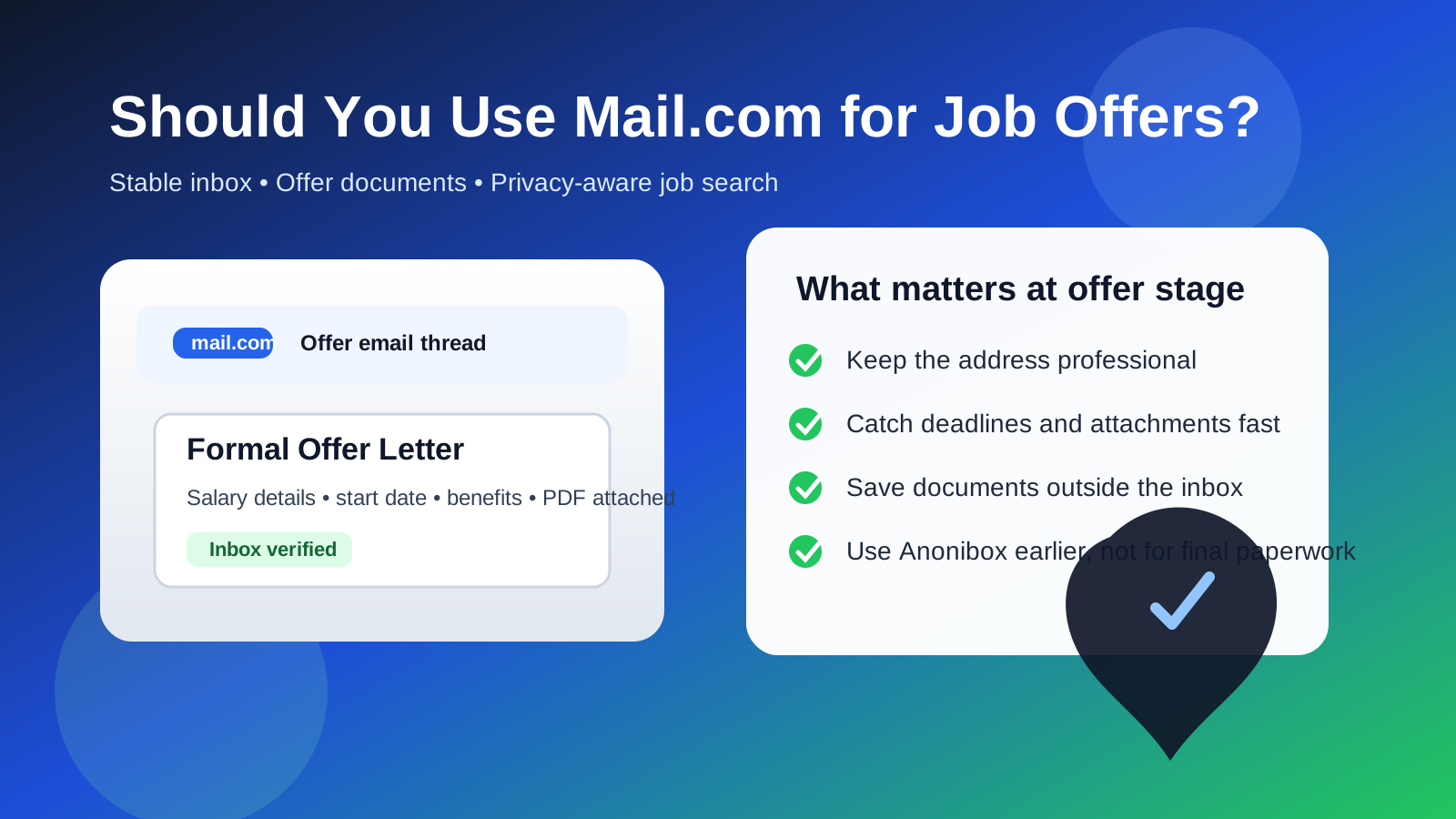
That distinction matters. Early in a job search, people often care most about limiting spam, separating applications from personal life, and avoiding low-quality recruiter clutter. By the time an employer is preparing a real offer, the priority shifts. You still care about privacy, but now you also need continuity, credibility, and fast response times.
Mail.com is not automatically a bad choice for that stage. Plenty of employers care far more about whether you reply promptly than whether your address ends in Gmail or Outlook. But a job offer is not the moment to rely on a neglected side inbox, a gimmicky username, or an account you only remember to check every few days.
Why the offer stage changes the calculation
A job offer inbox does different work than an application inbox. Instead of just receiving confirmations and recruiter outreach, it may now hold salary details, benefits summaries, start-date discussions, background-check instructions, e-signature links, attached PDFs, and onboarding requests. Those messages may also arrive with deadlines. Missing one can create needless stress or make you look disorganized at the exact moment you want to look easy to hire.
That is why the answer to this question is usually yes, but only if the account is truly dependable. A provider does not have to be trendy. It has to be operationally solid.
Short answer: Mail.com is fine when it is stable and professional
For most employers, a clean Mail.com address is acceptable. Hiring teams are generally not scoring candidates based on inbox fashion. They want someone who can receive the offer, review the terms, ask sensible questions, and respond on time.
Mail.com is usually a reasonable choice if:
- the address uses your real name or a simple professional variation,
- you already monitor the inbox consistently,
- you can access it easily on both desktop and phone,
- attachments and links work without friction, and
- you plan to keep the account active through the full offer and onboarding timeline.
If those boxes are checked, the provider itself is unlikely to be the problem. The risk comes from weak habits around it.
What Mail.com does well for job offers
1. It can keep your search separate from your main personal inbox
A separate inbox is often useful once a job search gets serious. It keeps recruiter threads, interview notes, and offer conversations out of the same inbox where you also receive shopping receipts, newsletters, travel updates, and random account notifications. That separation reduces the chance that an important HR email gets buried under unrelated noise.
2. It gives you more continuity than a disposable inbox
This is where Mail.com can be much safer than a temporary inbox. A disposable address may be helpful during low-trust signups or early browsing, but an offer thread often needs to stay accessible for weeks. You may need to revisit the same conversation for benefits questions, signed documents, tax instructions, or a delayed start date. A stable inbox you control long term is simply the better tool for that stage.
3. It supports a more privacy-aware workflow without looking obviously throwaway
If you do not want every employer tied to your oldest personal email address, using a dedicated Mail.com account can be a reasonable middle ground. It gives you separation without broadcasting the temporary, disposable feel that some throwaway addresses create. That matters more when the relationship is moving from “candidate” to “person we may actually hire.”
Where Mail.com can create friction
1. The address itself may matter more than the provider
A clean address like firstname.lastname@mail.com looks very different from something cluttered, jokey, or anonymous. If the handle looks unserious, the inbox can feel less trustworthy even if the provider is perfectly legitimate. The issue is usually presentation, not the Mail.com brand.
2. Offer-stage communication is document-heavy
Once offer paperwork starts, you need an inbox that can handle attached PDFs, policy documents, and secure links without turning into a scavenger hunt. If your Mail.com account is poorly organized, full of spam, or rarely opened on mobile, you are increasing the chance of missing something important.
3. A side inbox can become a forgotten inbox
This is the biggest practical risk. Many people create secondary addresses with good intentions, then fail to build a real habit around them. That is fine for low-stakes signups. It is bad for offer letters. If you are going to use Mail.com here, you need to treat it like an active operating inbox, not a privacy experiment.
When you should use Mail.com for a job offer
Mail.com is usually a good choice when all of the following are true:
- You already use the account and trust it.
- You want job-search separation without relying on a disposable tool.
- You can respond within hours, not days.
- You know the employer is legitimate and the process has already moved beyond initial screening.
- You are willing to save critical documents outside the inbox so nothing gets lost later.
In that situation, Mail.com can work just as well as many mainstream providers. A hiring manager is far more likely to care about your responsiveness than the specific logo behind the inbox.
When you should think twice
Consider switching to a cleaner or more familiar inbox if any of these are true:
- You barely check the Mail.com account.
- The username looks sloppy, overly anonymous, or outdated.
- You already missed recruiter emails there during earlier stages.
- The inbox mixes serious job-search mail with years of spam and clutter.
- You are about to sign documents and want the lowest-friction workflow possible.
There is no prize for sticking with a privacy-minded setup if it makes the final stage harder. The best inbox for a job offer is the one that helps you stay calm, organized, and reachable.
Mail.com versus a temporary email at the offer stage
This is where many job seekers make the right distinction too late. Temporary email tools are useful when you are testing a job board, downloading a lead magnet, signing up for a recruiter webinar, or protecting your main inbox from unknown sources. That is the stage where a service like Anonibox fits naturally: it can help you avoid long-term spam while you decide which sources deserve real attention.
A job offer is different. At that point, you are usually dealing with a real employer, a real timeline, and real documents that may matter after the hire. You do not want the thread living in an address designed for short-term convenience. Mail.com is better suited than a temporary inbox because it offers continuity. The key is making sure that continuity is paired with strong habits.
Best practices if you use Mail.com for a job offer
Use a professional sender name and signature
If your inbox displays a nickname, joke name, or old alias, fix it before the offer arrives. Your display name should look like a person an HR team can confidently send paperwork to.
Turn on notifications and check the inbox intentionally
Do not rely on luck. If you are in an active offer discussion, check the account several times a day and enable notifications on the device you actually use. A delayed response to a benefits question is not catastrophic, but repeated delays make the process feel messy.
Save important documents locally
Offer letters, compensation summaries, and onboarding PDFs should not live only in one inbox thread. Download them, label them clearly, and keep them somewhere secure so you can find them later without digging through old messages.
Keep a backup contact path ready
Even if email is the main channel, it helps if the employer also has a reliable phone number for urgent coordination. If something time-sensitive comes up, a quick call or text can prevent avoidable confusion.
Do not keep switching addresses mid-process
If interviews happened on one address and the offer appears on another, the transition can still work, but it should be deliberate and simple. Too many channel changes make the thread harder to track and raise the odds of missed context.
Red flags to watch for, regardless of provider
Even a legitimate-looking inbox cannot protect you from a fake offer if you stop paying attention. Be careful if an employer:
- sends an offer before any real interview process,
- uses a company name but emails from an unrelated domain,
- asks for banking or identity information unusually early,
- pressures you to buy equipment or pay fees upfront,
- pushes the conversation into Telegram or another off-channel app for the “final step,” or
- creates artificial urgency around links or attachments that you cannot verify.
Mail.com can be a perfectly fine inbox for offer-stage communication, but it does not remove the need for basic skepticism. Verify the sender, check the company domain, and slow down when the process feels rushed or inconsistent.
A quick checklist before you accept offer paperwork through Mail.com
- Does the address look clean and professional?
- Have you been checking it consistently?
- Can you open attachments and secure links without trouble?
- Have you saved important files outside the inbox?
- Do you trust the sender and recognize the company domain?
- Will this account stay active long enough for onboarding follow-up?
If the answer is yes across the board, Mail.com is probably good enough. If several answers are no, your workflow needs work more than your provider does.
Final verdict
So, should you use Mail.com for job offers? Usually yes — if the inbox is professional, stable, and actively managed. The provider itself is not the deciding factor. What matters is whether you can trust the account to handle deadlines, documents, and follow-up without friction.
If you want privacy and separation, Mail.com can be a practical middle ground between your oldest personal inbox and a throwaway address. Use temporary tools like Anonibox earlier in the funnel when you are protecting yourself from spam or low-trust signups. Once a real offer is on the table, switch your priority from disposable convenience to dependable continuity.
That balance is what makes the setup work: protect your inbox when the search is noisy, then use a durable account when the paperwork starts to matter.