Usually yes. A separate browser profile is one of the easiest ways to handle job offers more privately and with fewer account mix-ups, especially when you are opening offer letters, e-sign links, benefits portals, and onboarding forms.
It will not secure a work device or replace basic security habits, but on your own device it can make the offer stage cleaner, calmer, and less error-prone.
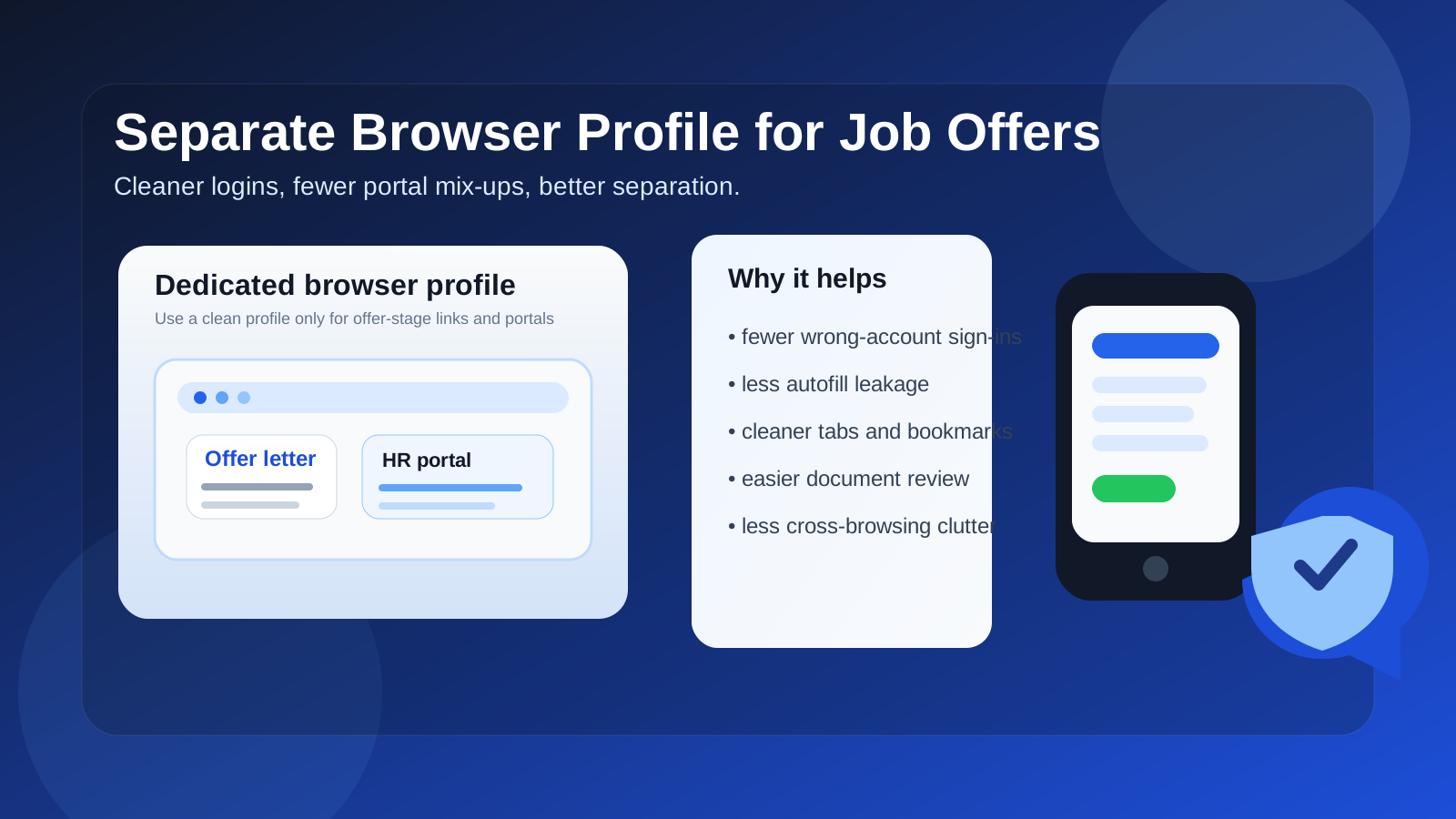
That is the practical answer behind the question should you use a separate browser profile for job offers. The offer stage is where a job search stops being abstract and starts involving real documents, real deadlines, and real risk of mistakes. You may be logging into a company portal, reviewing compensation details, comparing revisions, opening a benefits summary, signing an NDA, scheduling onboarding, or completing a background-check form. Doing all of that inside the same browser profile you use for daily life can work, but it is not always the cleanest option.
A separate browser profile will not magically protect you from everything. It does not turn an employer-owned laptop into a private device, and it does not stop phishing if you click the wrong link. But it does solve a very common set of problems: wrong-account sign-ins, autofill leaks, cluttered history, mixed bookmarks, overlapping cookies, and general confusion when several job-related portals all start arriving at once.
For most people, the best setup is simple: use a separate browser profile on a personal device you control, keep only the accounts you actually need inside it, and treat it as your organized workspace for offer-stage activity.
Why the offer stage creates different browser risks
Applications and interviews already create privacy concerns, but job offers are different because the information becomes more sensitive and the consequences of small mistakes get bigger. Earlier in a job search, you might mainly be submitting forms, checking emails, or joining video calls. At the offer stage, you may suddenly be dealing with:
- formal offer letters and compensation summaries
- e-signature platforms such as DocuSign or similar tools
- background-check vendors and identity-verification forms
- benefits enrollment previews
- HR portals that save personal data or tax-related details
- multiple revisions of the same offer while you negotiate
That is a lot to manage in a messy browser environment. If the wrong Google account auto-signs in, a family member’s autofill appears, an old work login conflicts with a personal login, or you lose the right link in a sea of unrelated tabs and bookmarks, the process becomes harder than it needs to be.
Short answer: a separate browser profile is usually a good idea
If you are reviewing a real job offer on your own device, a dedicated browser profile is usually a smart move. It keeps the offer process compartmentalized without making it overly complicated. You do not need an extreme security setup. You just need a cleaner environment for an important decision.
Think of it the same way people think about using a dedicated folder for tax documents or a separate inbox for job-search communication. The goal is not paranoia. The goal is reducing avoidable confusion and unnecessary exposure.
What a separate browser profile actually helps with
1. It reduces wrong-account sign-ins
This is one of the biggest practical benefits. Job offers often arrive through systems that interact with Google, Microsoft, HR portals, e-sign tools, or calendar links. If your everyday browser profile is already logged into multiple personal, freelance, school, or work accounts, it is easy to open something with the wrong identity attached.
That can lead to awkward errors, incorrect saved data, or broken portal access. A separate profile gives you a cleaner login state so the right email, right calendar, and right saved sessions stay together.
2. It limits autofill and history leaks
Browsers remember a lot. Names, addresses, card details, previously entered emails, search history, saved files, and form values can all surface at the wrong time. During the offer stage, you may be entering personal information into official forms. A separate profile helps reduce the chance that unrelated autofill suggestions show up or that job-offer activity gets blended into your everyday browsing history.
That is especially useful if more than one person uses the same household computer account, or if you simply do not want your normal search history and saved form data cluttering an important workflow.
3. It keeps offer-related bookmarks, downloads, and tabs organized
When an employer sends an offer, the process rarely stays inside one email. You might open a portal, a compensation PDF, a policy page, a benefits summary, a signing link, and a scheduler. If all of that lives in your main browser profile, it gets buried between everything else: banking tabs, shopping tabs, personal mail, and random research from three days ago.
A dedicated profile lets you keep your offer-stage tabs, bookmarks, and history together. That makes it easier to return to the exact document you meant to review and compare versions without hunting around.
4. It reduces tracking overlap and ad weirdness
This is not the biggest reason to do it, but it is still real. Offer-stage browsing can trigger retargeting, especially if third-party scheduling, HR, or benefits vendors are involved. A separate profile helps keep that browsing activity from mixing quite so directly with the rest of your web habits. It will not make you invisible, but it can reduce cross-context mess.
5. It creates a cleaner mental boundary
There is a practical psychology benefit here too. Opening a separate browser profile for offer-related work makes it easier to slow down and review important details carefully. It feels less like casual browsing and more like stepping into a focused workspace. For a decision involving pay, benefits, start dates, location, and paperwork, that is genuinely helpful.
What a separate browser profile does not solve
This matters just as much as the upside. A separate profile is useful, but it is not magic.
- It does not make a work laptop private. If the device belongs to your employer or is managed by employer software, the safest answer is still to use a personal device you control.
- It does not protect you from phishing by itself. You still need to verify links, domains, and senders before signing in or uploading anything sensitive.
- It does not replace a password manager or strong passwords. It only helps with separation and organization.
- It does not fix a bad email strategy. If the offer is going to an address you may lose or rarely check, a clean browser profile will not solve that underlying problem.
In other words, it is best viewed as a smart workflow improvement, not a total security solution.
When a separate browser profile matters most
A dedicated profile becomes especially useful when:
- you are comparing more than one offer at the same time
- you are still employed and want cleaner separation from work-related browsing
- you already juggle multiple Google or Microsoft accounts
- the employer is using several linked portals instead of one simple PDF offer
- you want to keep personal browsing clutter out of an important decision process
It also helps when you are the kind of person who keeps dozens of tabs open and hates losing context. Offer-stage documents are too important to misplace in browser chaos.
How to set one up without overcomplicating your life
1. Create a new browser profile with an obvious name
Name it something clear, such as “Job Offers” or “Career Decisions,” so you do not confuse it with your everyday profile. Give it a different color or avatar if your browser supports that.
2. Use it only on a device you control
This is important. If you are serious about privacy, the profile should live on your personal laptop or personal desktop account, not on employer-managed hardware.
3. Sign in only to the accounts you actually need
Do not replicate your whole digital life inside the new profile. Add only the email account, calendar, or document accounts relevant to the offer process. The cleaner the profile, the more useful the separation becomes.
4. Keep one bookmarks folder for offer materials
Save the offer portal, benefits pages, recruiter scheduling link, and any comparison resources in one place. That turns the profile into a real workspace instead of just another browser window.
5. Consider a separate downloads folder
If you expect to download offer letters, policy PDFs, or signed copies, a dedicated downloads location can make later reference much easier.
Best practices for offer-stage browsing
Verify before you sign in
If an email sends you to a portal, pause for a second. Confirm the sender, the domain, and the company context. If anything feels off, navigate to the official site manually rather than trusting the link inside the email.
Save copies of important documents
Do not rely on one portal staying exactly as it is forever. Download the formal offer letter, compensation summary, and signed copy if the employer allows it. Keep your own records.
Use one reliable email at the offer stage
Early in a job search, some people prefer separate inboxes or even temporary inbox tools such as Anonibox for lower-stakes signups, research, or spam control. That can make sense earlier on. But once you are at the offer stage, reliability matters more than short-term separation. Your browser profile can be separate while your actual offer email should still be stable and under your control.
Keep notes outside the browser too
If you are comparing salary, equity, deadlines, relocation, or start dates, keep a simple note document with the key terms. A clean browser profile helps, but you still want a durable summary that is not trapped in open tabs.
Log out when the process is done
After you accept or decline, close the loop. Save what you need, sign out of unnecessary portals, and keep the profile tidy for future use rather than letting it turn into another cluttered default profile.
When a separate browser profile may be unnecessary
If you use a single personal device, have strong digital hygiene already, rarely mix accounts, and the employer is only sending one straightforward PDF offer, a separate browser profile may be optional. You can absolutely complete an offer process safely without one.
But even then, many people still find the separation worth it because it only takes a few minutes to set up and makes the process easier to manage. The barrier is low, and the upside is practical.
A quick checklist before you handle a job offer in your browser
- Am I using a personal device I control?
- Will the right email account open by default?
- Could saved autofill or mixed logins create confusion?
- Do I have a clean place to keep offer links and signed documents?
- Would a dedicated profile make this process less messy?
If the answer to that last question is yes, you probably already know the move.
Final answer: should you use a separate browser profile for job offers?
Yes, in most cases it is a smart and low-effort privacy habit. A separate browser profile helps you review offers, portals, and signatures with fewer account mix-ups, less browsing clutter, and a cleaner record of what matters.
Just do not confuse it with complete security. Use it on a personal device, verify links carefully, keep your key documents saved, and rely on a stable email and password setup underneath it. When you use it that way, a separate browser profile is one of the simplest ways to make the offer stage feel more organized and less risky.