Yes, often — a separate Outlook account can be a smart choice for job offers if you want to keep salary discussions, offer letters, and deadline emails out of your main inbox. It is most useful when you want clearer organization, better privacy, and less risk of mixing sensitive hiring messages with personal or work mail.
It is not mandatory for every job seeker, but it is one of the simplest ways to stay organized during the most sensitive stage of a job search. If you are comparing multiple employers, reviewing benefits documents, and negotiating start dates, a dedicated Outlook inbox can help you keep control without making your communication feel unprofessional.
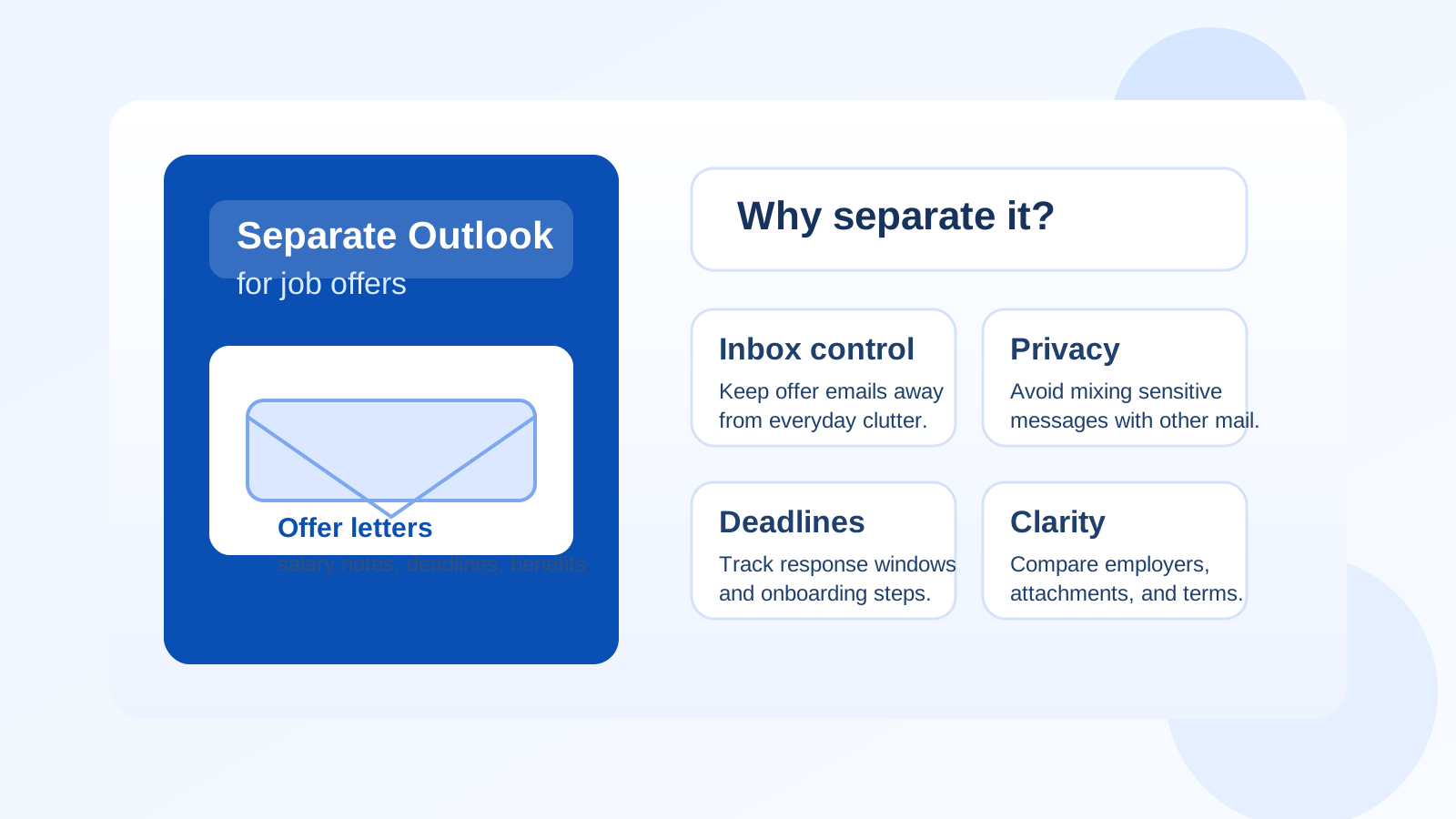
Why this question matters at the offer stage
The offer stage is different from the application stage. Early applications are often broad and noisy. Job offers are more personal, more detailed, and usually more sensitive. This is the point where employers may send compensation summaries, benefit outlines, start-date options, background-check instructions, tax or payroll next steps, and internal contact details.
That makes your inbox more than a simple messaging channel. It becomes part of how you track deadlines, compare employers, and protect private information. If those messages land in the same account you use for everything else, it is easy to lose visibility or create overlap you did not intend.
Short answer: when a separate Outlook account helps most
A separate Outlook account is usually worth it when:
- You are actively considering more than one offer at the same time.
- You want job-offer messages separated from your personal inbox clutter.
- You do not want sensitive hiring emails mixed into a current employer’s Microsoft environment.
- You want a cleaner place to track deadlines, attachments, and recruiter follow-ups.
- You prefer to keep negotiations, benefit questions, and start-date planning in one dedicated workspace.
If none of those apply, using your existing personal inbox may be perfectly fine. But if privacy and organization matter to you, a separate Outlook account is a practical upgrade, not overkill.
What can go wrong if you use your main inbox?
Your offer emails get buried
Many people use one personal account for newsletters, shipping updates, family messages, app logins, receipts, and general life admin. That is manageable until something time-sensitive arrives. An offer email with a response deadline can get lost between ordinary inbox noise and automated clutter.
You reply from the wrong context
If you have multiple inboxes open throughout the day, it is easy to answer from the wrong address, send an attachment from the wrong account, or forward sensitive information into a mailbox that is less protected or less organized than you intended.
Your current employer’s ecosystem may be visible
If you are using a work-linked Microsoft account or a company-managed Outlook profile, job-offer communication can create unnecessary risk. Even if your employer is not reading your mail, account traces, synced calendars, contact suggestions, device policies, or shared work habits can blur the boundary between your current job and your next move.
You lose comparison clarity
Offer-stage decisions often come down to details. Which employer promised remote flexibility? Which recruiter attached the final compensation summary? Which benefits PDF belonged to which role? A separate account makes those comparisons easier because the job-search context is not scattered across an everyday inbox.
What makes Outlook a reasonable choice for this?
Outlook is familiar, stable, and broadly accepted in professional communication. That matters. You do not need a flashy or unusual inbox to handle job offers well. You need something employers recognize, something that handles attachments cleanly, and something you can check reliably across devices.
A separate Outlook account can work well because it gives you:
- A professional-looking address for employer communication
- Folders and rules for organizing offer-stage messages
- Calendar separation for interviews, deadlines, and start-date planning
- A familiar Microsoft-style workflow if employers send Teams invites, Outlook calendar holds, or Office attachments
That does not mean Outlook is the only good option. It just means it is a credible one, especially if you want something mainstream and easy to manage.
When a separate Outlook account is better than your personal Outlook account
Using your everyday personal Outlook address is still better than using a work-controlled one, but a separate account can offer cleaner boundaries.
It is often better when you want to:
- Keep job-offer attachments away from your general personal archive
- Reduce accidental autofill mistakes when replying or forwarding
- Limit how much recruiter traffic follows you after the search ends
- Use a dedicated calendar just for offer deadlines and onboarding logistics
- Retire or de-prioritize the account later without disrupting your main digital life
Think of it as separation by purpose. Your main inbox handles your life. Your offer inbox handles a specific transition.
When a separate Outlook account may not be necessary
You probably do not need a separate Outlook account if your job search is small, short, and low-risk. For example, if you are only talking to one employer, you already keep a tidy personal inbox, and you are comfortable managing offer messages there, the extra setup may not add much.
It may also be unnecessary if you already have another clean, dedicated email strategy in place. Some people use a separate Gmail, a custom-domain inbox, or another professional account reserved for job search activity. In that case, adding another account just because it is Outlook may create more complexity than value.
Best practices if you do use a separate Outlook account for job offers
1. Keep the address simple and professional
Use a straightforward name format that feels normal in a hiring context. Avoid joke names, extra numbers if you can help it, or anything that makes the address feel throwaway.
2. Create folders before the offer emails start arriving
Set up folders for each employer, plus one for signed documents, one for benefits or compensation details, and one for onboarding next steps. This makes side-by-side comparison much easier.
3. Turn on account security basics
Use a strong password and enable two-factor authentication if available. A dedicated inbox is only helpful if it stays secure.
4. Keep your calendar boundary clear
If you use Outlook Calendar with the account, make sure reminders, deadline holds, and recruiter meetings stay tied to the same dedicated job-search context.
5. Save critical documents locally
Do not rely on email alone as your filing system. Download offer letters, benefits summaries, and signed copies so you are not searching for them under time pressure later.
How this fits with a privacy-first job search
A separate Outlook account is not about hiding anything suspicious. It is about reducing unnecessary exposure. The more concentrated your hiring communication becomes, the more sense it makes to isolate it from accounts that carry years of unrelated history.
If you already use privacy-oriented habits earlier in the process — for example, keeping sketchier job-board signups or one-off forms away from your primary inbox — the same principle still applies here. The difference is that the offer stage usually deserves a more stable, professional inbox than a temporary one. Anonibox can make sense for low-trust or early-stage situations where you want less spam and less spillover, while a separate Outlook account can take over once the conversation becomes serious and document-heavy.
That combination is often the practical middle ground: do not overshare your main inbox everywhere, but do not handle a real offer using a disposable address if the relationship has clearly moved into a legitimate, ongoing hiring process.
Red flags to watch even with a separate account
A dedicated inbox improves control, but it does not make a bad opportunity safe. Stay cautious if:
- The employer avoids using a recognizable company domain once the process becomes serious.
- You receive an “offer” before a credible interview process has happened.
- The message pressures you to act immediately without review time.
- You are asked to share banking details, ID documents, or verification codes too early.
- The recruiter wants to move everything to a messaging app while avoiding normal email documentation.
An organized inbox helps you notice these patterns more clearly, but you still need to judge the opportunity itself.
A simple setup checklist
- Create the account before you start offer-stage conversations.
- Use a professional display name.
- Enable strong login security.
- Add folders for each employer and for important documents.
- Use the account consistently for offer-related replies.
- Download and label critical files as they arrive.
- Review the account after your search ends and decide whether to keep, archive, or retire it.
So, should you use a separate Outlook account for job offers?
Yes — if you want better privacy, cleaner organization, and less chance of mixing sensitive job-offer messages with your everyday inbox. It is especially useful when you are comparing multiple offers, handling attachments and deadlines, or trying to avoid overlap with personal or work accounts.
No — not because it is a bad idea, but because it is not required for everyone. If your personal inbox is already clean and your situation is simple, you may not need the extra layer.
The strongest answer is this: use the amount of separation that matches the sensitivity of your search. For many job seekers, a separate Outlook account is a simple, low-friction way to stay organized and protect privacy during one of the most important stages of changing jobs.