Usually yes — you can use your personal Outlook account for job offers if the address is professional, the inbox is under your control, and you keep it organized enough for deadlines, documents, and follow-up.
It is often safer than a work-managed inbox or a temporary email, but a separate job-search account can still be the better option if your personal Outlook is crowded, shared across devices, or tied to too much of your everyday life.
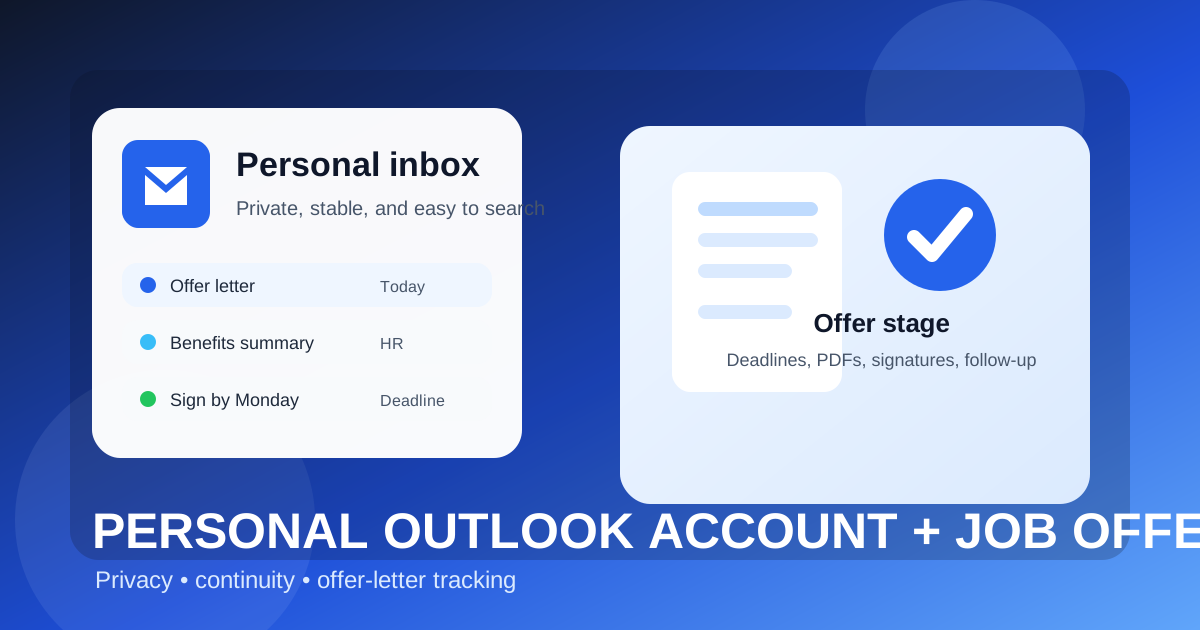
If you searched for should you use your personal Outlook account for job offers, the real issue is not whether Outlook looks professional. It usually does. The real question is whether your personal Outlook account is reliable enough for salary discussions, offer letters, onboarding requests, benefits emails, background-check instructions, and signature deadlines without creating unnecessary privacy spillover.
The offer stage changes the stakes. Early in a job search, people mainly worry about spam, recruiter noise, and low-trust signups. Once an employer is ready to make an offer, you are managing records that can affect compensation, timing, and your next job. That means your inbox needs to be stable, searchable, private, and easy to monitor.
Why the offer stage is different from the application stage
You can get away with a lot of inbox improvisation during early applications. A separate alias, a trial inbox, or even a temporary address may be good enough while you are testing job boards or screening low-trust opportunities. Offer-stage communication is different. At that point, messages may include:
- the formal offer letter,
- compensation details or equity summaries,
- benefits enrollment information,
- background-check instructions,
- e-signature links and deadlines,
- start-date discussions and onboarding forms.
Those are not messages you want buried under shopping receipts, travel alerts, old newsletters, or random recruiter blasts. So the right question is not “Is Outlook okay?” It is “Is my personal Outlook account the right home for this part of the process?”
Short answer: personal Outlook is usually fine, but not always ideal
A personal Outlook account is often a reasonable choice for job offers because it is mainstream, familiar to employers, and usually more stable than disposable or forwarding-only options. Recruiters are not likely to see a normal personal Outlook address as strange or unprofessional.
That said, “usually fine” does not mean “best in every case.” If your personal Outlook account is your catch-all inbox for everything in life, the risk is not that employers will reject it. The risk is that important offer-stage details get mixed into too much personal noise, or that privacy leaks happen through the way you use the account.
When a personal Outlook account works well for job offers
Your personal Outlook account is often a solid choice if most of the following are true:
- The address looks professional. Something close to your real name is fine. An old joke username is not.
- You check it consistently. Offer-stage emails can move quickly, especially when interview loops are closing and HR wants answers fast.
- You control the account fully. It is not managed by an employer, a school, or someone else’s Microsoft tenant.
- You plan to keep it active. Offer letters and onboarding threads can matter weeks or months later.
- You can keep it organized. If you already use folders, rules, search, or flags well, Outlook can handle the workflow cleanly.
In that scenario, a personal Outlook inbox may be better than a temporary address, better than a shared family account, and much better than a current employer’s Microsoft 365 mailbox.
What can go wrong with a personal Outlook account at the offer stage?
1. Inbox clutter can hide important deadlines
The most common problem is boring, not dramatic. Your personal Outlook account may already be full of receipts, account notices, subscription email, social alerts, travel confirmations, and personal admin. Add a live job offer to that mix and it becomes easier to miss a PDF attachment, a benefits packet, or a request that needs an answer within 24 hours.
Offer-stage communication often comes from multiple senders too. A recruiter might send the verbal summary. HR might send the formal letter. A third-party vendor might handle background checks. A benefits platform may send its own activation link. A cluttered personal inbox makes those threads harder to track.
2. Your job search becomes mixed into your everyday identity footprint
Your personal Outlook account may already be tied to banking alerts, travel accounts, family coordination, shopping, app sign-ins, and password recovery. That does not make it unsafe by default, but it does mean your job search lives inside an account that touches a lot of other parts of your life.
For some people that is fine. For others, it feels too exposed. If you prefer more separation between your career transition and your everyday personal admin, a dedicated job-search inbox can feel cleaner and easier to manage.
3. Shared devices and notification previews can leak more than you expect
Privacy leaks are often small. A lock-screen notification. A laptop open on the kitchen table. A family tablet with email previews turned on. A browser session left signed in. If your personal Outlook account is logged into several devices, offer-stage messages may become visible in places you did not really mean to share.
This matters even more if you are negotiating while living with roommates, a partner, or family members who use the same home devices casually. The issue is not that they are snooping. It is that convenience settings can surface sensitive information automatically.
4. Older aliases or messy account habits can make the account look less polished
Outlook itself is not the problem, but your exact address still matters. If your personal account uses an old alias that feels unprofessional, or if the inbox is so overloaded that you struggle to respond quickly, then the account may be workable but not ideal. Offer-stage communication benefits from clarity and speed.
How a personal Outlook account compares with other options
Personal Outlook vs. a work Outlook account
Your personal Outlook account is usually much safer than using a current employer’s Outlook or Microsoft 365 account. A work account may sit inside retention policies, device management, compliance logging, shared calendars, and company-controlled recovery systems. A personal account avoids most of that structural exposure.
Personal Outlook vs. a separate job-search Outlook account
This is the closer comparison. A separate Outlook account just for job hunting is often the cleaner setup because it gives you the same general Outlook familiarity without mixing offer emails into daily life. If you are interviewing broadly, comparing multiple employers, or negotiating more than one offer, a separate account is often the best setup.
But if your personal Outlook account is already tidy, professional, and well secured, using it for job offers is still a perfectly reasonable choice. The separate-account option is often better for organization, not because a personal account is inherently wrong.
Personal Outlook vs. temporary email
Temporary email has its place earlier in the process. If you used Anonibox or another temporary inbox to test a job board, verify a low-trust signup, or reduce spam during broad research, that can be practical. But a serious offer is usually the point where you should move the conversation to a long-term inbox you fully control. Offer letters, benefits forms, and start-date threads need continuity more than disposability.
Best practices if you use your personal Outlook account for job offers
Create a clean offer-stage folder structure
Do not rely on memory. Create a folder or category for each employer that reaches the offer stage. Keep recruiter, HR, and benefits messages together so you can find them fast later.
Flag deadlines immediately
If an offer expires on a certain date, mark it as soon as the email arrives. Do not assume you will remember it. A simple reminder system prevents avoidable mistakes.
Whitelist or safe-list key senders
Add the recruiter, HR contact, and any onboarding vendor to your safe-sender list if needed. This reduces the chance that an important message lands in clutter, junk, or the wrong tab.
Save critical attachments outside the inbox too
Keep a local copy of the offer letter, benefits summary, and any signed versions in a secure place you control. Email is part of the workflow, but it should not be your only storage plan.
Review your notification settings
Turn off lock-screen previews or overly descriptive notifications on shared devices. A generic “new message” alert is better than a preview that shows salary numbers or an offer deadline at a glance.
Secure the account properly
A strong password and multi-factor authentication matter more at the offer stage because the account may temporarily hold sensitive identity and employment information. This is basic hygiene, but it is worth stating directly.
When you should switch to a separate account instead
A separate Outlook account or another dedicated inbox is usually the smarter choice if:
- your personal Outlook account is overloaded with everyday noise,
- multiple people can see notifications from your devices,
- you are negotiating several offers at once,
- your current address feels dated or unprofessional,
- you want job-search records separated from the rest of your life for the long term.
None of that means your personal Outlook account is bad. It just means that organization and privacy improve when the inbox has a narrower purpose.
Red flags that Outlook will not solve for you
Even a well-managed Outlook account does not make a suspicious job opportunity trustworthy. Stay cautious if:
- the sender refuses to use a real company domain,
- the “offer” appears before any serious interview process,
- you are pressured to move to Telegram, WhatsApp, or another channel immediately,
- you are asked to pay upfront for equipment or screening,
- the message contains vague job details but urgent financial requests.
Your inbox choice helps with privacy and organization. It does not replace basic scam detection.
Final answer
So, should you use your personal Outlook account for job offers? Usually yes — if it is professional, secure, easy to monitor, and not so cluttered that you risk missing important documents or deadlines.
If your personal Outlook account is tidy and fully yours, it can handle offer-stage communication well. If it is chaotic, shared across too many devices, or too mixed into daily life, a separate job-search account is the better move. The goal is not just to look professional. It is to keep your offer letters, deadlines, and onboarding details in an inbox you can trust and control.