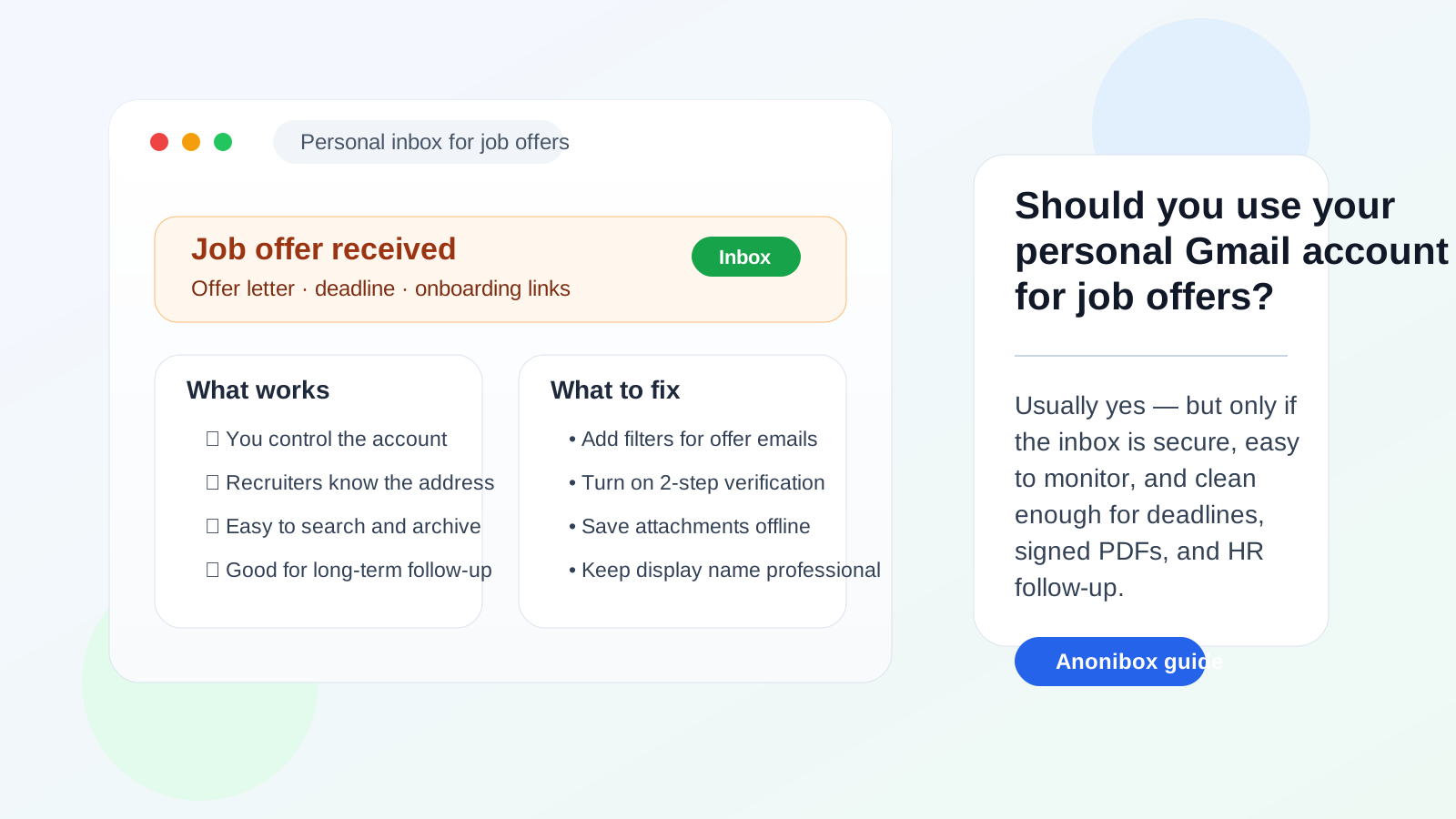
Usually yes — your personal Gmail account is often fine for job offers because you control it, employers recognize it, and it can reliably receive offer letters, deadline reminders, and onboarding emails.
But if your main inbox is cluttered, loosely secured, or mixed with too much everyday noise, a separate job-search inbox is cleaner than pushing high-stakes offer details through your default personal account.
Why this question matters more at the offer stage
The offer stage is not like casual job browsing. Once a company wants to hire you, email threads start carrying more sensitive and more time-sensitive information: salary details, written offer letters, background-check instructions, benefit summaries, start-date options, e-signature links, payroll paperwork, and onboarding checklists. Missing one message or mixing it into the wrong inbox can create real friction.
That is why the answer to should you use your personal Gmail account for job offers is not the same as the answer for early-stage signups. A personal Gmail account is usually acceptable because it is stable and under your control. The real question is whether your specific inbox is organized and secure enough for something this important.
Short answer: personal Gmail is usually acceptable, but it is not always ideal
For most job seekers, a personal Gmail account is a reasonable choice for job offers. Recruiters are familiar with Gmail, attachments usually arrive without trouble, and you are not relying on an employer-managed mailbox or a disposable address that may disappear later.
That said, “acceptable” is different from “best possible.” If your personal Gmail is the same inbox you use for shopping receipts, travel confirmations, newsletters, family plans, and years of old logins, the problem is not professionalism. The problem is signal-to-noise ratio. Offer-stage communication needs a stable home that you can monitor closely without distractions.
When your personal Gmail account is a good choice
Your personal Gmail is usually a solid option when the following are true:
- Your address looks normal and professional.
- You check that inbox consistently every day.
- You plan to keep the account for the long term.
- You can quickly find attachments, starred messages, and recruiter threads.
- You are comfortable securing the account with strong recovery settings and two-step verification.
In those cases, personal Gmail is often better than overcomplicating things. Employers rarely object to a normal Gmail address. What matters more is that you respond promptly, keep documents organized, and do not let the offer thread get buried.
Why personal Gmail is often better than a work account or a disposable inbox
If your alternatives are a work-managed account or a temporary inbox, your personal Gmail usually wins easily.
It is better than a work Gmail or Google Workspace account
A work account can expose job-search activity to employer policies, device management, account retention rules, and admin visibility. Even if no one is actively watching you, it is the wrong place for salary discussions, exit-related timing, or offer-letter attachments from another company. A personal Gmail account gives you direct control and keeps your next-step plans out of a company-owned environment.
It is better than a disposable or temporary inbox
A disposable inbox can be useful much earlier in the search, especially for low-trust signups, job-board experiments, or one-off downloads where you do not want long-term spam. That is where a tool like Anonibox makes sense. But once a real employer is sending formal offer material, you want an inbox you expect to keep. Offer-stage communication should live in an address you can monitor next week, next month, and during onboarding.
The main risks of using your personal Gmail for job offers
Personal Gmail is workable, but there are still a few real tradeoffs to manage.
1. Inbox clutter can make you miss something important
If your personal Gmail is full of promotions, shipping alerts, newsletters, and account notifications, a recruiter follow-up can disappear faster than you expect. Offer deadlines are not always generous, and missing one because the message landed between ten retail emails is a very avoidable mistake.
2. Your job search can spill into the rest of your personal life
Your main Gmail account is often tied to everything else: bills, family communication, receipts, school accounts, travel plans, and app logins. That does not make it unsafe, but it does mean your job search will be mixed into a much broader stream of personal activity. Some people do not mind that. Others prefer cleaner boundaries.
3. Old addresses and display-name habits can make you look less polished
Gmail itself is not unprofessional. A sloppy address or joking display name can be. If the account you still use was created years ago and looks casual, the offer stage is a bad time to realize it does not represent you well. The same applies if your Gmail display name is outdated or inconsistent with the name on your resume.
4. High-stakes documents deserve better organization than a general-purpose inbox
Offer letters, compensation details, and onboarding PDFs are not messages you want to hunt for later. If your personal Gmail is functional but messy, the risk is less about privacy failure and more about practical disorder.
When a separate Gmail account is the better choice
A separate job-search Gmail account is often smarter than your main personal one when:
- Your primary inbox is overloaded.
- You are interviewing with several companies at once.
- You want all job-search deadlines, attachments, and recruiter threads in one place.
- You have already used temporary or alias-based workflows early in the search and now want one stable handoff inbox.
- You want to keep a clearer record of offer details, benefits questions, and onboarding tasks.
That does not mean your personal Gmail is wrong. It just means the offer stage is where organizational friction starts to matter more. A clean dedicated inbox can reduce mistakes without forcing you into a work account or a throwaway address.
Best practices if you do use your personal Gmail account for job offers
If you decide to keep using your personal Gmail, set it up deliberately instead of hoping you will stay organized.
Clean up your display name and signature
Make sure the visible sender name matches how you present yourself professionally. You do not need a fancy email signature, but your name should be consistent and easy to recognize.
Create a job-offers label and filters
Use Gmail labels, stars, or filters for recruiter domains, HR contacts, and subject lines like “offer,” “compensation,” “background check,” and “onboarding.” That way important messages do not disappear into your normal inbox flow.
Turn on two-step verification
If a job offer thread includes signed documents, identity-verification links, or onboarding attachments, the account deserves stronger protection than a reused password. Two-step verification and current recovery settings are basic housekeeping here.
Download and save critical attachments
Do not leave everything floating only in the inbox. Save offer letters, benefit PDFs, and onboarding instructions in a folder you control so you can find them quickly even if the thread becomes long and messy.
Check Promotions and spam before deadlines
Sometimes legitimate automated messages land in the wrong tab. If you are expecting an offer letter or e-signature email, check more than the main inbox until the full process is complete.
Reply from the same address consistently
If a company starts the offer thread with one inbox, do not bounce across multiple addresses unless you intentionally explain the switch. Consistency reduces confusion for recruiters and HR staff.
Red flags that mean you should slow down regardless of inbox choice
The inbox itself is only part of the decision. If a “job offer” arrives with obvious scam signals, changing addresses will not fix the bigger problem.
- The sender pushes you to move fast before you verify the company.
- The message asks for payment, gift cards, or equipment purchases.
- The company domain does not match the supposed employer.
- You are sent unfamiliar links or attachments without context.
- The employer wants sensitive documents before a credible process exists.
If those signs appear, verify the opportunity independently before sending anything important back.
A practical offer-stage setup that works well
If you are already far enough along in the hiring process to receive a written offer, a simple workflow is usually enough:
- Use one stable inbox you fully control.
- Create a label or folder for that employer.
- Save every major attachment locally.
- Calendar important deadlines as soon as they arrive.
- Switch away from temporary addresses if you used them earlier.
For many people, that stable inbox can still be a personal Gmail account. The key is to treat it like an important document channel, not just the place where random newsletters also happen to land.
Final answer
So, should you use your personal Gmail account for job offers? Usually yes. It is a familiar, stable, employer-friendly option that you control directly, and it is much safer than using a work-managed account or a temporary inbox for formal offer communication.
But “yes” comes with one condition: your account needs to be organized enough for high-stakes messages. If your main Gmail is chaotic, use a separate job-search Gmail instead. The best choice is not the most clever one. It is the inbox that helps you receive, protect, and act on offer-stage communication without confusion.