Yes, you can use Firefox Relay for informational interviews, and it can be a smart privacy choice if you want to hide your real email address while still receiving replies in a stable inbox you control.
The catch is that informational interviews often involve follow-up, calendar invites, and longer back-and-forth, so Firefox Relay works best when you use it as a reliable masking layer rather than as a disposable throwaway identity.
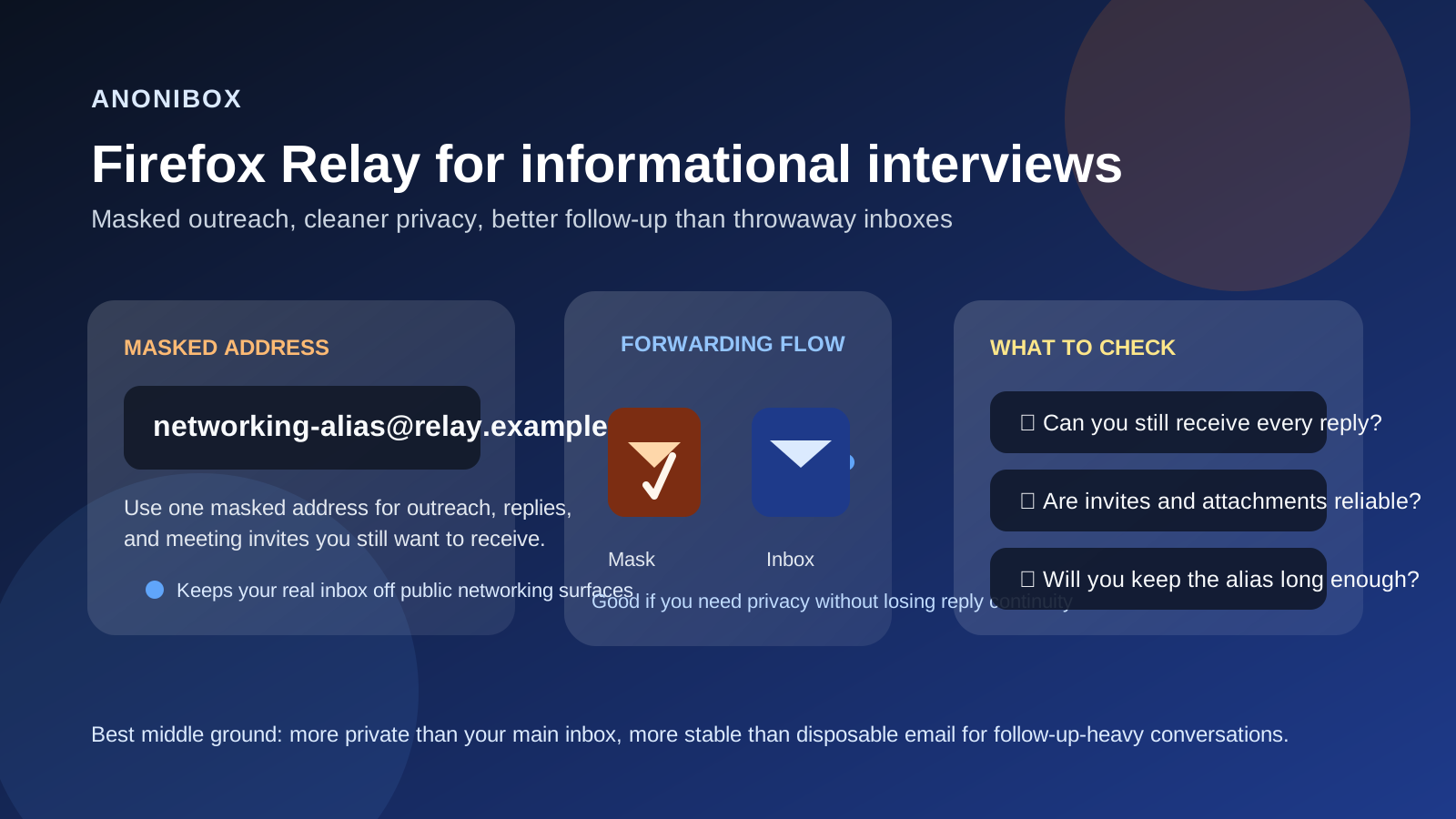
Why people consider Firefox Relay for informational interviews
Informational interviews sit in an awkward middle ground. They are not as formal as a real interview loop, but they matter more than a random one-time signup. You may be reaching out to alumni, former coworkers, second-degree connections, people you met at an event, or professionals in a company you want to understand better. In that situation, many people want two things at once: privacy and continuity.
That is exactly why Firefox Relay comes up. A masking service can help you avoid handing your personal inbox to every new contact, while still letting messages flow into the account you already monitor. If you are privacy-conscious, it feels like a cleaner option than giving out your main address everywhere. If you are organized, it can also make networking easier to track.
For an Anonibox-style mindset, Firefox Relay is appealing because it is not the same as using your permanent public email identity everywhere, and it is also not the same as using a fragile temporary inbox that may create follow-up problems later.
Short answer: Firefox Relay is usually better than temp mail, but not perfect
For informational interviews, Firefox Relay is usually a better choice than a disposable email address because the relationship may continue. You may need to reply later, receive a meeting invite, resend your availability, or follow up a few weeks after the conversation. That kind of continuity matters.
At the same time, Firefox Relay is not automatically the best option in every case. You still need to think about whether the alias will remain active long enough, whether the forwarding behavior fits your workflow, and whether your replies will look professional and consistent. If you set it up carelessly, you can create confusion instead of privacy.
How Firefox Relay differs from temporary email for networking
This is the key distinction. Temporary email tools are great for low-trust signups, quick downloads, or one-time verification tasks where long-term contact is not important. Informational interviews are different. Even one successful conversation can turn into a referral, a warm introduction, or a follow-up six months later.
That means you usually want an address that is:
- private enough to avoid exposing your main inbox,
- stable enough to keep receiving messages later,
- easy enough to monitor so you do not miss follow-up, and
- professional enough that the other person is not confused by it.
Firefox Relay can fit that middle ground well. It gives you some separation and privacy, but it still depends on your underlying real inbox and on how you manage the alias over time.
Benefits of using Firefox Relay for informational interviews
1. You keep your real email address private
This is the most obvious benefit. If you are reaching out to a lot of new people, especially through public profiles or broad networking activity, a masked address reduces how often your true inbox identity gets shared, forwarded, stored, or copied into random contact lists.
2. You can organize networking separately
If you dedicate one masked address to networking, it becomes easier to filter messages, spot interview-related threads, and keep career conversations from mixing with shopping receipts, family mail, and the rest of your everyday inbox noise.
3. It is usually more credible than disposable email
Many professionals will never notice or care about the exact address you use if the message is thoughtful and the communication is smooth. But a clear masking or alias workflow still tends to feel more stable than a true throwaway inbox, especially once replies and calendar invites enter the picture.
4. You can reduce long-term spam exposure
Not every networking contact is a problem, but once your email address spreads, it can end up in mailing lists, newsletter tools, contact databases, and CRM systems you never explicitly agreed to join. A masked address gives you more control over that spillover later.
Where Firefox Relay can create problems
1. Follow-up matters more than first contact
The first email is only half the job. Informational interviews often succeed because of the follow-up: a thank-you note, a later check-in, or a referral request after trust builds. If your alias setup makes replies awkward or unstable, that convenience cost shows up later, not immediately.
2. Forwarding is still a dependency
A masked address works because messages are routed onward. That means your real inbox is still part of the chain, and you need to be confident that you will reliably see those messages, monitor them, and respond from a consistent identity when appropriate.
3. Calendar invites and attachments deserve extra attention
Informational interviews may start as email-only, but some conversations quickly turn into scheduling links, meeting invites, PDFs, or shared documents. Before you rely on any masking setup, think through whether your workflow handles those comfortably. Privacy is not very helpful if the trade-off is missed scheduling or broken follow-up.
4. It is not ideal if you plan to abandon it quickly
If you might turn the alias off in a week, it is the wrong tool for a networking relationship that could stay warm for months. Informational interviews are low-volume but high-context. Losing continuity can waste the trust you built.
When Firefox Relay makes sense
- You are doing a moderate amount of outreach and want to reduce address exposure.
- You already have a dependable primary inbox underneath the mask.
- You want a cleaner boundary between networking and everyday communication.
- You expect real replies but not a deeply formal hiring process yet.
- You are comfortable keeping the alias active for as long as the relationship may matter.
In those cases, Firefox Relay can be a sensible compromise. It offers more privacy than using your main address directly, while still supporting a real back-and-forth.
When you should probably use something else
Firefox Relay may not be the best pick if you want your outreach identity to be your long-term professional contact address, if you expect heavy scheduling/document exchange immediately, or if you already know the conversation could turn directly into a formal hiring pipeline. In those situations, a dedicated separate inbox you fully control may be simpler.
It is also a poor fit if your real goal is to behave like the contact is disposable. Informational interviews work better when you treat the other person with consistency and respect. Privacy is good; flakiness is not.
Best practices if you use Firefox Relay for informational interviews
Use one stable alias for one networking lane
Do not create a brand-new masked address for every single person unless you truly need that level of segmentation. A single networking alias is often easier to manage and less likely to break continuity.
Keep the alias active long enough
If the conversation could matter later, keep the same path open. A useful networking contact today may become a referral source or hiring lead later on.
Check reply behavior before using it widely
Test your setup with yourself or a trusted friend first. Make sure inbound messages appear where you expect, and make sure your response flow is not confusing. The goal is privacy without friction.
Use a clean underlying inbox
A masked address only solves part of the problem. If the forwarding destination is a cluttered inbox you never check, you can still miss the message that mattered.
Pair it with a separate calendar or note system
Privacy tools work better as a workflow, not as a single trick. If you are using a masked email address, it often helps to pair it with a separate calendar, reminder flow, or lightweight note system so follow-up does not slip.
A practical workflow that works well
- Create one networking-specific masked address you are willing to keep active.
- Send outreach from a polished, human message rather than a generic template blast.
- Watch the forwarded replies closely and answer promptly.
- Move the conversation into a more permanent contact path only if the relationship deepens and it makes sense.
- Keep your notes, reminders, and thank-you follow-up organized so the privacy layer does not become a communication gap.
This is the sweet spot for most people: private enough to reduce unnecessary exposure, but stable enough that you still look reliable.
Common mistakes to avoid
- Using a true throwaway address for a relationship-based conversation: informational interviews often matter later.
- Forgetting that replies and invites are part of the process: the first email is not the whole workflow.
- Turning aliases off too early: that can quietly kill future opportunities.
- Assuming privacy tools replace good judgment: you still need to evaluate who you are contacting and why.
- Making the system too complicated: if it is hard to maintain, you will eventually miss something.
So, should you use Firefox Relay for informational interviews?
Usually yes, if your goal is to protect your real email address while keeping a reliable path for replies. Firefox Relay can be a strong middle-ground option for networking because it is more private than handing out your main inbox and more practical than disposable email when follow-up matters.
Just treat it like a stable masking layer, not like a temporary escape hatch. If you keep the alias active, monitor the forwarded messages, and use it in a professional workflow, it can support informational interviews well. If you need deeper continuity, more control, or a long-term career identity, a dedicated separate inbox may still be the better choice.