Yes, you can use Yahoo Mail for networking events, but it usually works best as a dedicated networking inbox instead of the most personal or most business-critical email address you own.
If you want something free, familiar, and separate from your work email, Yahoo Mail can be a practical choice for networking events — as long as you set it up professionally, watch for spam, and move important relationships into a longer-term follow-up system when needed.
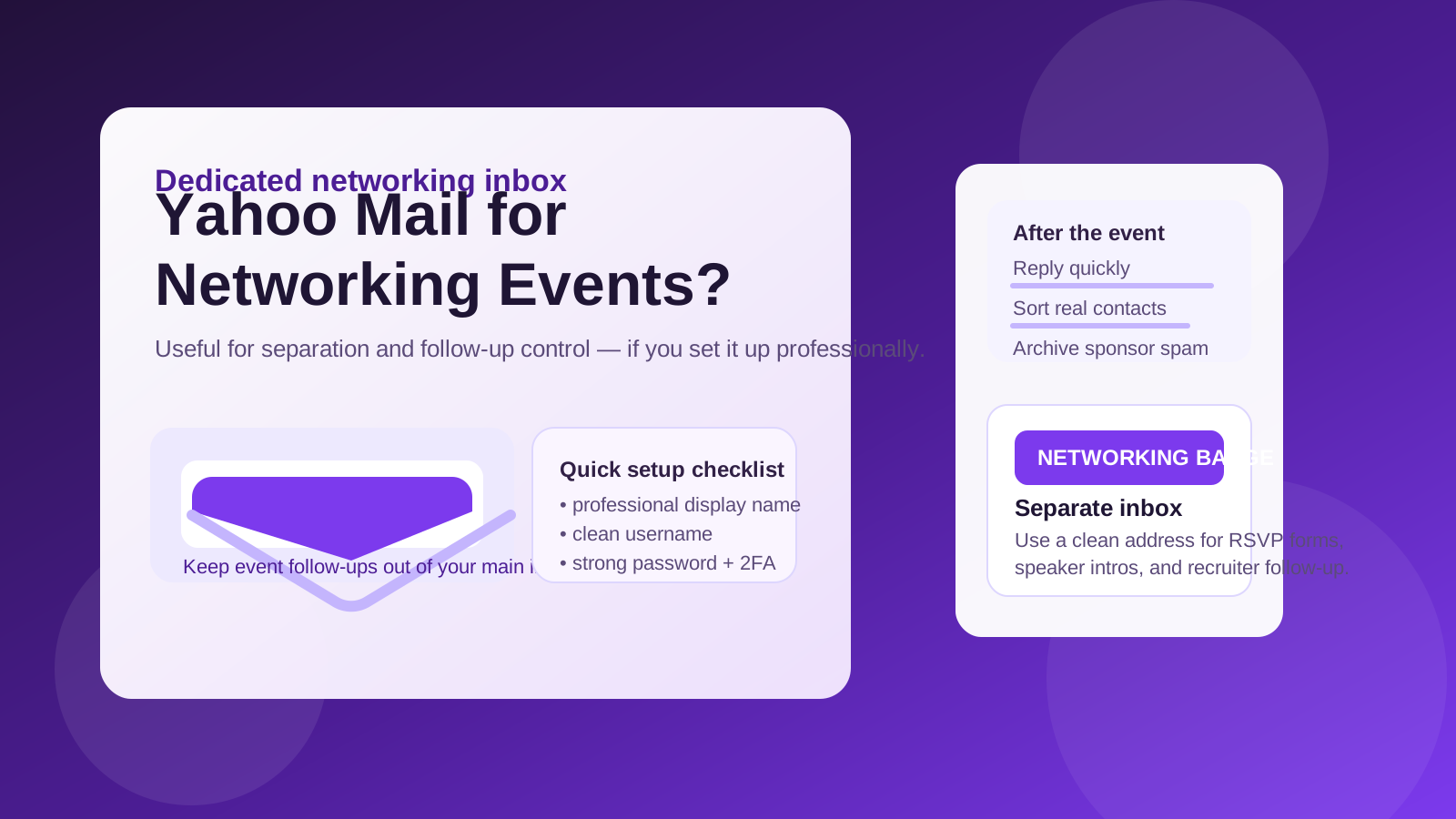
Why people consider Yahoo Mail for networking events
Networking events create a different kind of email traffic than a normal one-to-one professional relationship. You might register for a conference, RSVP to a meetup, download a speaker deck, sign up for a sponsor giveaway, join a mailing list, or swap contact details with recruiters and peers in the same week. That can produce a messy mix of useful follow-up and low-value marketing.
That is why the question should you use Yahoo Mail for networking events is more practical than it first sounds. The real issue is not whether Yahoo Mail can send and receive email — it can. The issue is whether it gives you the right balance of convenience, professionalism, privacy, and inbox control for event-related outreach.
For many people, Yahoo Mail sits in a useful middle zone. It is easier to separate than a long-standing personal inbox, but it is more stable than a disposable address that may expire or stop forwarding at the worst moment.
When Yahoo Mail makes sense for networking events
Yahoo Mail is often a reasonable choice when you want a dedicated address for lower-stakes professional networking without tying everything to your employer account or your main personal inbox.
- You want separation: keeping event emails out of your everyday inbox makes follow-up easier to track.
- You expect marketing noise: conferences, expos, webinars, and sponsor pages often generate a lot of promotional email after the event.
- You do not want to use your work email: employer-managed accounts can expose your networking activity to company systems, retention rules, or accidental calendar and contact syncing.
- You want a stable free account: unlike a throwaway inbox, Yahoo Mail can still receive a message weeks later when someone finally follows up.
- You need something simple: if you do not want to buy a custom domain or manage a more advanced mail setup, Yahoo Mail is easy to launch quickly.
In other words, Yahoo Mail can work well when you need a real inbox for event communication, but you still want a buffer between networking activity and the rest of your digital life.
Where Yahoo Mail can fall short
Yahoo Mail is not automatically the best possible option just because it is separate. It also has trade-offs.
1. Your address still needs to look professional
If your Yahoo username is old, cluttered, or overly casual, it can make a poor first impression. Networking is not only about whether people can reach you; it is also about whether they feel comfortable doing so. An address like firstname.lastname@yahoo.com is much easier to use professionally than an old handle from school, gaming, or random internet signups.
2. Event inboxes attract spam
Once your address appears on badges, sign-up pages, attendee lists, or sponsor forms, you should assume it may attract newsletters, sales sequences, and unsolicited outreach. Yahoo Mail can handle that, but only if you treat it like a purpose-built event inbox and keep it organized.
3. It is not ideal for every long-term relationship
If a casual contact turns into a recruiting conversation, a partnership, or a high-trust professional relationship, you may eventually want to move the thread to a cleaner long-term address. Yahoo Mail is fine for early conversations, but not everyone wants it to be their forever networking identity.
4. It does not solve privacy by itself
Using Yahoo Mail instead of your main inbox gives you separation, not invisibility. People can still save the address, forward it, add it to lists, or contact you later. The benefit is control and containment, not a guarantee of anonymity.
Yahoo Mail vs your work email vs a temporary address
The best answer depends on what kind of event communication you expect.
Yahoo Mail vs work email
For most networking events, Yahoo Mail is usually safer than your work email if privacy matters to you. Work accounts can create unnecessary visibility: employer monitoring, shared device autofill, archived messages, and accidental exposure when you network outside your current job. If the event is career-related, industry-adjacent, or recruiter-heavy, a separate inbox is usually smarter.
Yahoo Mail vs your main personal inbox
If your personal inbox is already cluttered, Yahoo Mail can be the cleaner choice. It lets you isolate event confirmations, speaker notes, post-event follow-up, and sponsor promotions so real conversations do not disappear under unrelated daily mail.
Yahoo Mail vs a disposable or burner inbox
This is where many people get tripped up. A disposable inbox can be useful for one-off downloads, gated PDFs, or signups that feel marketing-heavy. But for actual networking, a disposable address is often too fragile. If someone you met sends a thoughtful follow-up three weeks later, you do not want the message going to an expired inbox.
A practical pattern is to use a stable networking inbox for real human contact and a more disposable layer only for obvious spam-risk signups. If you use a tool like Anonibox for one-off forms or sponsor downloads, keep that separate from the Yahoo address you share with people you may actually want to hear from again.
How to set up Yahoo Mail professionally before the event
If you decide to use Yahoo Mail for networking events, the setup matters almost as much as the provider itself.
Use a clean username
Choose something simple, readable, and easy to repeat out loud. Ideally it should use your real name or a close professional variation. If you need numbers, keep them minimal and non-random.
Set a proper display name
Your display name should match how you introduce yourself in person. That makes it easier for recruiters, founders, and other attendees to recognize you when they scan their inbox later.
Write a short signature
You do not need a huge corporate signature. A simple block with your name, relevant role or focus, and maybe one professional profile link is enough. The goal is to make follow-up frictionless.
Turn on security basics
Use a strong unique password and enable two-factor authentication. Networking inboxes can attract opportunistic phishing because event-related messages often contain links, tickets, and calendar invites.
Create folders or filters
Even lightweight organization helps. Consider separate folders for event confirmations, recruiter outreach, speaker resources, and real follow-up. That makes it much easier to tell the difference between valuable conversations and generic sponsor blasts.
Best practices during and after networking events
The inbox only helps if your follow-up habits are good.
- Check it consistently: if you hand out the address, monitor it for at least a few weeks after the event.
- Reply while you are still memorable: fast follow-up matters more than fancy tooling.
- Sort serious contacts from mailing-list noise: not every event email deserves the same attention.
- Move high-value relationships into a cleaner long-term workflow: once a thread becomes important, treat it like one.
- Do not over-share personal details: an email exchange is still not a reason to hand out unnecessary private information.
A lot of networking success comes from simple execution. Send the short follow-up. Save the useful contact. Archive the noise. Keep the inbox functional rather than sentimental.
Red flags to watch for
Networking events can be legitimate and still attract spam, scraping, and opportunistic cold outreach. Be careful if you notice any of the following:
- messages that pressure you to move to WhatsApp, Telegram, or another channel immediately
- requests for personal documents, payments, or verification codes
- vague “partnership” emails with no clear context from the event
- people pretending to know you but unable to say where you met
- offers that seem too urgent, too generic, or too good to be true
Using Yahoo Mail can reduce clutter, but it does not replace basic skepticism. Treat unfamiliar follow-up the same way you would treat unsolicited recruiter outreach: verify first, engage second.
A simple decision rule
If you want a free, stable, separate inbox for conference registrations, recruiter follow-up, and event contacts, Yahoo Mail is usually a perfectly workable option. If you need maximum polish, a custom-domain email may be better. If you only need a one-time signup address, a disposable inbox may be enough. And if privacy from your employer matters, avoid relying on your work email for networking activity.
The best choice is the one that matches the stakes of the relationship. Real people need a real inbox. Marketing-heavy forms can go to more disposable addresses. Mixing those two use cases is what usually creates trouble.
Final answer
So, should you use Yahoo Mail for networking events? Yes — in many cases, it is a sensible middle-ground option. It is more durable than a throwaway inbox, less exposed than a work account, and often easier to keep organized than your main personal email.
Just do not treat it as a magic privacy shield. Set it up professionally, use it intentionally, separate real contacts from event spam, and move important relationships into a stronger long-term communication flow when needed. Used that way, Yahoo Mail can be a practical networking-events inbox without turning your main email address into a permanent magnet for noise.