Yes, you can use Tutanota for informational interviews if the address looks professional and you monitor it consistently, but the best choice is always a stable inbox that helps you reply quickly and stay organized.
If you are asking should you use Tutanota for informational interviews, the practical answer is yes for privacy-conscious outreach, as long as you treat it like a real long-term contact address rather than a disposable sign-up inbox.
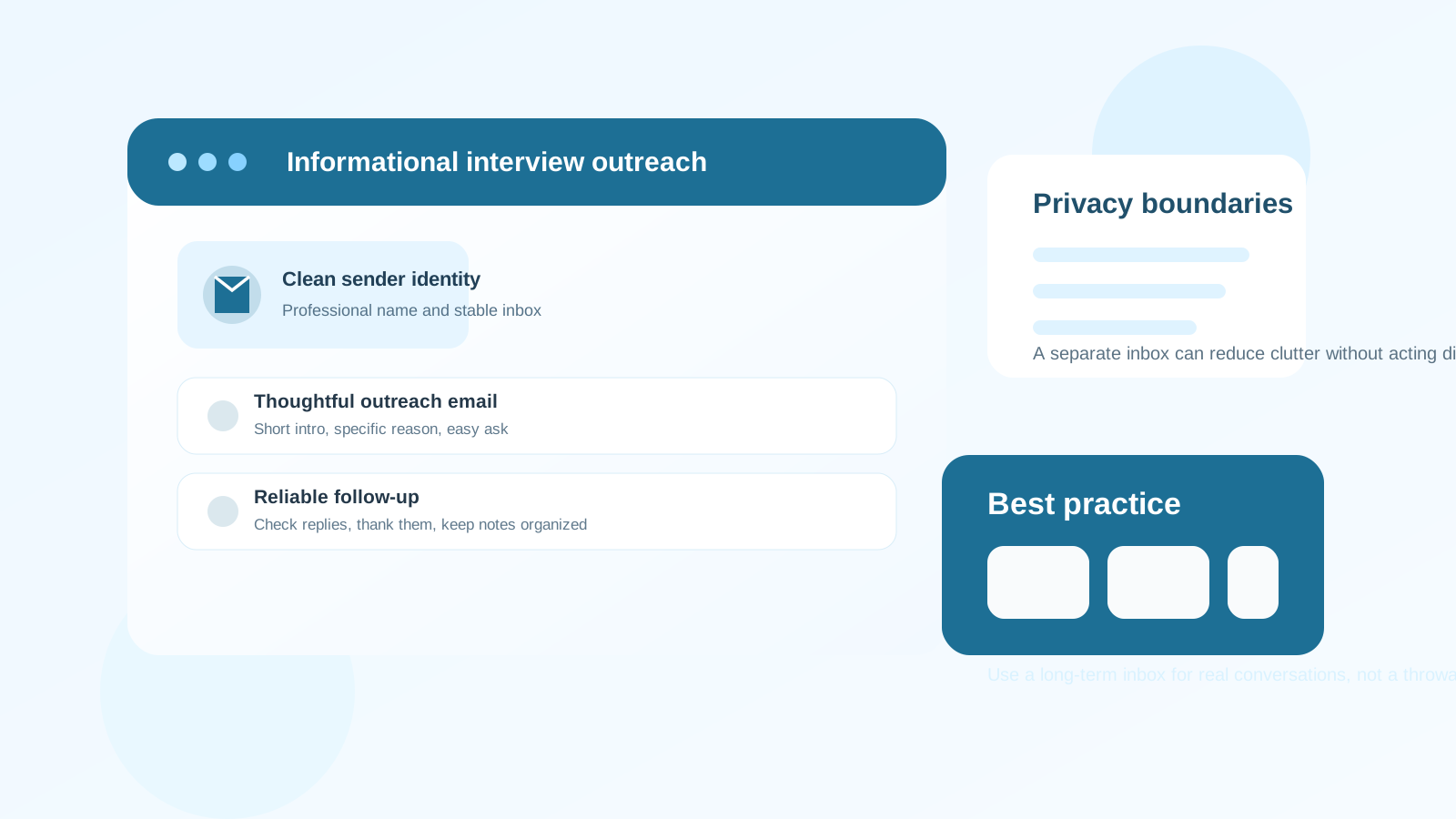
Why this question matters
Informational interviews are not the same as cold sign-ups, newsletter downloads, or one-time product trials. You are reaching out to a real person and asking for a short conversation about their work, their company, or their career path. That means your email setup needs to balance two things at once: privacy and trust.
Tutanota appeals to people who care about privacy, clean inboxes, and not tying every career conversation to an old personal account that is already full of promotions, receipts, and random subscriptions. That can be a real advantage. But informational interviews also depend on follow-up, calendar coordination, and occasional long-tail relationships. If your inbox choice makes you slower to respond or harder to reach, the privacy benefit stops helping.
So the right question is not whether Tutanota is “allowed.” It is whether Tutanota helps you look professional, receive replies reliably, and keep meaningful networking conversations moving.
Short answer: yes, if you use it like a real professional inbox
Tutanota can be a good fit for informational interviews when you want a separate address for career outreach without using a throwaway inbox. It is much more appropriate than a temporary email address, because informational interviews often lead to later follow-up: thank-you notes, introductions, shared resources, or even future referrals.
Used well, a Tutanota account can give you:
- Better privacy boundaries than a long-exposed personal inbox.
- Cleaner organization for networking, alumni outreach, and career exploration.
- Lower clutter if you keep that inbox dedicated to professional conversations.
- A more intentional setup than using whatever old email account happens to be lying around.
What matters is not the brand name by itself. It is whether the address looks credible and whether you handle replies well.
What informational interview contacts usually care about
Most people deciding whether to answer your message are not running a deep review of your email provider. They usually care more about:
- Why you picked them instead of sending a generic blast.
- How respectful your request is of their time.
- Whether your message is easy to answer without a long back-and-forth.
- Whether you seem thoughtful and serious rather than spammy.
- Whether you can follow up reliably if they say yes.
That is good news. It means Tutanota is not a problem by default. A clear, polite, well-targeted email from a professional-looking Tutanota address will usually land better than a sloppy message from a more familiar provider.
When Tutanota makes sense for informational interviews
Tutanota is a sensible choice when you want a dedicated networking inbox that is separate from your everyday personal life. That is especially useful if your main email account is overloaded, old, or tied to lots of unrelated services.
It tends to make sense in these situations:
- You want a cleaner career identity without exposing your oldest personal inbox everywhere.
- You are doing a lot of outreach to alumni, peers, recruiters, or people in adjacent roles.
- You want your networking messages in one place instead of mixed with shopping emails and personal notifications.
- You care about privacy but still need a stable address for real conversations.
In other words, Tutanota works best when you are using it as a deliberate long-term communication channel, not as a shortcut to avoid commitment.
Where Tutanota can create friction
Tutanota is not automatically the best option for everyone. The main risks are practical, not moral.
1. You forget to check it
A private inbox is only useful if you actually watch it. Informational interviews often depend on timing. Someone may offer a 15-minute slot next week, send a calendar option, or reply after hours. If you only remember to check the inbox occasionally, you can look unresponsive even when your original outreach was strong.
2. Your address looks awkward
The provider is usually fine. The username is the bigger issue. If your address looks joke-based, anonymous, or overly cryptic, it can make a thoughtful message feel less polished. Use a clean format close to your real name whenever possible.
3. You treat it like a disposable address
This is the biggest mistake. Informational interviews are relationship-building conversations. If your plan is to abandon the inbox quickly, you may lose future messages from people who were willing to help you.
4. You over-prioritize privacy at the expense of usability
A privacy-focused setup is helpful only if it still supports your workflow. If your calendar habits, note-taking, or reply process break down because the inbox feels disconnected from how you normally work, it may not be the right tool for you.
Tutanota vs a temporary email address
This distinction matters. A temporary inbox is useful for low-commitment situations where you want to protect your main address from spam or unnecessary follow-up. That might include newsletter signups, downloads, waitlists, or one-time lead forms. For that stage, a tool like Anonibox can be handy.
But informational interviews are different. You are not just collecting a confirmation link. You are starting a real conversation that might continue over weeks or months. For that, you want a durable inbox you control and plan to keep. Tutanota fits that use case much better than a disposable or short-lived email address.
How to make Tutanota work well for networking
If you decide to use Tutanota for informational interviews, a few simple habits matter more than anything else.
Use a professional sender identity
Set your display name to your real name. If you are a student or career changer, that is enough. You do not need a flashy signature, but you do need to look like a real person who can be trusted with a reply.
Keep the inbox dedicated
Do not turn the account into a catch-all for random signups. The whole point is cleaner career communication. The more focused the inbox is, the easier it becomes to notice replies and remember the context behind each conversation.
Check it daily when you are actively reaching out
Informational interview outreach loses momentum fast when replies sit unanswered. If you are sending messages, treat the inbox as active and watch it closely.
Store context outside the inbox
Keep lightweight notes on who you contacted, why you contacted them, when they replied, and what questions you want to ask. That matters more than the provider. A good system helps you avoid sending generic follow-ups or forgetting what the relationship is about.
Send a thank-you note promptly
The strongest informational interview follow-up is simple: thank them for their time, mention one useful insight you took away, and keep the door open without immediately asking for more.
When another inbox would be better
Tutanota is not mandatory. A separate Gmail, Outlook, Fastmail, Proton Mail, or custom-domain address can also work if it is stable and well managed. Another inbox may be better if:
- You already have a clean professional account you trust.
- You know you are unlikely to monitor a new inbox carefully.
- You want one address that also handles broader job-search activity, calendars, and networking admin.
- You do not actually need a stronger privacy boundary than your current setup already provides.
The goal is not to collect the most private-looking provider. The goal is to create a communication setup that helps you build trust while keeping your personal life from getting unnecessarily messy.
Red flags that say “do not use this inbox for outreach”
- Your address looks unprofessional or hard to recognize.
- You rarely log in and could easily miss a reply.
- Your inbox strategy changes every few weeks.
- You want to use the address only for initial contact and then abandon it.
- You are using the same account for dozens of unrelated promotions and signups.
If any of those apply, fix the workflow before you start sending more outreach. A clean system is more important than the specific provider name in the email address.
A simple decision rule
If your Tutanota account is professional, stable, and checked regularly, it is a good choice for informational interviews. If it is experimental, neglected, or too disconnected from how you actually follow up, use a different long-term inbox instead.
Privacy helps, but reply reliability matters more. Informational interviews succeed when the other person feels you are thoughtful, organized, and easy to communicate with.
Final answer
Should you use Tutanota for informational interviews? Yes, you can, and for many privacy-conscious job seekers it is a smart middle ground between exposing an old personal inbox and relying on a disposable address that is too fragile for real networking.
Just make sure the account looks professional, stays active, and supports consistent follow-up. If it does, Tutanota can work very well. If it does not, the better move is not chasing a different brand name — it is building a cleaner, more reliable communication setup for the conversations that actually matter.