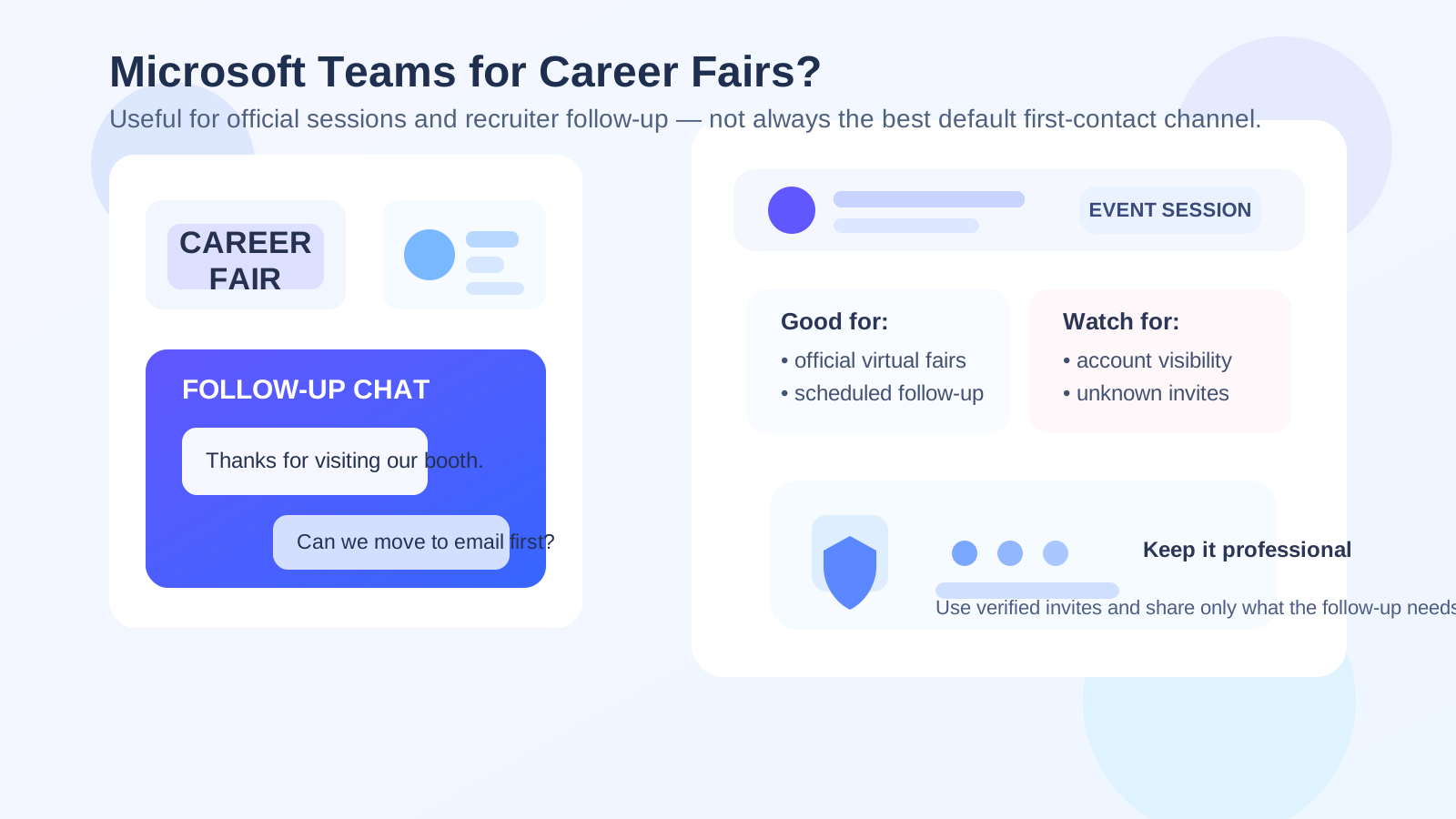
Yes, you can use Microsoft Teams for career fairs, but it usually works best for official event sessions or scheduled recruiter follow-up rather than as your default first-contact channel. Teams can be practical when a company or university already uses it, but it can also expose more account context, organization details, and conversation history than many job seekers expect.
If you want cleaner boundaries, easier searchability, and less account exposure, start with email or LinkedIn first and move to Teams when the recruiter, employer, or event clearly prefers it. That approach keeps the follow-up professional without turning every fair conversation into a persistent workspace connection.
Why this question comes up
Career fairs are not all the same anymore. Some are still classic in-person events with booths, badge scans, and stacks of flyers. Others are hybrid or fully virtual, with recruiters hosting information sessions, one-to-one chats, and quick follow-up meetings through tools like Microsoft Teams. Even when the fair itself is in person, the next step may be a Teams meeting invite, a shared recruiting workspace, or a same-day follow-up request from a recruiter who wants to keep momentum going.
That makes Teams feel convenient. It is familiar in many workplaces. It handles chat, meetings, screen sharing, and files in one place. It can feel more immediate than email and more structured than text messages or WhatsApp. For career fairs, where timing matters and first impressions can fade quickly, that speed is attractive.
But convenience is not the only thing that matters. Career fairs are high-volume environments. You may speak with many recruiters in a short period, and not every company will be a real fit. If you move every conversation into a persistent chat platform too early, you can create unnecessary account exposure and blur your personal boundaries faster than you meant to.
Short answer: good for official sessions and real follow-up, weaker for cold outreach
Microsoft Teams is usually reasonable when the employer or event already uses it in a clear, legitimate way. It makes sense for scheduled virtual booth conversations, employer Q&As, panel sessions, interview prep calls, or follow-up meetings that were clearly invited by a real recruiter.
It is less ideal as your default first move after every booth visit. If you just met someone for two minutes, sending or accepting a Teams connection immediately is often less clean than emailing a résumé, connecting on LinkedIn, or replying through the event platform first. Teams works better when the relationship already has a legitimate reason to become more active and time-sensitive.
When Microsoft Teams makes the most sense at career fairs
- The event is officially hosted in Teams: some universities, large employers, and enterprise-focused recruiting teams already run info sessions and follow-up calls there.
- You received a verified invite from a real recruiter or company domain: a meeting request tied to a known person and employer is very different from a random chat request.
- The conversation is moving from interest to logistics: scheduling a deeper conversation, a portfolio review, or a virtual office-hours follow-up is where Teams can help.
- You need a real-time discussion: if email back-and-forth would slow down a same-day next step, Teams can be efficient.
- The role is in a Microsoft-heavy environment: some employers naturally rely on Teams, Outlook, and Microsoft 365 for nearly everything, so using Teams may simply fit their workflow.
In those cases, using Teams is not strange or unprofessional. It can actually make you look responsive and adaptable, especially if the event structure already points everyone in that direction.
Where the privacy issues usually show up
The main risk is not that Teams is inherently unsafe. The issue is that it is often more identity-rich than people realize. Depending on how your account is set up and how the event or tenant handles guests, the other side may see more than just a chat window.
Your account context may reveal more than you meant to share
Teams can expose your full display name, profile image, email context, and sometimes organizational clues tied to the account you used. If you join with a school or work-linked Microsoft account, that may reveal extra context about where you study or work. That is not always harmful, but it is still a privacy choice.
Group visibility changes the tone of the interaction
A one-to-one email feels simple. A workspace-based conversation can feel more public or at least more structured. In some cases, you may not know who else can see the message, how long it will be retained, or whether it sits inside a larger recruiting space that includes multiple staff members. For some candidates that is perfectly fine. For others, it feels more exposed than necessary for an early career-fair conversation.
It can become harder to separate serious leads from noise
Career fairs often produce many weak leads and a few strong ones. If every interaction moves into a platform built for ongoing chats, notifications, and meetings, your follow-up process can get messy. Email remains easier to sort, archive, and revisit later. Teams is better when the conversation has already earned that extra layer of activity.
How Teams compares with better default first-contact options
For most career fairs, email and LinkedIn still make better default channels for initial follow-up. They are simpler, easier to search later, and less likely to blur your personal account boundaries.
Email is usually the cleanest option when you want to send a résumé, thank someone for their time, or follow up on a booth conversation. It feels professional, searchable, and low-friction. It is also easier to keep separate from the rest of your digital life. If you are scanning QR codes, signing up for talent communities, or testing whether a recruiter follow-up is worth deeper engagement, some job seekers prefer a separate inbox strategy first. That is one place where a tool like Anonibox can help keep early-stage recruiting noise out of a primary inbox until a conversation proves worth keeping.
LinkedIn is often the best middle ground when you want a lighter-touch follow-up. It preserves professional context without immediately moving into a more persistent meeting-and-chat workflow.
Teams is strongest one step later: once the recruiter wants to schedule something real, host a virtual event, or keep the conversation inside an existing employer process.
Best practices if you do use Teams for career fairs
1. Use the right account
If possible, avoid joining career-fair follow-up with an employer-controlled work account or any account that reveals more context than you want to share. A clean personal professional account is usually safer than a current-work account. A school-linked account can be fine for student recruiting events, but you should still understand what it signals.
2. Keep your profile professional and minimal
Before joining a recruiter session, check your display name, profile photo, and any visible status details. You do not need to turn your profile into a branding exercise. You just want to avoid accidental oversharing or an obviously casual presentation.
3. Verify invites before joining
If someone says “Join this Teams call” without a clear company context, look twice. Confirm the recruiter’s name, company, and role. If the link came from an event platform, compare it with the employer details listed there. If it came from email, check the sending domain. Legitimate employers expect reasonable caution.
4. Move sensitive documents through cleaner channels
Teams may be fine for scheduling or discussion, but you do not need to treat a chat thread as the best place for every document. Résumés, portfolios, and formal follow-up often belong in email or the company’s actual application system, where the trail is clearer and easier to manage.
5. Do not join every workspace just because it is offered
Some career-fair conversations only need a single meeting link or a simple email exchange. Accepting invites into extra channels, workspaces, or community groups too early can create clutter and unnecessary exposure. Keep it proportional to the seriousness of the opportunity.
Red flags to take seriously
- A supposed recruiter pushes you into Teams without identifying the company clearly.
- The invite arrives from a generic or inconsistent source with no matching employer details.
- You are asked to install unusual software, hand over sensitive personal documents, or move money before anything has been verified.
- The conversation becomes urgent and vague at the same time, especially if the role details are weak.
- You are invited into a workspace that looks unrelated to the employer or full of suspicious accounts.
Teams itself is not the red flag. The problem is when the surrounding behavior does not look like a normal recruiting process.
A simple decision checklist
Before you use Teams for career-fair follow-up, ask yourself:
- Is this an official event workflow or a random invite?
- Do I know who the recruiter is and can I verify the employer independently?
- Am I comfortable with the account context this meeting or chat may reveal?
- Would email or LinkedIn accomplish the same goal with fewer privacy trade-offs?
- Has this opportunity actually progressed enough to justify a real-time workspace channel?
If most answers point toward structure, legitimacy, and a real next step, Teams is probably fine. If the interaction still feels vague or premature, a simpler channel is usually the better choice.
Final answer
Microsoft Teams can be a useful career-fair tool, especially for official virtual sessions, structured recruiter follow-up, and real next-step conversations. It is not automatically too personal or unprofessional.
Still, it usually should not be your default first-contact method with every recruiter you meet. Email and LinkedIn are cleaner starting points for most fair conversations, while Teams works best after the opportunity becomes more concrete. If you treat it as a channel for verified, purposeful follow-up rather than a universal default, you get the convenience without giving up more privacy than necessary.