Yes, you can use Google Chat for career fairs, but it usually works best for verified recruiter follow-up or event logistics rather than as your default first-contact channel.
If you want cleaner boundaries, easier recordkeeping, and less account exposure, start with email or LinkedIn first and move to Google Chat only when the recruiter, employer, or event clearly prefers it.
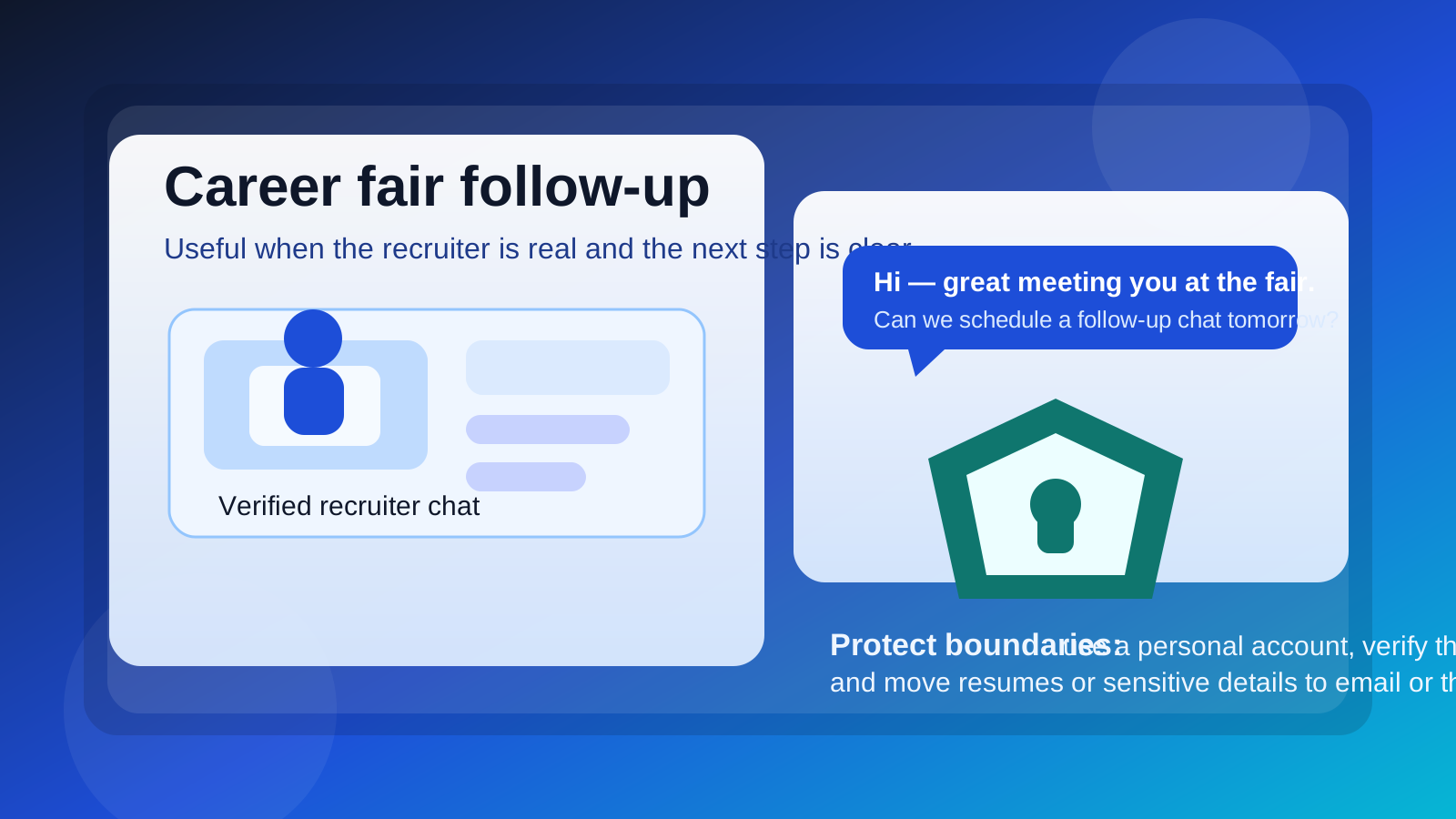
Why this question comes up
Career fairs are no longer just rows of booths and paper flyers. Many fairs now mix in virtual sessions, instant QR-code follow-up, recruiter group chats, and same-day scheduling. If a company already runs on Google Workspace, Google Chat can feel like the easiest next step after a short fair conversation.
That convenience is real. Chat is faster than a formal email thread, easier than a calendar-heavy meeting request, and familiar to many students, job seekers, recruiters, and employees. But career fairs are also noisy environments. You may meet ten or twenty employers in one session, only a few of whom will turn into serious opportunities. Moving every conversation into an ongoing chat tool too early can expose more account context than you intend and make your follow-up harder to manage.
So the real question is not whether Google Chat works at all. It does. The better question is when it is useful, when it creates unnecessary privacy risk, and when a more durable channel is the smarter move.
Short answer: good for real follow-up, weaker for first contact
Google Chat is usually reasonable when the recruiter is clearly real, the company is verified, and the conversation already has a concrete next step. That might mean a recruiter wants to send a follow-up message after a virtual booth session, schedule a quick call, or answer a few practical questions before you apply.
It is less ideal as your default first channel after every fair interaction. For cold follow-up, email and LinkedIn usually give you better searchability, clearer context, and less accidental account exposure. Google Chat is strongest one step later, once the relationship is real enough to justify a faster back-and-forth channel.
When Google Chat makes sense for career fairs
- The event already uses Google Workspace tools: some schools, startups, and Google-centric employers naturally direct candidates into Google Meet and Chat for session follow-up.
- You already spoke with a verified recruiter: if the recruiter is tied to a real company page, event listing, or company-domain email, Chat can be fine for next steps.
- The next step is time-sensitive: same-day logistics, a resume resend, a meeting reschedule, or a quick clarification are all chat-friendly tasks.
- You are moving from a public event into a one-to-one conversation: once the interaction becomes specific and legitimate, faster messaging can be useful.
- The employer clearly prefers it: if a real recruiter says their team uses Google Chat for candidate coordination, it may simply fit their workflow.
In those situations, Google Chat is not unprofessional. It can actually help you look responsive, especially when the recruiter is trying to keep momentum from the fair while details are still fresh.
Where the privacy and workflow problems usually show up
1. The wrong Google account can reveal more than you expect
The biggest Google-specific issue is account context. If you use a work-managed Google account, a school-managed account, or an old personal account with too much history attached to it, the other side may see a display name, photo, organization tie, or other profile context you did not mean to use for a job-search conversation.
That does not automatically create a crisis, but it is still a privacy choice. If you are conducting a confidential search, you probably do not want your current employer’s Google account anywhere near it. If you are a student, a campus-managed account may be fine for university recruiting, but you should still know what identity details it surfaces.
2. Chat can feel official before the recruiter is actually verified
Because Google tools are common in legitimate workplaces, a Google Chat invite can feel trustworthy before you have done any real checking. But the platform itself is not proof. A real-looking name and a familiar interface are not the same thing as a verified company connection.
Before you move important conversation into Chat, confirm who you are speaking with. Look for a public company careers page, an event listing, a company-domain email, or a recruiter profile that matches the employer you met at the fair. Legitimate recruiters do not usually mind careful candidates.
3. Important details get buried in a moving thread
Career-fair follow-up often includes details you need later: the exact role link, the recruiter’s name, which office is hiring, what materials to send, and whether you should apply first or wait for an internal handoff. Chat threads are fast, but they are not always the best long-term record.
Email is usually easier to search after the fair ends, especially when you are comparing several opportunities at once. If you do use Google Chat, copy the important details into your notes or ask for the final instructions by email.
4. The casual tone can lead to oversharing
Chat feels conversational, which is part of why it works. The downside is that job seekers often reveal more than they need to. They explain why they want to leave their current employer, send multiple resume versions, volunteer salary expectations too early, or drop personal details that are not necessary for the next step.
A career-fair conversation does not need your full story in the first ten messages. A short summary, a thanks for the conversation, and a clean next step are usually enough.
5. Too many weak leads can clutter your workflow
Career fairs generate a lot of maybes. If every booth conversation turns into an active chat thread, your follow-up becomes messy fast. That is not a moral problem; it is an organizational one. You need a way to separate real recruiter momentum from polite but low-value chatter.
That is one reason many job seekers still prefer email as the default anchor. It is simpler to sort, archive, search, and revisit a week later when you are deciding which leads actually matter.
How Google Chat compares with better default first-contact options
Email is still the cleanest follow-up tool for most career fairs. It lets you send a thank-you note, attach or link the right resume, reference the role you discussed, and keep a searchable record without tying the conversation to a persistent chat environment.
If you are scanning lots of QR codes, joining talent communities, or testing which employers are worth deeper engagement, some people also prefer a separate inbox strategy so early-stage recruiter noise does not land in a primary address. That is one place where a tool like Anonibox can help: it keeps low-stakes signups and early follow-up separate until an employer proves worth keeping in your long-term workflow.
LinkedIn is often the best middle ground. It preserves professional context, shows who the recruiter is, and gives you a lighter-touch way to reconnect after the fair. It is not perfect, but it is usually cleaner than jumping immediately into chat.
Google Chat
Google Chat is strongest after the initial trust is established. It is useful for fast clarifications, scheduling, and short real-time exchanges. It is weaker as the first place where you want to store your full application trail.
Best practices if you do use Google Chat for career fairs
Use a personal professional account, not a work-managed one
If you need to chat, use an account you control. Avoid employer-managed Google accounts for confidential job-search conversations. A clean personal professional identity is usually the safest option.
Verify the recruiter before you engage deeply
Do a quick legitimacy check before sending anything meaningful. Match the recruiter to the employer’s public presence, the event listing, or a company-domain email. If the invitation feels detached from the actual fair, slow down.
Keep the conversation light and purposeful
Use Chat for short coordination: “Thanks for speaking with me,” “Here is the role I meant,” or “Does your team want me to apply before the follow-up?” Once the conversation turns into resume review, documentation, or formal next steps, move it into email or the company’s application flow.
Do not treat Chat as your filing cabinet
Write down important names, deadlines, and links elsewhere. A notes app, spreadsheet, or simple job-search tracker will serve you better than scrolling back through a dozen threads later.
Watch your profile details
Check your display name, profile image, and anything else that may be visible before you start. You do not need to optimize every pixel of your account, but you should avoid accidental oversharing.
Red flags that mean Google Chat is the wrong move
- The recruiter cannot be tied to a real company presence.
- You are asked to leave the fair platform immediately without context.
- The person pushes for sensitive information before a real role is clear.
- The account looks personal, vague, or inconsistent with the employer described.
- The recruiter wants payment, identity documents, or other unusual details far too early.
Those are not just reasons to avoid Google Chat. They are reasons to question the opportunity itself.
A simple decision checklist
- Did I actually speak with this recruiter at the fair, or is this cold outreach?
- Can I verify the recruiter and employer independently?
- Am I using an account I control, rather than a work-managed one?
- Would email or LinkedIn preserve a cleaner record for this step?
- Am I about to share more than the conversation really requires?
If most of those answers look good, Google Chat may be perfectly fine for the next step. If several answers raise concerns, stick with a more deliberate channel first.
Final answer
So, should you use Google Chat for career fairs? Sometimes, yes—but usually as a follow-up tool, not your default entry point. It can be practical when the recruiter is real, the event context is clear, and you need a quick next-step conversation. It becomes less attractive when you are still verifying the employer, trying to keep your search private, or managing many weak leads at once.
The safest pattern is simple: start with channels that keep your search organized, searchable, and professional, then use Google Chat only when the relationship has earned that speed. That way you stay responsive without turning every career-fair interaction into a persistent account-level connection.