Facebook Messenger can work for networking events, but it is rarely the best default channel. Use it for warm follow-up or event logistics after a real interaction; for first outreach, email or LinkedIn is usually safer, more searchable, and more professional.
That does not mean Messenger is useless. It means the context matters: if you met someone at an event, both of you are already in the same Facebook event or community, and the next step is simple, Messenger can be convenient. If the connection is cold or the conversation may turn into something important, it is usually smarter to move to a cleaner channel fast.
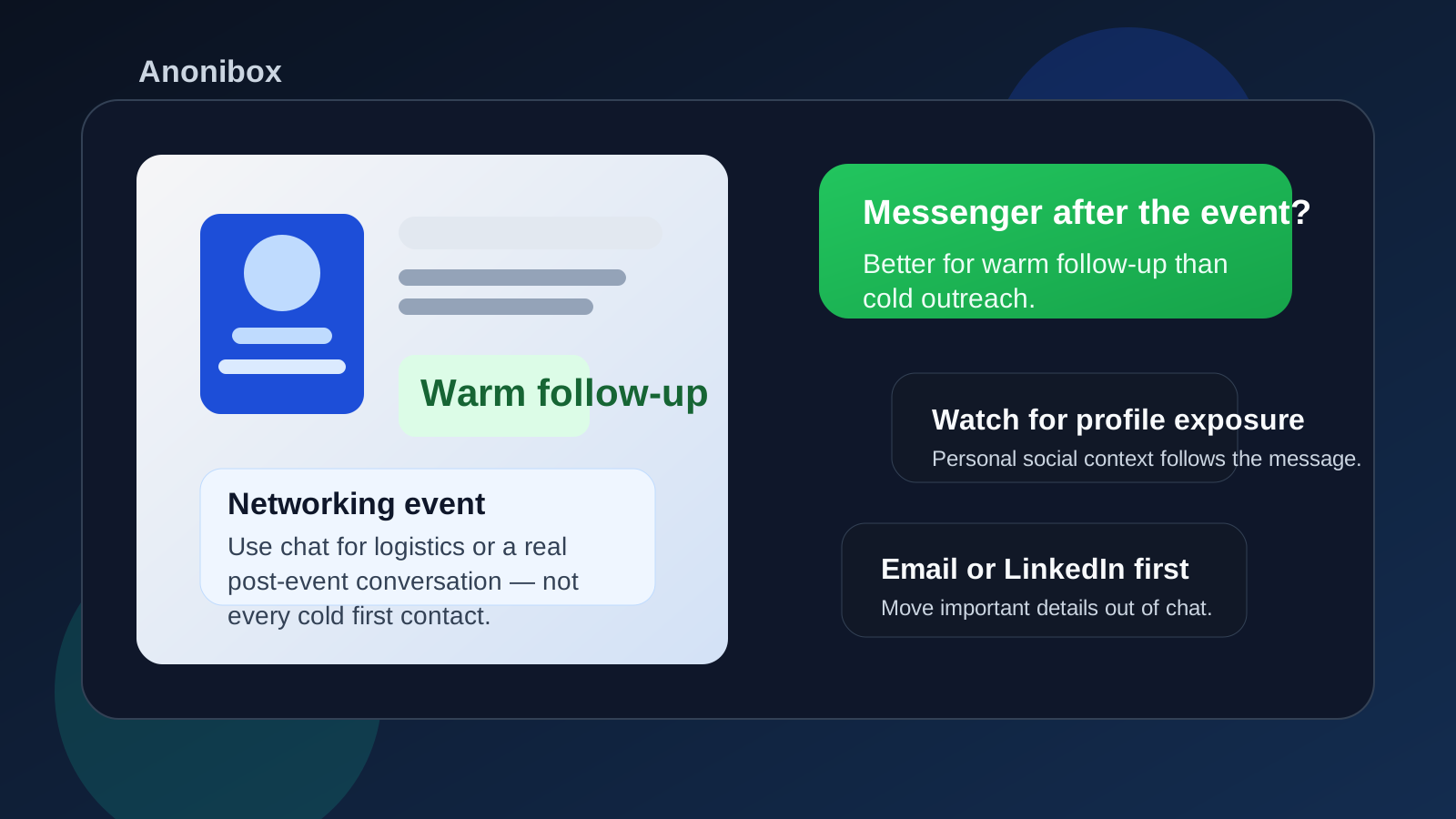
Why Facebook Messenger comes up after networking events
A lot of networking no longer starts in a formal corporate setting. People meet through conference pages, Meetup groups, founder communities, alumni circles, volunteer events, niche Facebook groups, trade-association pages, or event listings that already live on Facebook. When that happens, Messenger feels close at hand. You do not have to ask for an email address, wait for a LinkedIn connection request, or compose something overly polished while the interaction is still fresh.
That convenience is real. If you are confirming where the after-event coffee meetup is, thanking someone for a useful introduction, or sending a quick “good to meet you” note while both of you still remember the conversation, Messenger can keep momentum alive. The problem is not speed. The problem is that Messenger is tied to a personal social identity, and that changes the privacy and professionalism trade-off.
The short answer: good for warm follow-up, weak for cold outreach
If you are wondering whether you should use Facebook Messenger for networking events, the most useful rule is simple: Messenger is best when the relationship already has context. It works when you already met, share an event space, or were explicitly invited to continue the conversation there. It is much weaker when you are trying to make a polished first impression, contact someone senior out of the blue, or keep your personal and professional lives clearly separated.
In other words, Messenger is usually a follow-up tool, not a default networking strategy.
When Messenger makes sense
1. You already had a real conversation
If you met someone at a panel, mixer, expo booth, founder dinner, or breakout session, a short Messenger follow-up can feel natural. The person already knows who you are, so the message does not arrive as a random social interruption. A quick thank-you, a reference to what you discussed, or a simple next-step question can work well here.
2. The event itself is organized through Facebook
Some networking events still use Facebook event pages, private groups, or community pages for announcements and attendee discussion. In those cases, Messenger is not a random detour. It is part of the event ecosystem. Using it for event logistics, speaker follow-up, or a light continuation of a thread can be perfectly reasonable.
3. The ask is small and time-sensitive
Chat channels are good at quick coordination. Examples include confirming where people are meeting, asking whether someone is still at the venue, sharing a link they mentioned, or sending a quick note while the event is still happening. That is different from asking for a formal informational interview, a referral, or a resume review.
4. The other person clearly prefers it
Sometimes the contact says, “Just message me on Messenger,” or they continue the conversation there themselves. If the person has already made the channel comfortable and the interaction is low-risk, there is no need to force everything into email on principle alone.
When Messenger is usually the wrong choice
1. You are making first contact with someone you do not know
Cold networking through Messenger can feel more intrusive than a short email or LinkedIn note. Even if your message is polite, it lands in a space many people reserve for friends, relatives, neighborhood groups, and everyday personal conversation. That mismatch can reduce response rates.
2. You want a strong professional first impression
Email and LinkedIn carry professional context automatically. Messenger usually does not. If you are reaching out to a recruiter, a potential mentor, a conference speaker, or a hiring manager, starting in Messenger may make the interaction feel more casual than you intend.
3. You care about keeping your personal profile separate
This is one of the biggest reasons to hesitate. Messenger often brings your broader Facebook identity with it: your profile photo, visible bio details, mutual friends, public posts, group memberships, and the general tone of your account. That is far more personal context than many people want attached to a networking conversation.
4. The conversation may matter later
If you may need to revisit details such as an introduction, a meeting time, an application link, a referral, or promised follow-up, email is usually much better. Messenger is good for motion; it is not always good for recordkeeping.
The main privacy and workflow risks
Profile exposure
With Messenger, you are not just sending words. You are often exposing a slice of your social identity too. If your Facebook profile is casual, outdated, politically loud, family-centered, or simply more personal than you want in a professional setting, that matters.
Message-request invisibility
If you are not already connected, the person may not see your note right away. It can land in message requests or another filtered area. That means Messenger can feel immediate from your side while actually being less reliable than email.
Blurry boundaries
Messenger nudges conversations toward quick, casual replies. That can be convenient, but it can also create a low-grade expectation of constant availability. If you are talking to several event contacts at once, your follow-up can become scattered and harder to manage.
Social-engineering risk
Any channel built around easy direct messages can be used for impersonation, fake event invites, or vague professional opportunities that fall apart when checked closely. Messenger is not uniquely dangerous, but the casual tone can make people drop their guard faster than they would in a formal email thread.
A practical workflow that works better
The best approach for most people is not “never use Messenger.” It is “use Messenger at the right stage.” A clean workflow looks like this:
- Meet or confirm the real context first. If the interaction started at a legitimate event, panel, or community page, you already have a reason for the follow-up.
- Use Messenger for the lightweight step. Thank-you notes, logistics, and quick “great meeting you” follow-up are fine.
- Move anything important to email or LinkedIn. If the conversation becomes substantial, give it a channel that is easier to search, organize, and revisit later.
- Track your contacts outside the app. Save names, promised next steps, and dates in your own notes or spreadsheet so the conversation does not vanish into a chat thread.
This is also where Anonibox fits naturally for the event-discovery side of the process. If you are signing up for low-trust event lists, sponsor freebies, newsletter gates, or community pages and you do not yet know which ones are worth long-term attention, a temporary inbox can keep your main email from getting buried in follow-up noise. Once a real relationship forms, though, stable contact channels are usually better than disposable ones.
How to use Messenger more safely if you choose it
Audit what a stranger can see
Before you message anyone from a networking event, check your public Facebook presence. Look at your profile photo, cover image, bio, featured content, and visible public posts. You do not need to become anonymous, but you should know what first impression travels with the message.
Keep the opener short and specific
Good event follow-up messages are easy to answer in under a minute. Mention where you met, why you are writing, and the smallest reasonable next step. Example:
“Hi Priya — great meeting you at the fintech meetup tonight. I appreciated your point about vendor onboarding workflows. If you’re open to it, I’d love to follow up by email with one quick question about breaking into the space.”
That message works because it is clear, respectful, and easy to redirect into a more professional channel.
Do not dump important materials into chat
Messenger is usually the wrong place for your resume, portfolio files, sensitive personal details, or anything you would regret sending to the wrong person. Use chat for introductions and small coordination, not for high-stakes document exchange.
Verify who you are talking to
If someone seems vague, claims an impressive role without clear evidence, or pushes you toward suspicious links or urgent requests, slow down. Check the event page, the company site, or the person’s professional presence elsewhere before you treat the conversation as real.
Move serious conversations out of Messenger
If the person offers an introduction, suggests a real call, asks for your resume, or mentions an opening, that is your cue to switch channels. Email is usually the best next home because it keeps the exchange more durable and easier to manage.
Should you make a separate Facebook account for networking?
Usually no. A second Facebook identity is awkward to maintain and often looks less credible than the real thing. If you feel you need a separate account just to be comfortable networking there, that is often a sign that Messenger should not be your default networking channel at all. A dedicated networking email or a cleaner LinkedIn workflow is usually the better boundary tool.
Quick checklist before you send the message
- Did you actually meet this person or share a legitimate event context?
- Would email or LinkedIn create a cleaner first impression?
- Are you comfortable with what your Facebook profile reveals?
- Is your ask short, simple, and easy to answer?
- Will you move the conversation to email if it becomes important?
If most of those answers look good, Messenger may be fine. If several make you hesitate, trust that instinct and use a more professional channel first.
Final answer
So, should you use Facebook Messenger for networking events? Sometimes, yes — but mostly for warm follow-up, light logistics, or conversations that already began inside a real event community. It is usually not the best default for cold outreach, polished professional introductions, or long-term follow-up that you may need to reference later.
The safest middle ground is simple: use Messenger where it clearly reduces friction, keep your personal profile exposure in mind, and move worthwhile conversations to email or LinkedIn before the stakes get higher. That gives you the convenience of fast chat without letting a personal social channel become the center of your professional networking system.