Yes, Zoom can be a good platform for career fairs, especially when the event uses scheduled recruiter chats, virtual booths, or group info sessions. For most job seekers, the real question is not whether Zoom is “allowed,” but whether you use it in a way that protects your privacy, looks professional, and supports clean follow-up after the event.
The short answer: Zoom is usually fine for attending and speaking with employers at a career fair, but you should avoid treating it as your long-term relationship channel. Use Zoom for the event itself, then move follow-up to a reliable email address or another professional channel once a recruiter wants to continue the conversation.
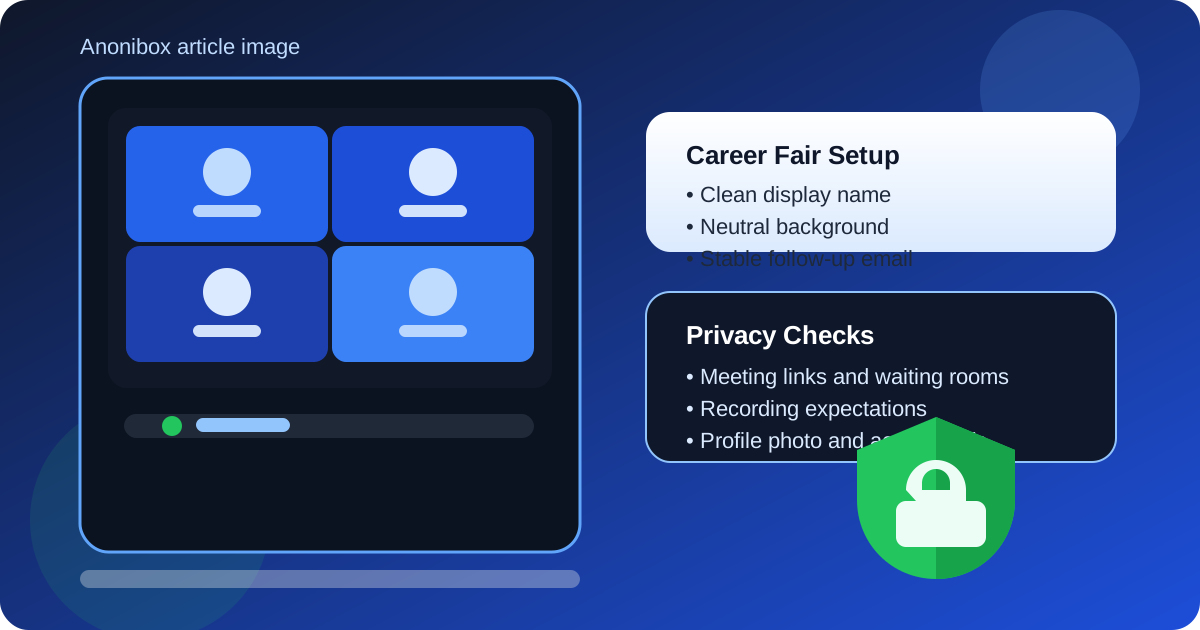
Why Zoom is often a reasonable choice for career fairs
Zoom works well when a career fair needs structure. Employers can host info sessions, one-on-one chats, panel discussions, or breakout rooms without forcing every attendee into the same noisy chat thread. For job seekers, that can actually be useful. A well-run Zoom career fair makes it easier to hear recruiters clearly, ask thoughtful questions, and move between sessions with less chaos than a giant open social platform.
It is also familiar. Most students and job seekers already know how to join a Zoom meeting, mute and unmute, turn a camera on and off, share a résumé if needed, and use chat for links or follow-up instructions. That lowers friction on event day.
Still, convenience is not the same thing as zero risk. Zoom exposes different details than email or LinkedIn do, and those details matter when you are showing up in front of recruiters.
When Zoom is a good fit
Zoom is usually a strong option when the career fair is organized around:
- Scheduled recruiter conversations: quick private or semi-private chats can feel more focused than public message threads.
- Employer presentations: webinars, hiring overviews, and Q&A sessions are a natural fit.
- Virtual booths or breakout rooms: recruiters can route candidates to the right team without too much confusion.
- Campus or industry fairs with remote attendance: Zoom makes access easier when travel or timing is a problem.
If the event is formal and the organizers already built the fair around Zoom, resisting the platform usually does not help you. It is better to prepare for it properly than to try to force the conversation somewhere else.
The main privacy and professionalism risks
1. Your display name may reveal more than you intend
If your Zoom name is set to a nickname, a joke, a gamer tag, or an old school label, recruiters will notice. If it includes a company name, department, or other current-employer signal, that can also create unnecessary exposure. Career fairs are not the place to accidentally advertise details you would rather keep separate.
Your safest default is a simple professional name: first name, last name, and nothing else unless the event specifically asks for school or program details.
2. Your background can send the wrong signal
Messy rooms, personal posters, family traffic, or visible employer branding in the background can distract from the conversation. Virtual backgrounds can help, but only if they look stable and not gimmicky. A plain real background with decent lighting is often better than a flashy branded virtual scene that glitches around your face.
3. Meeting links can spread
Career fairs sometimes use shared links, waiting rooms, or recruiter-specific sessions. If event logistics are messy, links may get forwarded more widely than intended. That does not mean Zoom is unsafe by default, but it does mean you should treat meeting links like access keys, not public social invites.
4. Recording expectations may be unclear
Some employers or event hosts record info sessions. That can be perfectly normal, but you should know when it is happening. If you plan to ask a personal question about your job search, relocation, or visa timing, a recorded public session is very different from a private follow-up email.
5. Zoom is not the best long-term follow-up channel
A great five-minute recruiter chat on Zoom can open a door, but it is usually not where the relationship should stay. Interview scheduling, résumé updates, portfolio links, and next steps are usually better handled through email, a company portal, or sometimes LinkedIn.
How to prepare before the career fair
Use a clean account setup
Check your Zoom display name, profile photo, and linked account details before the event starts. Remove anything casual, outdated, or overly personal. If your profile photo is old or unnecessary, it is fine to use no photo at all rather than a distracting one.
Test your camera, microphone, and internet
Most Zoom career-fair problems are not deep privacy failures. They are basic operational issues: echo, bad lighting, laptop fan noise, unstable Wi-Fi, or a microphone that picks up everything in the room. Fixing those problems makes you sound more prepared than a long self-introduction ever will.
Pick a neutral setting
Choose a quiet space, reasonable lighting, and a background that does not steal attention. Headphones help. So does closing unrelated apps and tabs before joining. If you are screen-sharing a résumé or portfolio, you do not want message popups from unrelated accounts appearing at the wrong moment.
Know your follow-up channel before you join
If a recruiter asks, “What is the best email to reach you?” you should already have an answer. For many people, that means a dedicated job-search email instead of a crowded personal inbox or a current-work address.
If the event registration itself is likely to trigger a lot of sponsor mail, employer blasts, or generalized recruiting messages, using a separate inbox can help. Tools like Anonibox can make sense for early-stage signups or download gates when you want less inbox clutter. But once a recruiter wants to schedule an interview or continue a serious conversation, switch to a stable address you check consistently. Career-fair momentum dies fast when follow-up goes to an inbox you no longer monitor.
Best practices during the event
Join a few minutes early
That gives you time to correct your name, confirm audio, and notice whether the host uses waiting rooms, breakout rooms, or a chat-based queue.
Keep your introduction short and specific
Recruiters at career fairs are usually speaking with many candidates in a short period. A strong opening is simple: who you are, what kind of role you want, and one sentence about why you approached that employer. Zoom rewards clarity because long openings feel even longer on video.
Use chat carefully
Chat is useful for a portfolio link, email address, or quick thank-you. It is not the best place to dump a long self-summary or a pile of documents. If a recruiter asks for materials, ask what follow-up channel they prefer.
Watch what your screen reveals
If you share your screen, close private tabs first. Email inboxes, notifications, messaging apps, and unrelated job-search documents are easy to expose by accident. Share the exact window you want, not your whole desktop, unless you have checked it carefully.
When Zoom is not the best choice
Zoom is less ideal when the event is really just a light networking mixer and the organizers expect casual asynchronous follow-up later. In that case, LinkedIn, email, or a dedicated event platform may create less friction. Zoom is also a weak fit if you are in a noisy environment where camera and audio quality will obviously suffer, or if you are being pushed into an unverified “career fair” that feels more like a mass lead-capture funnel than a real recruiting event.
If a recruiter immediately tries to move you from a legitimate event into a suspicious off-platform workflow, slow down. Verify the company, check the recruiter identity, and do not treat every Zoom invite as proof of legitimacy.
A practical decision framework
Ask yourself these questions:
- Is this a legitimate event hosted by a real school, company, organizer, or industry group?
- Do I know what name, photo, and background recruiters will see?
- Do I have a stable professional follow-up email ready?
- Do I understand whether sessions are public, private, or recorded?
- Will Zoom help me talk to recruiters more clearly than the alternatives?
If the answer to most of those is yes, Zoom is probably a perfectly reasonable tool for the fair.
Final answer: should you use Zoom for career fairs?
Yes, usually. Zoom is a practical and often effective way to attend career fairs, especially when employers are running structured recruiter chats, info sessions, or virtual booths. The key is to treat it as an event tool, not as your identity management system or your long-term follow-up channel.
Show up with a clean display name, a neutral background, a tested setup, and a professional way for recruiters to contact you afterward. Used that way, Zoom can help you make a strong impression without exposing more of your personal life than necessary.