Usually no — using your work Gmail account for outside career fairs is not the best default if you are exploring new opportunities.
For most career-fair registrations and recruiter follow-up, a separate email address you control is safer, cleaner, and easier to manage long term.
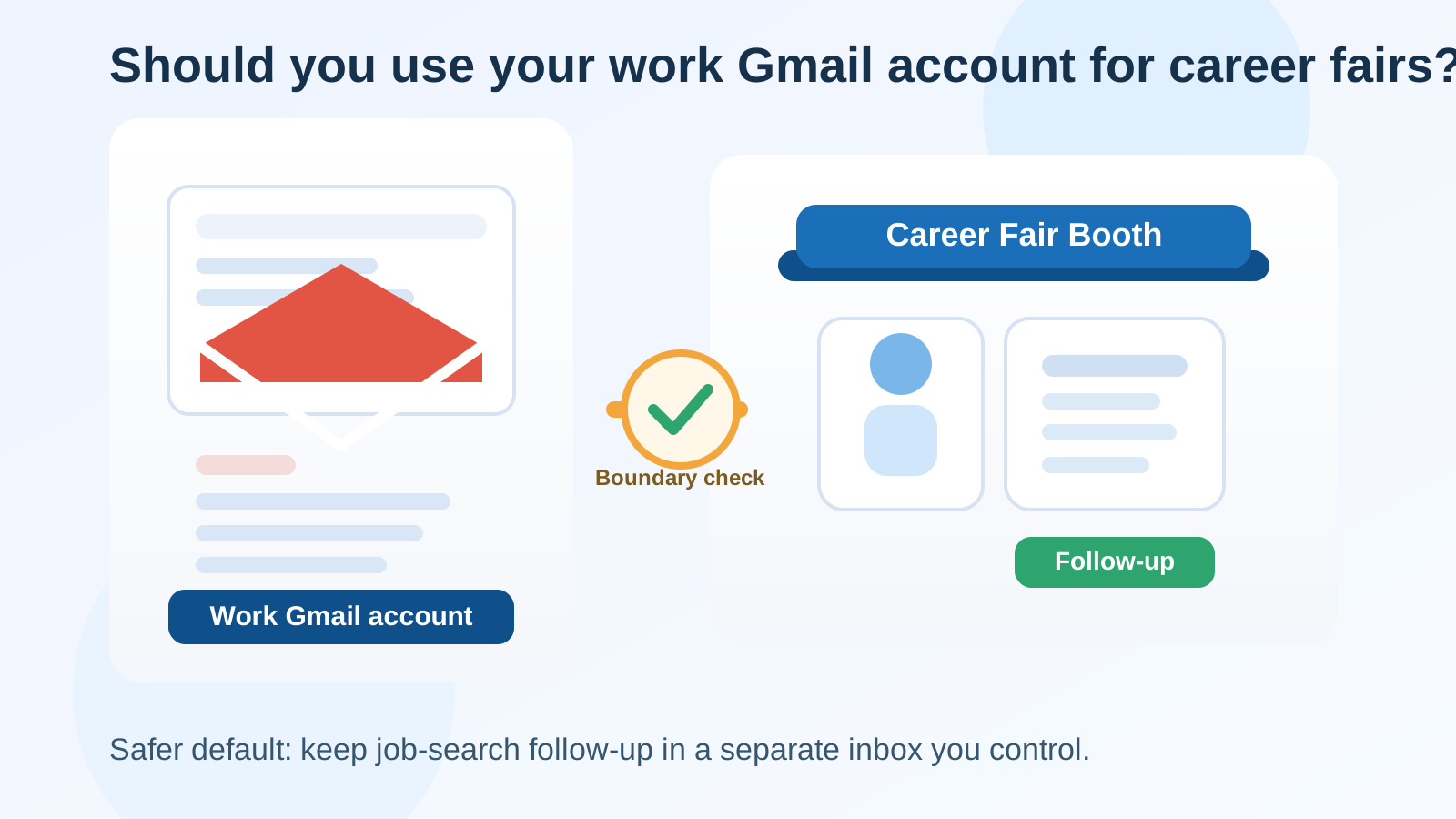
That short answer matters because career fairs create a very specific kind of contact pressure. You may sign up for event platforms, scan employer QR codes, upload a resume, join talent communities, and speak with multiple recruiters in a single afternoon. If every one of those contacts points back to your employer-managed Google Workspace account, you can end up mixing your current job identity with a future-opportunity workflow that should usually stay separate.
A work Gmail account is not automatically wrong. In some limited cases it may be acceptable, especially when the fair is internal, employer-sponsored, or directly tied to your current role. But for most people attending external career fairs, the privacy trade-off is worse than it looks. A dedicated personal job-search inbox is usually the better move.
Why career fairs make this decision trickier than a normal application
When you apply to one employer on its careers page, you are sharing your address with a known destination. Career fairs are messier. One event can expose your contact details to many recruiters, event systems, sponsor platforms, mailing lists, and follow-up workflows in a very short time.
That means the question is not only “Can I use my work Gmail account?” It is also “How many people and systems will see it, and what does that reveal about me?”
At a career fair, your email may end up attached to:
- booth registration forms
- resume-drop systems
- calendar invites
- talent network signups
- webinar replays and event recap emails
- future recruiting campaigns you did not explicitly ask for
That broader exposure is exactly why many job seekers are more careful with career-fair contact details than with a one-off application.
The biggest risks of using your work Gmail account
1. You tie your job search to your current employer identity
A work Gmail or Google Workspace address instantly tells recruiters where you work now. Sometimes that is harmless. Sometimes it changes the tone of the conversation before you want it to. A recruiter can infer your employer, domain structure, and possibly your level of seniority or department naming conventions from the address itself.
If you are casually exploring the market, that may feel like too much visibility too early.
2. Employer controls may exist behind the scenes
Even if nobody at your company is actively reading your mail, a work-managed inbox still belongs to an employer-controlled system. Retention rules, admin visibility, security monitoring, account deprovisioning, and compliance policies can all exist in the background.
You do not need to assume the worst to see the problem: important recruiter conversations should usually live in an account you fully control, not one tied to a job you might leave.
3. Follow-up can outlast your current role
Career-fair conversations do not always turn into interviews that week. A recruiter may reach out again in three months. A hiring manager may save your details for a later opening. If those threads live in a work account and you change jobs, lose access, or simply want cleaner separation, you create a continuity problem for yourself.
4. You blur professional boundaries
If you use the same account for your employer, your internal meetings, and your external job-search activity, everything starts to overlap. Calendar suggestions, contact autofill, browser sessions, Drive permissions, and saved sign-ins can all become a little messier than they should be.
That may sound minor, but career-fair follow-up often works best when your communication setup is simple and intentional.
When it may be acceptable
There are a few situations where using your work Gmail account is not especially risky.
- Internal or employer-sponsored career events: If your company expects you to attend as part of your role, using the work account can be normal.
- Partnership or business-development fairs: If you are representing your employer rather than searching for a new job, a work address is usually appropriate.
- Open, non-sensitive professional networking: If you are not job hunting discreetly and the event is closely tied to your existing work identity, the account may be fine.
Even then, ask whether you want future opportunity emails landing in the same inbox as daily employer communication. Many people still prefer separation even when using the work account would be technically acceptable.
What works better for most people
A separate personal job-search inbox
This is usually the best default. A dedicated Gmail account, custom-domain address, or other stable personal inbox gives you a professional contact point without tying the conversation to your employer’s systems.
It also makes career-fair follow-up easier to organize. You can label recruiters, save event notes, and keep all job-search communication in one place instead of mixing it with work threads.
A stable address for real recruiter follow-up
Career fairs are not the best place to use a throwaway address as your main contact point. Recruiters may follow up days or weeks later, and you do not want to miss a message because the inbox was temporary or poorly monitored.
If you need a privacy layer during early signups, it helps to separate low-value booth forms from serious conversations. For example, a temporary inbox from Anonibox can make sense for newsletter-heavy downloads, event resource grabs, or one-off sponsor forms that are likely to create inbox clutter. But when you hand your resume to a recruiter you genuinely want to hear from, use a stable address you will still control and check consistently.
A simple decision rule
If the career fair is about your current employer, your work Gmail account may be fine.
If the career fair is about your next opportunity, your own inbox is usually better.
That rule will not cover every edge case, but it gets most people to a better default very quickly.
How to handle QR codes, booth forms, and recruiter follow-up
For event registration
Use the address where you want the main fair logistics to arrive. If the event is a real part of your job search, this should usually be your separate job-search inbox rather than your employer account.
For sponsor downloads and low-priority giveaways
These are the forms most likely to create long-term marketing clutter. Use more caution here than people usually do. If the form is just for a brochure, talent newsletter, or gated employer handout, you do not need to feed it the same address you want for serious recruiter communication.
For one-on-one recruiter conversations
Give recruiters a stable email you trust, and make sure it looks professional. Check it regularly after the event. Career-fair momentum dies fast when candidates miss the first follow-up.
For scheduling interviews
Use an inbox and calendar setup you actually control. That reduces the chance of accidental visibility through work calendar integrations, autofill mistakes, or employer-managed meeting systems.
Best practices if you are setting up a dedicated career-fair inbox
- Choose a clear professional address based on your name.
- Keep the inbox separate from your current employer login sessions when possible.
- Turn on two-factor authentication.
- Create labels or folders for each event and employer.
- Save copies of resumes and event notes in a personal storage workflow you control.
- Check the inbox daily for at least a few weeks after the fair.
This takes very little time to set up and usually gives you a much cleaner recruiting workflow than relying on a work-managed account.
Red flags that make a work account an even worse idea
Be especially cautious about using your work Gmail account when:
- you are attending discreetly and do not want your current employer identity front and center
- the event platform feels sloppy or overloaded with sponsor lead-capture forms
- you expect to talk to many recruiters and want tighter contact control
- you are already concerned about company device or browser visibility
- you may leave your current role soon and do not want to strand follow-up in a work inbox
In those cases, the downside is not theoretical. It affects privacy, continuity, and the quality of your follow-up process.
Final answer
For most external career fairs, you usually should not use your work Gmail account. It exposes employer context, mixes present and future professional identities, and leaves valuable follow-up tied to an inbox you do not fully own.
A separate personal job-search inbox is usually the safer and more practical choice. It keeps recruiter communication organized, preserves your privacy, and gives you control if conversations continue long after the event ends. Use your work Gmail account only when the event clearly belongs to your current role. For everything else, keep career-fair follow-up in an account that belongs to you.