Yes, you can use Tutanota for internship applications if the address looks professional and you check it reliably.
It works best as a separate privacy-focused inbox for internship recruiting, but a more mainstream address may feel lower-friction in conservative or very fast-moving hiring pipelines.
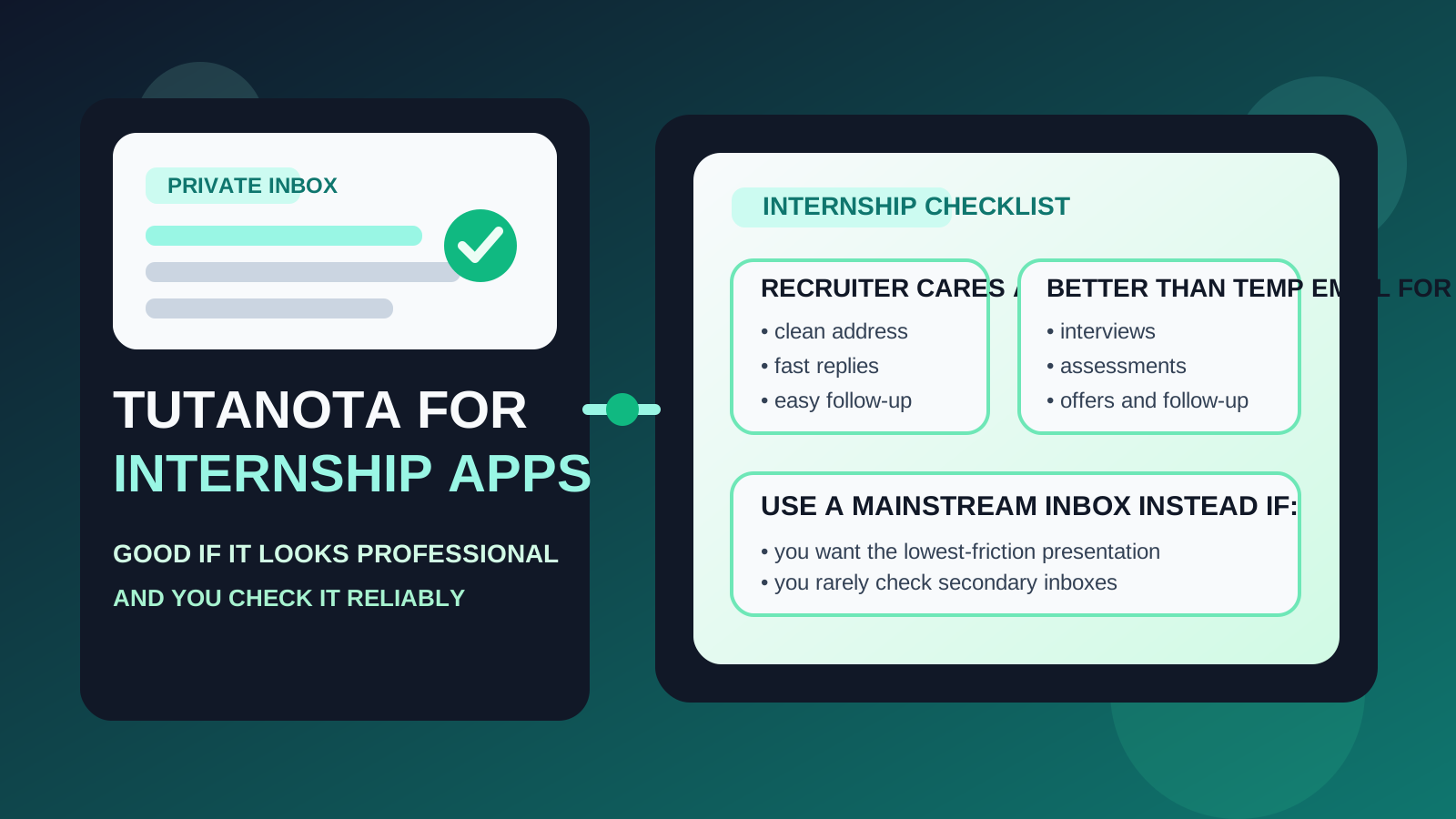
That is the real answer behind searches for should you use Tutanota for internship applications. Most students and early-career applicants are not really asking whether the service works technically. They are asking whether it looks credible enough for recruiters, whether it protects privacy better than a school or personal inbox, and whether using it could accidentally make them harder to reach during a time-sensitive internship search.
Tutanota, now branded as Tuta, can absolutely work for internship applications. It is a real long-term mailbox, not a disposable inbox. That matters because internship hiring rarely ends with one confirmation email. Applications can turn into coding assessments, portfolio requests, interview scheduling, recruiter follow-up, and offer paperwork. You need an email address that stays available through all of that.
The trade-off is familiarity. Many recruiters will not care which provider you use as long as the address is clean and you reply quickly. Some, however, are more used to seeing Gmail, Outlook, or school addresses in student recruiting. That does not make Tutanota a bad choice. It just means the rest of your setup should make life easy for the person trying to contact you.
Short answer: yes, but use it intentionally
If you want a separate internship inbox and you care about privacy, Tutanota is a reasonable option. It can help you avoid mixing recruiter traffic, job-board mail, and assessment links into your everyday personal inbox. It can also keep your search more separate from school accounts you may stop checking after graduation or campus recruiting season.
Where people get into trouble is not the provider itself. The real mistakes are using an odd-looking username, checking the inbox inconsistently, or treating a privacy-first account like a set-it-and-forget-it shield. Internship applications reward responsiveness. If the inbox helps you stay organized and reachable, it is doing its job. If it makes you slow, it is the wrong setup.
What internship recruiters usually care about
Recruiters and campus hiring teams usually care far more about practical signals than about email ideology. In most cases they are quickly evaluating a few basic questions:
- Does the address look professional?
- Will this candidate actually see my message?
- Does the application feel organized and trustworthy?
- Is there anything about this contact info that looks disposable or unreliable?
Tutanota does not trigger the same concern as a throwaway temp inbox because it is a real mailbox provider. Still, it is less common than Gmail or Outlook, so you should remove every other source of friction. A clean name-based address and fast replies matter more than the logo behind the inbox.
Why Tutanota can be a strong choice for internship applications
It gives you real separation
Internship searching creates more noise than most students expect. A single application can lead to auto-confirmations, talent-network invites, coding tests, event reminders, campus recruiting mail, and future-role promotions. Using a dedicated Tutanota inbox can keep that stream away from class updates, bills, family mail, shopping receipts, and everyday signups.
It is privacy-focused without being temporary
Privacy matters during student recruiting. Many applicants do not want their main personal address spread across job boards, employer talent communities, resume databases, and third-party assessment tools. Tutanota can reduce that exposure while still giving you a stable inbox that you control for the full recruiting cycle.
It can outlast your school inbox
One of the underrated problems with internship applications is continuity. A college email may feel official, but school email policies vary, and students do not always check campus inboxes as consistently once classes shift, graduation approaches, or summer begins. A dedicated personal mailbox you control directly can be safer long term.
It supports a cleaner application workflow
A separate internship inbox can make it easier to search by employer, keep assessment links together, and spot urgent scheduling messages. That organizational benefit is often bigger than the privacy debate itself. A recruiter follow-up you can find in ten seconds is worth more than a theoretically perfect inbox you rarely open.
Where Tutanota can create friction
Some recruiters may be less familiar with it
This is the main downside. Tutanota is legitimate, but it is not the default provider in every region or industry. Most recruiters will move on without a second thought. A few may register it as unusual, especially if they are scanning quickly through student applications. That is not fatal, but it is a reason to keep everything else polished.
A weak username looks worse on a niche provider
If your address is a clean version of your name, Tutanota can look completely fine. If it is built around an old joke, a fandom handle, or random numbers, the provider may make that feel even more unusual. The safest rule is simple: do not combine a less familiar inbox brand with a messy address.
You still need mainstream-speed habits
Privacy only helps if you stay reachable. Internship hiring can move fast, especially around screening calls, coding tests, and interview slots. If you use Tutanota but only remember to check it every few days, the privacy benefit becomes irrelevant. A slower inbox routine is a bigger risk than the provider choice.
Tutanota versus other internship email options
Tutanota vs. Gmail
Gmail is usually the lower-friction choice because it is familiar and widely trusted. Tutanota can be better if your main goal is separation and privacy, but Gmail may feel safer when you want the most conventional possible presentation. If you value simplicity above all else, Gmail often wins. If you want more privacy and still plan to monitor the inbox closely, Tutanota is a defensible alternative.
Tutanota vs. Outlook
Outlook can feel more conventional in corporate recruiting environments, especially for internships tied to large enterprise employers. Tutanota is more privacy-forward, but Outlook may look more familiar in high-volume recruiting pipelines. This is a presentation question more than a technical one.
Tutanota vs. school email
A school address can make sense if it looks clean and you actively monitor it, but it also ties your internship search to an institution-managed mailbox. If you want continuity after the semester, more control over privacy, or a long-term address not linked to campus systems, Tutanota may be the better fit.
Tutanota vs. temporary email
This comparison matters most for Anonibox readers. Tutanota is for real ongoing communication. Temporary inboxes are better for low-trust signups, gated downloads, or early research on platforms you are not ready to trust with a durable address. If you use Anonibox to test a questionable internship board or grab a one-off resource, that can be smart. Once you apply to a real employer, though, a stable inbox like Tutanota is the safer tool.
When using Tutanota makes the most sense
- You want a separate inbox just for internship recruiting.
- You care about limiting how widely your main personal address spreads.
- You do not want to rely on a school-managed inbox long term.
- You can check the account consistently on phone and laptop.
- You have a clean, professional username tied to your real name.
In those situations, Tutanota can be a thoughtful and useful choice. It gives you separation without forcing you into the instability of a disposable-email workflow.
When a more conventional provider may be safer
- You are applying mostly to very traditional employers and want the lowest possible friction.
- You already have a polished dedicated Gmail or Outlook account that you check constantly.
- You are using an awkward old Tutanota address that does not present well.
- You know you are inconsistent about checking secondary inboxes.
If any of those apply, the better move may be a mainstream separate account rather than trying to force a privacy-first setup that you will not use well.
Best practices if you use Tutanota for internship applications
Choose the cleanest address you can
Use your name or a straightforward variation. Avoid jokes, extra punctuation, or anything that feels disposable. The provider is only part of the impression; the address itself often matters more.
Check it daily during active recruiting
Internship timelines can be surprisingly tight. Assessment windows expire, recruiters schedule in batches, and interview slots disappear. If this is a separate inbox, make sure notifications or a routine keep it visible.
Keep your materials consistent
Your resume, LinkedIn profile, portfolio, and email signature should line up cleanly. Consistency reduces the chance that a less familiar provider feels out of place.
Use temporary inboxes only for early shielding
If you want to protect your main address from spammy job boards or low-trust lead forms, use a temporary inbox for that narrow purpose. Do not leave serious employer follow-up inside a disposable workflow. Move real conversations onto a stable inbox you control.
Have a backup contact path
If you are comfortable sharing a phone number for real employers, a secondary contact method can reduce the chance of missing something important. That does not mean oversharing with every job board. It just means making legitimate follow-up easier once the opportunity is real.
Common mistakes to avoid
- Using a privacy-first provider but checking it less often than your main inbox.
- Applying with an old, cluttered, or unserious username.
- Assuming any non-mainstream provider automatically looks suspicious or automatically looks impressive.
- Using temporary email for serious internship follow-up.
- Mixing internship traffic into your all-purpose personal inbox and then blaming the provider when you miss messages.
Final answer: should you use Tutanota for internship applications?
Yes, you can use Tutanota for internship applications, and for privacy-conscious students it can be a smart choice. It gives you a real inbox you control, helps keep internship traffic separate, and avoids some of the exposure that comes from handing your everyday address to every recruiting platform you touch.
The trade-off is familiarity. Because Tutanota is less mainstream than Gmail or Outlook, you should make the rest of your presentation extremely easy for recruiters: use a polished address, monitor it closely, and keep your application materials consistent. If you do that, Tutanota can work well. If your top priority is the most conventional low-friction presentation possible, a mainstream separate inbox may still be the safer default.
The practical rule is simple: choose the inbox that helps you stay organized, reachable, and private enough for the stage of the search you are in. For real internship applications, that means stable inbox first, disposable inbox second, and careless inbox habits never.