Zoho Mail can be a good choice for data broker removal services if you want a separate, stable inbox for verification links, opt-out updates, and support replies without using your main everyday email.
Usually yes — but it works best as a dedicated long-term mailbox, not as a disposable address you stop checking after the first signup.
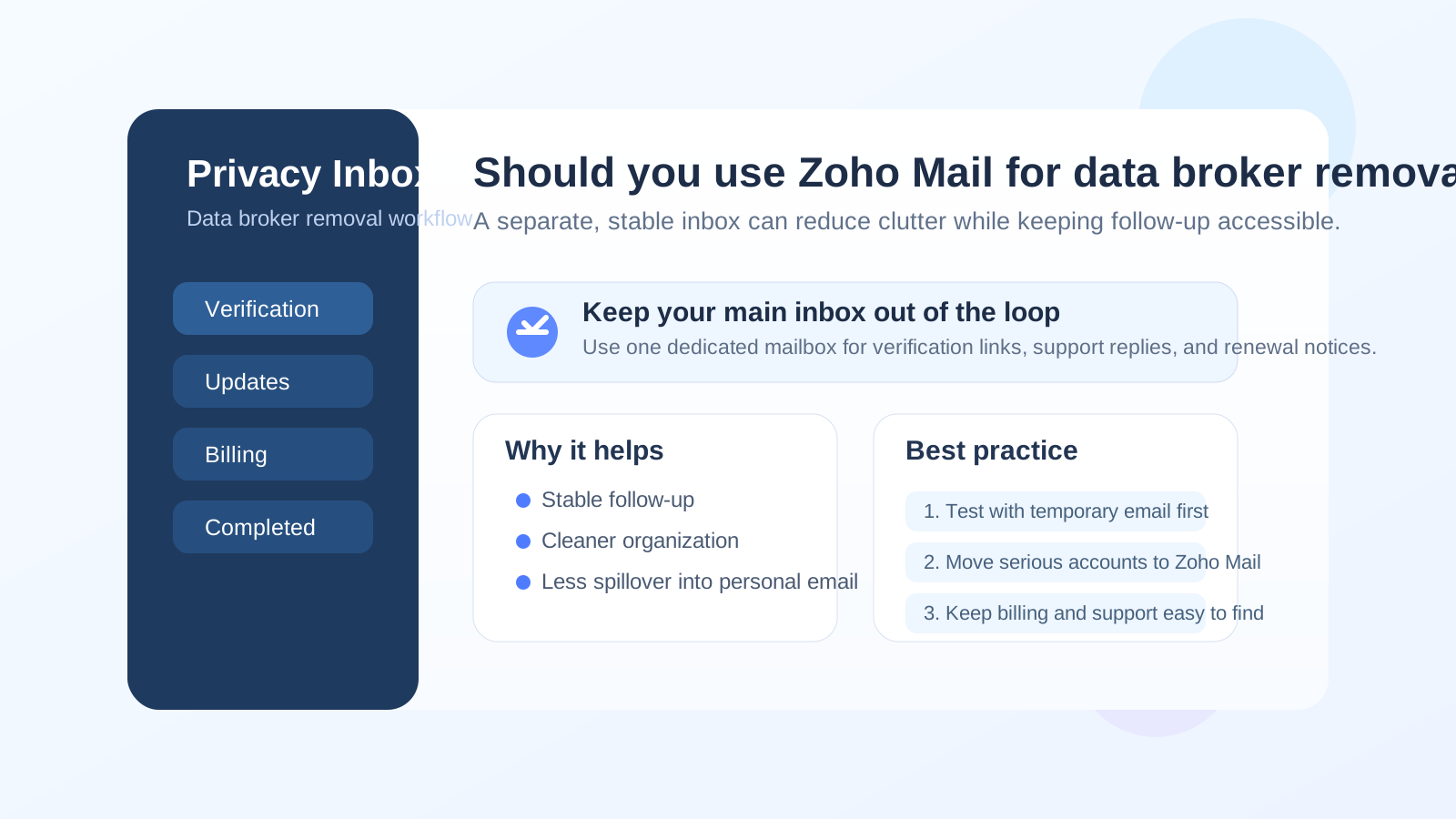
That distinction matters because data broker removal is rarely a one-and-done task. Even when a service promises to handle the heavy lifting, you may still get confirmation emails, dashboard notices, identity-verification prompts, billing messages, status reports, and follow-up reminders weeks or months later. The inbox you use becomes part of the privacy workflow, not just a box you tick on the signup form.
Zoho Mail sits in a practical middle ground. It is more durable than a temporary inbox, easier to separate from your personal life than reusing your oldest everyday address, and organized enough to handle a pile of messages from multiple privacy services without turning into chaos. That does not make it automatically the best answer for everyone, but it does make it a strong option when you want better boundaries without making the setup overly complicated.
Why your email choice matters for data broker removal services
People usually sign up for data broker removal services because they want less exposure, less spam, and less uncontrolled circulation of their personal data. So it is worth pausing for a second before handing over the same inbox you use for banking, family conversations, work logins, shopping receipts, and account recovery.
The problem is not only spam. It is linkability. If your oldest personal inbox is already attached to half your online life, adding it to more services keeps extending the reach of that same identifier. At the same time, going too far in the other direction can backfire. A throwaway inbox might be fine for a quick test, but it becomes a weak choice if you later need renewal notices, support replies, rescan updates, or proof of what a provider promised.
That is why the best email for this use case is usually not your main inbox and not a purely disposable one either. A separate, durable mailbox often makes more sense.
What Zoho Mail does well for this use case
1. It gives you real separation from your main inbox
This is the biggest benefit. If you use Zoho Mail as a dedicated privacy-management inbox, you keep data-broker-related traffic out of the email account that already carries the rest of your life. That means fewer stray messages mixed into your everyday inbox and less temptation to casually reuse the same personal address everywhere.
For many people, that separation alone is worth it. Data broker removal services can produce a long tail of messages: initial verification, progress updates, billing notices, account changes, rescans, and occasional marketing. Keeping those in their own mailbox is cleaner than letting them blend into personal correspondence.
2. It is stable enough for long follow-up cycles
Some removal services send messages long after signup day. You may get reminders to confirm details, notices that a scan finished, or prompts to review a subscription months later. A stable mailbox works much better for that than an inbox that expires or one you never intended to monitor again.
This is where Zoho Mail beats a disposable-email workflow for the serious stage. Once an account matters, durability matters too.
3. It is well suited to organized inbox management
Data broker removal work is not glamorous. A lot of it is admin: keeping records, finding the right thread later, remembering which service emailed which status update, and checking whether a billing or support message needs attention. A dedicated mailbox makes that much easier.
If you are reviewing more than one provider, Zoho Mail can help you keep those threads separated instead of burying them under newsletters, receipts, and random personal email. Even simple organization habits like folders, rules, or naming conventions can make a privacy workflow much less annoying.
4. It feels more intentional than reusing your oldest personal inbox
Sometimes the best privacy improvement is not some elaborate setup. It is just using a mailbox that was created for a narrower purpose. A dedicated Zoho Mail account says, in effect, “this inbox exists for privacy and admin workflows,” which is a healthier mindset than tossing everything into the same address by default.
Where Zoho Mail can be the wrong choice
It does not create privacy by itself
Zoho Mail can help with compartmentalization, but it is not magic. If you use the same Zoho address for dozens of unrelated accounts, you are still creating a shared identifier. It may be a cleaner identifier than your oldest personal inbox, but it is still one address appearing in multiple places.
In other words, the real gain comes from how you use the mailbox, not just from the brand name of the provider.
It adds one more account to maintain
A separate inbox only helps if you keep access to it, monitor it, and secure it properly. If you tend to forget secondary accounts, miss notifications, or stop checking them after a week, the benefit fades fast. Data broker removal services can be slow-moving, and missing a later email can undo some of the convenience you were hoping for.
It may be more than you need for casual testing
If you are only checking whether a service gates access behind an email verification link, a temporary inbox may still be the lighter tool. Zoho Mail makes more sense when the relationship is becoming real enough that you want durable follow-up.
When Zoho Mail is a smart fit
- You want a separate inbox just for privacy-management or opt-out services.
- You expect to receive follow-up for weeks or months, not just five minutes after signup.
- You want a cleaner boundary than reusing your primary personal address.
- You are comparing or using multiple data broker removal providers and want the messages in one controlled place.
- You value inbox organization and long-term access more than maximum throwaway anonymity.
In those situations, Zoho Mail is a practical answer. It is stable, compartmentalized, and manageable without being as fragile as a temporary inbox.
When a different approach may be better
- Use a temporary inbox first if you are only testing signup behavior, reading a gated demo, or deciding whether a service looks worth trusting at all.
- Use an alias workflow if your main goal is finer-grained separation between providers rather than one shared mailbox for the whole category.
- Use your everyday inbox only if convenience matters more to you than separation and you are comfortable extending that address to another service relationship.
A useful way to think about it is by stage. Early evaluation often benefits from maximum exposure control. Ongoing account management usually benefits from stability.
A practical workflow: temporary first, Zoho Mail second
For a lot of people, the best setup is not choosing one tool forever. It is using the right tool at the right stage.
- Use a temporary inbox for low-trust testing. If you are just seeing whether a service is worth your time, a temporary inbox can reduce early exposure. This is the stage where a tool like Anonibox fits naturally.
- Move to Zoho Mail once the provider becomes real. If you decide to create an account you may actually keep, switch to a durable inbox you can monitor over time.
- Keep the mailbox dedicated. Do not immediately turn it into another general-purpose inbox. The value comes from separation.
- Store the messages that matter. Keep verification emails, support replies, billing notices, cancellation confirmations, and account-change alerts easy to find.
That approach gives you stronger exposure control at the start and better reliability later, which is usually a better balance than forcing one mailbox strategy onto every stage.
Best practices if you use Zoho Mail for data broker removal services
Set up one dedicated account for this category
Do not reuse the same inbox for unrelated shopping, social accounts, and random newsletters if your goal is compartmentalization. The cleaner the purpose, the more useful the separation becomes.
Keep the address boring and professional
A simple address based on your name or initials is usually better than something that looks disposable. Even privacy services are still customer-facing services, and an address that feels stable is easier to manage long term.
Check it consistently
This is not optional. A privacy-friendly inbox you never open is just a different kind of problem. If the account matters, give it the same basic care you would give any account tied to billing, support, or ongoing access.
Use simple organization from day one
Set up a basic system before the clutter starts. For example:
- one folder or label for active services
- one for billing and renewals
- one for closed or canceled services
- one starred list for important verification or support emails
You do not need a beautiful productivity system. You just need a mailbox that stays legible.
Protect the account like a real operational inbox
Use a strong password and turn on two-factor authentication if it fits your setup. A mailbox used for privacy-management accounts may still hold sensitive support messages, account notices, and billing information.
Common mistakes to avoid
- Using your oldest personal inbox by default: easy, but often more exposure than necessary.
- Using a temporary inbox for a long-term service account: fine for testing, weak for continuity.
- Creating a separate mailbox and then ignoring it: separation without monitoring is not very useful.
- Assuming the provider itself creates privacy: the real privacy gain comes from compartmentalization and good habits.
- Overengineering the system: if your setup is so clever that you stop using it, you have not actually improved anything.
Quick decision checklist
- Do I want a stable inbox for ongoing updates, rescans, and billing notices?
- Am I trying to avoid spreading my main personal email even further?
- Will I actually monitor a dedicated mailbox?
- Am I still only testing providers, or am I starting a relationship I may keep?
- Would an alias or temporary inbox fit the current stage better?
If you want long-term reliability with better separation than your primary inbox, Zoho Mail is often a sensible choice.
Final answer
Yes, Zoho Mail can be a smart choice for data broker removal services — especially if you use it as a dedicated inbox rather than just another version of your everyday email. It gives you stable access to important messages, helps keep privacy-admin clutter contained, and reduces the need to reuse your oldest personal address everywhere.
It is not the only good option, and it is not a privacy guarantee by itself. But for people who want a durable middle ground between a throwaway inbox and a heavily reused personal account, Zoho Mail is a strong fit.