Runbox can be a good choice for data broker removal services when you want a separate long-term inbox, but it is better for ongoing account management than for one-off throwaway signups.
Yes — if you want a durable privacy boundary and will actually monitor the mailbox, Runbox is usually a better fit than a temporary inbox for this use case.
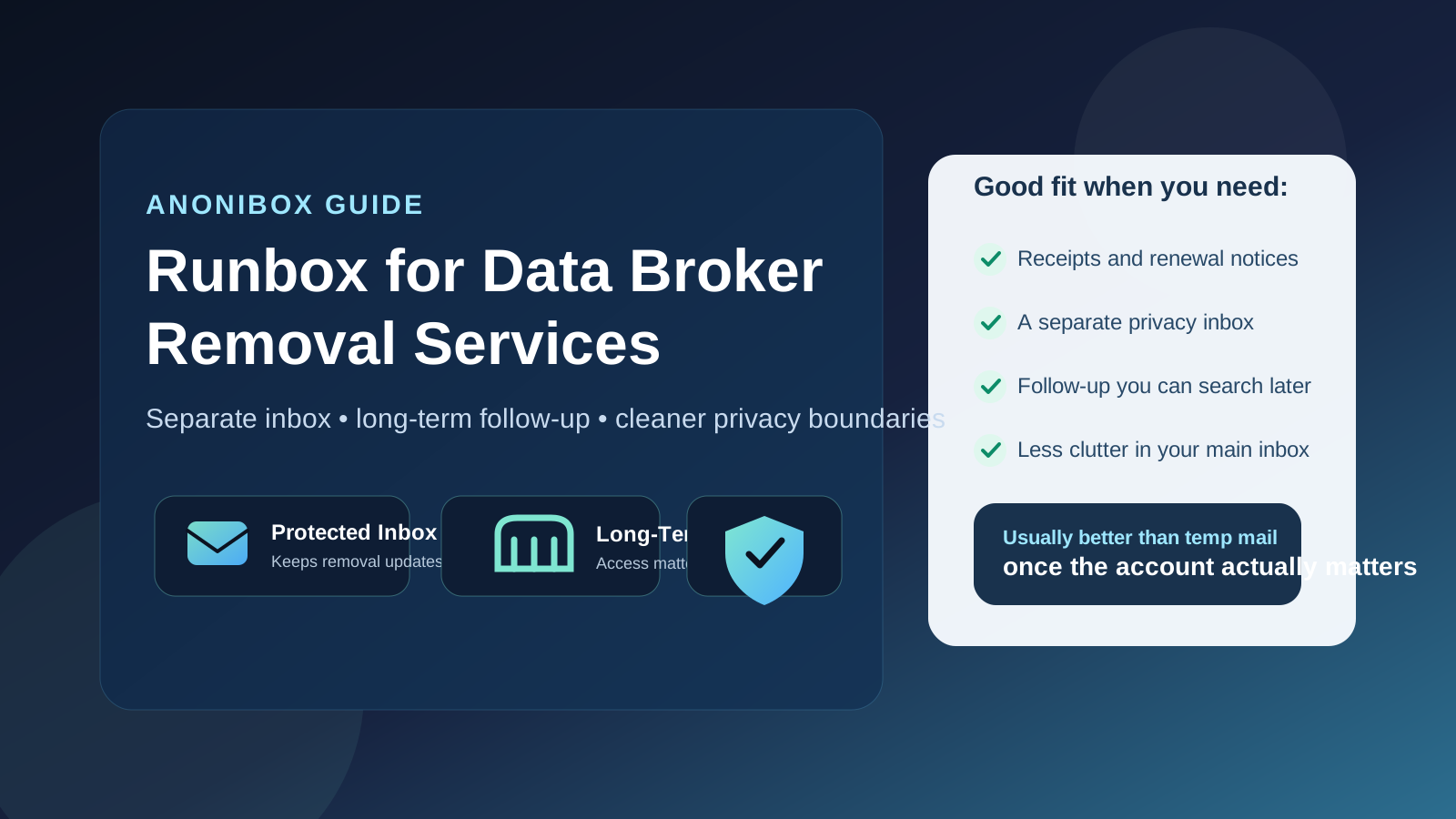
That distinction matters because data broker removal is rarely finished the moment you create an account. Even if signup takes two minutes, the useful emails often arrive later: confirmations, receipts, support replies, progress summaries, renewal notices, reactivation prompts, or alerts that your data has reappeared somewhere. The email address you choose becomes part of the workflow, not just a form field.
For people trying to reduce digital exposure, that creates a small but real tension. You want a reachable inbox, but you may not want to use the same old personal address tied to shopping accounts, family messages, bank logins, and years of password recovery. A separate mailbox can be a cleaner compromise. That is the real case for Runbox here: not magic privacy, just better compartmentalization if you use it deliberately.
Why this question matters
Data broker removal services live in an awkward middle ground. They are privacy-related, which makes people cautious about sharing contact details, but they are also recurring services that may need long-term communication. A disposable inbox is often great when you just want to inspect a demo, pricing email, or onboarding sequence. It is much less great when you later need a password reset, a billing notice, or proof of what a provider promised.
That is why the best email choice depends on your stage:
- Research stage: you may only need a temporary inbox to compare vendors without inviting months of follow-up mail.
- Real account stage: you usually need a durable inbox you can search, monitor, and keep over time.
If you are still comparing services, Anonibox can be useful for those early low-commitment checks. But once you are opening a real account with a service you may keep for months, the bar changes. Reliability and continuity start to matter more than pure throwaway convenience.
Short answer: usually yes, if you want durable separation
Runbox is usually a reasonable choice for data broker removal services if your goal is to keep this category out of your main inbox while still preserving long-term access to account emails. It gives you a separate lane for privacy-maintenance tasks without forcing you into the fragility of a temporary address.
That does not mean it is automatically the best answer for everyone. If you already have a well-managed alias setup, or if you know you will never check a second inbox, then a different arrangement may be easier in practice. The best privacy setup is the one you will actually maintain.
What Runbox does well in this use case
1. It supports ongoing follow-up better than temp mail
Most data broker removal services are not one-and-done transactions. You may need to revisit the account months later, respond to a support email, confirm a renewal choice, or review a status update. A real mailbox is simply better for that kind of continuity than a disposable inbox that may disappear before the useful messages arrive.
2. It keeps removal-related mail out of your primary identity inbox
Using a separate mailbox creates a clearer privacy boundary. That matters both practically and psychologically. Practically, you can search one place for broker-removal receipts, verification links, and vendor replies. Psychologically, it feels cleaner not to tie every privacy service directly to the oldest email address in your life.
3. It gives you a searchable paper trail
When you are dealing with recurring services, email history matters. You may want to find a welcome message, compare a promise from marketing against what support later said, or verify when an account renewed. A mailbox you keep makes that much easier than hoping you saved everything before a temporary inbox vanished.
4. It is a better compromise than using your work email
Some people default to a work address because it feels organized. That is rarely ideal for privacy services. Job changes, employer visibility, and account ownership all become awkward. A personal-but-separate mailbox is usually a safer long-term boundary than using an employer-controlled inbox.
Where Runbox can create friction
You still have to monitor it
A separate inbox only helps if you check it. If you create a dedicated mailbox and then ignore it for months, you can miss an account notice, a support reply, or an upcoming renewal. Separation is useful. Separation plus neglect is just another way to lose track of important messages.
You should not overcomplicate the setup
People sometimes build a privacy stack that is too clever for its own good: a separate inbox, several aliases, forwarding rules, filters, notes in different apps, and no single source of truth for what address was used where. Boring beats clever here. Pick one durable address strategy, document it, and keep the workflow understandable.
A dedicated inbox is not a guarantee of anonymity
This is important. A separate email account can reduce clutter and improve compartmentalization, but it does not guarantee anonymity or solve every privacy issue by itself. Your payment method, device fingerprints, support conversations, or other linked details may still matter. Treat the inbox choice as one layer, not the whole privacy strategy.
When Runbox is a smart choice
- You want a dedicated mailbox for privacy-related subscriptions and vendor communication.
- You expect to keep the account for a while and may need later access to receipts or support threads.
- You want better separation than your oldest personal email address gives you.
- You are past the throwaway-demo stage and into real account ownership.
- You will realistically monitor the mailbox instead of forgetting it exists.
In those situations, Runbox makes sense because it gives you continuity without forcing you to mix everything into your main inbox.
When you should probably use something else
- Use a temporary inbox if you are only checking a signup flow, sample report, or initial lead magnet and do not yet plan to keep the account.
- Use a trusted alias setup if you already manage aliases well and want vendor-specific control without opening another whole mailbox.
- Use your main inbox carefully only if simplicity matters more than compartmentalization and you know you can manage the extra noise.
The point is not that Runbox is always best. It is that a durable separate mailbox becomes more useful as soon as the service relationship becomes real.
Runbox vs a temporary inbox for data broker removal services
A temporary inbox is best for curiosity. It lets you inspect how a provider handles signup, what the first email looks like, or whether the company immediately starts heavy marketing. That is a sensible use case when you do not want to hand out your main address too early.
Runbox is better when your goal changes from curiosity to continuity. Once you need to keep login access, collect receipts, read later updates, or manage renewals, a real mailbox almost always beats temp mail. At that point you are not just blocking spam; you are managing an ongoing account.
Runbox vs your main personal email
Your main personal inbox is obviously convenient. You already check it. You already trust it. And there is no extra account to manage. But convenience is not the same as good compartmentalization. If you would rather not connect yet another privacy-sensitive subscription to the same inbox used for shopping, social logins, family communication, and account recovery, a separate mailbox is a practical improvement.
That does not mean your personal inbox is wrong. It just means you have a cleaner option if privacy boundaries matter to you. For many people, the whole point of data broker removal is to reduce sprawl and regain control. Using a separate mailbox supports that goal more naturally.
How to use Runbox well for this purpose
- Use one durable address consistently. Avoid switching halfway through unless you have a real reason.
- Save the messages that matter. Keep receipts, account confirmations, and support replies easy to find.
- Set a reminder to check the inbox. A monthly reminder is better than relying on memory.
- Document which provider uses which address. A short note prevents later confusion.
- Reassess after signup. If a provider becomes noisy or unhelpful, decide whether that address should stay dedicated to the account or be retired later.
A quick decision checklist
- Do you expect to need renewal notices, support replies, or status emails later?
- Do you want a better privacy boundary than your main inbox provides?
- Will you actually monitor a second mailbox?
- Are you opening a real account rather than just testing a vendor?
- Would a durable paper trail be useful if something goes wrong?
If most of those answers are yes, Runbox is probably a solid fit. If most are no, a temp inbox or an existing alias setup may be enough.
Final answer
Yes — Runbox is usually a good choice for data broker removal services when you want a dedicated, long-term inbox that stays separate from your main personal address. It is generally more practical than a temporary inbox once the account matters, because it keeps you reachable for confirmations, support, receipts, and renewal decisions.
The catch is simple: it only helps if you keep the setup maintainable. If you monitor the mailbox, keep access to it, and use it consistently, Runbox can be a smart middle ground between throwaway temp mail and handing your primary inbox to yet another privacy-related service.