Usually, no — a true burner email is a poor fit for LinkedIn because LinkedIn works best with an address you can control and monitor for years, not days.
If you want privacy on LinkedIn, a stable alias or separate inbox is usually a much better choice than a disposable burner address.
That does not mean the instinct behind using a burner email is wrong. Plenty of people want distance between LinkedIn and their main inbox. Recruiter outreach, networking messages, cold pitches, newsletter signups, and random scraping can all make a public-facing professional account feel noisier than it should. The privacy goal is reasonable. The problem is that a burner email often solves the spam problem by creating a continuity problem instead.
LinkedIn is not a one-time coupon form or a throwaway trial you plan to forget next week. It is usually a long-lived professional profile tied to your work history, network, job search, and reputation. Someone might find your profile today, then reach out six months later about a role, referral, or project. That long timeline changes what counts as a smart email choice.
If the address behind the account disappears, gets abandoned, or stops being checked, you can miss good opportunities or create recovery headaches later. So the real question is not whether privacy matters on LinkedIn. It does. The real question is how to get privacy without sacrificing reliability.
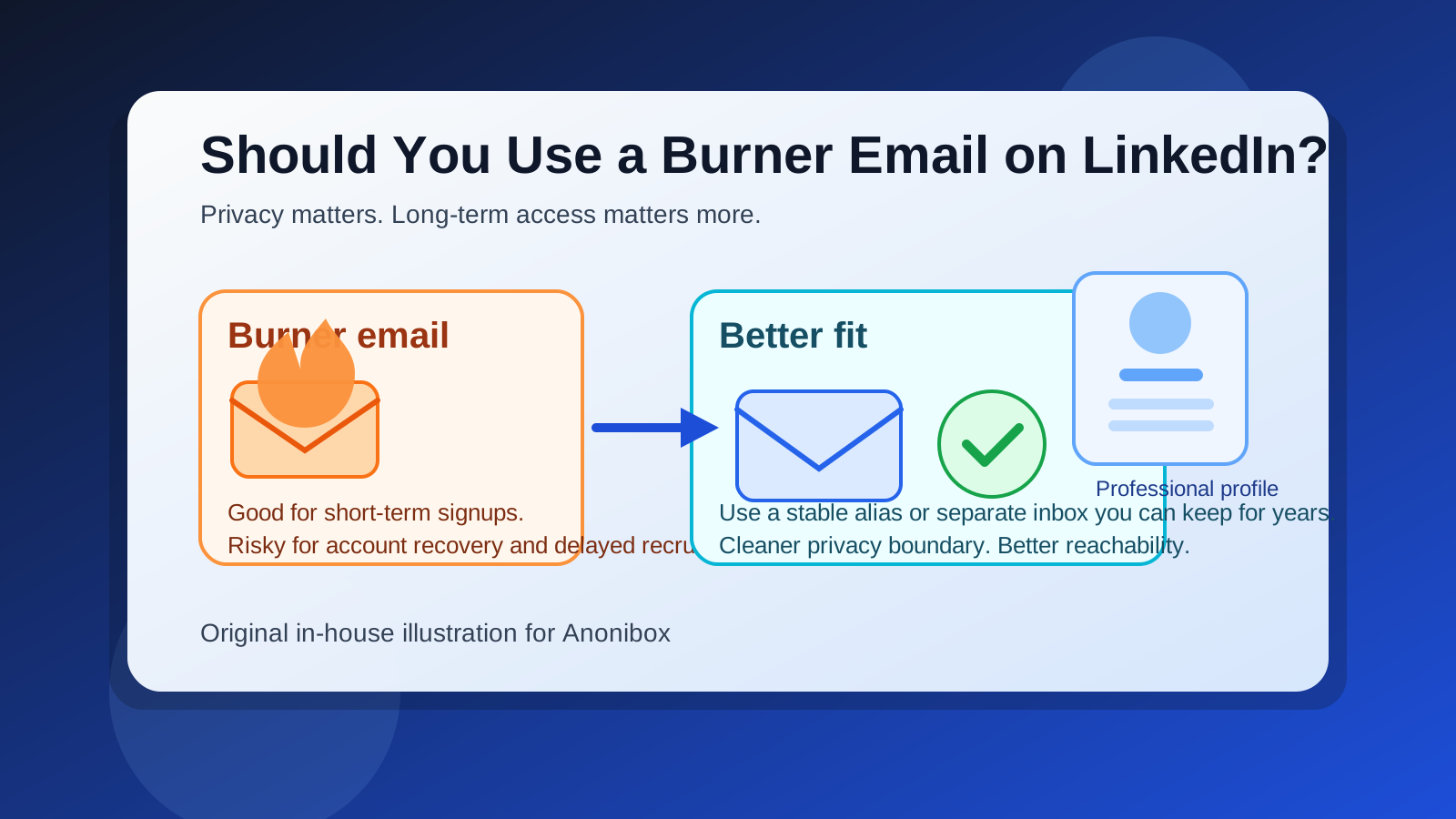
What people usually mean by a burner email on LinkedIn
Sometimes people say “burner email” when they mean a fully temporary inbox that may expire soon. Other times they mean a low-priority address they keep separate from their real personal or work inbox. Those are very different things.
- Disposable temp inbox: useful for one-off signups, but risky for any account you care about long term.
- Throwaway free account: slightly more stable than a temp inbox, but still easy to forget, lose, or neglect.
- Dedicated separate inbox: usually the better privacy option because it can stay active for years.
- Email alias: often the cleanest middle ground if it forwards to a mailbox you control reliably.
That distinction matters. If by “burner” you mean “I want something separate from my main inbox,” that can be smart. If by “burner” you mean “I do not care whether this address still works next season,” that is usually a bad match for LinkedIn.
Why people want to use a burner email on LinkedIn
The appeal is easy to understand. LinkedIn can become a magnet for messages you do not really want mixed into your daily life.
- Job-search privacy: you may not want recruiter traffic landing in the same inbox as your family, banking, and personal accounts.
- Spam control: public professional visibility often attracts newsletters, sales outreach, and irrelevant pitches.
- Inbox organization: keeping LinkedIn-related messages separate can make follow-up easier.
- Boundary setting: you may want a cleaner divide between your personal identity and your public professional presence.
All of those are valid reasons to avoid using your oldest, most important personal email address. If that is the problem you are trying to solve, you are thinking in the right direction. You just do not want to solve it in the most fragile way possible.
Why a true burner email is usually the wrong fit
1. LinkedIn is a long-term account
A burner email is built for short-term use. LinkedIn is usually the opposite. Your profile may stay relevant for years, even during periods when you are not actively job searching. A contact method that makes sense for a temporary free trial often makes much less sense for a persistent professional identity.
If a recruiter, former colleague, or hiring manager reaches out long after you created the account, you want the email path behind that profile to still work. A neglected burner address quietly breaks that reliability.
2. Account recovery matters
Even if you rarely think about it, account recovery is one of the biggest reasons not to rely on a disposable address. Password resets, security alerts, login confirmations, and unexpected access issues all become harder if the email behind the account is unstable or no longer monitored.
A privacy tool is not very helpful if it turns basic account maintenance into a mess later.
3. Delayed opportunities are normal on LinkedIn
Unlike a quick job board application, LinkedIn often produces slow-burn outcomes. A message today can turn into a conversation next month. Someone may save your profile now and email you much later. If your burner inbox is already abandoned, that opportunity disappears quietly.
4. Some burner emails look disposable
Not every separate address looks unprofessional, but some burner-style addresses absolutely do. If the inbox name or domain feels obviously throwaway, it can create a small but unnecessary trust problem. That does not mean every recruiter will judge you for it, but it is not helping you either.
On a professional platform, a clean, boring, credible address usually beats a clever or visibly disposable one.
5. You may forget to check it
The practical risk is often simpler than people expect: if you do not use the burner inbox much, you may just stop checking it consistently. Privacy only helps if the account still supports real communication. A separate inbox you never monitor becomes its own failure point.
When a burner-style approach can make sense
There is still a kernel of good judgment here. A burner-style strategy can be useful if what you really mean is limited exposure, not disposable access.
For example, you may want:
- a separate email used only for LinkedIn and networking traffic
- an alias that forwards LinkedIn mail into a controlled primary inbox
- a low-risk signup address for one-off experiments before you settle on your permanent setup
That kind of separation is sensible. The key is that the address still needs to be stable, monitored, and recoverable. In other words, you want distance from your main inbox, not instability.
Better alternatives than a burner email on LinkedIn
Use a dedicated long-term inbox
If you want privacy and organization, a separate mailbox just for professional outreach is often the best answer. It keeps LinkedIn traffic away from your core personal inbox while still giving you a dependable account you can maintain over time.
This is especially useful if you are actively job searching, consulting, freelancing, or networking heavily.
Use a stable email alias
A good alias can be even better. You get separation without giving up your main mailbox infrastructure. If the alias starts attracting too much noise, you may be able to filter or rotate it while keeping your underlying inbox intact.
Use a professional custom-domain address
If you already have a domain or want a more polished public-facing identity, a custom address can give you privacy, branding, and long-term control at the same time. It is more work than a burner inbox, but it is usually a stronger fit for a profile meant to represent your professional life.
Use temporary inboxes only for truly temporary tasks
This is where a tool like Anonibox fits naturally. A temporary inbox can be useful for one-off downloads, gated resources, low-stakes signups, or early testing when you do not yet want to expose a real address. But that is different from anchoring a long-lived LinkedIn account to something disposable. For the account itself, stability should win.
If you already used a burner email on LinkedIn
If your account is already tied to a burner address, you do not necessarily need to panic. You just should not leave it that way if the inbox is unreliable.
- Move to a stable address: if your account settings allow it, switch the main account email to something you control long term.
- Verify the replacement: make sure the new address is confirmed and monitored.
- Check recovery paths: confirm that any recovery or security notifications will reach an inbox you actually use.
- Keep the separate-inbox benefit: you do not have to move back to your oldest personal inbox; you can still use a dedicated professional mailbox.
The goal is not to abandon privacy. It is to upgrade from a fragile privacy setup to a durable one.
How to think about LinkedIn privacy more practically
When people ask whether they should use a burner email on LinkedIn, they are often asking a broader question: how public should my contact identity be?
A useful way to think about it is this:
- Main personal inbox: highest continuity, lowest separation
- Dedicated professional inbox: strong continuity, strong separation
- Email alias: strong continuity, flexible separation
- True burner or disposable inbox: strong short-term privacy, weak long-term reliability
For LinkedIn, the middle options usually win. You want enough separation to avoid unnecessary exposure, but enough stability to support years of networking, account recovery, and delayed follow-up.
A quick checklist before you choose
Before you decide what email to use with LinkedIn, ask yourself:
- Will this address still exist and be checked a year from now?
- Would I trust this inbox for password resets and security alerts?
- Does it look credible enough for professional outreach?
- Will it help me separate recruiter and networking mail from my personal life?
- If it gets noisy, can I filter, rotate, or replace it without losing access?
If the answer is yes to continuity and yes to separation, you probably have the right setup. If the answer is mostly “it is fine for a week or two,” it is probably too burner-like for LinkedIn.
Final answer
So, should you use a burner email on LinkedIn? Usually not. A true burner address solves the exposure problem by creating a long-term reliability problem, and LinkedIn is too persistent a platform for that trade-off to make much sense.
If you want privacy, use a better version of the same idea: a separate long-term inbox, a stable alias, or another professional address you can actually keep. That way you protect your main inbox, reduce spam, and stay reachable when the right opportunity shows up months later instead of tomorrow morning.