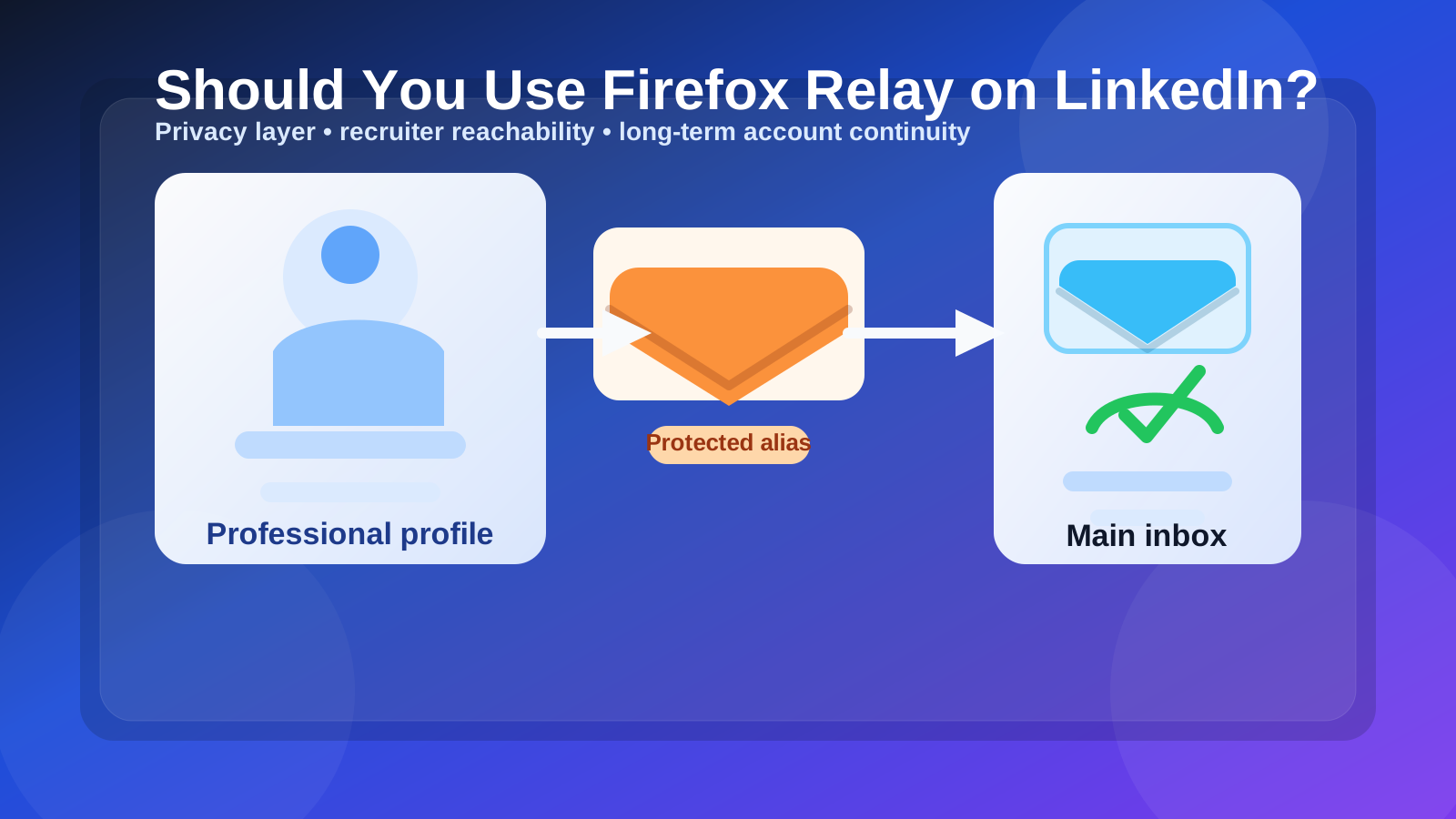
Firefox Relay can work on LinkedIn if you want more privacy without exposing your main inbox directly. It works best when the alias is stable, monitored, and easy for you to keep long term.
If you plan to rotate aliases, turn them off casually, or treat LinkedIn like a throwaway signup, Firefox Relay is the wrong fit. LinkedIn is a long-lived professional account, so continuity matters as much as privacy.
Why this question matters
LinkedIn is not just another website asking for an email address. It can become the contact point for recruiter outreach, job leads, alumni messages, event follow-ups, password resets, account-security notices, and reconnecting with people months or years later. That makes the email behind your profile more important than it looks on day one.
Firefox Relay is appealing because it gives you a buffer between your public-facing activity and your main inbox. That can be useful if you do not want your oldest personal address tied directly to every platform you use. But the privacy benefit only helps if the alias remains practical for real professional communication over time.
Short answer: yes, if you treat it like a long-term alias
If your goal is to reduce inbox exposure while keeping a steady way for LinkedIn messages to reach you, Firefox Relay can be a sensible setup. A stable alias can help you organize LinkedIn traffic, limit direct exposure of your underlying address, and make it easier to separate professional-platform noise from everything else.
The mistake is using it with a disposable mindset. LinkedIn is not a one-time coupon signup or a short trial that you can forget next week. If the address behind the profile becomes hard to manage, recruiter replies and account-recovery messages can get messy fast.
When Firefox Relay works well on LinkedIn
1. You want a privacy layer between LinkedIn and your main inbox
Some people are comfortable using their everyday personal email everywhere. Others would rather keep one layer of separation so a platform never has their primary address directly. Firefox Relay can help with that. You still receive the messages you need, but your core inbox stays one step removed.
That separation can feel especially helpful if you use LinkedIn for job searching, networking, event signups, or industry outreach and expect more contact than usual over the next few months.
2. You want better inbox organization
LinkedIn can generate more email than people expect: notifications, recruiter notes, event reminders, profile prompts, security emails, newsletters, and product nudges. Routing that stream through a dedicated alias can make it easier to filter and manage. You are not just protecting privacy; you are also reducing clutter in the inbox you use for daily life.
3. You already trust the mailbox behind the alias
Firefox Relay is strongest when it forwards into an inbox you already monitor and plan to keep. If the destination inbox is part of your normal routine, the alias becomes a clean privacy layer instead of another fragile moving part you might forget about later.
4. You are using LinkedIn as an ongoing professional account, not a temporary experiment
LinkedIn conversations can move slowly. A recruiter may reach out months after your last update. A former coworker may send a note long after you stop actively job searching. If you understand that and still want a privacy layer, Firefox Relay can make sense.
When Firefox Relay is the wrong fit for LinkedIn
1. You plan to disable aliases quickly
If you treat aliases as short-lived tools that get turned off whenever they become inconvenient, LinkedIn is not a good place for that workflow. An alias tied to a professional profile should stay stable enough for delayed replies, security messages, and slow-moving networking conversations.
2. You do not reliably monitor the destination inbox
The best LinkedIn address is not the most private one in theory. It is the one you actually check. If the forwarded messages land in a mailbox you ignore, the setup stops being helpful and starts creating risk.
3. Your reply flow feels confusing
Before using any alias service for serious professional communication, make sure the workflow feels clear to you. If you are unsure how follow-up will look from your side, or you think you might end up replying from a different address and confusing contacts, that friction matters. Privacy is useful, but not if it makes real communication harder than it needs to be.
4. You are really looking for a disposable inbox
This is where people mix up different tools. A service like Anonibox is useful when you need short-term inbox protection for a quick signup, early-stage testing, or one-off verification. LinkedIn usually deserves something more durable. If your main goal is to create an address you may abandon quickly, Firefox Relay is still a better fit than a throwaway inbox, but it may not match the way you actually plan to use the account.
Does Firefox Relay look unprofessional on LinkedIn?
Usually, no. Most recruiters and professional contacts care much more about whether they can reach you than about which privacy tool sits behind the address. What matters more is that the email looks calm, readable, and intentional instead of random or obviously disposable.
A clean, name-based alias will usually feel more credible than a messy string of characters or a joke address. The goal is to protect your primary inbox without making the contact path feel temporary or strange.
Firefox Relay vs other LinkedIn email options
Firefox Relay vs your primary personal email
Your primary inbox is simple and dependable, but it exposes your main address directly. Firefox Relay gives you more separation and flexibility if LinkedIn traffic later becomes noisy.
Firefox Relay vs a work email
A work email may look professional, but your employer controls it. That can become awkward if you change jobs or do not want your professional profile tied to a company-owned address. A personally controlled alias is usually safer long term.
Firefox Relay vs a school email
School addresses often feel convenient while you are enrolled, but they can become unreliable after graduation or policy changes. If you want LinkedIn to outlast student status, a personally managed option is usually better.
Firefox Relay vs a separate full mailbox
A dedicated mailbox can be even simpler because there is no alias layer to think about. If you like very straightforward account management, a separate mailbox may be the cleanest answer. Firefox Relay makes the most sense when you specifically want alias-based privacy without maintaining another standalone inbox.
Firefox Relay vs a true temporary inbox
A temporary inbox is better for disposable signups than for a professional network you may use for years. If you only need a quick verification or a short-lived barrier between you and spam, temporary inbox tools have their place. LinkedIn is usually not that kind of use case.
Best practices if you use Firefox Relay on LinkedIn
Use one steady alias
Pick an alias you are comfortable keeping active. Constantly experimenting with new addresses creates unnecessary confusion and increases the chance that you will miss a future message that actually matters.
Test the path before you rely on it
Make sure LinkedIn mail arrives where you expect and that you understand your own workflow before an important recruiter or client note shows up. The best time to catch a setup problem is before it matters.
Keep notifications and filters sane
If LinkedIn traffic is one reason you want an alias in the first place, organize it deliberately. Filters, labels, or a dedicated folder can help you keep the benefits of separation without losing visibility on real opportunities.
Review account recovery and security
Your LinkedIn email is part of your account-security story, not just a notification preference. Make sure you know what happens if you lose access to the underlying mailbox, change devices, or need to recover the account quickly.
Use a professional-looking address
Even if the privacy tool is invisible to most people, the visible email string still matters. A clear, readable alias lowers friction and makes your setup feel intentional instead of disposable.
Common mistakes to avoid
- Turning off the alias as soon as you get annoyed by notifications
- Using an address that looks random or obviously temporary
- Forgetting that recruiter and networking follow-up can arrive long after you create the profile
- Relying on a destination inbox you rarely check
- Adding privacy layers without understanding how you will manage replies and recovery later
A quick decision checklist
Before you use Firefox Relay on LinkedIn, ask yourself:
- Will I keep this alias active for the long term?
- Does it forward into an inbox I actually monitor?
- Does the visible address look professional enough for recruiter contact?
- Will this setup make my inbox cleaner without making communication harder?
- Am I using it for privacy and organization rather than as a disposable shortcut?
If most of those answers are yes, Firefox Relay can be a reasonable LinkedIn choice.
Final verdict
Yes — Firefox Relay can work well on LinkedIn if you want a privacy layer between your profile and your main inbox. It is most useful when you want cleaner boundaries, less direct exposure, and better control over where LinkedIn traffic lands.
The core rule is simple: LinkedIn needs continuity. If your Firefox Relay alias is stable, monitored, and easy for you to keep, it can be a smart setup. If it is basically a throwaway address in disguise, it is the wrong tool for a profile that may matter for years.