Yes, you can use Firefox Relay for employment verification if the alias forwards to an inbox you check constantly, you keep it active for the full hiring timeline, and you can reply without confusion. It is a smart privacy layer when you want separation, but it is the wrong choice if you are likely to miss follow-ups, change addresses mid-process, or need the simplest possible long-term contact path for HR and screening vendors.
Employment verification is late-stage, time-sensitive, and often handled by multiple people, so reliability matters more here than it does during early job-board signups. A Relay address can reduce exposure and keep your search organized, but only if you treat it like a stable communication channel instead of a disposable experiment.
Why this question matters during employment verification
Employment verification usually happens after you have already invested real time in a role. By this stage, there may be a recruiter, an internal HR contact, a hiring manager, and sometimes a third-party screening company involved. Messages may include portal invitations, consent requests, date confirmations, or follow-up questions about past employers. The process can feel quiet for a day or two and then suddenly urgent.
That changes the trade-off. Earlier in a job search, the main goal of a masked or temporary address is often to avoid spam and keep your primary inbox out of low-trust systems. During employment verification, privacy still matters, but continuity matters more. If a verifier sends an action item on a deadline, you do not want the message landing in an alias you forgot to watch.
What Firefox Relay does well in this situation
Firefox Relay can be useful because it gives you separation without forcing you to expose your everyday inbox everywhere. Instead of handing out the address you use for banking, family, receipts, and personal correspondence, you can share a masked address that forwards into a mailbox you already control.
- It limits exposure: your primary email stays less visible to employers, recruiters, and vendors involved in the process.
- It keeps one workflow contained: verification traffic can stay separate from the rest of your life and the rest of your job hunt.
- It makes source tracking easier: if the address starts attracting unrelated follow-up later, you know which process it came from.
- It gives you an exit path: when the process is truly over, you have more control than you would with an address that has been widely shared forever.
Those are real advantages, especially if you care about limiting how far your personal address spreads. For privacy-conscious job seekers, that alone can make Firefox Relay appealing.
Why employment verification is less forgiving than early applications
Not every hiring stage asks the same thing from your contact setup. A masked address that feels perfectly fine on a job board can become awkward later when there are back-and-forth questions, deadline reminders, or multiple parties trying to reach you.
Employment verification often involves details that need quick clarification. A screener may ask you to confirm dates. HR may need you to open a portal invitation. A hiring team may resend a form because a message bounced or a file was missed. None of that means you need to abandon privacy, but it does mean the address you use has to behave like a dependable long-term channel.
That is the key difference: this stage rewards boring reliability more than clever setup. If Firefox Relay gives you that reliability, it can work well. If it adds even a little uncertainty, the downside becomes much bigger than the upside.
When Firefox Relay is a good fit for employment verification
Firefox Relay is usually a reasonable choice when you already understand your setup and know it will not create friction.
- You already use the alias system regularly and know how messages and replies behave.
- Your destination inbox is one you check several times a day.
- You plan to keep the alias active through the full verification window, not just the first email.
- You want to avoid exposing your primary inbox to every party involved in hiring.
- You prefer one clean alias for the employer or screening process instead of mixing everything into your main address.
In those cases, Firefox Relay acts less like a throwaway and more like a privacy-forward routing layer. That can be a perfectly sensible middle ground between full exposure and a short-lived disposable inbox.
When a regular long-term inbox is probably better
There are also times when the simplest answer is the best one.
- You are very close to the finish line: if the role is nearly locked in, you may want the lowest-friction contact path possible.
- You already used another address throughout the process: switching identities late can create unnecessary confusion.
- You are not confident in the reply flow: if you have to stop and think about how to answer, that is a bad sign.
- You tend to rotate privacy tools aggressively: employment verification is not the stage for frequent changes.
- You need one address to stay active for paperwork beyond verification: a stable personal inbox or custom-domain email may be easier to maintain.
If you are unsure, choose the option that makes you easiest to reach without exposing more than you need to. Privacy matters, but missed verification steps can delay an offer or create avoidable stress.
Where Firefox Relay can create friction
Reply consistency matters
The biggest practical risk is not forwarding itself. The real risk is confusion. If an incoming message arrives cleanly but replying feels awkward, or if you are not sure what address the other side will see, you are adding friction to a time-sensitive process.
Alias continuity matters
Employment verification rarely ends with one message. There may be reminders, corrections, or follow-up questions several days later. If you disable the alias too early or stop monitoring the destination inbox, you can miss the message that actually matters.
Identity consistency matters
If you applied from one address, interviewed from another, and then start verification from a third identity, the process can become harder to follow for everyone involved. That does not make Firefox Relay inappropriate, but it does mean consistency is valuable. Use one path and stick with it.
A practical setup checklist before you use Firefox Relay
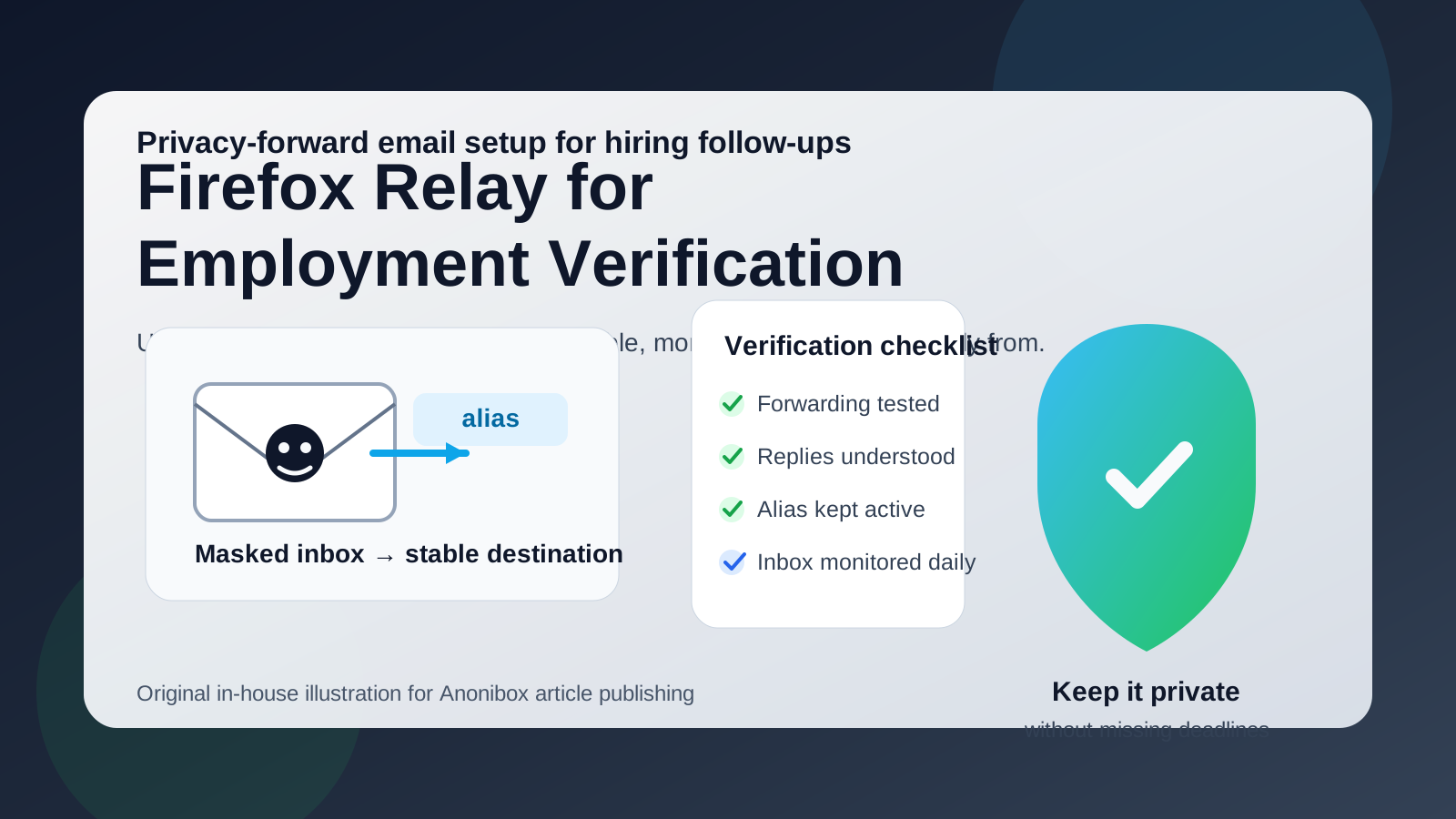
- Create the alias before you need it. Do not wait for a deadline email to test your workflow for the first time.
- Send yourself a test message. Make sure forwarding is immediate and easy to notice in your destination inbox.
- Test a reply. If the reply experience feels messy, fix that before you use the alias for something important.
- Use one alias consistently. Avoid switching between multiple masked addresses during the same verification flow.
- Save key messages. Flag portal invites, consent requests, and deadline-sensitive emails so they do not get buried.
- Keep the alias active longer than you think you need to. Follow-up often arrives after a quiet pause.
This is also where broader privacy strategy matters. Many job seekers use Anonibox or another privacy-first email setup early in the process to reduce spam from applications, recruiter databases, and low-trust job boards. By employment verification, though, the goal shifts. You still want privacy, but you want stable privacy, not disposable privacy.
Common mistakes to avoid
- Treating the alias like a throwaway: employment verification needs continuity.
- Using an inbox you rarely check: a forwarding tool cannot fix poor monitoring habits.
- Changing contact addresses late: too many identity shifts create unnecessary questions.
- Assuming privacy removes the need for caution: you still need to verify who is contacting you and why.
- Letting one missed message snowball: at this stage, small delays can feel bigger than they did earlier in the search.
How to decide in real life
If the employer is legitimate, the process is active, and you know your Firefox Relay setup is stable, using it can be a good privacy-conscious decision. If you are uncertain about forwarding, replying, or how long the alias will stay active, a normal long-term inbox is the safer choice.
A simple way to think about it is this:
- Use Firefox Relay when you want separation and you trust your own setup.
- Use a regular inbox when you want the least possible friction and maximum continuity.
That is not a glamorous answer, but it is the honest one. The best contact method at this stage is the one that protects your privacy and keeps you easy to reach.
Final answer
Firefox Relay can work for employment verification, but only if you treat it as a stable forwarding layer rather than a temporary trick. If the alias forwards reliably, you monitor the destination inbox closely, and you keep the address active through the whole process, it can give you useful separation without making you harder to reach.
If there is any real chance of reply confusion, missed follow-up, or late-stage address switching, use a more permanent inbox instead. In employment verification, the smartest privacy setup is the one that keeps your personal address less exposed while still making you boringly reliable to HR, recruiters, and screening vendors.