Usually no — you should not use your current work email for recruiter outreach unless you have an unusually safe reason and fully understand the privacy trade-off.
For most job seekers, a personal inbox, a dedicated job-search address, or a stable alias is safer than sending recruiter messages through an employer-controlled mailbox.
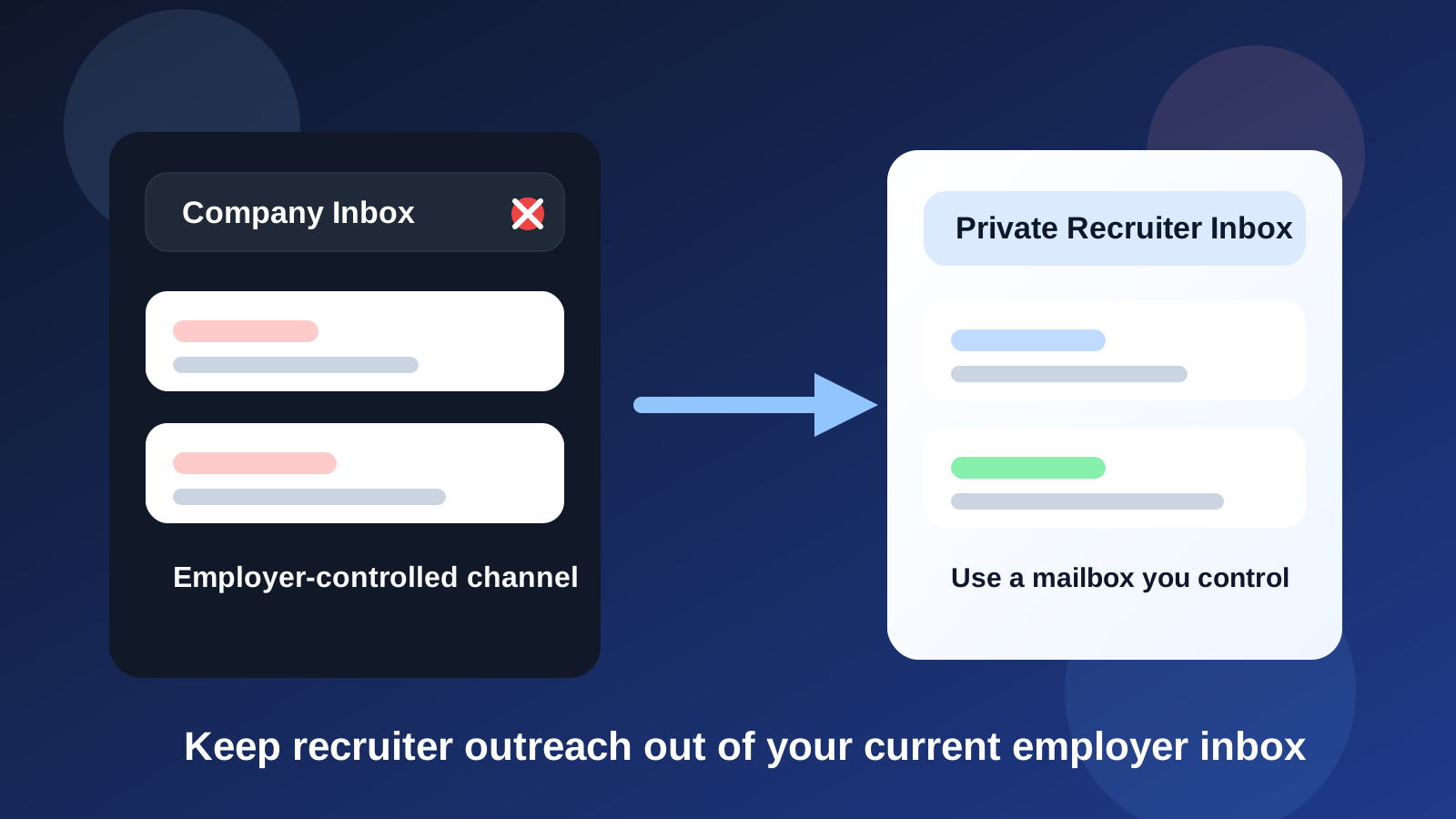
That is the practical answer behind searches for work email for recruiter outreach. On the surface, a work inbox can seem convenient. You already check it every day, it may look professional, and you might assume nobody will notice a few outside messages. In reality, it is one of the riskiest channels you can choose for a private job search.
Your work email is not just an address. It usually exists inside employer-owned systems, employer-managed devices, company retention policies, and workplace habits that are not designed to protect your side search. Even if nobody is actively watching your inbox, that does not make it a private space. Convenience and privacy are not the same thing.
If you use Anonibox or another temporary inbox for one-off signups, salary guides, or low-commitment lead forms, that can be useful earlier in the funnel. But real recruiter outreach needs a different standard. Once you are having genuine conversations about openings, timing, compensation, or interviews, you want a stable inbox you control without tying the thread to your employer’s systems.
Short answer: avoid work email for recruiter outreach
If a recruiter reaches out or you plan to contact one directly, your current employer email is usually the wrong tool. Even when it feels efficient, it creates three obvious problems at once:
- Privacy risk: the mailbox typically belongs to the employer, not to you.
- Professional risk: accidental visibility can create awkwardness or trust issues.
- Continuity risk: if you leave the job or lose access, the conversation history may not stay with you.
That combination is why the general recommendation is simple: keep recruiter conversations out of your current work inbox.
Why using a work email feels tempting
People still consider it for understandable reasons. A work mailbox is often the inbox you monitor most closely during the day. If a recruiter sends a quick note at 11 a.m., you may think the fastest path is the email account already open on your laptop. A company-branded address can also feel more polished than an old personal email you have outgrown.
Those benefits are real at a surface level, but they hide bigger downsides. A channel that feels efficient in the moment can become risky the second a message is forwarded, auto-synced, retained, or seen in the wrong context. Recruiter outreach is private because it often reflects your intentions, timing, leverage, and career plans. You should not treat that lightly.
The biggest risks of using your work email
1. The mailbox may not be truly private
Many employers retain technical control over company email systems. Depending on the company, the environment may include logging, retention, archiving, security review, legal hold procedures, or admin access rules you never see directly. That does not mean someone is sitting there reading every message. It does mean you should not assume the inbox belongs only to you.
If a recruiter message matters to you, it deserves a channel that is clearly yours.
2. You can expose your job search accidentally
Exposure does not require dramatic surveillance. It can happen through small mistakes:
- a recruiter email appears on your screen during a meeting
- desktop notifications pop up on a shared display
- someone sees the subject line while you are screen sharing
- you accidentally reply from the wrong thread or wrong signature block
- calendar or mail integrations surface unexpected context
None of that is hypothetical in a generic sense. It is just how work tools behave. The more your search overlaps with employer systems, the more chances you create for an avoidable leak.
3. Your email history may not stay with you
Recruiter outreach is not always a one-message exchange. A thread may begin with a casual inquiry, then turn into a screening call, a follow-up note, an interview invitation, or a role that reopens months later. If that history lives in your work inbox, you may lose easy access when you change roles, resign, get locked out during offboarding, or simply want your own clean records later.
A personal inbox preserves continuity better because it remains under your control through the full job-search cycle.
4. It can send the wrong signal
Most professional recruiters understand why candidates do not want job-search traffic routed through a current employer mailbox. If they see a company address from your existing employer, it can create subtle concerns. They may wonder whether you are being careless, whether you are mixing a private search with current-work systems, or whether replies could reach you in a compromised way.
This is not always a dealbreaker, but it rarely helps. A neutral personal address is cleaner.
5. It increases the chance of operational mistakes
People who use work email for recruiter outreach often end up juggling signatures, auto-complete suggestions, calendars, and contact histories across the wrong environment. That creates practical problems:
- sending a job-search reply with your employer-branded signature
- mixing internal contacts and external recruiter threads
- saving recruiter names in a work-controlled address book
- accidentally forwarding or misfiling messages inside work tools
Even if nothing catastrophic happens, it is messy. Job searches already create enough stress without adding preventable workflow mistakes.
When might work email ever be acceptable?
There are a few narrow edge cases where the answer is not a hard no. For example, someone who is self-employed, leaving a family business they control, or using an inbox attached to their own domain rather than an employer-controlled corporate system may face a different risk profile.
But those are exceptions, not the standard case. When people search this topic, they usually mean a work email issued by a current employer. In that normal situation, the safest answer stays the same: do not use it for recruiter outreach.
Better options than your current work inbox
A primary personal email you already trust
This is the simplest good answer for many people. If you already have a personal inbox that feels professional, secure, and easy to monitor, it is often the best place to handle recruiter conversations. Stability matters more than novelty.
A dedicated job-search inbox
If you want separation from your everyday personal traffic, set up a dedicated inbox just for applications, recruiters, interviews, and offers. This is often the cleanest long-term solution because it gives you privacy and organization without tying the search to company systems.
An email alias that forwards reliably
If you want extra privacy, a stable alias can work well for recruiter outreach as long as replies flow cleanly and you keep the alias active. This is useful when you want to shield your primary address without sacrificing continuity.
A temporary inbox for only the earliest low-stakes stage
A temporary inbox like Anonibox can still help with early exploratory steps such as downloading a guide, testing a job board, or registering for a webinar where you do not yet want ongoing contact. But once a recruiter conversation becomes real, move the thread into a durable inbox you control. Recruiter outreach is not the stage for disposable communication.
What recruiters actually need from your email setup
A recruiter does not need a flashy address. They need a channel that is:
- stable enough to keep working
- checked often enough to avoid delays
- professional enough not to create confusion
- private enough that you can speak candidly
Your current work email usually fails the privacy part and often the continuity part too. A personal or dedicated search inbox covers all four more cleanly.
How to handle recruiter outreach safely instead
1. Choose one inbox on purpose
Do not improvise per message. Pick the inbox you want recruiters to use and stick with it. Consistency reduces mistakes and makes you easier to reach.
2. Use a professional display name and signature
You do not need anything elaborate. Just make sure the email looks intentional and current. A simple personal signature is enough.
3. Keep recruiter traffic separate from casual clutter
If you use a personal inbox, create folders or labels for recruiter outreach, interviews, offers, and networking. Privacy is helpful, but organization is what keeps good opportunities from slipping through.
4. Turn off risky habits on work devices
If you are job searching privately, avoid checking recruiter mail through employer-managed software, shared browsers, or company devices where possible. The mailbox matters, but the environment matters too.
5. Move serious conversations into stable channels quickly
If an exploratory signup or anonymous lead somehow begins in a less permanent inbox, transition to a durable personal address before interviews, references, or negotiation details start moving.
Common mistakes to avoid
- Replying to recruiters from your employer address because it is already open.
- Using a work signature block in a private job-search thread.
- Trusting company-owned tools to keep your search invisible by default.
- Using a temporary inbox too long after the conversation becomes serious.
- Mixing recruiter outreach with internal calendars, contacts, or collaboration tools.
Most of these mistakes come from convenience, not bad intent. The fix is to set up a cleaner system before you need it.
A quick decision checklist
Before you contact a recruiter or reply to one, ask yourself:
- Do I fully control this inbox?
- Will I keep access if I leave my current job?
- Would I be comfortable if this thread appeared on my work machine at the wrong moment?
- Can I reply quickly without using employer-managed tools?
- Is there a better personal or dedicated inbox available?
If your answer to those questions is shaky, your work email is probably the wrong channel.
Final answer
No — in most cases you should not use your current work email for recruiter outreach. It can expose your search to employer-controlled systems, create awkward professional risk, and leave important recruiter history tied to a mailbox you do not truly own.
A personal inbox, dedicated job-search email, or stable alias is almost always better. Use temporary privacy tools such as Anonibox for low-stakes early exploration if you want less spam, but keep real recruiter conversations in a long-term inbox you control. That gives you better privacy, better continuity, and fewer avoidable mistakes when the search becomes serious.