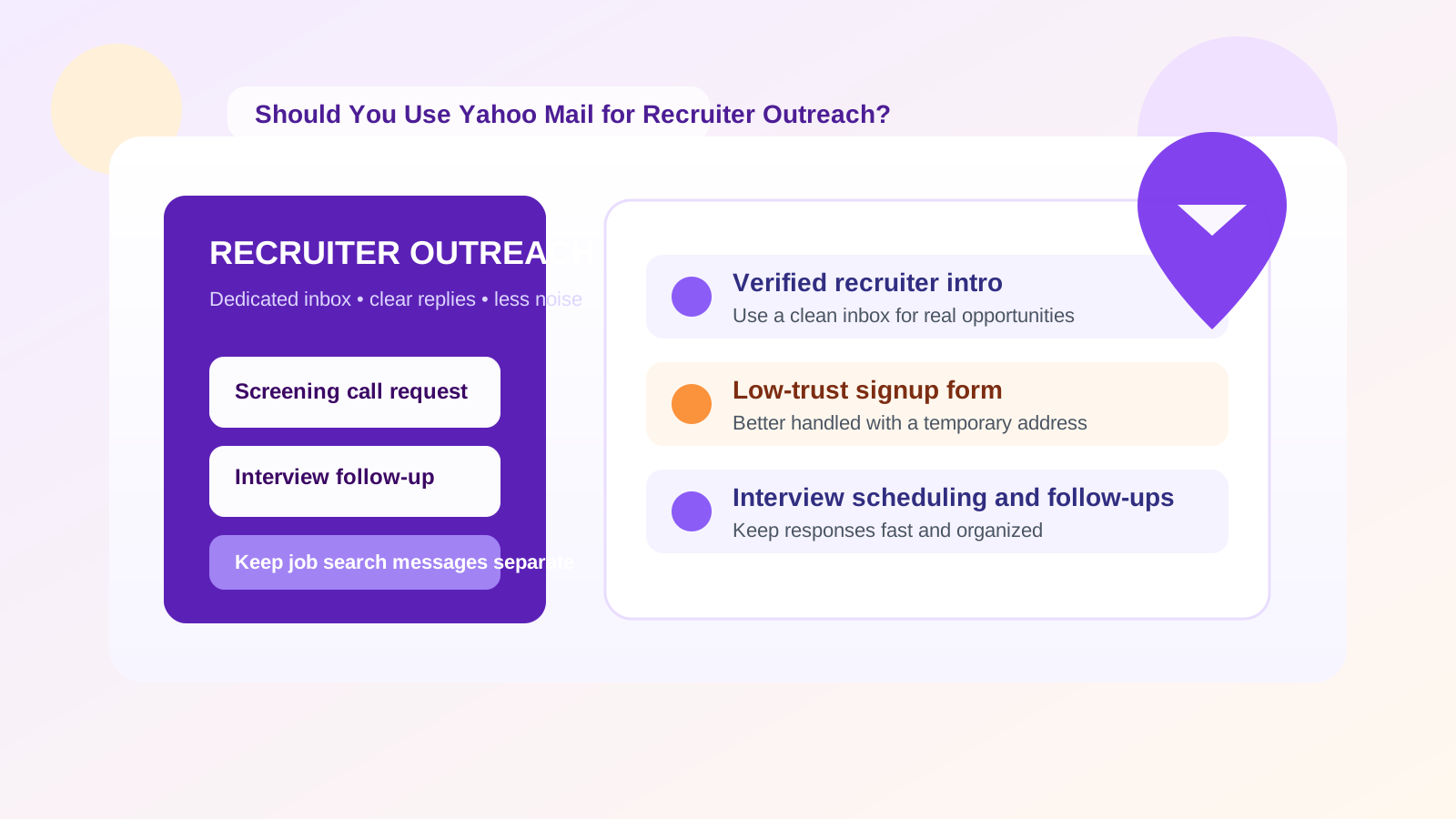
Yes, you can use Yahoo Mail for recruiter outreach, but it works best as a dedicated, organized job-search inbox rather than the oldest personal address you use for everything else.
If you want a practical answer, use Yahoo Mail when you need a familiar free inbox for recruiter conversations, follow-ups, and scheduling, but protect your privacy with a clean setup, careful filtering, and a backup plan for anything more sensitive.
Why this question matters
Recruiter outreach sits in an awkward middle ground between casual networking and formal hiring. You are not just sending one résumé and walking away. You may be replying to cold recruiter messages, sending introductions, booking screening calls, forwarding résumés, tracking salary discussions, and dealing with multiple companies at once. That makes your email choice more important than it looks.
Yahoo Mail can absolutely handle normal recruiter outreach. It is established, recognizable, and easy to access from a browser or phone. Most recruiters will not reject you simply because your address ends in @yahoo.com. The real question is whether Yahoo Mail gives you the right mix of professionalism, organization, and privacy for the way you search for jobs.
Short answer: Yahoo Mail is workable, but not automatically ideal
If you already have a clean Yahoo address that uses your real name, looks reasonably professional, and is not full of years of newsletter clutter, it can work fine for recruiter outreach. Recruiters care more about whether you respond clearly, show up prepared, and keep the conversation moving than whether you use Yahoo instead of Gmail or Outlook.
Where people run into problems is not the provider itself. The problems usually come from using an old personal inbox that already contains shopping promotions, account alerts, family messages, travel receipts, spam, and forgotten mailing lists. In that situation, recruiter messages can get buried, and your job search starts to feel messy fast.
What Yahoo Mail does well for recruiter outreach
1. It is familiar and widely accepted
Yahoo Mail is mainstream. A recruiter is not going to be confused by it, and most applicant systems will accept it without any issue. That matters because the goal of recruiter outreach is usually simple: be reachable, look organized, and make it easy for the other person to continue the conversation.
2. It can be separated from your work email
One of the strongest reasons to use Yahoo Mail for recruiter outreach is separation. If you are currently employed, using your work email for outside recruiter conversations is a bad idea. A separate Yahoo inbox gives you distance from your employer account, your internal search history, and the risk of mixing personal career moves with company-owned systems.
3. It is easy to dedicate one inbox to the search
If you create or repurpose a Yahoo account specifically for job hunting, it becomes much easier to keep recruiter messages in one place. That means less digging through unrelated mail and less risk that an interview request gets lost under random notifications.
4. It is accessible across devices
Recruiter outreach often turns into quick replies on the move. You may need to answer a screening request while commuting, confirm an interview slot from your phone, or send a follow-up note shortly after a networking event. A webmail account you can check anywhere is practical for that pace.
Where Yahoo Mail can create problems
1. An old address can look dated or messy
The biggest issue is not “Yahoo Mail” as a brand. It is the actual address people use. If your email looks like something you made in high school, recruiters may not say anything, but it can quietly weaken first impressions. An address like firstname.lastname@yahoo.com is fine. An address packed with nicknames, random numbers, or joke references is not ideal for professional outreach.
2. A personal inbox can become noisy fast
If your Yahoo account already collects years of newsletters, shopping emails, promotions, and sign-in alerts, recruiter messages can disappear into the clutter. Outreach works best when you can spot a new message quickly, search cleanly, and reply without delay.
3. Privacy can get weaker if the account is reused everywhere
If you use the same Yahoo address for online shopping, old forums, sweepstakes, app signups, and random web forms, then your job-search identity is tied to a much broader personal footprint. That is not ideal from a privacy perspective. It can also increase spam exactly when you want clean communication.
4. It is not the best choice for every stage of the process
Early recruiter outreach and scheduling are one thing. Sensitive hiring steps are another. When conversations move into background checks, employment verification, contract documents, or legal paperwork, your email workflow should become more deliberate. That does not mean Yahoo Mail is unusable. It means you should be more intentional about what lives in that inbox and when you transition to a more permanent communication setup.
When Yahoo Mail makes sense
Yahoo Mail is a sensible choice for recruiter outreach when most of the following are true:
- You want a separate personal inbox that is not tied to your employer.
- You have a clean, professional-looking Yahoo address.
- You want one place to manage recruiter emails, introductions, and interview scheduling.
- You are applying broadly and need a free, familiar mailbox that is easy to monitor.
- You prefer a permanent inbox over a short-lived disposable address for ongoing conversations.
In other words, Yahoo Mail is usually fine when you want a stable outreach address without exposing your work email or mixing job-hunt messages into your everyday personal inbox.
When you should use something else instead
Yahoo Mail is not always the best fit. A different setup may serve you better if:
- Your Yahoo address looks unprofessional or carries old personal baggage.
- You want stronger privacy separation than one long-term inbox can provide.
- You expect very high application volume and need tighter filtering or alias management.
- You are signing up for lower-trust job boards, career tools, or lead forms and want to limit long-term spam.
- You want one inbox for trusted recruiter conversations and another for throwaway signups.
That last point is important. Recruiter outreach is not all one thing. A direct email to a known recruiter is very different from dropping your address into a sketchy “talent network” form. You do not have to use the same email strategy for both.
A practical middle-ground strategy
For many people, the best answer is a layered setup:
- Use a dedicated Yahoo Mail inbox for real recruiter conversations, résumé follow-ups, interview scheduling, and opportunities you actually want to track.
- Use a separate low-exposure address or temporary inbox for untrusted job boards, vague lead-gen forms, free career tools, or one-off downloads that may create long-term spam.
- Move to your preferred permanent workflow when a role becomes serious and you need consistent document handling.
This is where a service like Anonibox fits naturally. A temporary inbox is useful when you need to protect your main contact identity during early-stage signups or low-trust submissions. Yahoo Mail, on the other hand, is better when you expect an actual conversation to continue over days or weeks. They solve different problems.
How to make Yahoo Mail look professional enough for recruiter outreach
Choose the right address format
If possible, use your real name or a simple variation of it. Clean and boring wins here. You want the address to look easy to trust, easy to type, and easy to remember.
Clean the inbox before you start
If you are reusing an existing Yahoo account, archive or clear the clutter first. Recruiter outreach gets stressful when every message is buried under old promotions and account notices.
Create folders or filters
Simple organization helps a lot. Useful folders might include:
- Active recruiters
- Interview scheduling
- Applications sent
- Offers and negotiations
- Low-priority alerts
You do not need a complex system. You just need enough structure that nothing important disappears.
Use a professional signature
A short signature with your full name, phone number if you are comfortable sharing it, LinkedIn URL if relevant, and portfolio or website if relevant can make outreach smoother. Keep it clean. No quotes, no giant images, no clutter.
Turn on account security basics
Use a strong password and enable two-factor authentication. Recruiter outreach can involve personal data, résumé files, interview links, and schedule details. This is not the place for a weak recycled password.
Privacy and spam risks to think about
The privacy downside of Yahoo Mail is not that it is inherently unsafe to use for recruiter outreach. The bigger issue is that a single permanent inbox can keep collecting attention long after your search ends. Once recruiters, job boards, talent databases, and career newsletters have your address, the messages may continue for months.
That is why it helps to think in terms of exposure levels:
- High-trust outreach: direct contact with a real recruiter or company you have verified.
- Medium-trust outreach: established job boards and known staffing firms.
- Low-trust outreach: vague forms, lead-gen tools, unknown “career resources,” or anything that looks spammy.
A dedicated Yahoo Mail account works well for the first two levels. For the third, a temporary address can protect you from turning one questionable signup into ongoing inbox pollution.
Red flags that matter more than the email provider
It is easy to over-focus on whether Yahoo Mail looks professional enough and miss the bigger issue: some recruiter outreach is simply not legitimate. Be cautious if you see any of the following:
- The recruiter refuses to identify the client or company clearly.
- The role sounds vague, overly urgent, or unrealistically high-paying.
- You are pushed to move immediately to WhatsApp, Telegram, or text without context.
- You are asked for sensitive personal documents too early.
- The sender uses a suspicious domain or a badly written message but pressures you to act fast.
In those cases, changing from Yahoo Mail to another mainstream provider will not fix the real problem. The better move is to slow down, verify the opportunity, and avoid giving unnecessary data.
A simple recruiter-outreach workflow that works
- Create or clean up a professional Yahoo Mail address used only for job search activity.
- Use that inbox for direct recruiter conversations, scheduling, and targeted follow-ups.
- Keep your work email out of the process entirely.
- Use a temporary inbox for low-trust forms or signups that do not deserve your long-term address.
- Review the inbox daily so promising opportunities do not go stale.
- Archive dead-end conversations once the search moves on.
That workflow gives you the convenience of a normal mailbox without forcing every job-search interaction into the same risk bucket.
Final answer
So, should you use Yahoo Mail for recruiter outreach? Yes, if the account is clean, professional, and dedicated to your job search. It is a workable mainstream option for real recruiter conversations and interview coordination.
Just do not confuse “workable” with “best for every purpose.” Use Yahoo Mail for trusted ongoing outreach, keep your work inbox out of it, and use temporary addresses when a signup or form does not deserve long-term access to your identity. That balance gives you better organization, less spam, and more control over your job-search privacy.