Yes, a temporary email generator for parental control app free trials is a practical way to verify a trial, compare family safety tools, and avoid turning your main inbox into a long-running vendor follow-up channel.
It works best during early evaluation, when you are testing dashboards, alerts, device support, and setup flow. Once you choose a tool you actually plan to keep for your household, switch to a permanent email address you control long term.
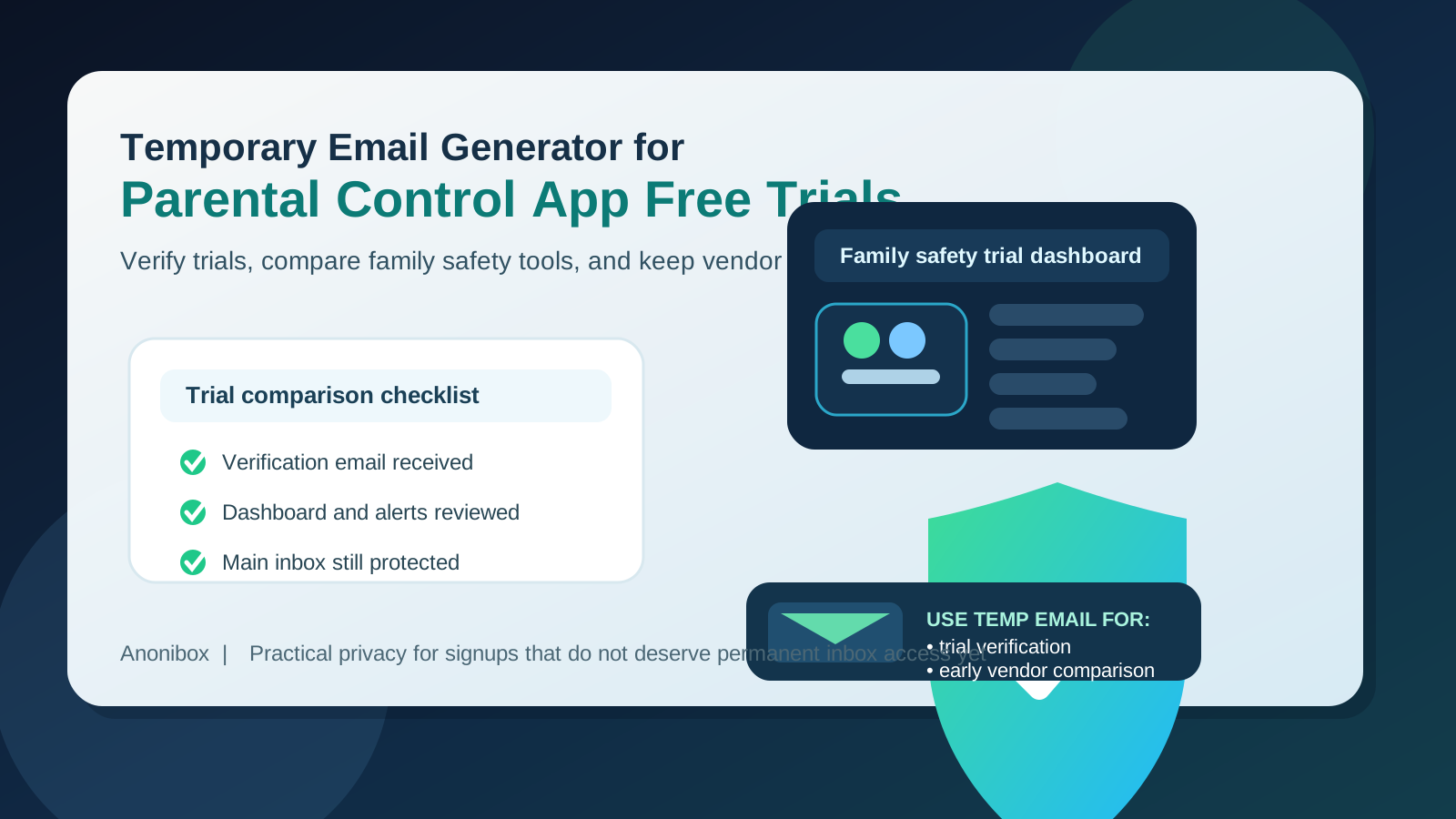
Parental control apps are one of those categories where a quick test can quietly become a lot of email. One signup can trigger verification messages, onboarding walkthroughs, weekly report teasers, upgrade prompts, family plan upsells, app install reminders, and trial-ending countdowns. If you test several tools at once, the clutter adds up fast.
A temporary inbox gives you a cleaner way to handle that first stage. You can confirm the account, collect the setup messages you actually need, and compare products without handing your everyday address to every vendor before you even know which app deserves a place in your family routine. That is the real advantage: better separation during research, not a fake promise of anonymity forever.
Why this use case creates inbox clutter so quickly
Parental control apps often sell subscriptions rather than one-time purchases, so the trial experience is built to keep you engaged. Vendors want to show screen-time summaries, blocked-site examples, family dashboard features, location tools, app-management controls, and upgrade paths as quickly as possible. That is normal from a product standpoint, but it also means a simple comparison session can create a surprisingly noisy inbox.
This category can be even messier than a typical consumer free trial because many tools involve multiple devices, parent dashboards, invitations, child-profile setup, and recurring check-in emails. If you are only trying to answer a basic question like “Which one feels easiest to manage?” you probably do not want every vendor keeping your permanent inbox in an ongoing nurture sequence yet.
When a temporary inbox makes sense for parental control app free trials
A temporary inbox is usually a good fit when you are still in the comparison phase and have not committed to a long-term household setup. Examples include:
- testing two or three family safety apps before choosing one
- checking whether the dashboard is easy for a parent or guardian to use
- reviewing device compatibility across iPhone, Android, tablets, or desktop
- comparing alert quality, scheduling controls, and reporting noise
- keeping early-stage trial emails separate from your everyday personal account
Tools like Anonibox fit naturally here because the trial phase usually requires only a handful of emails: the verification message, setup instructions, maybe a reminder to finish onboarding, and perhaps one or two feature-summary messages. You get what you need to evaluate the product without committing your main inbox to months of follow-up from apps you may never use again.
When you should not rely on a temporary inbox
Once a parental control app becomes the real tool you rely on, a disposable inbox stops being the smart option. Long-term family admin accounts can end up tied to billing notices, subscription renewals, account recovery, device-management changes, and alerts you may genuinely need. If you plan to keep the app active, use a permanent email address that you can always access.
You should also avoid relying on a temporary address if the app will become part of an ongoing household workflow involving:
- paid subscriptions and auto-renewal reminders
- account recovery or password reset needs
- shared guardianship access or co-parent admin access
- important activity notifications you cannot afford to miss
- school-device or family-device management that needs continuity
The basic rule is simple: use a temporary inbox for evaluation, not for the long-term account you expect your family to depend on.
How to use a temporary email generator for parental control app free trials
1. Generate the inbox before you start comparing apps
Create the temporary address first. That way you do not end up casually using your primary email just because a trial form is in front of you. Starting with a dedicated inbox keeps the entire comparison process separate from the beginning.
2. Use it for verification and early onboarding only
Most parental control apps need you to verify your email before unlocking the dashboard or sending setup links. That is exactly where a temporary inbox helps. Receive the message, verify the account, and move into the part that matters: judging the product itself.
3. Evaluate the trial like a real household admin would
Do not get distracted only by polished marketing emails. Focus on the practical questions that decide whether the app is actually usable:
- Is the parent dashboard easy to understand?
- Can you set schedules, categories, or app limits without digging through menus?
- Does the reporting feel useful or just noisy?
- How clear is the setup across multiple devices?
- Does the app explain what it can and cannot do on each platform?
- Are upgrade prompts reasonable, or does the trial feel like constant pressure?
Those are better buying signals than whether the welcome sequence looked impressive.
4. Save important setup details outside the temporary inbox
If a trial sends a useful install link, platform-specific instructions, or a checklist you want to keep, save it somewhere stable. Temporary inboxes are helpful because they are temporary. That also means they are the wrong place to store critical information you may need a week later.
5. Use lawful, controlled testing with your own devices
Parental control tools are sensitive by nature. If you are evaluating one, keep your testing limited to devices and family-management contexts you are actually authorized to manage. A trial is for understanding the tool, not for bypassing consent, policy, or platform rules.
6. Move your shortlist to a permanent address before you commit
Once one app clearly looks like the winner, switch the account to a long-term email you control. That ensures future subscription messages, recovery steps, and admin notices all land in a place you will keep.
What to compare across parental control app trials
If you are going to test several products, make the trial worthwhile. A good comparison is about how the app fits real family management, not just whether it has a long feature list.
Dashboard clarity
The best apps make it obvious where to check device status, review limits, and adjust rules. If the dashboard feels cluttered or confusing during the trial, it probably will not feel better after two months of real use.
Platform support and limits
Some apps behave differently across Android, iPhone, Chromebook, Windows, or Mac. Pay attention to what features are truly supported on the devices your household uses rather than assuming every platform gets the same controls.
Alert quality
A good app tells you something useful. A bad one floods you with noise. During the trial, notice whether alerts and reports help you understand activity or just create extra mental overhead.
Setup friction
Family safety apps can involve installs, permissions, child profiles, guardian roles, and device pairing. If the setup is messy or brittle in the trial, that is meaningful information.
Billing and plan clarity
Even before paying, you should be able to understand what the free trial covers, when it ends, what features are gated, and how the plan changes after the trial. Hidden friction here is a warning sign.
Benefits of using a temporary inbox for this kind of trial
- Less email clutter: you avoid long follow-up campaigns from tools that never make the shortlist.
- Cleaner comparison: trial emails stay grouped instead of blending into your daily inbox.
- Better privacy discipline: your permanent family admin address does not have to go everywhere on day one.
- Faster decision-making: you can focus on actual product behavior instead of sorting through weeks of promotional email.
Common mistakes to avoid
The biggest mistake is treating a temporary inbox like a permanent family admin account. That creates avoidable risk later if you need billing notices, recovery messages, or configuration updates. Other common mistakes include:
- testing several apps and forgetting which inbox belongs to which vendor
- failing to save setup instructions before the temporary inbox is gone
- judging the app by its email marketing instead of its dashboard usability
- keeping a disposable address attached after the tool becomes part of your real household setup
- assuming all device platforms get the same controls without checking
A simple habit helps: use the temporary inbox during the “should we even use this?” stage, then graduate to a long-term account once the answer becomes yes.
A practical comparison workflow
Imagine you are testing three parental control apps over a weekend because you want better screen-time controls and clearer reports across family devices. You create a temporary inbox, use it to verify each trial, and collect the setup emails in one separate place. Then you compare how quickly each app installs, whether the dashboard makes sense, how noisy the notifications are, and whether device-specific limits are explained clearly.
By the end of the test, one app feels clearly better. At that point, you move the winning account to a permanent email address you plan to keep, save the settings you care about, and let the temporary trial inbox go. That gives you the privacy and organization benefits during research without creating long-term account-management problems later.
Quick checklist before you start
- Create a fresh temporary inbox for the trial round
- List the apps you actually want to compare
- Save important setup links or notes outside the inbox
- Check platform support for the devices your household uses
- Switch the winning app to a permanent long-term address before paying or depending on it
Final takeaway
A temporary email generator for parental control app free trials is a smart way to compare family safety tools without giving every vendor permanent access to your everyday inbox too early. It helps you verify trials, review onboarding, and keep trial noise contained while you decide what is actually worth using.
Just keep the boundary clear: use the disposable inbox for evaluation, save the information that matters, and move any real long-term family admin account to a permanent address once the tool becomes part of your household routine.